
Tested Truth may earn a commission when you buy through links on this page, at no extra cost to you. This does not affect our ratings.
Weighing shore software pros and cons starts with a simple question: how well does client self-booking fit the way your service business actually runs each day? At Tested Truth, we built this review to help service providers judge whether this platform suits their routine.
Choosing appointment and customer management software means understanding the workflow compromises before you commit time or money. Automated scheduling and client messaging can speed up daily work, but you still need to confirm how records and team calendars are organized for your particular trade.
Quick answer: The main trade-off is centralizing bookings and client communication against the ongoing process changes and team onboarding that come with them. Businesses that want direct oversight of appointments gain the most, as long as they confirm plan details on the official website first.
| Biggest strengths | Biggest limitations |
|---|---|
| Automated appointment booking workflows | Initial time investment for service setup |
| Centralized client record management | Process adjustments required for staff routines |
| Integrated customer communication reminders | Need to verify feature scope on official pages |
1. How Tested Truth Assembled This Review
This review pairs what the software is designed to do with the Tested Truth buying framework, so you can judge the fit for your business. Plans, prices, and limits change often, so we flag what to check on the official website before purchasing. The article was researched and drafted with AI assistance, then reviewed and edited by the Tested Truth Editorial Team.
2. Where Shore Stands Out
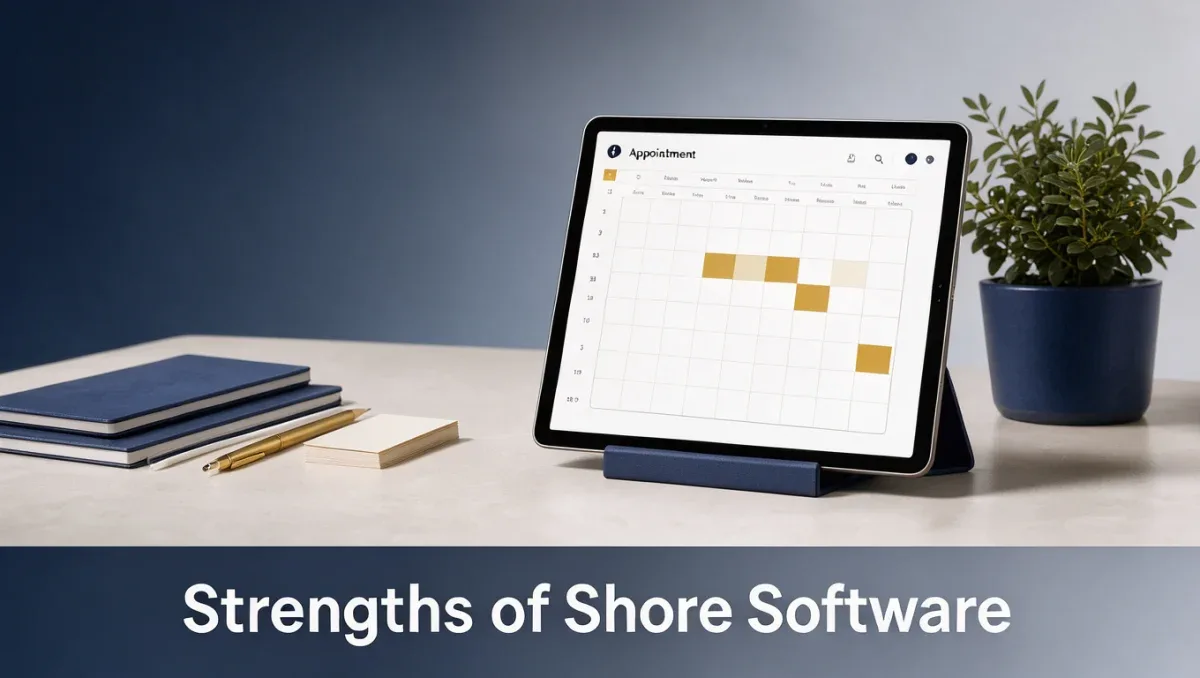
Appointment-driven businesses depend on predictable scheduling to keep their calendars organized throughout the week.
2.1. Centralized appointment booking
Shore lets clients book services straight into an organized calendar. This core function cuts down on back-and-forth phone calls and keeps open slots visible to your team.
2.2. Structured client communication
Keeping contact details alongside booking history makes it easier to track client relationships. You can manage client information, visit history, and scheduled notifications from one shared place.
2.3. Operational calendar visibility
Viewing multiple staff schedules in a shared layout helps prevent double-bookings. Teams can coordinate room, equipment, or practitioner availability across regular working hours.
- Clear overview of daily and weekly staff rosters.
- Direct capture of incoming booking inquiries.
- Reduced manual entry of client contact records.
3. Where Shore Falls Short

Every administrative tool involves trade-offs in workflow flexibility and staff adaptation.
3.1. Implementation and data preparation
Moving existing client lists and complex service menus into any new platform takes dedicated effort. Providers need to set aside time to make sure catalog items match actual service durations.
3.2. Team workflow adjustments
Moving from paper diaries or basic digital calendars to dedicated business software requires consistent use from every team member. If staff delay logging schedule changes, booking conflicts can follow.
3.3. Verifying scope across configurations
Service management platforms often bundle different capabilities across subscription levels. Buyers should confirm on the official Shore website which communication and management options match their expected scale.
- Requires consistent staff use of digital booking entries.
- Service menus need thorough upfront configuration.
- Plan boundaries should be checked directly on the official Shore pricing page.
4. The Trade-Offs That Matter
Understanding what you gain versus what you must adapt is essential when reviewing shore software pros and cons in 2026. Specialized Collaboration & Productivity tools always introduce operational trade-offs that business owners need to plan for.
| Strength | What it costs you | Who should accept the trade-off |
|---|---|---|
| Direct client online scheduling | Requirement to keep the calendar accurate in real time | Service businesses wanting fewer interruptions during service delivery |
| Structured client record archives | Need for ongoing data entry discipline | Companies aiming to build long-term client retention records |
| Consolidated notification routines | Regular review of messaging templates | Teams seeking to reduce missed client appointments |
5. Deal-Breakers
Some operational situations make a standard appointment platform a poor match for immediate adoption.
- Businesses that rely purely on walk-in traffic with no need for advance bookings.
- Solo operators who prefer informal text arrangements and avoid structured digital calendars.
- Organizations that need heavily customized enterprise database architectures rather than a standard appointment platform.
- Teams unwilling to verify seat allocations or feature inclusions on the official vendor website.
6. Frequently Asked Questions
Can software limitations be addressed through proper staff onboarding?
Friction often drops when teams set clear protocols for updating schedules immediately. A short orientation helps every team member record appointments consistently, which prevents double-booking errors.
What should a business prepare before adopting Shore?
Gather your service list, standard appointment durations, staff working hours, and existing client contact records before setup. Organized data speeds up initial configuration and prevents gaps in daily booking availability.
When should an organization seek outside implementation advice?
Consider consulting an independent software specialist or business operations advisor if your company manages complex rotas across multiple locations. Specialized guidance helps your setup match recordkeeping requirements.
Where should prospective buyers verify current plan specifications?
Review the official Shore website for exact details on subscriptions, available options, and terms. Specifications change over time, so direct verification is the safest step before buying.
7. Bottom Line
Looking at shore software pros and cons shows a platform built to ease the daily coordination problems of appointment-driven companies. For service providers ready to keep calendars accurate and organize client records, the platform offers strong operational cohesion. Assess your service structure, verify current package scope on the official Shore website, and confirm your staff is ready for a digital booking routine before committing.
Have a question about choosing software? Send it to the Tested Truth team through our contact page, or follow Tested Truth on LinkedIn for new reviews and comparisons.