Tested Truth may earn a commission when you buy through links on this page, at no extra cost to you. This does not affect our ratings.
Choosing a foxit pdf editor download usually comes down to one question: how do you get capable document editing without paying for features you will never touch? Businesses, freelancers, and academics regularly look for software that can change text, rearrange pages, review drafts, and handle forms without the premium price tag of default suites. At Tested Truth, we judge these tools on real workflows, ease of use, and overall value across different working environments.
Before you start a foxit pdf editor download, check that your operating system is supported and think through how your team will share and review files. Collaboration and productivity software works best when the tool fits your existing setup rather than forcing a new one.
Quick verdict: With an overall score of 7.7 / 10, Foxit PDF Editor suits professionals and corporate teams who need solid document manipulation, form building, and annotation without a cluttered interface. It is less suitable for people who only need to view files or print the occasional page. Confirm seat counts and deployment terms on the official website before buying.
| Evaluation Metric | Summary Details |
|---|---|
| Tested Truth score | 7.7 / 10 |
| Best for | Teams and individuals who edit documents often, assemble pages, and run structured reviews |
| Not ideal for | Casual readers who only view files or need simple printing |
| Key strengths | Direct text editing, interactive form creation, annotation tools, and a credible alternative to older editors |
| What to check before buying | Official licensing structure, operating system compatibility, and available add-on components |
1. How Tested Truth Reviewed Foxit PDF Editor
This review examines what Foxit PDF Editor is designed to do, who it serves, and how it compares with similar products. We used our seven criteria: features, ease of use, pricing and value, integrations, audience fit, support, and competitive position. Plans, prices, and limits change frequently, so we highlight what to verify on the official website before purchase. This article was researched and drafted with AI assistance, then reviewed and edited by the Tested Truth Editorial Team.
2. What Foxit PDF Editor Is and Who Uses It
Foxit PDF Editor is a dedicated application from Foxit for viewing, creating, modifying, organizing, and securing files in the standard portable document format. These files are everyday business records in legal, healthcare, education, and commercial work, so direct editing tools are essential. Rather than treating them as static read-only outputs, the software lets you work directly with text blocks, images, vector graphics, and metadata.
The main audience includes knowledge workers, administrative staff, legal assistants, technical writers, and educators who handle paperwork every day. Solo operators and corporate teams often use it to stop the print-and-scan cycle when collecting feedback, updating contracts, or preparing proposals. Its page layout and arrangement controls sit between basic desktop readers and full desktop publishing systems.
3. Core Capabilities
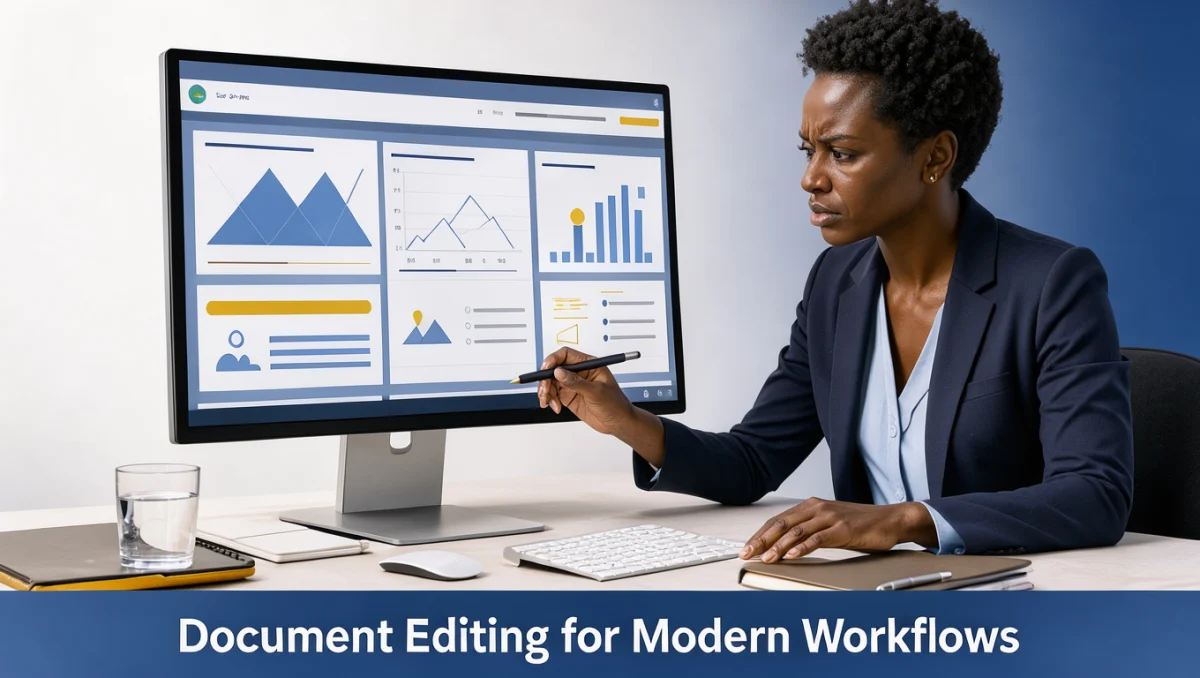
The value of any document suite lies in how well it solves practical problems at each stage of file preparation, review, and archiving. The sections below describe what these functions look like in day-to-day work.
3.1. Text and Object Editing
Editing existing files is the central function of professional document tools. You can fix typos, update contact details, reformat paragraphs, and adjust font styling in place, without hunting down the original source file. The engine detects text flow and character spacing so changes blend into the existing page design.
Editing also extends to embedded raster images, line drawings, and vector elements. You can crop, scale, rotate, replace, and reorder visuals to keep marketing sheets, presentation handouts, and financial summaries current. Bounding boxes and alignment guides help maintain consistency in dense layouts.
3.2. Document Creation and Conversion
Reliable record keeping depends on generating standard files from many different sources. The software can build new files from scanner input, blank templates, clipboard captures, and common office formats. It preserves layout fidelity, embedded hyperlinks, and bookmarks so recipients see consistent results on any device.
Two-way conversion lets you export files back to spreadsheet, word processing, and slide formats when the original source is missing. Character recognition turns scanned paper records into selectable, searchable text, which makes phrase lookup and indexing much faster.
3.3. Annotation, Review, and Markup
Collaborative feedback depends on clear, readable annotation. The software offers highlighters, strikethrough and underline styles, callout boxes, and freehand pens. Reviewers can attach notes to exact positions on a drawing or paragraph, which shortens revision cycles for technical schematics and draft agreements.
A comment panel gathers remarks into lists you can sort by author, date, page, or approval status. Teams can export a summary of open feedback, mark suggestions as resolved, and track history across multi-stage editorial projects.
3.4. Form Building and Interactive Fields
Administrative work relies heavily on questionnaires, vendor onboarding sheets, and intake forms. The software includes tools for text fields, checkboxes, radio buttons, dropdown menus, and push buttons. Creators can define input formats, calculation formulas, and required fields to prevent incomplete submissions.
Automatic recognition can convert legacy static forms into interactive templates by detecting underline rules and bordered cells. You can also add basic signature placeholders to prepare agreements for later authorization.
3.5. Page Organization and Assembly
Large document binders call for flexible assembly tools. You can merge separate files into one master binder, extract chapters into standalone attachments, delete outdated pages, and rotate landscape schematics. Thumbnail views let you drag and drop long page sequences in seconds.
Assembly tools also add Bates numbering, headers and footers, and watermarks for legal discovery or confidentiality labeling. Splitting utilities divide oversized reports into sections by file size, page count, or top-level bookmark.
4. Ease of Use
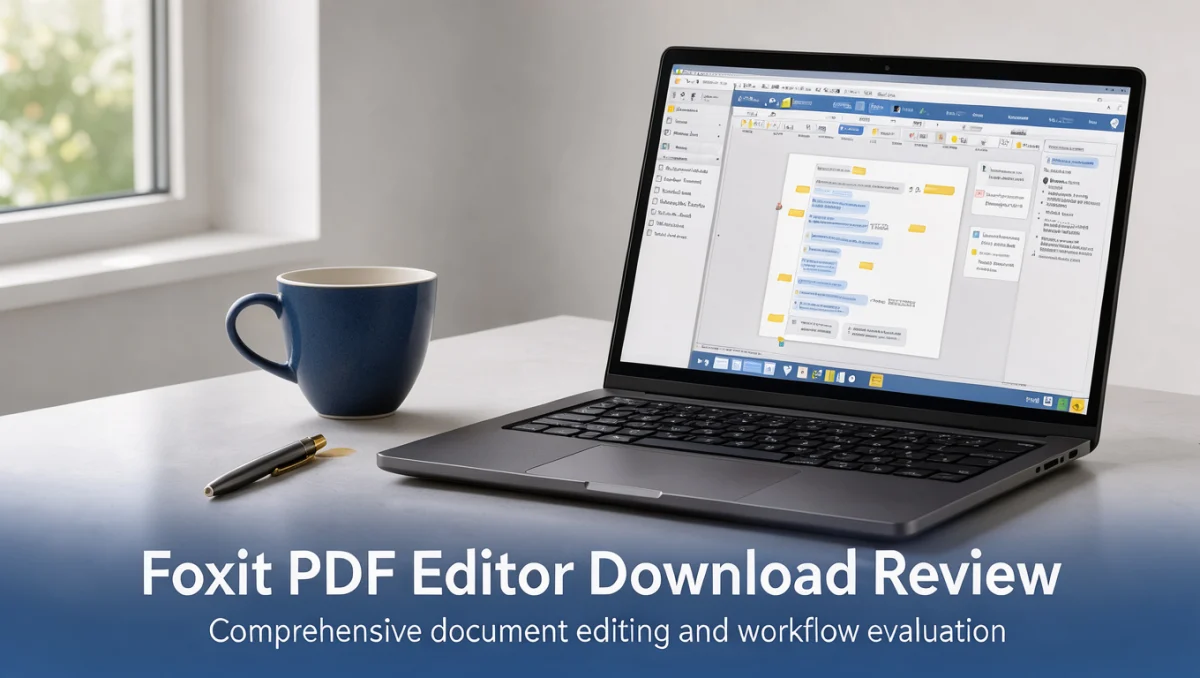
Interface familiarity often decides whether a rollout succeeds. The software uses a ribbon-style navigation bar modeled on standard office suites, with tabs such as Edit, Organize, Comment, and Form. People who already use spreadsheet and word processor menus usually adapt quickly.
Frequent users can pin routine commands to a quick-access toolbar, cutting down on menu navigation during heavy assembly work. Advanced settings for font embedding and color calibration take some time to learn, but everyday proofreading and page sorting feel natural after a short period.
5. Pros and Cons
Weighing strengths against trade-offs helps buyers choose a plan that matches their real software environment.
5.1. Advantages
- Direct editing lets you change typography and images without locating original source files.
- The ribbon layout resembles familiar office applications, which keeps staff training short.
- Extensive annotation tools support collaborative markup, feedback tracking, and sign-off workflows.
- Flexible page handling makes it easier to assemble large reports, combine exhibits, and organize legal binders.
- Interactive form builders offer dependable field recognition and calculation setup for routine business tasks.
5.2. Practical Considerations
- Dense menus with advanced options can overwhelm users who only want to view files.
- Large files need capable hardware and up-to-date operating systems for smooth performance.
- Converting back to office formats may require manual cleanup on complex layouts.
- Licensing tiers and feature allocations change over time, so confirm current terms with the vendor before deploying.
6. Foxit PDF Editor vs Similar Tools
Knowing where Foxit PDF Editor fits in the market helps you judge whether it matches your requirements.
| Software Platform | Primary Market Focus | Core Strength | Consider If |
|---|---|---|---|
| Foxit PDF Editor | General business, legal, and educational teams needing reliable editing | Broad document manipulation, form building, and page assembly | You want a capable alternative to legacy suites with familiar ribbon navigation |
| Adobe Acrobat | Enterprises and creative workflows needing deep ecosystem alignment | Strong brand recognition and enterprise administration | Your organization needs tight integration with creative production pipelines |
| Nitro PDF Pro | Corporate workflows that emphasize collaboration and batch operations | Straightforward conversion and standardized onboarding | Your main goal is standardizing contract reviews across departments |
| PDF-XChange Editor | Technical users who want granular customization | Detailed settings and extensive annotation options | Your work involves in-depth review of dense documentation on dedicated workstations |
If you need deep integration with a specific creative ecosystem, weigh that against the need for dependable, responsive editing for routine administrative tasks.
7. Who Should Consider a Foxit PDF Editor Download?
Different organizations place different demands on document software. Matching the tool to your role helps confirm whether the capabilities fit your daily work.
7.1. Freelancers and Independent Contractors
Solo professionals need polished documents when sending proposals, estimates, and service contracts. Being able to assemble work samples, add cover sheets, and fix invoice errors in finished files supports a credible business image without maintaining several design programs.
7.2. Small Businesses and Growing Teams
Growing companies often manage onboarding packets, supplier records, and policy manuals. A dedicated editor lets staff build reusable interactive templates, protect sensitive agreements, and combine project sheets into organized client dossiers.
7.3. Enterprise Knowledge Workers
Staff in legal, compliance, procurement, and accounting handle many structured records each week. Support for Bates stamping, comment sorting, bookmark trees, and batch creation reduces the workload during audits and contract cycles.
7.4. Students and Academic Researchers
Students and researchers regularly annotate long journal articles, compile reference papers, and complete institutional forms. Highlighting, margin notes, and text extraction help keep study materials organized.
7.5. Who Should Look Elsewhere
If you only read digital books, view receipts, or occasionally print forms without editing, you do not need an industrial-strength editor. Built-in operating system viewers or lightweight browser tools will handle those tasks without a commercial commitment.
8. How to Choose the Right Plan Before Downloading
Vendors usually organize offerings into tiers based on user count and feature needs. Checking the key details before buying prevents surprise costs or missing capabilities.
| What to Check on the Official Page | Why It Matters | Recommended Action |
|---|---|---|
| Subscription vs perpetual terms | The licensing model affects long-term budgets and update policies | Confirm whether payments are recurring or the license is perpetual |
| Single seat vs volume licensing | Team deployments often rely on centralized admin consoles | Verify seat thresholds and admin portal features for team rollouts |
| Operating system specifications | Feature availability can differ across operating system builds | Check the release documentation for your workstation environment |
| OCR inclusions | Some tiers reserve advanced text recognition | Confirm where OCR sits in the official plan comparison |
| Cloud collaboration features | Online review may depend on separate accounts or fees | Check whether sharing requires additional accounts or add-ons |
9. Step-by-Step Evaluation Before Installation
To make sure the software fits your workflow, follow this sequence:
- List your document challenges, such as text edits, binder assembly, or collecting signatures.
- Visit the official website to review system requirements and confirm compatibility with your hardware.
- Compare licensing options to decide whether individual or volume deployment suits your team size.
- Read the font substitution documentation to understand how unusual typefaces behave during editing.
- Prepare test files, such as dense multi-column reports and scanned records, to measure responsiveness during a trial.
- If deploying across several networked machines, check the administrative management tools.
10. Frequently Asked Questions
How should teams prepare workstations before installing a PDF editor?
Confirm that target machines meet the official operating system requirements, have enough free storage for temporary files, and run current graphics drivers. Make sure fonts are accessible so documents display with the correct typography during editing.
What determines whether a business needs advanced editing tools?
Organizations that handle scanned archives, complex legal exhibits, redaction, or multi-field intake forms usually need advanced features. Teams that only view and print documents can typically manage with a basic reader.
How do I decide between a subscription and a one-time license?
Consider your budgeting preferences, how often you want updates, and your hardware replacement cycle. Organizations that prefer predictable operating costs and continuous updates often choose subscriptions, while those wanting a fixed multi-year baseline may prefer perpetual licenses where offered.
How can I keep formatting intact when converting files?
Use standard system fonts, avoid overlapping graphic boxes, and check export settings before converting. Compare the output with the original to confirm that margins, table columns, and page breaks are preserved.
11. Final Verdict
A foxit pdf editor download in 2026 gives you a mature, practical application for users who need reliable document manipulation without unnecessary friction. Its familiar interface, thorough editing tools, and flexible page assembly make it a strong option for independent professionals and enterprise teams alike.
| Criterion | Score / 10 |
|---|---|
| Features | 8.5 / 10 |
| Ease of Use | 8.0 / 10 |
| Pricing and Value | 7.5 / 10 |
| Integrations | 7.0 / 10 |
| Audience Fit | 8.0 / 10 |
| Support | 7.0 / 10 |
| Competitive Position | 8.2 / 10 |
Overall Score: 7.7 / 10
For freelancers, small businesses, and enterprise departments that need an efficient way to edit text, organize large binders, and build interactive forms, a foxit pdf editor download is a sensible next step. Before finalizing, check current licensing terms and system requirements on the official vendor website.
Have more software questions or need guidance on business tools? Contact the team at testedtruth.com/contact or follow Tested Truth on LinkedIn.