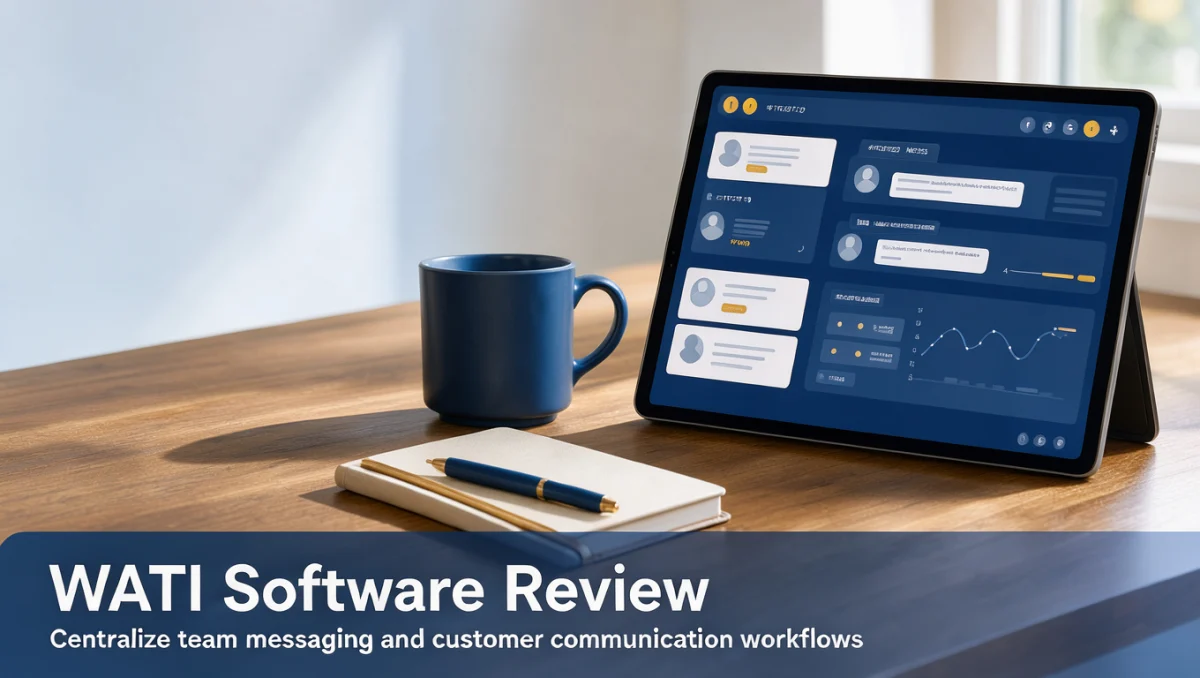
Our wati review starts from a simple question: how do growing teams handle outbound messages and inbound customer chats without losing track of who said what? Coordinating several agents across live conversations calls for clear inbox routing, reusable message templates, and contact records that stay organized as headcount rises. At Tested Truth, we judge these tools on real operational value and plain-language buying advice.
Choosing messaging software means weighing collaboration features against day-to-day administration. This review shows whether WATI suits the way your team actually communicates. Groups that need shared inbox handling and broadcast campaigns will find useful tools here, while businesses that depend on phone systems or deep enterprise ticketing may need a broader setup.
Quick verdict: With an overall score of 7.7 out of 10, WATI works best for customer-facing teams that want centralized shared messaging, broadcast notifications, and structured routing rules. It is less suited to organizations that need classic multi-channel ticket lifecycles or voice-first call centers. Check current conversation tiers on the official website before subscribing.
| Evaluation Metric | testedtruth Assessment Summary |
|---|---|
| testedtruth score | 7.7 / 10 overall rating |
| Best for | Growing support and sales teams handling centralized messaging conversations |
| Not ideal for | Organizations needing voice call management or complex multi-tier enterprise service desk frameworks |
| Key strengths | Shared collaborative inbox, broadcast template scheduling, and automated conversation flow assignment |
| What to check before buying | Official catalog specifications regarding monthly conversation allowances, add-on seats, and carrier message fees |
1. How testedtruth Reviewed WATI
This review examines what WATI is built to do, who it serves, and how it stacks up against similar tools. We score it across seven testedtruth criteria: features, ease of use, pricing and value, integrations, audience fit, support, and competitive position. Plans, prices, and limits change often, so we flag what to confirm on the official website before you commit. This article was researched and drafted with AI assistance, then reviewed and edited by the testedtruth Editorial Team.
2. What Is WATI and Who Is It for?
WATI is a customer communication management platform built for handling customer conversations, outbound notification campaigns, and collaborative team messaging. It gives business teams a single workspace where several representatives can see incoming questions, reply with approved templates, and hand off conversation threads to the right colleague.
Vendors in this category design their interfaces to prevent overlapping replies and keep response times low. In practice, companies use WATI to connect marketing broadcasts with real-time support questions, so customer records stay in one shared place rather than scattered across personal phones.
Within the wider Customer Service software category, WATI positions itself as an operational hub for conversational commerce, post-purchase updates, and lead qualification. Organizations that rely more on chat than on email queues use it to give the whole team shared visibility.
3. Core Features of WATI
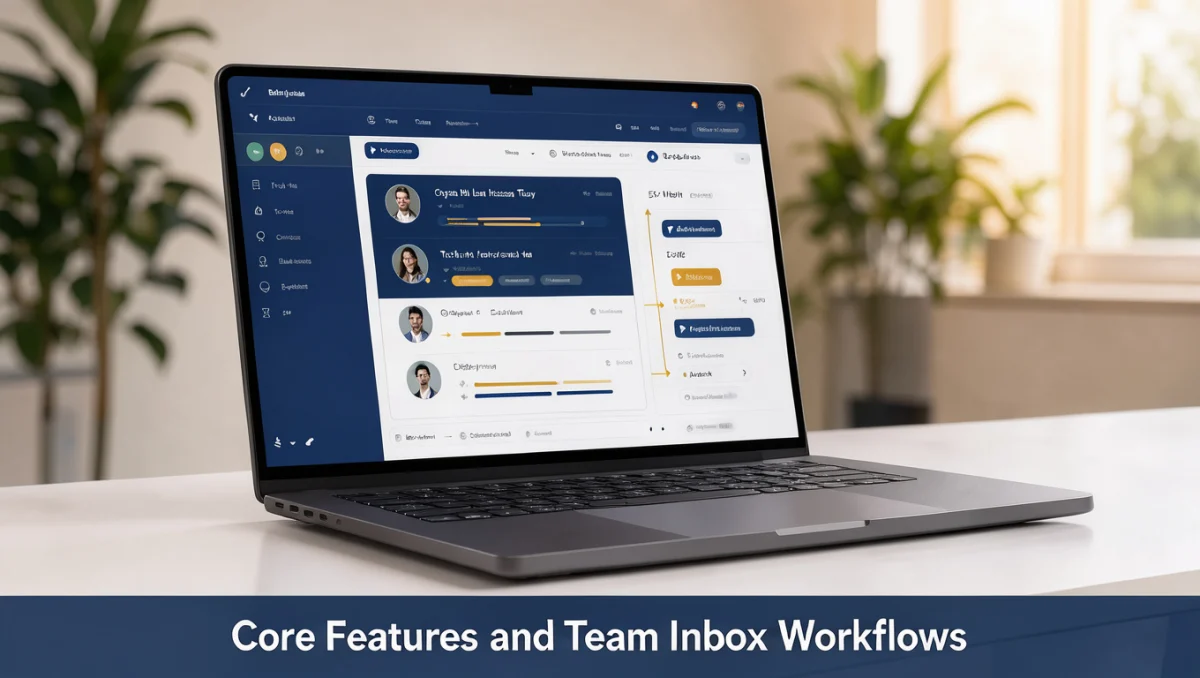
Evaluating conversational software means looking at how the platform handles high message volumes, multi-agent collaboration, and automation across active customer journeys.
Shared Multi-Agent Team Inbox
The shared inbox is the central interface for incoming customer dialogues. Instead of working from individual phones, team members open one workspace that shows conversation queues, ongoing discussions, and resolved threads. Agents can assign a conversation to a specific colleague, apply status tags, and leave internal private notes that the external contact never sees.
Broadcast Messaging and Campaign Management
Broadcast tools let organizations send informational announcements, order updates, and seasonal promotions to segmented contact groups. Users can draft messages from standard templates, build audience lists from contact tags, and schedule delivery to match when recipients are most likely to read. Buyers should review the official documentation on template approval rules set by the underlying messaging networks.
Automated Conversation Flows and Chatbot Logic
Automated routing helps organizations answer routine questions without agent involvement. Teams can build rule-based sequences that greet incoming contacts, offer menu options, answer common queries, and pass complex issues to the right department. Keyword triggers can send instant replies to questions about business hours or order status, so customers get quick acknowledgment.
Contact Management and Customer Tagging
Contact tools let businesses keep customer details alongside active chat threads. Operators can create custom attribute fields, import contact lists, and assign behavioral tags. This structured data gives team members context before they reply, which makes long support cycles feel more continuous to the customer.
4. Ease of Use and Learning Curve
Rolling out team messaging software means onboarding people with different levels of technical comfort. The interface uses a clean layout similar to everyday messaging apps, so agents can get comfortable without steep learning hurdles.
Building automated workflow trees and broadcast campaigns takes upfront planning. Teams need to map out routing logic, design clear multi-branch menus, and make sure fallback options send unresolved conversations to available staff. Administrators should expect to spend time setting internal rules for conversation statuses, agent assignments, and tag naming.
5. Pros and Cons of WATI
Weighing both the practical advantages and the operational trade-offs helps teams judge fit before committing resources.
Key Advantages
- Unified team visibility lets several people work incoming customer inquiries at once without sending duplicate replies.
- Structured broadcast tools support outbound updates and scheduled customer engagement campaigns.
- Visual workflow builders let teams assemble greeting sequences and basic routing rules without writing code.
- Contact tagging and internal collaboration notes keep customer history intact across agent handoffs.
Operational Considerations and Practical Workarounds
- The platform focuses mainly on direct chat messaging rather than traditional voice queues or complex email ticket threads. Teams managing several channels should keep dedicated enterprise ticketing software alongside their conversational tools.
- Messaging network rules require strict template formatting and pre-approval before outbound campaigns go out. Drafting message templates in advance helps prevent scheduling delays.
- Costs scale with outgoing message volume and the number of users, so it pays to monitor both periodically. Confirming current subscription packaging and usage thresholds on the official vendor site keeps financial forecasts accurate.
6. WATI vs Similar Tools
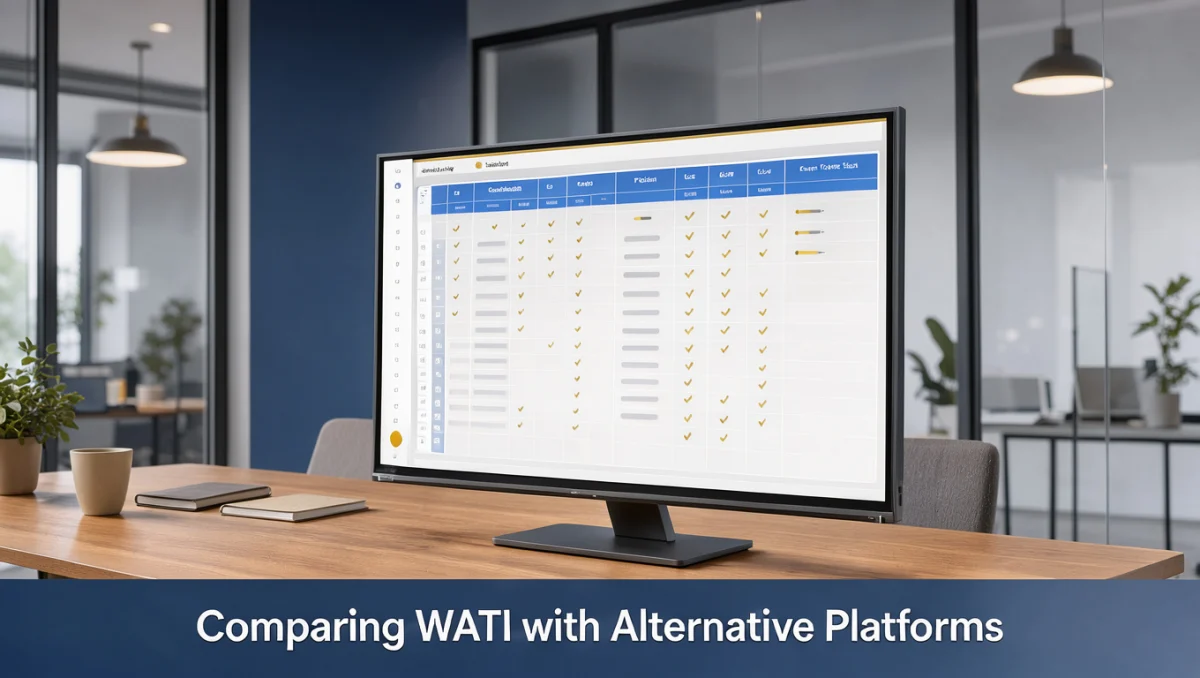
Comparing conversational management software means understanding how specialized tools differ from broader helpdesk suites and competing communication platforms.
| Software Platform | Primary Target Audience | Core Operational Strength | Key Architectural Consideration |
|---|---|---|---|
| WATI | Growing businesses centered on conversational customer interactions | Centralized messaging inbox, broadcast scheduling, and guided routing builders | Focused messaging environment rather than comprehensive voice or email helpdesk suite |
| Zendesk | Mid-market and enterprise customer service organizations | Broad ticketing framework spanning email, phone, web forms, and live chat | Requires extensive configuration, administrator training, and enterprise-level onboarding |
| Freshdesk | Support teams seeking structured multichannel ticket resolution | Omnichannel ticket routing, agent productivity metrics, and knowledge base hosting | Designed around traditional support tickets rather than chat-first conversational sales |
| Intercom | Software companies and digital service providers | Proactive product tours, in-app messaging, and automated onboarding sequences | Built primarily for web application engagement rather than external messaging carrier channels |
Zendesk and Freshdesk handle customer service through formal support tickets, emphasizing service level agreements and structured resolution stages. WATI handles engagement through fast conversational dialogue, which suits organizations whose customers expect quick, informal chat replies rather than formal ticket submissions.
7. Who Should Use WATI?
Checking whether your operating model matches WATI's design helps avoid mismatched purchases and unrealistic team expectations.
Recommended User Profiles
- Growing e-commerce retailers: Online merchants sending delivery notices, return questions, and abandoned cart follow-ups benefit from centralized shared inbox collaboration.
- Direct-to-consumer service teams: Representatives handling booking confirmations, appointment reminders, and service status updates gain efficiency from automated greeting flows.
- Sales development representatives: Lead generation teams qualifying prospects through inbound chat can use routing sequences to assign leads to available sales agents right away.
Teams That Should Consider Alternative Solutions
- Traditional enterprise helpdesks: Organizations that need multi-tier escalation, formal SLA breach timers, and complex ITIL-aligned service management will be better served by classic service desk tools.
- Inbound call centers: Companies whose main customer interaction happens on voice calls or desk phones need dedicated telephony and cloud contact center platforms.
8. How to Choose the Right Plan for Your Team
Subscription packaging in this industry changes frequently. Before buying, check the specific commercial terms on the vendor's pricing page.
| Verification Checkpoint | Why It Matters for Your Organization | Primary Team Concerned |
|---|---|---|
| Included active agent seats | Determines how many team members can log into the team inbox simultaneously before requiring incremental seat purchases. | Support Operations and Team Leads |
| Conversation limits and broadcast capacity | Affects monthly operating expenditures when running high-volume marketing or customer notification campaigns. | Marketing Managers and Finance Teams |
| Chatbot workflow complexity thresholds | Influences how many automation steps, branching rules, or custom routing triggers your team can activate. | Technical Administrators and System Designers |
| Carrier messaging network fees | Separate network utility charges often apply to outbound messaging templates beyond the base software platform subscription. | Procurement and Financial Controllers |
| Third-party integration connectivity | Ensures your customer relationship management platform or e-commerce storefront synchronizes customer records without bespoke development. | IT Managers and Systems Engineers |
9. Frequently Asked Questions
What operational factors drive total customer communication software expenses?
Costs in this category are driven mainly by active staff licenses, outbound message frequency, automation complexity, and carrier network charges. Businesses should estimate expected monthly conversation volume alongside the number of agent accounts to set a predictable operating budget. The official pricing page shows how variable carrier charges combine with the base subscription.
How should businesses prepare their contact data before importing customer lists?
Clean your contact database first: validate international country code formats, remove duplicate phone records, and segment contacts by relevant tags. Setting up clean data before configuration helps broadcast campaigns reach the intended recipients and keeps inbox filters routing conversations to the right departments.
What internal policies should teams establish before deploying a shared messaging inbox?
Define standard procedures for conversation assignment, internal resolution statuses, response time expectations, and tagging conventions. Clear written guidelines stop several agents from answering the same question and keep the tone consistent across every customer interaction.
When should an organization evaluate dedicated service desk platforms instead of conversational messaging tools?
Consider a full service desk when you need complex escalation hierarchies, multi-tier SLA monitoring, voice call recording for compliance, and hardware asset tracking. Chat-first messaging tools excel at fast conversational exchanges, while traditional service desks offer deeper governance for multi-department enterprise troubleshooting.
10. Final Verdict
WATI gives businesses an accessible way to modernize customer communication through a shared inbox, broadcast campaigns, and automated routing menus. By prioritizing multi-agent visibility over isolated personal phones, it addresses real collaboration bottlenecks for customer-facing teams.
| Evaluation Criterion | testedtruth Score | Evaluation Rationale |
|---|---|---|
| Features | 8.2 / 10 | Centralized multi-agent inbox, broadcast template scheduling, and visual automation flows deliver core conversational functionality. |
| Ease of Use | 8.0 / 10 | Intuitive messaging interface simplifies team onboarding, though visual automation builders require upfront workflow planning. |
| Pricing and Value | 7.4 / 10 | Value depends on team seat requirements, broadcast volume, and carrier network messaging allowances that buyers must verify officially. |
| Integrations | 7.2 / 10 | Connects operational data with external systems, though buyers must confirm specific business software ecosystem compatibility. |
| Audience Fit | 8.4 / 10 | Well aligned with sales and support teams conducting high-volume direct messaging and customer notification campaigns. |
| Support | 7.0 / 10 | Vendor assistance resources require verification regarding regional service hours, response channels, and technical documentation depth. |
| Competitive Position | 7.6 / 10 | Occupies a specialized role in chat management, distinct from traditional multi-channel helpdesks and enterprise call center suites. |
Overall testedtruth Score: 7.7 / 10
For small and mid-sized teams expanding chat-based customer service, WATI offers practical collaboration tools that simplify everyday messaging. Organizations with extensive phone trees or ITIL service management needs should pair conversational tools with, or replace them by, full-scale service desk infrastructure. Independent research from Tested Truth recommends confirming current plan tiers, included seats, and carrier delivery terms directly on the official vendor website before you finalize your deployment. Have questions about choosing customer communication tools? Reach our editorial staff through our Customer Service coverage, or talk with us about your setup.