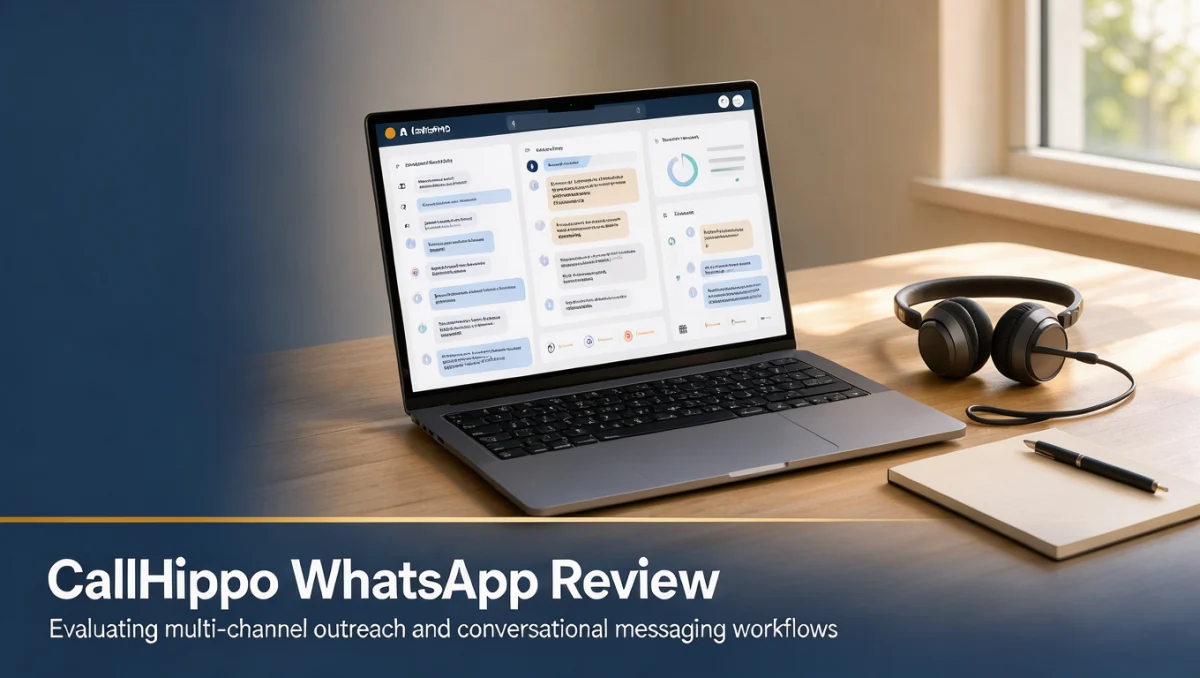
Growing companies often find that phone calls alone no longer match how customers want to be reached. Many clients prefer a quick text over an unexpected ring, so sales and service teams need a way to handle both channels without juggling separate devices. Our independent review of callhippo whatsapp looks at how this approach works in daily operations, who benefits most, and what to confirm before committing budget.
Choosing a messaging and telephony platform starts with understanding your real conversation volume. Buyers should separate core calling features from specialized chat modules and then test whether each one fits existing workflows. The sections below walk through the review method, the product's main capabilities, and the practical checks that help avoid surprises after purchase.
How We Evaluated the Platform
Our assessment applies seven criteria: features, ease of use, pricing and value, integrations, audience fit, support and competitive position. Plans, rates and limits change frequently, so we highlight the details you should verify directly on the vendor's website. This article was drafted with AI assistance and then reviewed and edited by the Tested Truth Editorial Team.
What CallHippo Does and Who Uses It
CallHippo is a cloud-based business communications platform that manages inbound and outbound conversations across borders. It links telephone infrastructure with asynchronous chat formats, letting teams keep contact directories, customer inquiries and interaction histories in one place, even when staff work remotely.
The tool is designed mainly for outbound sales reps, account managers and support desks that maintain steady client contact. Organizations usually adopt it to stop switching between personal handsets and desktop dialers. Keeping every record in a shared workspace also lets supervisors check outreach consistency across distributed teams.
Businesses working in several territories often pair standard phone lines with chat options. Since many customers ignore calls from unknown numbers, an integrated messaging channel lets agents follow up by text, respecting how people prefer to communicate.
Core Features and Workflow Capabilities
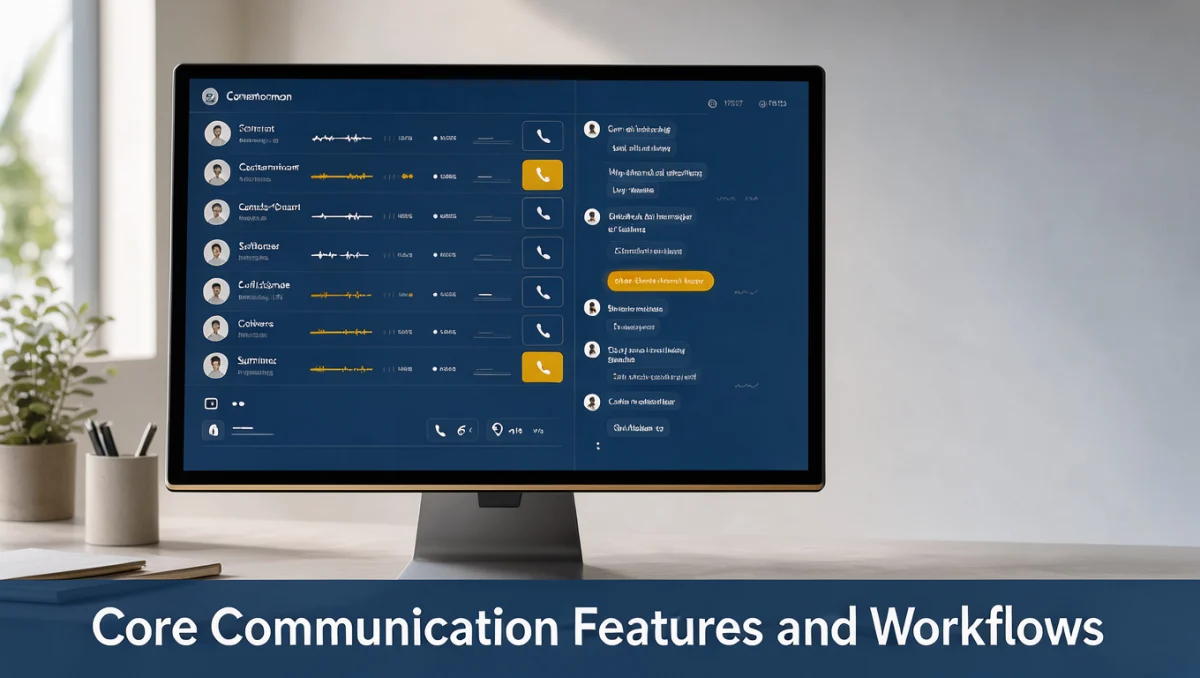
A communication platform is only as useful as its fit with everyday office routines. Knowing the main functional areas helps buyers plan onboarding more accurately.
Conversational Messaging and Message Logs
Handling text exchanges with clients requires organized message routing and reliable archiving. Staff can read and respond to chats from a central dashboard instead of personal smartphones. Each incoming and outgoing message attaches to the customer profile, so colleagues see recent context during shift changes.
Shared logs protect continuity when a representative goes on leave or moves to another account. Conversation history stays available to authorized teammates rather than disappearing with a personal device. Buyers should review the official documentation to confirm retention rules and search filtering options.
Calling and Contact Dialing
Voice remains central to many sales and support operations. The calling engine lets agents dial domestic and international numbers, handle incoming queues and manage voicemail from a unified desktop view. Call forwarding and business-hour rules route traffic to available staff according to the schedule you set.
Running voice and chat from the same directory reduces duplicate data entry. An agent who finishes an introductory call can send a follow-up note or appointment reminder right away, which speeds up response times across regular working days.
Team Collaboration and Activity Oversight
Management tools let supervisors review outbound activity, watch active queues and read interaction summaries for each team. Leads can assign contact records to specific agents, distribute incoming chats and keep workloads balanced during busy periods.
Activity dashboards surface interaction data without requiring staff to file manual status reports. These views help administrators spot training gaps and plan staffing across time zones. Confirm permission settings on the official portal to make sure managers get the visibility they need.
Ease of Use and Learning Curve

Adopting unified communication software changes daily habits for sales and support staff. The browser-based interface arranges contacts, dial pads and message threads into simple navigation menus. Employees who already use email clients and desktop chat apps typically find the main panels easy to learn with a short training session.
Setup is where most friction appears. Configuring international routing, assigning phone numbers and verifying third-party messaging accounts all take time. Business messaging in particular involves regulatory steps and profile approvals that depend on coordination with messaging networks. Department heads should schedule time for these approvals before planning live team training.
Once setup is complete, routine tasks are straightforward. Agents can click to contact someone, review past notes and tag call outcomes using standard drop-down menus. Keeping contact data clean still depends on the team following internal tagging rules consistently.
Advantages and Limitations
Weighing practical benefits against real constraints helps purchasing committees make sound decisions.
Strengths
- Brings phone calls and chat messages into one desktop workspace for client-facing staff.
- Keeps customer communication history in company-owned records rather than scattered personal devices.
- Gives supervisors visibility into outreach volume, response consistency and agent availability.
- Helps distributed teams maintain structured outreach schedules across different regional time zones.
Limitations
- Third-party channel verification adds setup delays before live messaging can begin.
- Detailed conversation reporting may need careful data mapping, depending on your analytics needs.
- Messaging volume is governed by global policies set by independent messaging network providers.
How CallHippo Compares With Similar Tools
The business telephony and messaging market includes many vendors, each targeting specific workflows. The table below compares foundational positioning to help you find the right category.
| Platform | Target Audience | Primary Focus | Consider When |
|---|---|---|---|
| CallHippo | Outbound sales and client contact teams | Telephony paired with conversational messaging | Teams want centralized dialers alongside text outreach |
| RingCentral | Large enterprise organizations | Comprehensive unified communications and video | Companies need enterprise phone trees and video conferencing |
| Nextiva | Mid-market service businesses | Integrated voice and customer experience tracking | Organizations prioritize broad customer journey administration |
| Vonage | Developer-led communication stacks | Programmable voice and messaging communication APIs | Technical teams plan custom conversational application logic |
CallHippo suits businesses that want straightforward telephony and quick chat outreach without the weight of large enterprise phone systems. Platforms such as RingCentral emphasize enterprise video and extensive office hardware, while CallHippo focuses on practical sales calling and multi-channel dialogue. Teams that need deep programmatic control often prefer developer-oriented frameworks like Vonage, whereas CallHippo offers ready-made agent interfaces.
Who Should Use CallHippo?
Organizational fit depends on team size, daily workflow volume and existing software.
Distributed Sales and Business Development Teams
Reps who contact prospects across several regions benefit from synchronized tools. When a call goes unanswered, an agent can quickly send an introductory message through chat. This improves prospect engagement while giving managers a clear view of outreach performance.
Customer Support and Client Success Desks
Specialists handling ongoing inquiries need fast access to communication records. Keeping call and chat notes in one location stops clients from repeating basic account details to each new representative. Supervisors can spread incoming message tickets evenly to keep queue times reasonable.
Freelance Consultants and Boutique Agencies
Independent professionals juggling client portfolios often want a dedicated business communication identity without carrying several phones. Centralized messaging lets small operators keep professional boundaries while working with international partners. Solo operators with low call volume, however, may find basic mobile business apps sufficient.
Teams That Should Look Elsewhere
Organizations needing standalone social media automation, broad promotional broadcast tools or complex contact center workforce management should evaluate specialized alternatives. CallHippo centers on agent-driven communication rather than mass inbound call center networks or social content suites.
How to Choose the Right Plan
Subscription tiers for communication platforms usually vary by operational scope, administrative features and calling capabilities. Before choosing a package, audit your current communication habits and check the specific terms on the official CallHippo pricing page.
| What to check on the official site | Why it matters for your team |
|---|---|
| Messaging fee structures | Third-party network costs or usage thresholds can change total monthly spend. |
| Number acquisition options | Regional number availability varies by country and requires separate verification documents. |
| User seat minimums | Some plans set team size requirements that affect entry budgets. |
| Administrative management depth | Supervisory controls differ across plan levels and shape managerial oversight. |
| Data export capabilities | Extracting conversation histories into external archives depends on plan permissions. |
Frequently Asked Questions
What affects total communication software costs?
Expenses go beyond the base subscription to include phone number leasing, outbound calling rates and messaging network charges. Regulatory fees for international business registration may also apply depending on destination rules. Review the detailed rate tables on the official site to calculate realistic recurring budgets.
How should teams prepare for business messaging setup?
Setup generally requires verified corporate registration documents, tax certificates and official website domain credentials. Messaging networks enforce strict identity checks to limit unwanted communications, so gathering this paperwork early prevents delays during onboarding.
Can communication records be exported to external archives?
Many platforms offer data export or logging that connects with corporate archives. Retention policies and export tools, however, often differ by subscription tier. Administrators should review account settings on the official provider portal to confirm they meet internal archival standards.
How do messaging compliance rules affect outreach?
Messaging networks enforce opt-in requirements and spam prevention rules that restrict unsolicited promotional content. Companies must obtain clear customer consent before starting conversations through chat channels. Strong internal guidelines help avoid account penalties and protect brand reputation with international clients.
Final Verdict
CallHippo offers a practical bridge between traditional voice calling and modern conversational messaging. Pairing outbound dialing with direct chat helps distributed teams keep responsive contact schedules while storing interaction records centrally under managerial oversight. Third-party messaging verification requires careful setup, but the workflow gains give solid value to growing sales and service desks.
| Criterion | Score /10 | Reason |
|---|---|---|
| Features | 7.8/10 | Combines outbound calling with conversational messaging in one agent interface. |
| Ease of Use | 8.2/10 | Clear navigation for daily dialing and message handling with modest onboarding effort. |
| Pricing and Value | 7.2/10 | Buyers must verify separate messaging rates and number fees against expected volume. |
| Integrations | 7.4/10 | Connects standard contact data, though record mapping needs careful verification. |
| Audience Fit | 8.0/10 | Well suited to sales reps and client coordinators running multi-channel outreach. |
| Support | 7.0/10 | Confirm available technical contact channels and onboarding help for account verification. |
| Competitive Position | 7.5/10 | Keeps a focused balance between telephony essentials and conversational chat. |
Overall score: 7.6/10
For teams that want balanced calling and client chat, CallHippo provides a structured route to modernize customer engagement without juggling several disconnected tools. Readers who need help evaluating specific communication software requirements can reach our editorial desk through the Tested Truth contact page at https://testedtruth.com/contact/ or follow Tested Truth on LinkedIn at https://www.linkedin.com/company/testedtruth/ for regular updates.
See More Customer Service