Some links on this page may earn Tested Truth a commission when you buy through them, at no extra cost to you. This does not influence our ratings.
Running a hosting business means balancing dependable server administration with predictable billing. The plesk whmcs combination brings these two layers together, letting hosting companies and agencies cut down manual account setup while keeping subscription invoicing organized. Our team examines how well these tools cooperate when handling server accounts, domain registrations, and recurring charges.
Stable server controls only matter when the commercial side runs just as smoothly. When the billing engine and control panel talk to each other, a new customer can receive working hosting credentials moments after paying. Knowing which system handles what helps providers build service environments that business clients can rely on.
Quick verdict: this pairing earns an overall score of 8.0 / 10 as an administrative backbone. It suits independent hosts, agencies, and resellers who need automated customer provisioning, and it is less practical for people who only want simple one-click website space without any hosting duties.
| Evaluation Metric | Summary Finding |
|---|---|
| testedtruth score | 8.0 / 10 |
| Best for | Hosting businesses, web agencies, and infrastructure resellers needing recurring customer management |
| Not ideal for | Single website owners or hobbyists seeking basic site builders without reseller requirements |
| Key strengths | Automated server account provisioning, recurring billing management, client self-service portal functionality |
| What to check before buying | Verify current edition licensing structures, operational server hypervisor compatibility, and module update terms on official vendor sites |
1. How Tested Truth Reviewed Plesk WHMCS
This review considers what the software is designed to do, who it serves, and how it stacks up against similar options. We judge it on seven Tested Truth criteria: features, ease of use, pricing and value, integrations, audience fit, support, and competitive position. Plans, prices, and limits change frequently, so we flag what you should confirm on the official website before purchasing. This article was researched and drafted with AI assistance, then reviewed and edited by the Tested Truth Editorial Team.
2. What Plesk WHMCS Is and Who It Serves

The plesk whmcs setup joins two specialized hosting applications that run side by side. Plesk acts as the server control panel, handling operating system settings, web server environments, database engines, and individual domain spaces. WHMCS acts as the commercial automation engine, managing customer sign-ups, order processing, recurring subscription billing, support tickets, and service lifecycle events. Linked together through connection modules, the two turn bare server hardware into a service that can be sold.
This architecture suits companies that sell digital services such as shared web space, managed maintenance retainers, domain renewals, and cloud resources. Agencies looking to streamline their workflows are also finding that Artificial Intelligence tools can help optimize routine digital maintenance. The dual-system design keeps server administration on the control panel side while payments and customer interactions stay within the billing interface.
The Hosting Provider Operational Model
Commercial hosts depend on fast, predictable service activation. When a customer orders a package through the storefront, the billing engine confirms payment and sends a command to the server panel. The control panel then creates the account, sets resource limits, provisions security certificates, and tells the billing software to release login details to the customer.
Removing manual steps from provisioning lets teams grow their customer base without adding staff. Providers also use the pairing to protect revenue: server access is suspended automatically when invoices go unpaid and restored as soon as payment clears.
3. Core Features
The capabilities of the combined stack fall into two groups: server administration and commercial automation. Both layers need to work together to deliver reliable service to every customer account.
Automated Account Provisioning
Automated provisioning removes repetitive work for hosting administrators. The billing system links each commercial package to a service template configured in the control panel. Once an order is processed, the system generates the account, configures the web directory, and sets up the database without any technical staff involvement.
Recurring Invoicing and Payment Collection
The client management engine runs subscription billing across a range of billing cycles. Invoices are generated on schedule, and reminder notices go straight to account owners. The software keeps transaction records, tracks balances, applies regional tax rules, and attempts automatic charges against stored payment methods.
Customer Self-Service and Management Portals
Self-service portals cut down on support requests. Customers sign in to a dashboard to review open invoices, make payments, open help tickets, and reach their server panel. Direct login links let them move from billing into their control panel without signing in again at a separate address.
Server and Resource Governance
The control panel gives technical staff detailed control over system resources and domain environments. Administrators configure web server components, choose runtime environments, manage file systems, adjust DNS records, and monitor storage use. Permissions can be split so that resellers, sub-account holders, and end customers see only the sections they are authorized to manage.
4. Ease of Use and Learning Curve
Setting up an integrated hosting and billing environment is technically demanding. The individual interfaces are clean and well laid out, but running them well requires real hosting administration experience, particularly around networking, authentication, and service mapping.
Initial setup means connecting the billing engine to the control panel with secure authentication keys or server access credentials. Administrators must define package names, disk allocations, database permissions, and email account limits consistently on both platforms to avoid provisioning mismatches.
For end customers, the experience is simple. They browse the storefront, pick a service tier, complete payment, and receive automated onboarding instructions. The main learning burden falls on the staff who maintain server operating systems, software repositories, and database connections.
5. Pros and Cons
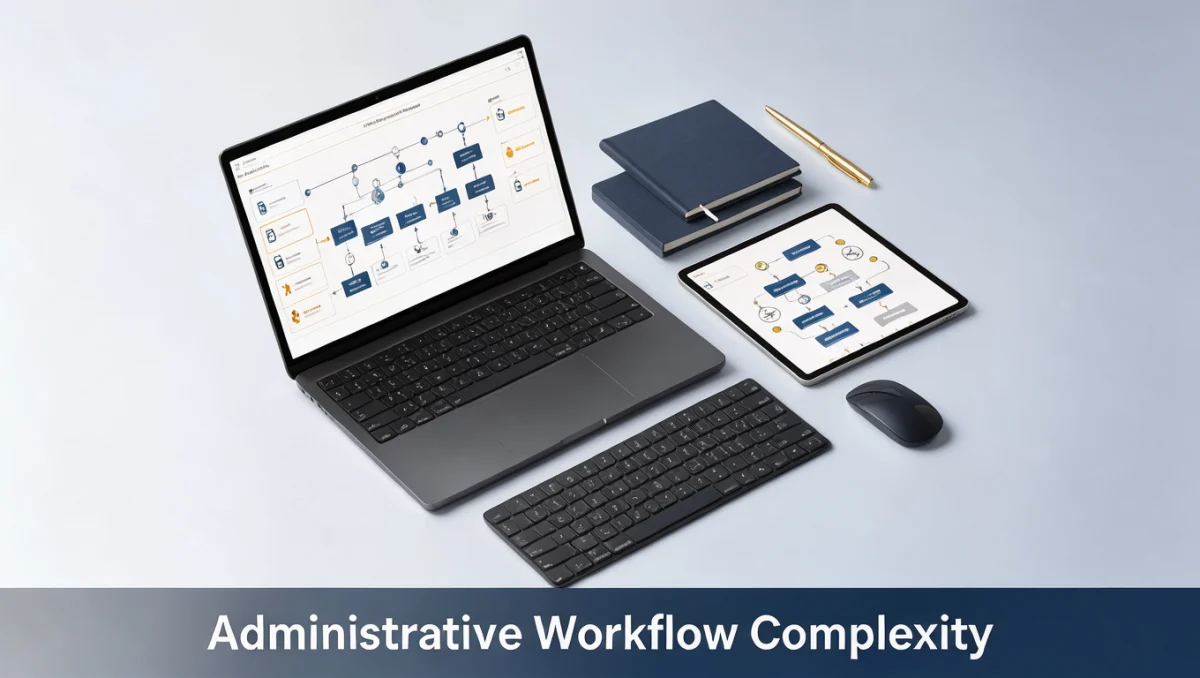
Judging an enterprise operational stack means weighing productivity gains against the ongoing maintenance it requires.
Pros
- Brings client billing records and server provisioning together in one operational workflow.
- Automates account creation, suspension on non-payment, and reinstatement once an invoice is settled.
- Gives end users self-service account management, with support tickets, invoice downloads, and server access in one place.
- Works across different hosting models, including shared hosting, managed agency retainers, and server reselling.
Cons
- Requires technical skill in both server administration and billing software configuration.
- Needs ongoing coordination during version updates so that modules and security certificates stay in sync.
- Creates dependencies across multiple vendor release cycles, so upgrades should be tested carefully in a staging environment first.
6. Plesk WHMCS vs Similar Tools
Infrastructure providers compare several pairings of control panels and billing engines before launching web services. Knowing how the alternatives are positioned helps you build a setup that matches your team's skills.
| Software Combination | Primary Positioning | Administrative Strength | Key Operational Consideration |
|---|---|---|---|
| Plesk WHMCS Stack | Multi-platform server control paired with dedicated hosting automation | Graphic interface versatility across varied operating environments | Requires careful maintenance of connection modules during major updates |
| cPanel with WHMCS | Traditional Linux-focused server hosting and client billing automation | Deep historical standardization across Linux web hosting environments | Concentrated primarily around Linux server ecosystems |
| DirectAdmin with Custom Billing | Lightweight server administration with alternative or custom billing tools | Low resource consumption on server operating systems | Demands deeper manual configuration for automated commercial invoicing |
The plesk whmcs setup is especially useful for organizations that run a mix of server environments. Teams with varied technical requirements often value the flexibility of the control panel together with the purpose-built billing features of the automation engine.
7. Who Should Use Plesk WHMCS
Knowing who the stack is built for helps buyers decide whether it fits their current business.
Web Hosting Resellers and Independent Hosts
Entrepreneurs starting a hosting business need billing tied directly to server provisioning. This stack lets independent hosts sell web space, manage monthly subscriptions, and automate suspensions without building custom administrative software.
Digital Agencies and Web Design Studios
Agencies that build websites often sell ongoing hosting and maintenance retainers. With this setup, agency teams bill clients on automated schedules and give them portals where they can manage domain records, view email accounts, or contact support.
IT Service Providers and Infrastructure Consultants
Managed service providers who oversee client application deployments benefit from isolated multi-tenant accounts. The control panel simplifies routine site deployment, and the billing engine keeps invoicing for allocated technical resources accurate.
Who Should Consider Other Solutions
Solo entrepreneurs or small businesses running a single corporate website will find this stack unnecessarily complex. If you do not plan to sell hosting accounts, manage customer billing, or administer multi-tenant servers, a standard managed hosting provider avoids the maintenance burden entirely.
8. How to Choose the Right Plan
Both products use recurring subscription structures. Licensing commonly depends on the number of managed domains or the number of active customer accounts in the database. Review the operational parameters on the official vendor pages before you commit to a license.
| What to Check on Official Pages | Why It Matters to Operational Budgets |
|---|---|
| Control panel domain license tiers | License fees escalate as the total number of managed domains on the server increases. |
| Billing system client account limits | Tier thresholds depend on the number of active client accounts stored in the billing database. |
| Branding and white-labeling terms | Removing vendor branding from client-facing portals may require specific edition levels. |
| Operating system compatibility | Ensures the target server distribution and hypervisor match vendor support guidelines. |
| Software update and patch access | Maintaining access to security patches requires maintaining active software subscriptions. |
9. Frequently Asked Questions
What skills are needed to configure this server and billing pairing?
Administrators need working knowledge of web server administration, DNS management, database setup, and secure communication protocols. Setting up automated provisioning also means generating authentication credentials, configuring service packages, and establishing firewall rules between the server panel and the billing application.
How should a company budget for infrastructure software licenses?
Plan for both the control panel license and the billing automation license, alongside the server hardware or cloud compute costs. Check current tier structures on the official provider websites, since licensing often scales with domain counts or active client records.
How can hosting operators protect client data during updates?
Test software updates in a dedicated staging environment before applying them to live servers. Keep regular off-site database backups and confirm module compatibility before major upgrades to avoid service interruptions and failed billing transactions.
When is consulting a technical infrastructure specialist recommended?
Bring in a system administrator or billing consultant when configuring production environments that handle sensitive financial records or large numbers of tenant websites. Specialists help ensure firewalls, payment gateway endpoints, and automated account procedures meet industry standards.
10. Final Verdict
Pairing a professional server control panel with a dedicated hosting billing platform gives you a dependable way to monetize digital services. This combination lets organizations automate technical delivery, streamline recurring revenue collection, and keep customer communications structured.
| Evaluation Criterion | Score / 10 | Operational Assessment |
|---|---|---|
| Features | 8.5 / 10 | Provides comprehensive account provisioning, multi-tenant isolation, automated recurring billing, and support ticketing. |
| Ease of Use | 7.0 / 10 | Client portals offer clean navigation, but administrative configuration demands disciplined server management expertise. |
| Pricing and Value | 7.5 / 10 | Delivers measurable commercial value by automating manual tasks, though scaling domain counts requires ongoing budget planning. |
| Integrations | 8.0 / 10 | Connects smoothly between the server control panel and billing platform via standard module authentication protocols. |
| Audience Fit | 9.0 / 10 | Directly matches the operational workflows of web hosting providers, infrastructure resellers, and digital agencies. |
| Support | 7.5 / 10 | Vendors provide standard documentation resources, with direct technical assistance available according to subscription terms. |
| Competitive Position | 8.5 / 10 | Remains a leading operational standard for commercial web hosting management across modern operating environments. |
Overall Tested Truth score: 8.0 / 10
For web agencies, hosting entrepreneurs, and IT service providers who want an automated operational pipeline, this integrated stack delivers structured provisioning and recurring subscription management. Before deploying, review the official licensing details, confirm server compatibility, and plan the administrative resources you will need.
If you have technical deployment questions or infrastructure evaluation inquiries, reach out through our contact page at testedtruth.com/contact/ or join the conversation with our industry team at linkedin.com/company/testedtruth/.