Teams that need web data in spreadsheets without writing code often turn to visual extraction tools. This browse ai guide walks through how the platform turns messy web pages into structured records, how to configure recurring monitors, and what to confirm before committing to a subscription.
Tested Truth evaluated Browse AI against the same seven criteria we apply to every tool: features, ease of use, pricing and value, integrations, audience fit, support, and competitive position. Overall, the platform scores 7.8 out of 10. It suits non-technical professionals who need dependable scraping, but it is less suited to engineering teams that want direct control over crawler code or self-hosted infrastructure.
| Metric | Summary |
|---|---|
| testedtruth score | 7.8 / 10 |
| Best for | Teams and solo operators who want visual data extraction and page monitoring without programming |
| Not ideal for | Organizations that need source-code crawlers or self-hosted data infrastructure |
| Key strengths | Visual extraction setup, automated change alerts, and recurring schedules |
| What to check before buying | Current execution allowances, export connectors, and subscription tiers on the official website |
How We Approached This Review
This review covers what the platform is built to do, who it serves, and how it compares with similar tools. Plans, prices, and limits change frequently, so we point out which details to confirm directly on the official website. The article was researched and drafted with the help of AI tools, then reviewed and edited by the Tested Truth Editorial Team.
Preparing Your Extraction Project
Successful extraction starts with planning before any automation is switched on. Websites vary widely in layout, scrolling behavior, and access rules, and those differences shape how cleanly an external service can capture information. Mapping your target fields in advance reduces repeated rework and keeps downstream records consistent.
Before building an extractor, determine whether the source presents data as a structured table, a repeating set of listing cards, or a single detail page. If the target involves login walls or elements that change on each visit, confirm on the official Browse AI site how interactive sessions are handled before you commit.
Step-by-Step Setup Workflow
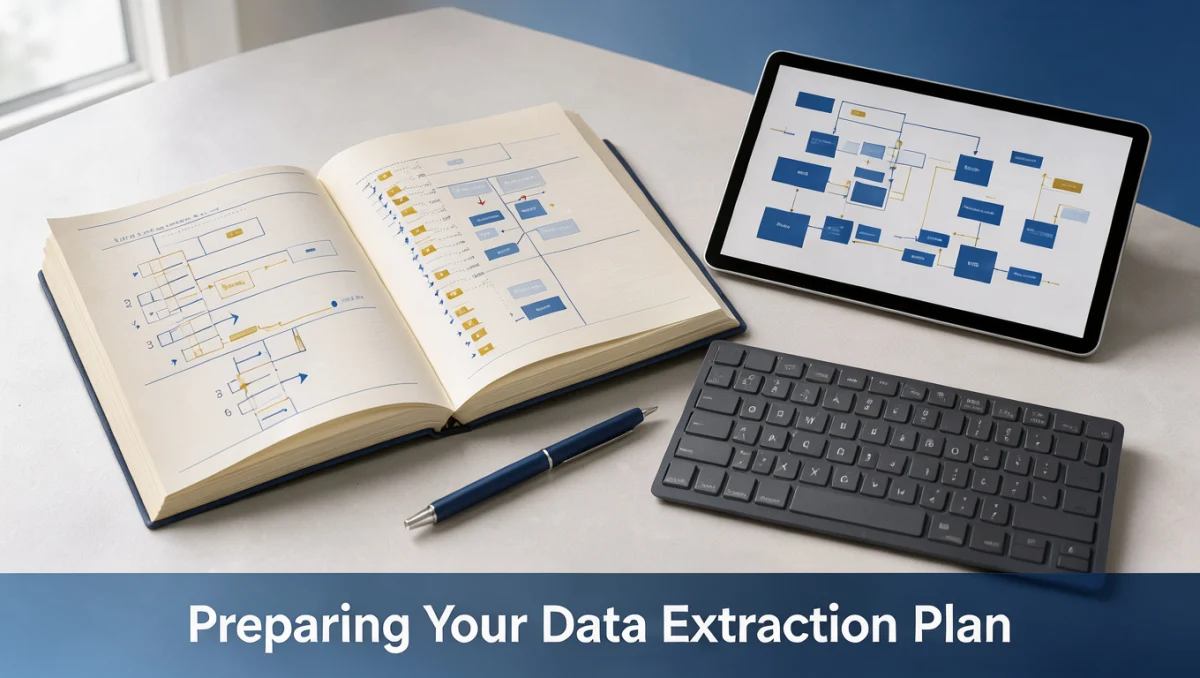
Setting up an extraction or monitoring task follows a sequence that establishes clean parameters from the first run. Following a consistent order prevents broken configurations and makes recurring monitoring easier to maintain.
- Define the target URL and the exact data points you need, noting whether the goal is a one-time dataset or ongoing site monitoring.
- Open the visual task builder and provide the target address so the system can learn the repeating patterns on the page.
- Select sample elements on the page to identify data columns such as product names, prices, dates, or contact fields.
- Set pagination or scrolling parameters so the extractor understands how additional records load across multi-page listings.
- Choose an execution schedule, selecting a frequency for routine monitoring or a single run for one-time collection.
- Review the captured rows in the preview to confirm alignment and remove irregular empty values.
- Connect a destination endpoint or download raw files to send structured records into your working spreadsheets.
Best Practices for Reliable Extraction
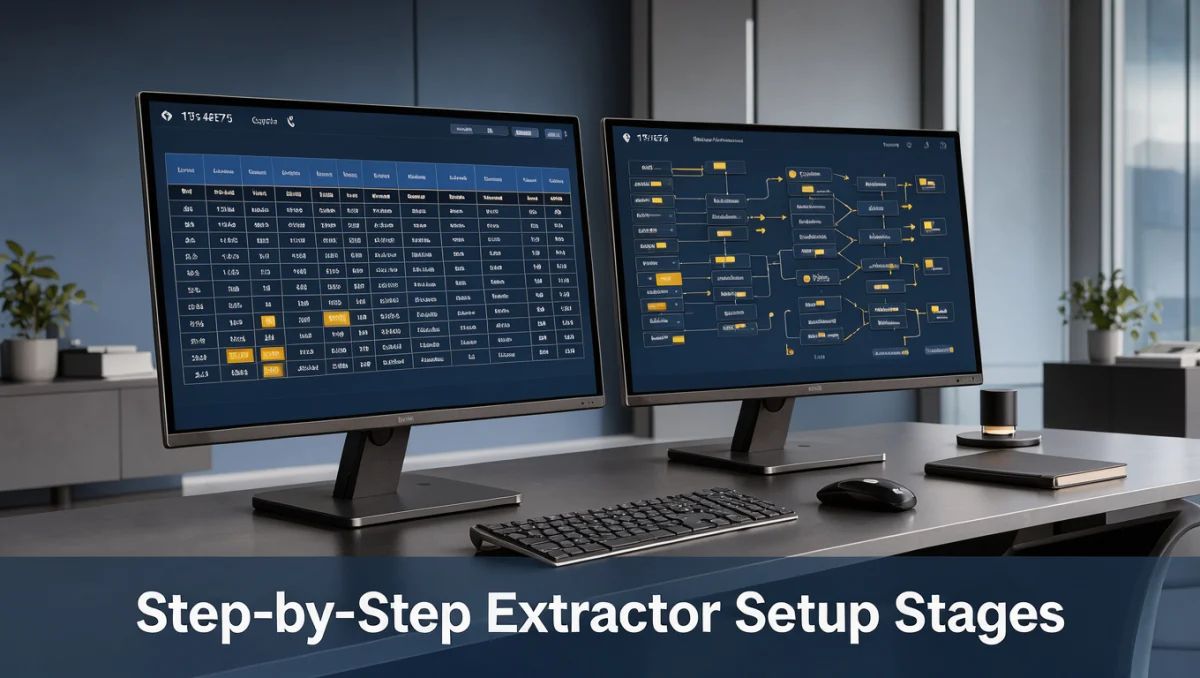
Extraction accuracy depends heavily on how stable the target page is, so preventive configuration matters. Publishers change site structures without notice, which makes defensive monitoring routines important for avoiding unexpected reporting gaps.
Extractors perform best when they capture only the attributes you need rather than entire page layouts. Target specific text blocks and visible numerical values instead of nested decorative sections. Set up alerts that notify your team when expected columns stop populating, giving administrators time to update the selection mappings before dependent reports break.
Common Mistakes to Avoid
Teams often run into extraction failures because of predictable oversights during setup. Addressing these early protects project timelines and avoids wasted cycles.
- Extracting unformatted nested containers instead of distinct data fields, which fills tables with cluttered text strings.
- Setting overly aggressive schedules on static sites that update only once a week.
- Ignoring pagination changes, so runs stop after collecting only the first visible batch of listings.
- Skipping a test of destination webhooks before launching high-volume recurring monitors.
Frequently Asked Questions
What technical background is needed to use Browse AI?
The visual point-and-click interface lets people without programming experience configure extractors by interacting directly with page elements. Analysts and operations staff can handle the setup, while developers can connect the collected data to downstream systems.
How should teams prepare for website redesigns?
Redesigns change the underlying page structure, so visual selection maps may need retraining when a target layout shifts. Watch task failure alerts regularly and keep a documented field list so retraining can be done quickly when a domain updates its presentation.
What determines which subscription fits?
Data volume, check frequency, and the number of monitored domains determine the right plan. Review the official Browse AI pricing page to confirm how extraction allowances and concurrency limits match your planned usage.
How does page monitoring differ from one-time extraction?
One-time extraction captures a snapshot of web data at a specific moment, useful for research archives. Page monitoring runs on recurring intervals to track changes over time and sends alerts when selected fields or values are modified.
Final Verdict on Browse AI
| Criterion | Score / 10 | Reason |
|---|---|---|
| Features | 8.0 / 10 | Solid visual extraction, field mapping, and recurring page monitoring. |
| Ease of Use | 8.8 / 10 | No-code interface allows quick extractor setup through guided point-and-click interactions. |
| Pricing and Value | 7.4 / 10 | Teams should confirm current task limits and monthly allowance terms before subscribing. |
| Integrations | 7.2 / 10 | Supports direct data exports; verify current webhook and connector availability. |
| Audience Fit | 8.5 / 10 | Suits non-technical professionals, business analysts, and growth teams needing automated web data. |
| Support | 7.0 / 10 | Assistance channels exist; review current response standards on the official site. |
| Competitive Position | 7.9 / 10 | Distinct focus on simple visual setup compared with complex developer scrapers. |
Overall score: 7.8 / 10
Browse AI offers an accessible route to reliable data extraction without custom software development. Freelancers, boutique agencies, and market intelligence specialists benefit most from its visual setup model. Organizations that need enterprise crawler infrastructure or low-level protocol control should look at developer-focused scraping frameworks instead.
Have questions about choosing a data extraction tool? Reach out through https://testedtruth.com/contact/ or follow Tested Truth on LinkedIn at https://www.linkedin.com/company/testedtruth/.
See More Artificial Intelligence