testedtruth may earn a commission when you buy through links on this page, at no extra cost to you. This does not affect our ratings.
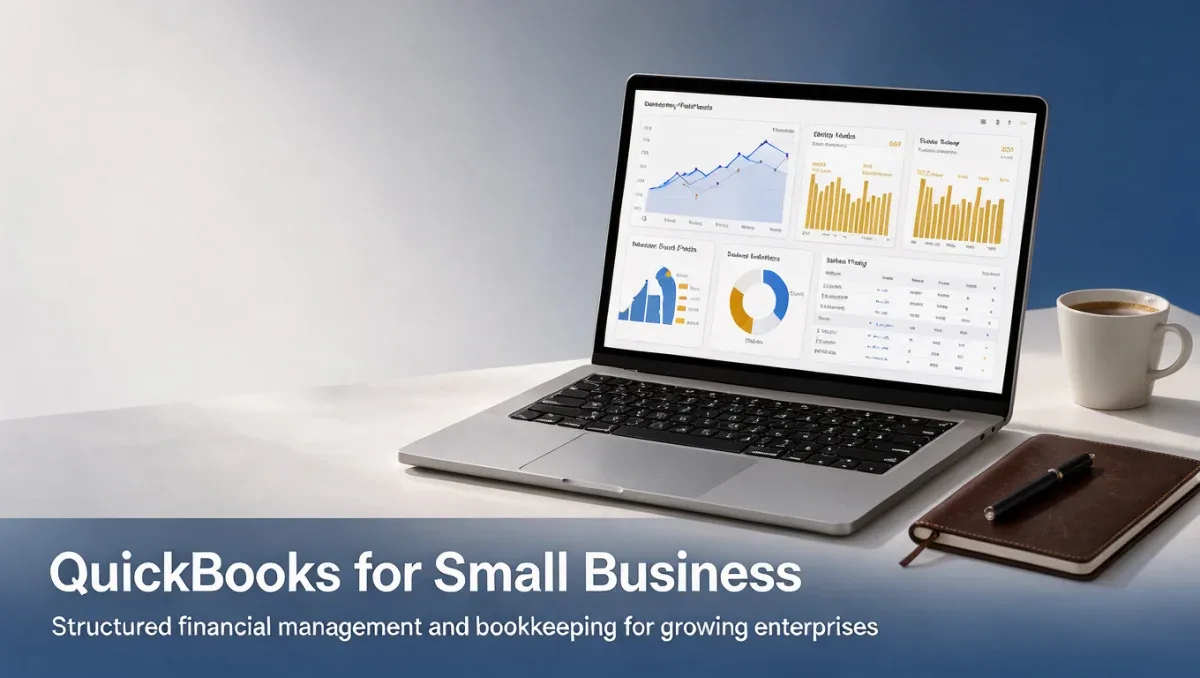
Choosing bookkeeping software starts with one question: how much structure does your business actually need? QuickBooks for small business is built to record money coming in, track spending, send invoices and produce the core financial statements your accountant will ask for. Our Tested Truth team looked at how well it keeps records orderly as companies grow.
Every accounting platform asks for a trade-off between tracking depth and the ongoing admin time your staff must invest. Before committing, map out your roles, your documentation habits and the routines you already follow, so you can judge whether the software fits the way your business really runs.
Quick verdict: With an overall score of 7.9/10, QuickBooks suits owners who want double-entry bookkeeping, layered invoicing and thorough reporting. It is a weaker match for freelancers who need almost no admin or anyone wanting a simple billing tool with no bookkeeping upkeep.
| Evaluation Metric | Assessment Summary |
|---|---|
| testedtruth score | 7.9/10 |
| Best for | Small business owners, growing teams, and businesses requiring structured bookkeeping. |
| Not ideal for | Solo micro-contractors seeking zero setup or teams seeking instant simplicity. |
| Key strengths | Complete record organization, invoice generation, financial statement preparation, expense categorization. |
| What to check before buying | Confirm user access allocations and optional administrative module costs on the official vendor website. |
1. How testedtruth Reviewed QuickBooks
We assessed the platform against seven testedtruth criteria: features, ease of use, pricing and value, integrations, audience fit, support and competitive position. Plans and prices shift frequently, so we flag the details you should confirm directly on the vendor's site before buying. This article was drafted with AI assistance and then reviewed and edited by the testedtruth Editorial Team.
2. What is QuickBooks and who is it for
QuickBooks is an established accounting product from Intuit that helps businesses keep their financial records organized and up to date. It handles everyday money activity: logging customer payments, recording operating costs, tracking bills you owe and producing standard balance summaries. It is sold mainly as a recurring subscription, with several tiers matched to different business sizes.
The platform is aimed at independent businesses, partnerships, expanding operations and retail or service companies that need accurate books for tax season and internal decisions. Companies that must keep business and personal funds clearly separated benefit from its traditional ledger approach. When you plan your wider accounting tool stack, check that the workflow matches how your team records transactions every day.
3. What QuickBooks helps you do
3.1. Invoicing and receiving receivables
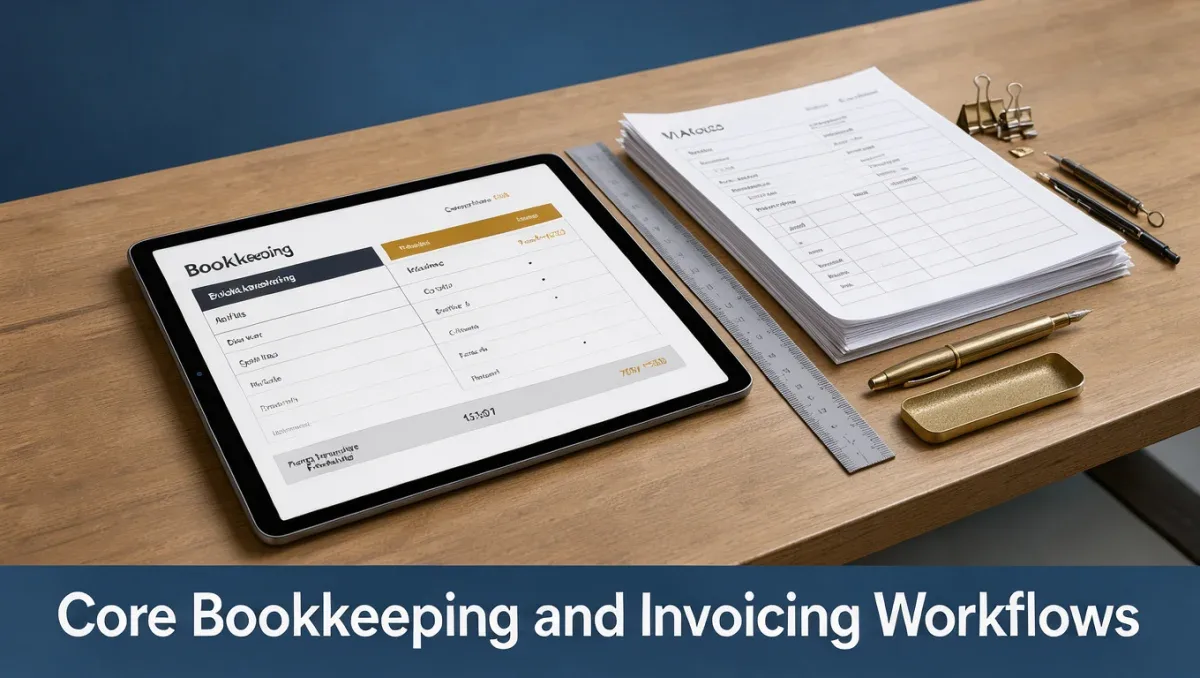
The software lets you prepare itemized invoices for clients, apply the correct sales tax and keep a clear view of unpaid receivables. During evaluation, test how quickly invoice line items can be edited, how customer records hold payment terms, and whether recurring billing for regular clients runs reliably.
3.2. Tracking commercial expenses and cash outflows
You can record vendor payments, group receipts into tax categories and follow outgoing bank activity. Try the transaction sorting rules, see how receipts attach to individual spending entries, and confirm that recurring utility or supplier payments land in the right expense accounts without manual recoding.
3.3. Generating financial statements and operational summaries
The product produces standard summaries such as profit and loss statements, balance sheets and cash flow overviews. Review the built-in report filters, check how easily date ranges can be set, and decide whether the customized views show the balance figures your accountant or lender needs.
4. Ease of use and learning curve
Because QuickBooks runs on double-entry bookkeeping, people new to debits and credits will need time to adjust. Building the chart of accounts, matching opening bank balances and mapping sales items all take planning before you can record reliable transactions.
Staff with prior bookkeeping experience usually settle in within a few working sessions, while first-time owners often find it worthwhile to get help from an outside bookkeeper during setup. Under Tested Truth guidelines, companies should weigh the time needed to set up systematic bookkeeping against the long-term benefit of organized records.
5. A two-week evaluation plan for QuickBooks
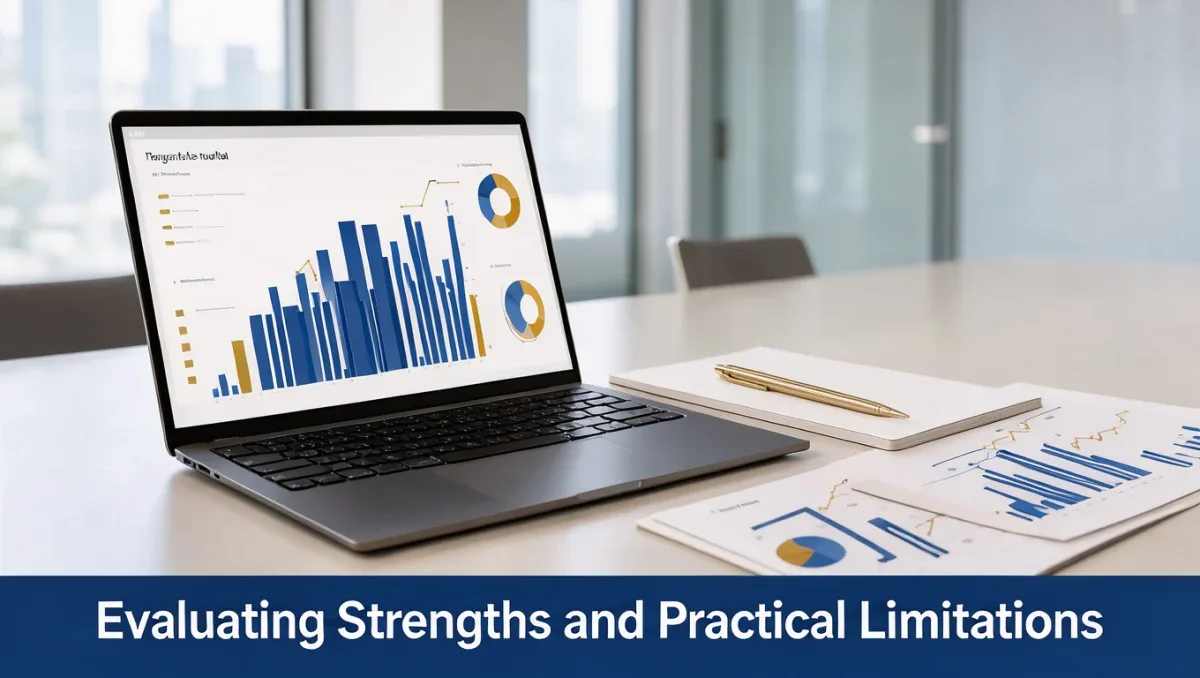
- Days 1 to 3: Initial setup and account structure: Create your company profile, build a starting chart of accounts, configure your tax rates and enter a few vendor records by hand to test how flexible the setup is.
- Days 4 to 7: Active transaction simulation: Draft sample customer invoices, log routine expenses, record test customer payments and link test bank data to see how automatic sorting behaves.
- Days 8 to 14: Reporting review and workflow verification: Produce a sample balance sheet and profit summary, test the report filters, check multi-user permission settings and confirm you can export data for your tax professional.
6. Where QuickBooks shines and where it may fall short
| Area | Shines when | May fall short when |
|---|---|---|
| Bookkeeping structure | Businesses need traditional double-entry ledgers and thorough audit documentation. | Operators require zero accounting terminology and prefer simplified personal bookkeeping. |
| Financial reporting | Management requires structured profit summaries and balance sheets for stakeholders. | A sole practitioner only needs a single-column list of received payments. |
| Commercial scalability | Growing teams gradually expand user responsibilities and invoice volumes. | A micro-business wants minimal software configuration and immediate out-of-the-box billing. |
7. QuickBooks compared with similar tools
| Tool | Best for | Core focus |
|---|---|---|
| FreshBooks | Freelancers and client-service agencies | Time tracking, streamlined invoicing, and client communication workflows. |
| Xero | Growing small businesses and collaborative teams | Double-entry accounting, financial oversight, and business tracking. |
| Wave | Micro-businesses and sole proprietors | Straightforward invoicing and foundational cash-flow tracking. |
8. Who should use QuickBooks
| User Group | Recommendation | Primary Reason |
|---|---|---|
| Small business owners | Recommended | Requires comprehensive records, invoicing, and balance sheets for ongoing compliance. |
| Growing commercial teams | Recommended | Benefits from structured transaction logs, defined roles, and detailed accounts payable. |
| Independent freelancers | Consider simpler alternatives | Routine operational overhead often exceeds the needs of straightforward solo billing. |
| Corporate marketing staff | Not recommended | General ledger management does not address campaign execution or marketing tasks. |
| Academic students | Not recommended | Commercial bookkeeping tools are unnecessary for personal educational assignments. |
9. Pricing at a glance
- Check the official vendor pricing page for how many active users each subscription tier includes, since adding team members changes your ongoing cost.
- Review the official plan comparison to see whether advanced inventory tracking or project costing requires a higher tier.
- Confirm on the vendor website whether payroll, employee tax filings or specialized payment collection need separate monthly subscriptions.
10. Frequently asked questions
Which small businesses benefit most from adopting QuickBooks?
Businesses handling multiple clients, ongoing supplier obligations or a need for formal balance sheets tend to fit well. Companies planning long-term growth especially value its structured double-entry design and detailed financial history.
What should a small business prepare before setting up QuickBooks?
Gather accurate opening bank balances, your customer list, supplier payment terms and a planned chart of accounts. Having prior tax records organized helps make sure the account setup matches your reporting from day one.
How should businesses evaluate accounting software during an introductory period?
Create realistic sample invoices, enter regular bills, simulate bank reconciliations and review the standard financial statements. Testing with real-world scenarios shows whether the navigation and report formats suit your team's accounting habits.
When should an organization seek professional help during software configuration?
If you have complex inventory valuation, sales tax obligations across several states or payroll requirements, speak with a certified accountant before finalizing the setup. Professional guidance prevents structural errors in the chart of accounts that are hard to correct later.
11. Final verdict
| Criterion | Score /10 | Reason |
|---|---|---|
| Features | 8.8/10 | Provides comprehensive invoicing, expense tracking, and structured financial statements. |
| Ease of use | 7.2/10 | Structured double-entry principles require an initial learning curve for novice users. |
| Pricing and value | Confirm before buying | Review current subscription fees and tier user allocations on the official vendor site. |
| Integrations | Confirm before buying | Check vendor compatibility directories to ensure integration with your existing business apps. |
| Audience fit | 8.2/10 | Matches established and expanding commercial businesses needing reliable bookkeeping. |
| Support | Confirm before buying | Check official service channels, assistance availability, and response options prior to purchase. |
| Competitive position | 7.4/10 | Maintains a distinct enterprise-ready orientation compared to simple solo billing tools. |
| Overall score | 7.9/10 | Calculated average across evaluated qualitative criteria (8.8 + 7.2 + 8.2 + 7.4) / 4. |
QuickBooks remains a dependable choice for small business owners who need disciplined financial controls, detailed reporting and thorough compliance records. Very small operators who only need basic invoicing may be better served by simpler tools, while growing teams will value the depth it provides.
Have a question about choosing software? Reach the testedtruth team through our contact page or follow testedtruth on LinkedIn for new reviews and comparisons.