Tested Truth may earn a commission when you buy through links on this page, at no extra cost to you. This does not affect our ratings.
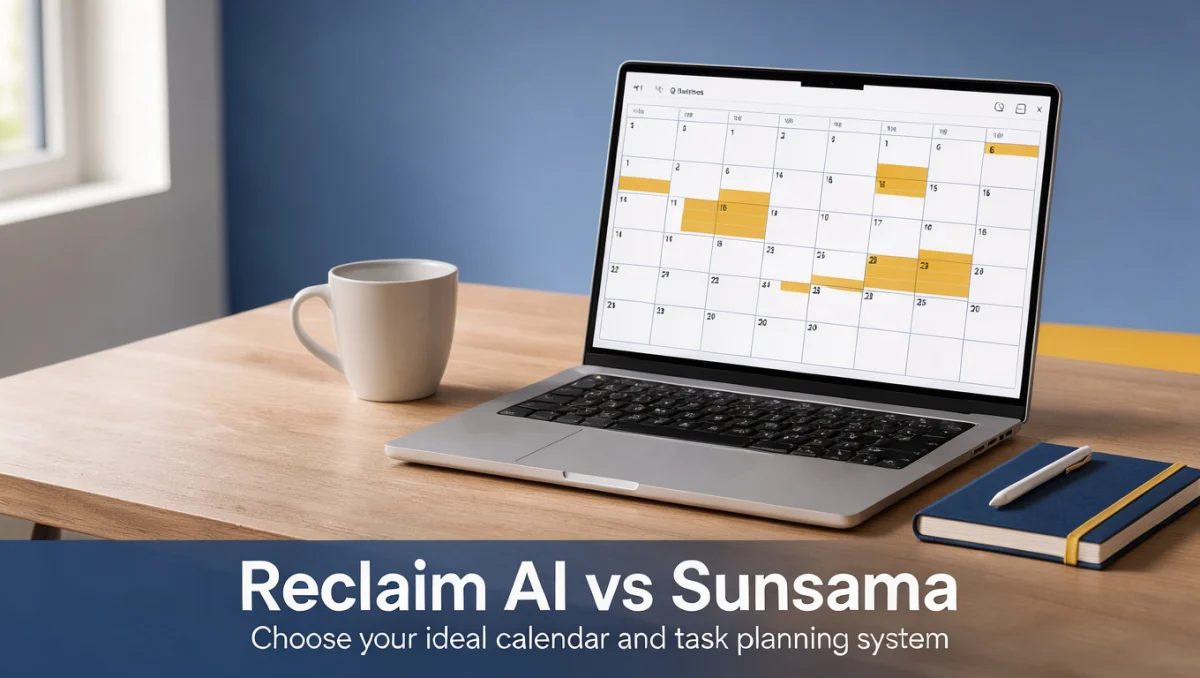
Choosing between these two calendar tools starts with a simple question: do you want your schedule to defend itself, or do you prefer to shape each day by hand? Knowledge workers lose hours each week to interruptions and overbooked calendars, so both products aim to protect focused time. Our team at Tested Truth set out to show you how each one handles that problem before you spend money on either.
The right pick depends on your daily rhythm. Automated scheduling moves blocks around as new meetings appear, while a manual planning routine asks you to choose priorities each morning and close out the day each evening.
Quick verdict: Across our scoring, reclaim ai vs sunsama lands at 8.1/10. Reclaim AI works well for professionals who want automatic calendar defense for tasks and habits without constant manual upkeep. Sunsama works well for people who value deliberate task selection and a calm planning ritual that reduces overload. Neither is designed for teams that need complex project hierarchies.
| Metric | Summary |
|---|---|
| Tested Truth score | 8.1/10 |
| Best for | Knowledge workers choosing between automatic calendar allocation and deliberate daily task selection |
| Not ideal for | Organizations that need traditional project portfolio governance or enterprise resource planning |
| Key strengths | Automatic schedule defense, habit time blocking, unified daily planning, measured workload pacing |
| What to check before buying | Review official pricing pages for subscription terms, calendar sync options, and seat rules |
1. How Tested Truth Reviewed Reclaim AI and Sunsama
This review covers what each product is built to do, who it serves, and how it compares with similar tools. We used seven Tested Truth criteria: features, ease of use, pricing and value, integrations, audience fit, support, and competitive position. Plans, prices, and limits change often, so we note what to confirm on each official website before you buy. The article was researched and drafted with AI assistance, then reviewed and edited by the Tested Truth Editorial Team.
2. Short Answer: Which Tool Should You Pick?

Your decision comes down to whether you want an automated scheduling engine or a hands-on daily planning ritual. Both address calendar overload, but they approach your attention from opposite directions.
Reclaim AI operates as an autonomous calendar assistant within the wider artificial intelligence productivity category. It shifts task blocks, adjusts habit sessions, and protects personal routines as new meetings land on your calendar. If someone books a slot over a planned block, the system looks for open time later in the week.
Sunsama operates as a structured workspace for intentional daily planning. It asks you to choose your tasks, attach realistic time estimates, and pull items from external trackers into one timeline. Instead of rearranging your calendar in the background, Sunsama guides you through morning setup and evening shutdown routines that encourage sustainable pacing.
3. Positioning Overview: Reclaim AI vs Sunsama
Seeing where each product sits in the market shows how it fits different work habits. The overview below summarizes how each tool approaches time management.
| Tool | Best for | Core strength | Consider if |
|---|---|---|---|
| Reclaim AI | Professionals with unpredictable meeting schedules and shifting priorities | Automatic time blocking for tasks, habits, and meeting buffers | You want your calendar to reorganize itself as meetings appear |
| Sunsama | Users who prefer a calm, structured routine for planning and closing the workday | Mindful task curation, daily goal setting, and deliberate calendar scheduling | You want hands-on control over daily commitments and work boundaries |
4. Comparison by Tested Truth Evaluation Criteria
We assessed both platforms against seven standard criteria. Each reflects practical concerns for individuals and collaborative groups.
4.1. Features
Automatic task scheduling and calendar defense are Reclaim AI's core features. The platform sets flexible routines, recurring personal habits, task windows, and meeting buffers directly on connected work calendars. When an unexpected appointment appears, the engine moves pending commitments into open slots without manual rework.
Sunsama concentrates on intentional daily organization, a unified task list, and reflection on workload. It offers guided flows for morning planning and end-of-day reviews, so you can gather external action items into one daily plan. You drag tasks onto your timeline to set realistic targets and keep work boundaries healthy.
4.2. Ease of Use
Reclaim AI needs an initial setup where you define scheduling rules, habit frequencies, and priority levels. Once preferences are set, it runs mostly in the background of your existing calendar app, so you rarely need a standalone daily interface.
Sunsama provides a quiet, organized interface meant to limit cognitive overload. You open it each morning and evening, follow the guided prompts to choose tasks, and estimate durations. The learning curve is less about software controls and more about building the discipline of a daily planning routine.
4.3. Pricing and Value
To judge pricing and value, check the subscription structures on each vendor's official website. Productivity tools typically offer tiered plans with monthly or annual billing, sometimes separating individual and team features.
Before buying, review the official plan comparison to confirm which administrative controls, scheduling options, and team functions each tier includes. Whether a subscription pays off depends on whether the planning hours it saves outweigh the recurring fee for your workload.
4.4. Integrations
Calendar connection is the foundation of both tools, since each needs read and write access to your work and personal calendars. Once connected, the tool can detect meeting availability and place task commitments onto your schedule.
Beyond calendars, productivity software often connects to project management platforms, messaging tools, and issue trackers. Check the official integration directory to confirm compatibility with your team's task systems before choosing either service.
4.5. Audience Fit
Reclaim AI suits professionals in fast-moving corporate or agency settings where external calendar demands change constantly. Product managers, customer-facing specialists, and executives who face frequent meeting reshuffles benefit most from automatic rescheduling.
Sunsama suits independent professionals, consultants, writers, and knowledge workers who control most of their task lists and value intentional pacing. People who tend to overcommit find particular value in guided daily time limits and structured shutdown routines.
4.6. Support
Support for productivity apps typically includes documentation libraries, onboarding guides, and written help channels. Solid self-service documentation lets users troubleshoot calendar sync rules and time zone settings on their own.
If you plan to deploy software across a team, review the official support pages to confirm response expectations, help desk availability, and onboarding help for organizational accounts.
4.7. Competitive Position
Both products occupy distinct spots in the wider market for work organization and time management. Alternatives include traditional project management suites, scheduling links, and basic to-do list apps.
Reclaim AI competes with automated scheduling tools and calendar extensions, with a focus on dynamic calendar defense. Sunsama competes with personal productivity workspaces and digital planners, with a focus on mindful work habits and reduced burnout.
5. How to Decide Between Reclaim AI and Sunsama
Picking the right tool requires an honest look at your calendar challenges and working style. Work through these steps to identify the better fit.
- Measure your meeting volume: Count how often your calendar changes unexpectedly in an average week. If incoming meetings constantly overwrite planned task blocks, an automatic rescheduling engine offers real relief.
- Assess your planning preferences: Decide whether you would enjoy a guided ten-minute planning session each morning. If you value deliberate task selection and reflection, a mindful daily planner suits you better.
- Map your task sources: Note where your work items come from, such as project trackers, messaging channels, and personal notes. Confirm on each vendor's website how the platform connects to those sources.
- Review organizational requirements: Determine whether you need a personal productivity assistant or a way to coordinate shared schedules across colleagues. Check team management options on official pricing pages before committing an organizational purchase.
6. Frequently Asked Questions
How should buyers prepare their calendars before adopting automated scheduling software?
Audit your existing commitments, remove outdated recurring appointments, and separate personal events from shared work calendars. Clean calendar data helps scheduling tools read your free time accurately and avoid booking over critical focus windows.
What factors influence the total cost of ownership for productivity software?
Total cost depends on billing frequency, seat counts for team plans, and any supporting subscriptions your broader workflow requires. Reviewing official pricing pages helps you calculate the exact annual cost without surprise charges.
How can users tell if a calendar management platform fits their daily habits?
Watch whether the tool reduces daily admin fatigue during heavy weeks. A good fit saves time, keeps your schedule clearly visible, and lowers stress about finishing tasks without adding maintenance work.
Should individual professionals consult their company administrators before connecting calendar tools?
Yes. Check corporate software policies and data governance rules before linking third-party productivity tools to an enterprise calendar account, since organizational policies often govern calendar sync permissions and external app connections.
7. Final Verdict
The decision between Reclaim AI and Sunsama comes down to automation versus mindfulness. Reclaim AI acts as an autonomous guardian that reorganizes your calendar when meetings disrupt focus blocks. Sunsama serves as an intentional daily workspace that helps you design a realistic workday and stop when your commitments are finished.
| Criterion | Score /10 | Reason |
|---|---|---|
| Features | 8.5/10 | Strong automation for Reclaim AI and guided planning rituals for Sunsama |
| Ease of Use | 8.0/10 | Low daily effort for Reclaim AI after setup, with a clean guided interface in Sunsama |
| Pricing and Value | 7.5/10 | Value depends on the time saved relative to subscription cost; confirm on official pricing pages |
| Integrations | 7.8/10 | Calendar connectivity is solid; check task tracker compatibility on vendor sites |
| Audience Fit | 8.8/10 | Clear fit for both high-meeting roles and independent planners |
| Support | 7.4/10 | Documentation is adequate for self-service; team support should be verified |
| Competitive Position | 8.7/10 | Each product holds a distinct, defensible niche |
Overall score: 8.1/10
If you face dense meeting schedules and constantly shifting calendars, automated time defense gives you practical protection. If you prefer structured routines, deliberate prioritization, and firm daily boundaries, mindful planning is the more effective path to focused work.
Have questions about choosing the right productivity platform for your workflow? Send them through our contact page at https://testedtruth.com/contact/ or connect with our team on LinkedIn at https://www.linkedin.com/company/testedtruth/.