testedtruth may earn a commission when you buy through links on this page, at no extra cost to you. This does not affect our ratings.
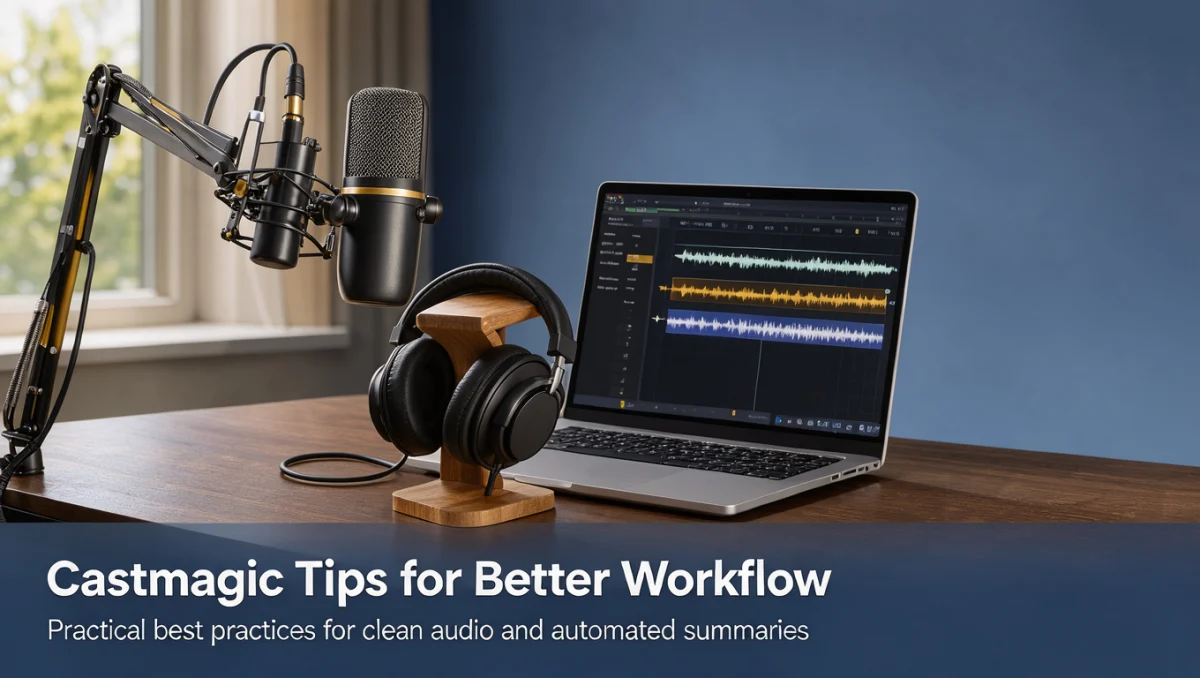
Creators, podcasters and marketing teams often lose hours cleaning up recorded conversations by hand. Smarter castmagic tips can turn that raw audio into organized written assets faster, and the approach that works best is rooted in daily operating habits rather than marketing promises. That perspective guides every evaluation at Tested Truth.
Output quality depends largely on how clean the source audio is and how clearly the prompts are written. Teams that set consistent rules for both avoid misleading summaries, cut down on repeated re-prompting and keep published material sounding like their own brand.
Quick answer: Focus on clean multi-track recordings, confirm upload allowances on the official Castmagic pricing page, and treat every automated summary as a rough draft that needs human editing before it goes live.
- Invest in clear recording conditions before relying on post-processing fixes.
- Check upload quotas and overage terms on official pages before you commit.
- Set custom style rules early so automated drafts follow your voice.
- Verify names and technical terms by hand before publishing.
- Keep master audio archives outside any third-party processing tool.
1. How Tested Truth Built This Guide
This guide weighs what the software is designed to do against the Tested Truth buying framework, so you can judge which option fits your business. Plans, prices and limits change frequently, so we flag what to confirm on the official website before purchasing. The article was drafted with AI assistance and then reviewed and edited by the Tested Truth Editorial Team.
2. What to Understand Before You Begin
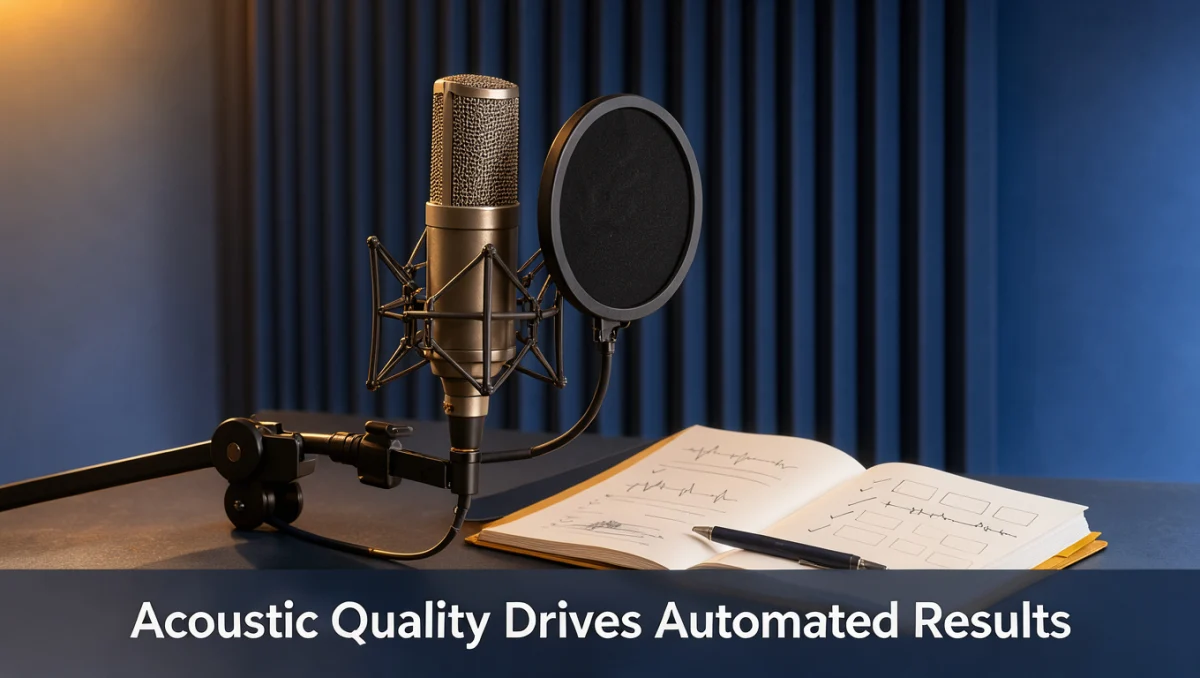
Audio processing tools depend on acoustic clarity to produce coherent transcripts and summaries. Applying castmagic tips starts with understanding that language models interpret sound phonetically, so background noise or people talking over each other weakens every later step of the content pipeline.
Before choosing a subscription, compare how often your team records against the processing limits of each plan. Since vendors adjust usage ceilings regularly, confirm on the official Castmagic pricing page how monthly recording allowances are counted so your schedule is not interrupted.
| Evaluation Factor | Operational Impact | Action to Take |
|---|---|---|
| Recording clarity | Muffled sound causes transcription errors and distorted summaries | Use dedicated microphones in quiet rooms |
| Usage allowances | Processing overages can stall weekly production schedules | Verify audio processing allotments on official plan pages |
| Vocabulary specificity | Specialized industry terms may be misidentified | Create shared terminology glossaries for editorial passes |
3. Red Flags to Watch For
Automated content production carries specific risks when teams lean on machine drafting without quality checks. Spotting warning signs early in any Artificial Intelligence tool helps keep editorial standards consistent.
| Red flag | Why it matters | What to do instead |
|---|---|---|
| Publishing unreviewed copy | Invented statements or distorted quotes erode audience trust | Require editorial sign-off for all generated text |
| Ignoring multi-speaker overlap | Algorithms struggle to separate simultaneous voices accurately | Encourage structured turn-taking during recording sessions |
| Relying on software as primary storage | Vendor data policies change and platforms are not permanent archives | Store raw master audio on independent company cloud drives |
| Overlooking user permission levels | Confidential interview recordings might become accessible across teams | Check workspace access controls on the official website before purchase |
4. Mistakes to Avoid

Teams often run into the same friction points when they move to automated media tools. Correcting these habits protects production time and raises the overall quality of output.
4.1. Treating Automated Output as Final Copy
Speech processors pull out conversational highlights well, but spoken phrasing rarely reads well on the page without revision. Publishing first-pass summaries as finished articles often leaves repetitive sentence patterns and clumsy transitions. Assign an editor to rephrase key points and check context every time.
4.2. Skipping Audio Quality Checks
Trying to repair muffled audio, low bitrates or heavy echo with software rarely produces good results. When transcription struggles with distortion, summary engines tend to generate speculative conclusions. Time spent on microphone placement and room treatment saves hours of transcript cleanup later.
4.3. Failing to Standardize Prompt Instructions
Writing new prompts for each episode produces inconsistent formatting and scattered brand messaging. When team members invent different extraction requests every week, newsletters and social summaries drift in tone. Keep a central library of standard prompt templates for the whole organization.
5. Questions to Ask Before You Commit
Before signing an agreement, clarify contract terms and technical capabilities for any audio productivity tool. Consider raising these questions with sales representatives or internal stakeholders:
- How are processing overages handled if recording length exceeds standard monthly allocations?
- What data retention policies govern uploaded recordings and generated text over time?
- Are additional team seats billed at a flat rate or per individual collaborator?
- Can you download complete raw transcript files alongside formatted summaries?
- Which export formats support direct integration into your publishing pipeline?
6. Good Habits That Save Time
Consistent media management routines keep editorial momentum going and make collaborative review easier across departments. Steady habits help your software investment deliver value over the long term:
- Label and date master audio files systematically before starting any processing task.
- Review automated speaker labels right away to prevent misattributed dialogue.
- Maintain a style sheet covering capitalization, acronyms and product spellings.
- Export finished written assets into internal knowledge folders so teammates can find them.
- Audit subscription usage each quarter to confirm it matches your current production volume.
7. Frequently Asked Questions
7.1. What steps should teams take when transcription accuracy drops?
Accuracy usually falls when recording rooms add reverberation or when speakers talk over one another. Teams should test different microphone setups, reduce room echo and review source files before processing. Check the official Castmagic support resources to see which audio formats and sample rates produce the cleanest automated results.
7.2. Why is human editing still necessary for automated summaries?
Conversational speech includes tangents, filler words and loose grammar that read poorly on the page. Automated systems capture sounds but cannot independently verify facts or nuanced business context. Human editors keep quotes accurate, align tone with brand standards and make complex ideas clear.
7.3. What preparation helps new users get started smoothly?
New users should prepare clean test recordings and write an internal style guide before trying any processing workflow. Defining formatting requirements for newsletters, show notes and social posts makes it easier to judge template output objectively. Confirm on the official website how custom prompt settings and project workspaces are organized.
7.4. When should growing organizations consider adjusting their setup?
Review your setup when monthly audio volume consistently nears a tier threshold or when several team members need simultaneous workspace access. Tracking monthly production hours shows whether you should upgrade or reassign seats. Compare current plan details on the official Castmagic website to find a scalable option.
8. Bottom Line
Practical castmagic tips help turn raw audio into structured written material more efficiently. Consistent results come from disciplined recording habits, standardized extraction templates and dedicated human editing. Verify workspace limits and usage terms on the official Castmagic website so you can build a productive, sustainable media workflow for 2026.
Have a question about choosing software? Send it to the Tested Truth team through our contact page or follow Tested Truth on LinkedIn for new reviews and comparisons.