Tested Truth may earn a commission when you buy through links on this page, at no extra cost to you. This does not affect our ratings.
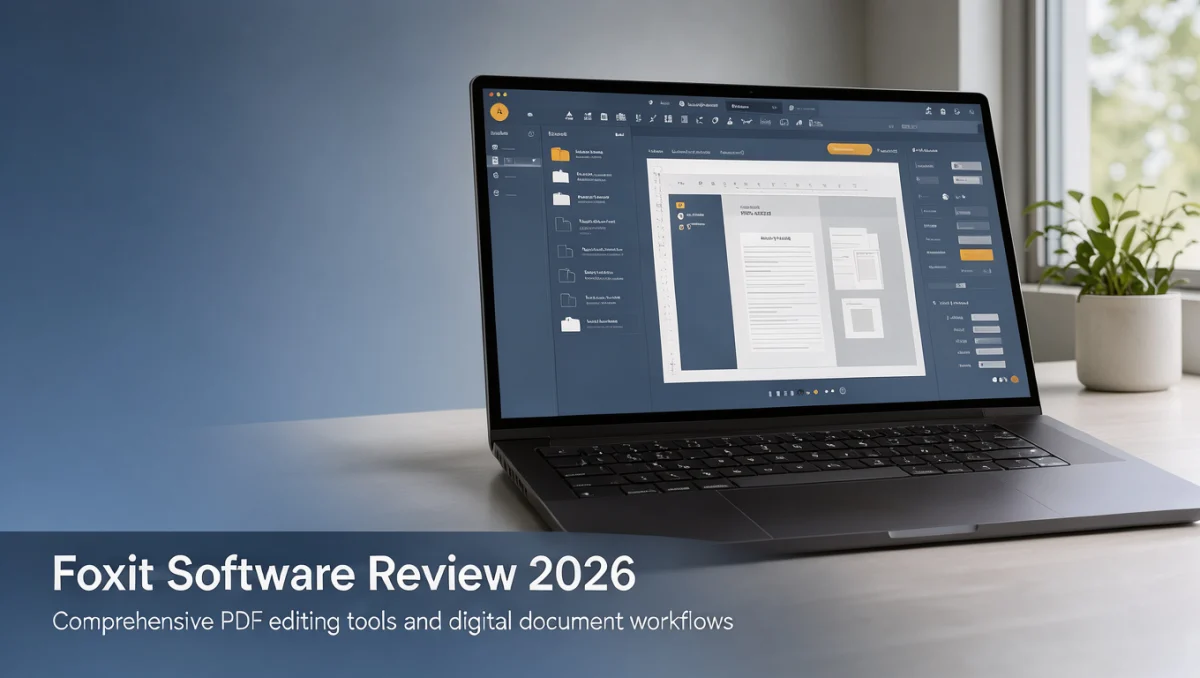
Foxit Software offers desktop tools built to create, view, edit, convert and organize PDF files across professional workflows. At Tested Truth, we examine how these capabilities match real organizational document demands and help teams pick a setup that avoids unnecessary spending.
Choosing document software means weighing editing power against budget limits and the technical skill of your users. Checking how foxitsoftware handles everyday document tasks helps your team keep document presentation consistent while keeping administrative costs predictable.
Quick verdict: Foxit Software earns an overall Tested Truth score of 7.7 / 10. It suits organizations and professionals who need dedicated document editing, form handling and file conversion without paying for unnecessary enterprise extras. It is less suited to casual users who only need occasional viewing or basic text reading.
| Evaluation Criterion | Assessment Summary |
|---|---|
| Tested Truth score | 7.7 / 10 |
| Best for | Teams that handle high volumes of contract preparation, form generation and technical documentation. |
| Not ideal for | Casual readers who need minimal file viewing without annotation or conversion requirements. |
| Key strengths | Structured PDF creation, text modification, page assembly and document conversion workflows. |
| What to check before buying | Review the official Foxit Software plan comparison page to confirm seat allocations, signature allowances and technical support terms. |
1. How Tested Truth Reviewed Foxit Software
This review looks at what Foxit Software is built to do, who it serves and how it compares with similar tools, using the seven Tested Truth criteria: features, ease of use, pricing and value, integrations, audience fit, support and competitive position. Plans, prices and limits change often, so we point out what to confirm on the official website before you buy. This article was researched and drafted with the help of AI tools, then reviewed and edited by the Tested Truth Editorial Team.
2. What Foxit Software Is and Who It Is For
Foxit Software is a document technology vendor focused on PDF editing, form processing and document management utilities. Its core aim is to give businesses, academic institutions and independent workers full control over digital documents without depending on basic operating system viewers.
Teams handling sensitive client agreements, legal records, marketing collateral and administrative forms rely on document utilities to keep formatting standardized across different computing environments. Reviewing Collaboration & Productivity software options helps organizations unify communication standards while keeping internal workflows orderly.
The product suite targets business professionals, legal administrative staff, educators and enterprise departments looking for practical alternatives to legacy PDF platforms. Before choosing a specialized document utility, managers should decide whether their core need is simple file sharing or deeper structural modification.
3. Core Document Workflows
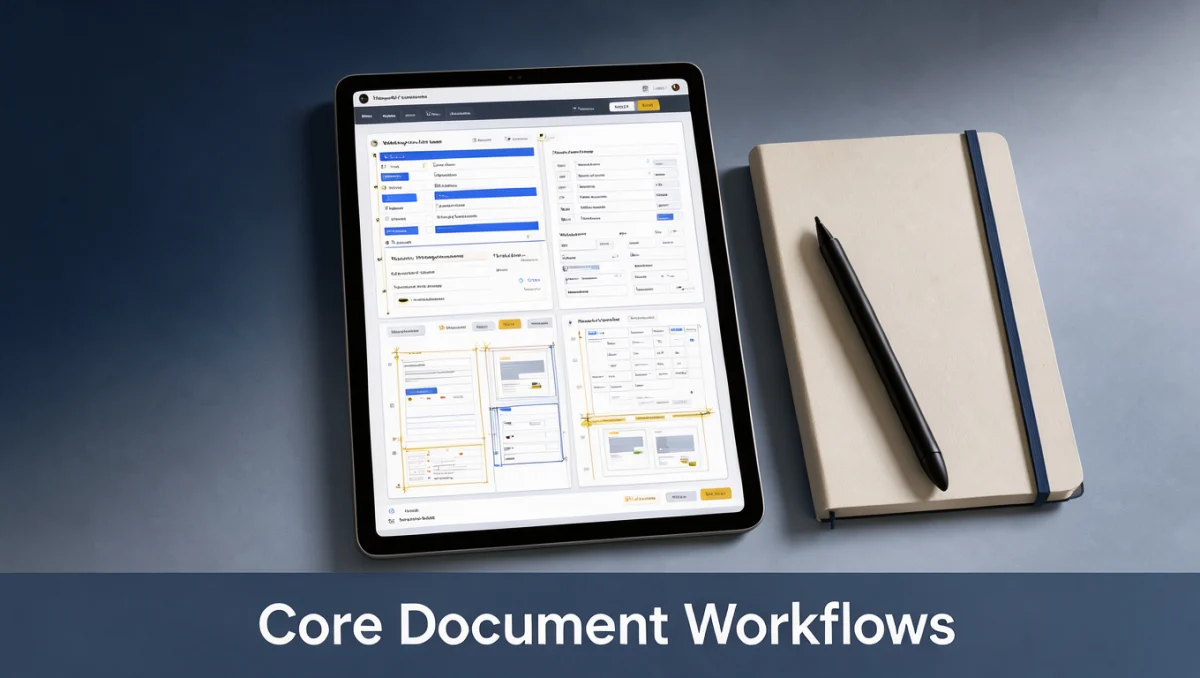
Document utility suites are judged by how well they handle standard file manipulation without damaging source formatting. Foxit Software centers its offering on several fundamental functional areas that address routine paperwork and corporate filing requirements.
3.1. Document Creation and Editing
Changing text and visual elements inside existing PDF files is a foundational capability for document management software. Foxit Software lets users change paragraphs, adjust font attributes, update images and rearrange content blocks directly on the page.
In everyday business operations, teams often need to fix typos or update contract terms without regenerating files from the original design software. Foxit Software preserves the original layout geometry while users insert paragraphs, adjust margins and manage header or footer information.
3.2. Page Organization and Document Assembly
Assembling multi-page reports requires splitting, rotating, extracting and merging individual sheets. Foxit Software provides page navigation layouts where operators reorder content, combine separate presentation segments and extract specific exhibits for distribution.
Document preparation teams frequently merge balance sheets, executive memos and appendix sections into unified project portfolios. Foxit Software allows users to insert blank pages, delete redundant draft sheets and split large corporate files into manageable chapters.
3.3. File Conversion and Export
Converting proprietary office formats into universal PDF files keeps visual fidelity across devices. Foxit Software supports bidirectional file processing, so operators can turn spreadsheets, presentations and word documents into standardized digital papers.
Reverse conversion matters just as much when legacy documentation must be extracted for revision. Foxit Software exports PDF content into editable word processing formats, calculation tables or plain text files to avoid manual retyping.
3.4. Interactive Forms and Signature Preparation
Administrative departments handle vendor onboarding, surveys and policy approvals using standardized data collection forms. Foxit Software includes tools to place text boxes, checkboxes, radio buttons and digital signature blocks onto static document backgrounds.
Operators can align field tabs, define automated calculation sequences for numerical entries and lock form structures before sharing. These preparation options streamline internal compliance workflows by establishing clean fields for authorized signers.
3.5. Review, Commenting and Annotation
Editorial collaboration depends on clear feedback mechanisms that do not corrupt the underlying text. Foxit Software supplies annotation tools including highlight markers, sticky notes, strikethrough indicators and visual callout shapes.
Team members reviewing contract proposals can leave contextual comments, attach reference files and reply to colleagues in threaded comment panels. This structured feedback loop removes conflicting email edits during review phases.
4. Ease of Use and Learning Curve
Interface design shapes how quickly administrative teams adopt new document tools. Foxit Software uses an office-style ribbon toolbar that groups related tools into logical tabs such as Home, Edit, Organize and Protect.
Users familiar with standard corporate word processors can find basic font formatting, saving and viewing adjustments without extensive onboarding. Locating specialized utilities such as optical character recognition or advanced form field scripting requires exploring secondary ribbon sections.
Organizations moving away from default system readers should expect a short adjustment period while operators learn how text reflows in fixed-layout documents. Because PDFs place elements by coordinates, heavy paragraph revisions require attention to margins and font alignment.
5. Pros and Cons
Weighing structural advantages against product limits gives a balanced basis for purchasing decisions. Buyers should assess these trade-offs before assigning the software across departmental workstations.
5.1. Pros
- Direct document editing preserves typographic layouts without needing the original source project files.
- Broad file conversion support simplifies moving data between standard office documents and archival records.
- Organized page assembly tools allow fast merging, splitting and extraction of report sections.
- Form development utilities streamline field creation, calculation rules and electronic signing preparation.
- Familiar ribbon navigation minimizes initial training time for operators used to common administrative software.
5.2. Cons
- Complex text reflow inside heavily designed marketing documents can cause unintended visual misalignment, requiring manual adjustment.
- Advanced automation and multi-seat deployment options need to be verified on the vendor website to confirm what each package includes.
- Extensive toolbar options may feel cluttered to team members who only perform simple reading tasks.
6. Foxit Software vs Similar Tools
Comparing Foxit Software with established market alternatives clarifies how it is positioned in the document management category. Document managers commonly weigh Foxit Software against Adobe Acrobat and Nitro PDF when reviewing corporate toolkits.
| Platform | Core Focus | Typical Evaluation Scenario |
|---|---|---|
| Foxit Software | Comprehensive PDF creation, editing and form management with practical desktop design. | Choose when you need full editing capability and structured document workflows without legacy enterprise premiums. |
| Adobe Acrobat | Standard-setting document ecosystem with extensive enterprise compliance integration. | Consider when organizational mandates require deep alignment with established creative suites and legacy enterprise standards. |
| Nitro PDF | Workflow-centered document management focused on business productivity and document signing. | Review when priorities center on team document approvals and collaborative office workflows. |
Buyers should first determine whether existing corporate policies mandate a specific proprietary ecosystem or whether standard PDF compatibility is enough. Document integrity holds steady across these professional platforms, so interface preference and total deployment cost are the main differentiators.
7. Who Should Use Foxit Software
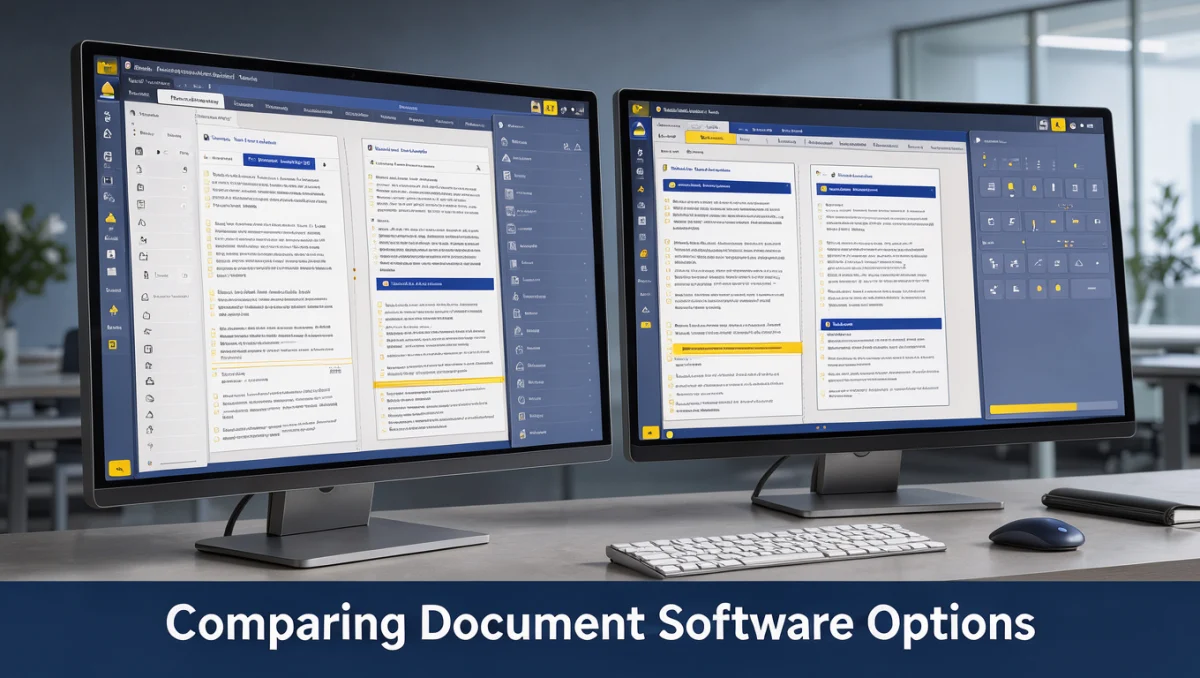
Different roles place different demands on document preparation, conversion and data security. Matching team responsibilities to software capabilities helps avoid buying specialized seats you won't use.
7.1. Small Business Owners
Small business operators handle vendor contracts, price sheets and client agreements without a dedicated IT department. Foxit Software offers straightforward tools to assemble estimates, redact sensitive financial figures and produce professional PDF presentations.
Business leaders who regularly issue standardized agreements get reliable document presentation without investing in complex enterprise packages. Confirming subscription seat structures on the official pricing page keeps costs manageable as staff numbers grow.
7.2. Office Workers and Administrative Staff
Administrative staff process onboarding documents, compile monthly reports and verify regulatory disclosures every day. Foxit Software lets them combine submissions from different departments into coherent executive binders with unified page numbering.
Form generation tools help administrators replace paper questionnaires with fillable electronic documents. Staff save processing time by distributing standardized digital files instead of printing, scanning and manually filing paper submissions.
7.3. Legal and Compliance Professionals
Legal teams need precise control over text changes, redactions and metadata removal before submitting court filings or sharing discovery records. Foxit Software allows legal assistants to organize exhibits, apply Bates numbering and secure sensitive paragraphs.
Document integrity is essential when handling confidential client records. Checking official documentation on compliance certifications and redaction verification helps protect administrative safety during formal legal exchanges.
7.4. Freelancers and Independent Consultants
Independent professionals send project proposals, portfolio samples and invoices to multiple clients every week. Foxit Software lets solo practitioners protect proprietary presentation decks and collect signatures on service agreements.
Independent operators should consider whether their document volume justifies dedicated editing software or whether occasional conversion utilities are enough. Consultants producing polished white papers and formal audit briefs gain more from dedicated editing tools.
7.5. Who Should Look Elsewhere
Users who only read digital books, download instruction manuals or review brief memos do not need advanced PDF editing software. Built-in operating system viewers handle viewing and basic printing without added subscription costs.
Creative agencies focused mainly on typography-heavy brochures or complex vector illustration should rely on dedicated desktop publishing tools rather than editing final PDF output. Those tools keep design layers far more flexible than post-production document editors.
8. How to Choose the Right Plan
Software vendors structure document utility tiers around advanced feature availability, user management controls and deployment preferences. Comparing your requirements against available packages prevents unexpected operating costs.
| What to check on the official Foxit Software page | Why it matters for your purchase |
|---|---|
| Single-user vs multi-seat administrative licensing | Centralized user management simplifies license reassignment when employees change roles in growing teams. |
| Advanced form calculations and JavaScript support | Complex internal questionnaires need scripted field logic, which may be excluded from foundational tiers. |
| Optical character recognition language coverage | Scanning archived paper records requires strong language libraries to extract searchable text accurately. |
| Electronic signature transaction volume rules | Organizations sending recurring customer contracts need clear limits on monthly or annual signature requests. |
| Operating system support across workstations | Cross-platform offices must confirm that editing features behave consistently across desktop environments. |
Buyers should list their essential document tasks before reviewing current pricing. Consulting department managers helps ensure the chosen tier fits real document routines without paying for unused features.
9. Frequently Asked Questions
9.1. Which document tasks require dedicated PDF editing software instead of a free viewer?
Standard viewers let users open, scroll through and print existing PDF files, but they prevent changes to underlying text, page geometry or embedded images. Dedicated editing tools become necessary when an organization must update contract wording, combine departmental files into single reports, build interactive intake forms or redact confidential figures before distribution.
9.2. What should buyers check regarding text editing in multi-column documents?
Editing text in complex multi-column documents requires checking how the software handles paragraph boundaries and font matching. Because PDFs store characters at fixed coordinates rather than in flowing text streams, adding long sentences can disturb column alignment. Buyers should review official documentation on paragraph reflow to confirm layout stability during revisions.
9.3. Why should teams review administrative controls before buying multiple seats?
Organizations buying for several employees should confirm whether the vendor offers a central portal for seat activation, license transfer and policy enforcement. Without central controls, IT staff must configure each workstation manually, making it harder to recover licenses when employees leave or change roles.
9.4. What determines whether basic file conversion is enough for an office?
Offices that only share finished text documents often find print-to-PDF functions sufficient for daily communication. Dedicated document suites become valuable when teams must convert spreadsheets with preserved formulas, extract editable tables from scanned archives or batch-process large numbers of historical records into standardized formats.
10. Final Verdict
Careful evaluation of workplace document needs helps ensure a software purchase delivers clear operational gains without straining budgets. Independent reviews from Tested Truth focus on practical usability, long-term functionality and straightforward deployment.
| Tested Truth Criterion | Score /10 | Evaluation Reason |
|---|---|---|
| Features | 8.5 | Broad capabilities for document creation, page assembly, text editing, form generation and file conversion. |
| Ease of Use | 8.0 | Familiar ribbon-style layout simplifies navigation for operators used to standard corporate office suites. |
| Pricing and Value | 7.5 | Competitive positioning means buyers should verify seat minimums and feature allocations on the official pricing page. |
| Integrations | 7.0 | Standard desktop interoperability should be confirmed against specific cloud storage and workflow automation tools. |
| Audience Fit | 8.0 | Serves administrative staff, legal teams, small business operators and document managers who need structured editing routines. |
| Support | 7.0 | Support availability, response tiers and deployment guidance should be confirmed directly with official sales channels. |
| Competitive Position | 8.0 | A clear practical alternative to legacy enterprise document platforms for routine commercial document tasks. |
Overall Tested Truth score: 7.7 / 10
For teams that need structured contract assembly, dependable form generation and regular document conversion, Foxit Software provides a focused, practical toolkit that meets professional expectations. Before deploying, review current tier breakdowns on the official Foxit Software website to match licensing terms to your exact team size.
For personalized guidance on software, questions about specific workflow setups or editorial inquiries, contact our team at https://testedtruth.com/contact/ or connect with Tested Truth on LinkedIn at https://www.linkedin.com/company/testedtruth/.