testedtruth may earn a commission when you buy through links on this page, at no extra cost to you. This does not affect our ratings.
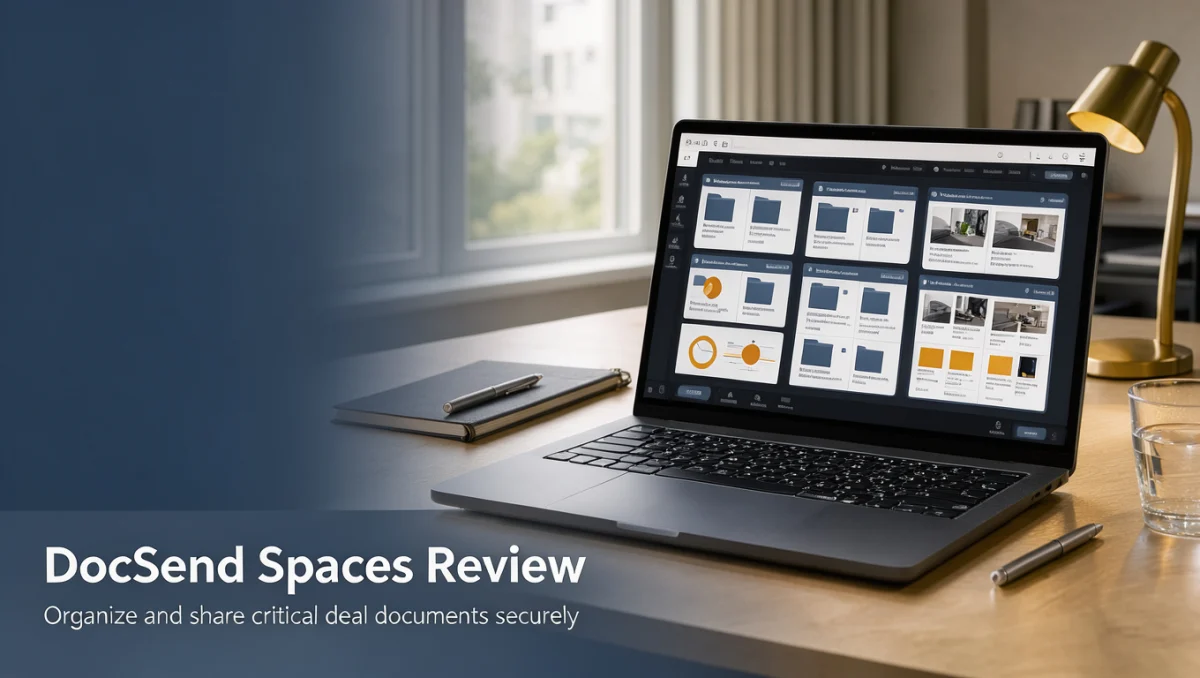
Sending a dozen separate attachments to investors or buyers creates confusion, missed files, and version chaos. docsend spaces takes a different route by grouping pitch decks, financial summaries, and diligence materials into one curated viewing portal that external parties open through a single link. Whether that approach fits your file distribution process depends on how its link controls, document organization, and viewer permissions work across your pipeline.
Document sharing tools keep evolving in 2026 as teams look for cleaner presentation and tighter control over sensitive disclosures. In this review, Tested Truth examines the core capabilities of shared document portals, weighing their practical strengths against the limitations buyers should understand before committing budget.
Quick verdict: DocSend Spaces earns an overall rating of 7.8/10 as a focused presentation and deal room tool. It suits fundraising founders, sales organizations, and advisory teams that share curated file bundles. It is less suited to organizations that need deep internal co-editing or complex multi-tier enterprise folder governance.
| Metric | Summary Details |
|---|---|
| testedtruth score | 7.8/10 |
| Best for | Teams that want structured, single-link document bundles for external prospects |
| Not ideal for | Organizations that need real-time collaborative document authoring and spreadsheet editing |
| Key strengths | Centralized content presentation, link-level access controls, unified document indexing |
| What to check before buying | Confirm user seat pricing and document storage allowances on the official provider website |
1. How testedtruth Reviewed DocSend Spaces
This review examines what the platform is built to do, who it serves, and how it compares with similar tools. We assessed it against seven testedtruth criteria: features, ease of use, pricing and value, integrations, audience fit, support, and competitive position. Plans, prices, and limits change frequently, so we flag what to confirm on the official website before purchasing. This article was researched and drafted with the help of AI tools, then reviewed and edited by the testedtruth Editorial Team.
2. What Is DocSend Spaces and Who Is It For
DocSend Spaces works as a curated digital environment where professionals group multiple presentations, contracts, and spreadsheets into one unified viewer link. Developed within the DocSend product suite from Dropbox, it addresses the friction of sending ten separate attachments to outside stakeholders during fundraising rounds, acquisitions, and enterprise sales cycles.
The platform targets dealmakers who need external parties to navigate related files in a logical order. Instead of granting unrestricted cloud drive access or managing scattered download links, administrators select specific folders, sequence content, and track viewer interactions from a central dashboard.
External recipients view shared assets through a clean, web-based interface with no mandatory software installation. Within the wider landscape of modern Collaboration & Productivity tools, docsend spaces functions mainly as a delivery and presentation layer rather than a workspace for creating files.
3. Core Capabilities of DocSend Spaces
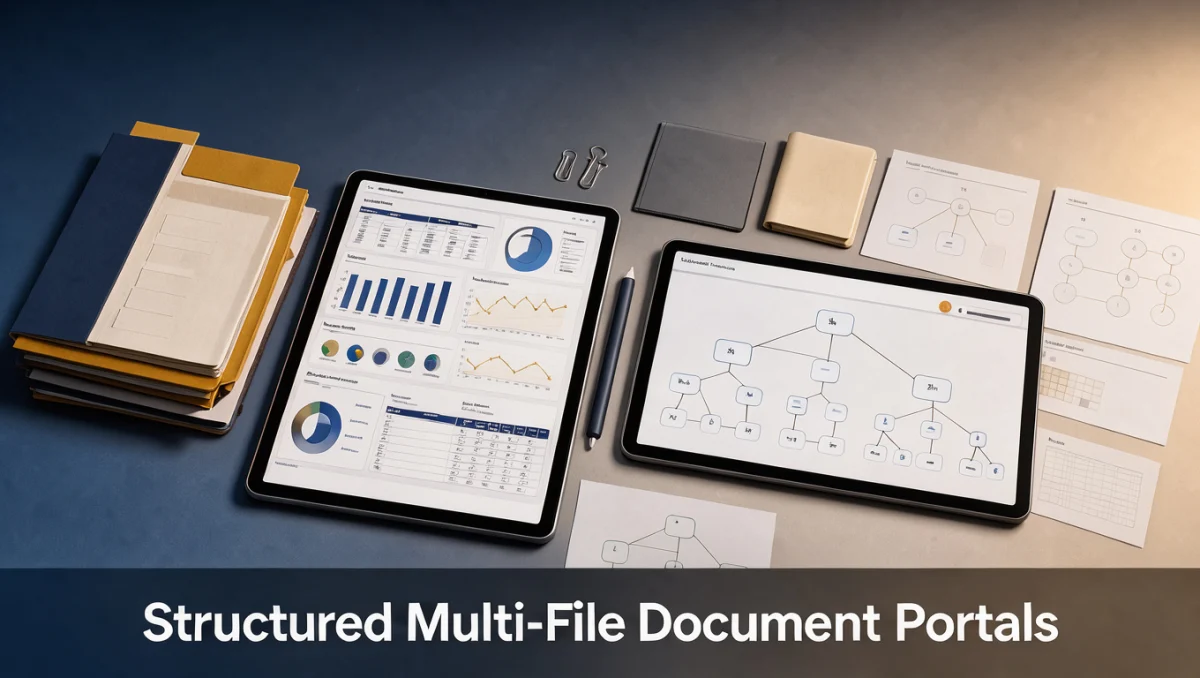
Understanding how shared document spaces are structured helps buyers decide whether the system fits their routine workflows. The platform rests on three functional groups: asset compilation, access governance, and organized content presentation.
3.1. Unified Document Compilation and Organization
Compiling mixed file formats into one organized directory is the primary job the system does. Administrators upload slide presentations, PDF agreements, research reports, and spreadsheets into designated sections within a single portal. Reviewers can then browse an entire diligence packet or pitch package without digging through scattered email threads.
Content updates stay simple. When financial figures or slides change, administrators can replace the source file inside the portal without generating a new URL, so every existing recipient sees the latest version right away.
3.2. Link-Based Viewer Permissions and Access Governance
Access control operates at the link and space level, giving creators authority over who reviews specific materials. Senders can require email authentication, set access passcodes, or define expiration dates that end visibility once a negotiation window closes.
Administrators can also revoke viewing permissions instantly if discussions stall. Because recipients read files through a streaming viewer, senders keep more control over distribution than they would with traditional email attachments, which permanently live on a recipient's hard drive.
3.3. Document Presentation and Recipient Experience
The external viewer interface emphasizes clarity and professionalism. Recipients see a structured table of contents listing every authorized document, with preview panels and clean navigation controls. This format reinforces credibility during high-stakes capital raises, partner negotiations, and board presentations.
4. Ease of Use and Learning Curve
Setting up a shared environment requires little administrative training, so new team members can organize and share an initial document bundle within minutes. The upload flow follows familiar file-management conventions: users drag assets into categories, arrange the display hierarchy, and generate sharing links with defined security settings.
External visitors need no specialized onboarding. Reviewers click the supplied link, complete any required email verification, and browse the compiled files in a standard desktop or mobile browser. This low-friction entry point avoids technical delays during investor or client reviews.
Operational complexity appears only when teams manage dozens of spaces at once without established folder naming conventions. Setting clear internal tagging guidelines early prevents confusion about which prospect has access to which custom environment.
5. Pros and Cons of DocSend Spaces
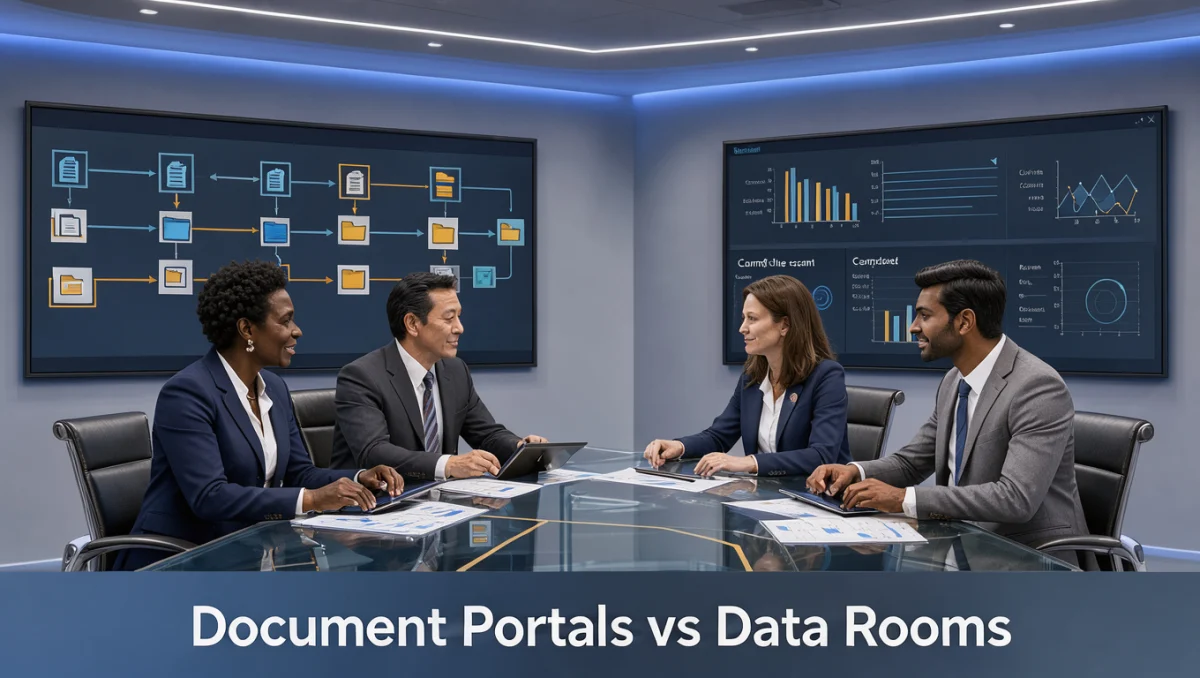
Every software solution involves trade-offs between specialized presentation and broad utility. Weighing these advantages against the operational constraints helps buyers determine whether the tool matches their transaction volume.
Pros of Using Document Spaces
- Consolidates complex document sets into one professional, branded presentation URL.
- Lets administrators update source files without invalidating existing recipient links.
- Provides granular link controls, including password protection, email verification, and access revocation.
- Delivers an intuitive viewing experience for external parties across standard web browsers.
- Replaces bulky email attachments that often trigger corporate spam filters.
Cons and Limitations
- Lacks native document creation tools, so all materials must be drafted in external software suites.
- Does not replace full-scale enterprise virtual data rooms that require complex multi-party compliance audits.
- Becomes hard to organize when administrators manage hundreds of concurrent deal rooms without structured naming conventions.
- Relies on vendor subscription tiers for advanced governance settings, so plan details need careful verification.
6. DocSend Spaces vs Similar Tools
Prospective buyers often weigh specialized document portals against broader cloud storage drives and dedicated virtual data rooms. Understanding how each category is positioned clarifies which software fits your deal complexity.
| Solution Category | Best For | Core Operational Focus | Consider If |
|---|---|---|---|
| DocSend Spaces | Curated deal presentations and fundraising decks | Unified multi-file presentation with viewer access rules | Your primary goal is delivering polished, trackable bundles to prospects |
| Traditional Cloud Storage (Box, Dropbox, Google Drive) | Internal team collaboration and deep folder hierarchies | Broad file storage, sync, and internal co-authoring | Your team needs multi-user real-time document editing and unlimited file structures |
| Enterprise Virtual Data Rooms (Intralinks, Datasite) | Large-scale mergers, legal audits, and banking transactions | Complex compliance certifications, watermarking, and audit trails | Regulatory frameworks mandate dedicated corporate finance deal infrastructure |
Traditional cloud drives excel at internal storage and real-time co-authoring, but their public sharing links often look utilitarian and disorganized to outside partners. High-end enterprise virtual data rooms offer exhaustive compliance capabilities, yet their procedural overhead can slow nimble startup fundraising or boutique consulting work. DocSend Spaces sits in the middle, balancing polished presentation with rapid deployment.
7. Who Should Use DocSend Spaces
Identifying your operational profile ensures that a software investment directly supports revenue and relationship goals.
Startup Founders and Fundraising Teams
Founders running capital rounds benefit from packaging pitch decks, cap tables, and founder biographies into one controlled environment. Updating financials across thirty active investor conversations takes a single file replacement, saving hours of manual back-and-forth.
Boutique Advisory Firms and Investment Bankers
Advisory professionals handling private placements or asset sales can give prospective buyers organized transaction summaries without deploying complex enterprise data room infrastructure. Access can be suspended immediately if a bidder exits discussions.
Enterprise Sales and Account Executives
Sales professionals closing multi-stakeholder enterprise contracts use shared environments to combine proposals, technical specifications, and legal agreements. Giving security teams and procurement officers one definitive hub reduces lost materials during lengthy buying cycles.
Who Should Look Elsewhere
Organizations that need a platform for day-to-day document drafting, collaborative spreadsheet work, or permanent archival storage will find dedicated cloud productivity suites a better match. Teams managing highly regulated initial public offerings may also need specialized financial data room compliance tools.
8. How to Choose the Right Plan
Vendors frequently change packaging, subscription tiers, and feature allocations, so buyers should evaluate their requirements systematically before purchasing.
| What to Check on the Official Website | Why It Matters to Your Budget |
|---|---|
| Space Creation Limits | Certain subscription levels cap the number of active spaces administrators can maintain at once. |
| Access Control Permissions | Advanced protection features like email whitelisting and dynamic watermarking may sit inside specific plan tiers. |
| User Seat Add-On Costs | Adding team members to manage separate deal pipelines can raise the overall monthly subscription commitment. |
| Document Storage Caps | High-volume transactions involving large architectural or financial files may require higher data allocations. |
To avoid unexpected expenses, audit how many concurrent deal pipelines your team runs each quarter. If your advisory practice manages several parallel transactions, confirm on the official DocSend pricing page whether your projected space count requires custom licensing.
9. Frequently Asked Questions
How should teams prepare documents before uploading them to a shared space
Teams should finalize core file structures, export presentations into clean PDF formats, and remove sensitive internal notes before upload. A clear numbering hierarchy ensures that external reviewers browse materials in the intended strategic sequence.
What steps help administrators prevent unauthorized sharing of sensitive links
Administrators should enforce email authentication, set passcodes, and define automatic link expiration dates when distributing confidential materials. Regularly auditing active links and revoking access for stalled deal conversations further protects proprietary data.
When does a business outgrow lightweight document spaces
Organizations typically outgrow basic document sharing environments when regulators require formal virtual data room compliance audits, index certifications, or legal watermarking. In those corporate finance scenarios, moving to a specialized audit-certified platform becomes necessary.
How does document replacement work when financial figures change
Administrators update figures by uploading revised versions directly into the existing space dashboard. The platform replaces the underlying document while keeping the original access URL, so existing recipients automatically see current data without extra steps.
10. Final Verdict on DocSend Spaces
DocSend Spaces is a practical, professionally styled way to compile and distribute important business collateral to outside reviewers. It bridges the gap between chaotic email attachments and cumbersome corporate data rooms, giving deal teams reliable governance over external document access.
| Evaluation Criterion | testedtruth Score /10 | Operational Reason |
|---|---|---|
| Features | 8.5/10 | Provides dependable multi-file compilation, link controls, and structured presentation directories. |
| Ease of Use | 8.5/10 | Maintains clean administrative workflows and an accessible, browser-based viewing portal for guests. |
| Pricing and Value | 7.0/10 | Buyers must confirm how seat requirements and space quotas scale relative to their deal pipeline volume. |
| Integrations | 7.5/10 | Connects cleanly within the broader cloud storage ecosystem while focusing on core link delivery. |
| Audience Fit | 8.0/10 | Particularly effective for founders, advisory consultants, and commercial account executives. |
| Support | 7.0/10 | Standard vendor assistance resources require buyers to verify service level commitments on the official portal. |
| Competitive Position | 8.0/10 | Occupies a clear position between basic cloud drives and heavyweight compliance data rooms. |
Overall Score: 7.8/10
For boutique dealmakers, corporate sales professionals, and fundraising teams that want an organized way to present multiple files under one secure link, DocSend Spaces offers dependable utility. Check your required user seat count and active portal limits on the official vendor website before subscribing.
Have questions about choosing the right document presentation software for your organization? Reach out to our team at Tested Truth or follow testedtruth on LinkedIn at https://www.linkedin.com/company/testedtruth/ for ongoing software evaluations.