Tested Truth may earn a commission when you buy through links on this page, at no extra cost to you. This does not affect our ratings.
Trade contractors and home service companies need a practical way to send invoices, take credit card payments on the job, and keep every work order in one system. Instead of juggling standalone card readers and handwritten ledgers, field crews can issue bills and collect balances before they leave the driveway. Our team looks at how well these built-in billing tools help technicians get paid while keeping accounting records tidy.
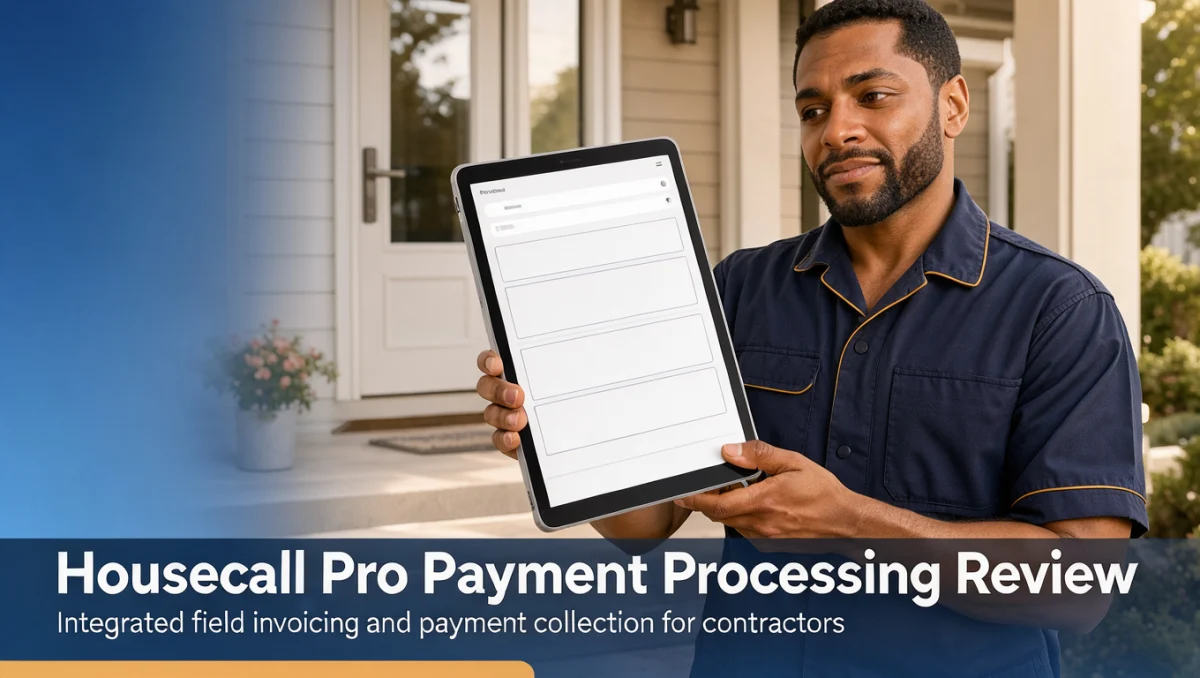
Companies handling residential maintenance and commercial repairs need billing that holds up during busy customer visits without creating hours of reconciliation work. Testing housecall pro payment processing shows whether digital invoices, on-site payment acceptance, and job records fit the way your crews actually work.
Quick verdict: Housecall Pro earns a testedtruth score of 8.0 / 10. It suits trade contractors and home service firms that want scheduling and mobile payment collection under one roof. It is less suitable for wholesale distributors or retail storefronts that need advanced inventory valuation and point-of-sale hardware.
| Metric | Details |
|---|---|
| testedtruth score | 8.0 / 10 |
| Best for | Trade contractors and home service technicians who want built-in field invoicing and mobile payment collection |
| Not ideal for | Retail storefronts or multi-warehouse distributors that need full point-of-sale hardware and stock valuation tools |
| Key strengths | Unified job dispatch, digital field invoicing, direct customer payment acceptance, and automated service notices |
| What to check before buying | Transaction percentage fees, equipment compatibility, accounting sync rules, and user permission limits on the official website |
1. How Tested Truth Reviewed Housecall Pro
This review examines what Housecall Pro is designed to do, who it serves, and how it stacks up against similar tools. We used our seven criteria: features, ease of use, pricing and value, integrations, audience fit, support, and competitive position. Plans, prices, and limits change often, so we flag what to confirm on the official website before you commit. This article was researched and drafted with AI assistance, then reviewed and edited by the Tested Truth Editorial Team.
2. What Housecall Pro Is and Who Uses It
Housecall Pro is a field service management platform built for home service businesses, specialty trade contractors, and residential maintenance professionals. It brings together dispatching, customer records, job tracking, and mobile invoicing so technicians and office dispatchers can run daily service routes smoothly. Rather than managing paper estimates, clipboards, and separate payment terminals, companies handle appointments and collections in a single admin environment.
The main audience includes plumbing, heating and cooling, electrical, carpet cleaning, roofing, and general handyman businesses. Field technicians in these trades often finish installations or emergency repairs and need to collect payment before leaving the site. The platform works for small family-run trades, growing service fleets, and mid-sized specialty subcontractors who want an orderly flow from booking through payment receipt.
3. Core Features of Housecall Pro Payment Processing
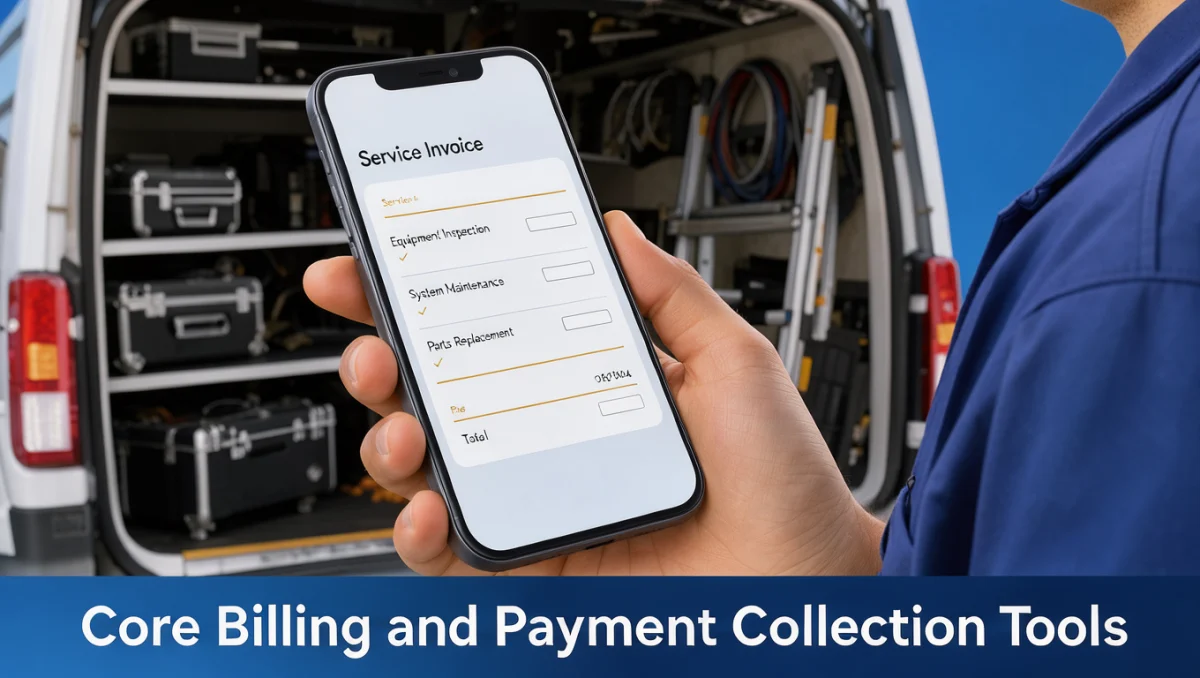
Payment processing in Housecall Pro sits at the end of the service lifecycle. Field service platforms typically treat billing as the final operational step of a dispatch, linking completed line items directly to invoices.
3.1. Invoicing and Digital Estimates
Technicians and dispatchers can turn written estimates into active invoices with minimal re-entry. Labor, replacement parts, and service fees populate customer invoices cleanly. Field professionals can send estimates straight to customers for digital approval, so crews can start work with clear documentation of project costs and approved scope.
3.2. Customer Payment Collection
The platform lets businesses accept credit card, debit card, and digital payments on site or through online customer portals. Technicians can collect payments during visits through mobile screens, avoiding the delays of mailed checks or follow-up calls. In modern trade operations, pairing billing with responsive customer service ensures homeowners get prompt receipts and clear job records.
3.3. Job Dispatch and Scheduling
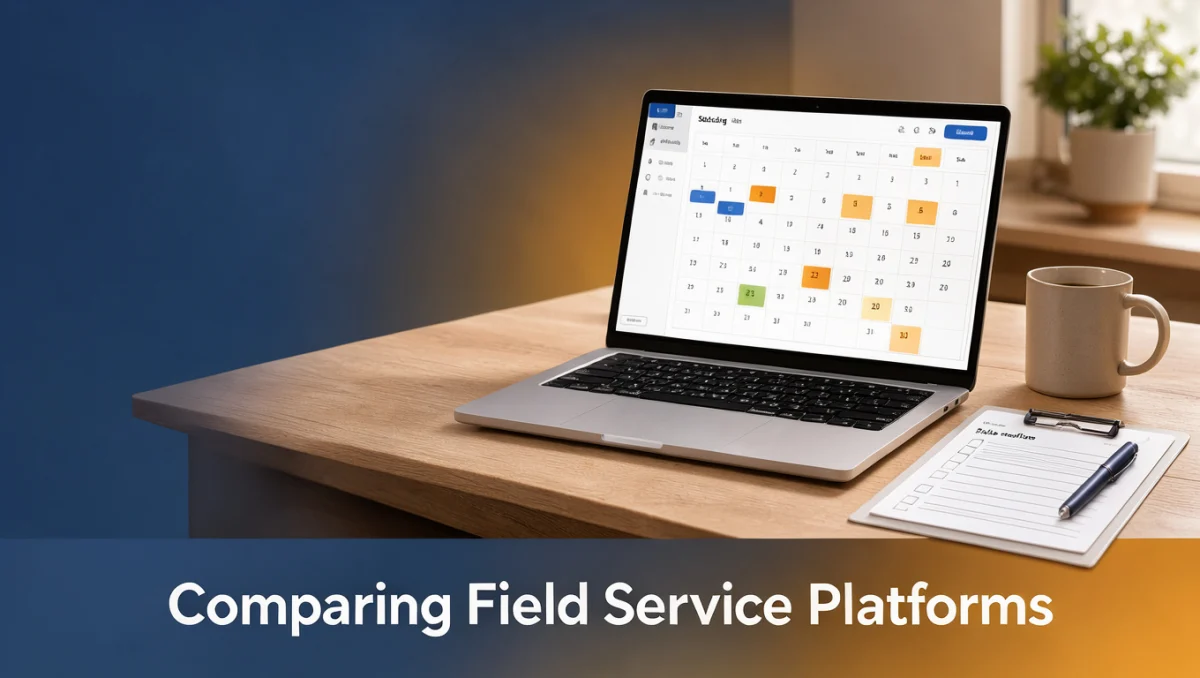
Dispatch calendars connect directly to billing records, so office administrators can see which technicians have finished jobs and whether balances remain open. When a technician marks an appointment complete, the dashboard updates job status and flags outstanding balances for quick follow-up. This link reduces missed charges and keeps technicians accountable for collecting agreed payments.
4. Ease of Use and Learning Curve
Housecall Pro emphasizes approachable mobile navigation for field technicians and a functional admin calendar for dispatchers. Technicians can open work orders, review job details, update notes, and capture digital signatures without any technical training.
Office managers work in an organized dashboard built around daily dispatch boards and customer records. Adding service items, editing invoice templates, and tracking paid accounts follows familiar software conventions. Setting up accounting categories and deposit accounts takes focused attention during initial rollout, but day-to-day invoicing and payment collection stay straightforward for trade crews.
5. Pros and Cons of Housecall Pro Payment Processing
Evaluating trade software means weighing everyday operational conveniences against the administrative realities of field service platforms.
- Unified workflow connects job dispatch, customer communication, and field payment processing in one place.
- Straightforward mobile interface lets field workers produce estimates and collect payments on customer premises.
- Digital estimates support fast homeowner approval, helping crews start projects without delay.
- Automated customer confirmations and receipts keep homeowners informed throughout the visit.
- Transaction fees and merchant processing charges apply to card payments, so contractors should review rates carefully.
- Businesses with complex multi-warehouse supply chains may find trade-focused inventory management less specialized than dedicated warehouse systems.
- Service firms should confirm payout schedules and bank deposit timing on the official vendor site before launch.
6. Housecall Pro vs. Similar Tools
Field service businesses often compare Housecall Pro with direct competitors such as Jobber, ServiceTitan, and Workiz. Each platform targets trade contractors with different operational focuses and organizational structures.
Jobber targets small-to-midsize home service companies that value intuitive quoting, client hub access, and field team scheduling. Workiz focuses on lock-and-key services, appliance repair, and dispatch-heavy teams that need call tracking. ServiceTitan serves larger residential and commercial contracting enterprises that require detailed inventory tracking, extensive job costing, and dedicated dispatch boards. Contractors should compare these platforms by business size, dispatch volume, and accounting workflow.
7. Who Should Use Housecall Pro
Contractors in residential repair and planned maintenance gain real value from pairing dispatching with immediate field collections. Independent trade professionals and growing technician crews benefit from dropping paper invoices and collecting balances before leaving the client's driveway.
By contrast, businesses running physical retail storefronts with cash drawers and barcode scanning should choose specialized retail point-of-sale software. Companies focused mainly on long-term commercial construction, with retainage billing and architect progress certifications, will need commercial construction accounting platforms rather than residential service management software.
8. How to Choose the Right Plan
Vendors structure service packages around business complexity, administrative seats, and processing options. Prospective buyers should review their operational requirements before purchasing.
| What to check | Why it matters |
|---|---|
| Merchant processing rates | Transaction fees on card payments directly affect your net margins across monthly volume. |
| Administrative seat limits | Adding office staff and field technicians changes base subscription costs over time. |
| Accounting reconciliation tools | Clean data synchronization prevents duplicate bookkeeping entries and manual tax calculations. |
| Mobile device hardware compatibility | Field technicians need reliable mobile hardware to accept card payments on customer visits. |
9. Frequently Asked Questions
What should contractors budget for beyond the base subscription?
Contractors should account for card processing fees on customer transactions, optional field card readers, and possible subscription upgrades as technician rosters grow. Comparing expected monthly processing volume against percentage charges helps calculate the full cost of accepting payments.
How do business owners verify deposit timing for collected payments?
Review payout terms and transfer timelines directly on the official vendor website before launching payment collection. These timelines determine when customer card transactions clear into your business checking account for payroll and operating expenses.
Should an accountant help set up field billing workflows?
Consulting an accountant or professional bookkeeper is strongly recommended when configuring tax rates, income categories, and bank synchronization rules. Clean initial setup ensures field invoices and card payments align with tax obligations and general ledger structures.
How can trade teams tell whether their technicians will adapt easily?
Evaluate how simple invoice creation and card processing screens are from a mobile perspective. Involving a lead technician in product demonstrations helps confirm that non-technical field workers can collect payments confidently without slowing down appointments.
10. Final Verdict on Housecall Pro Payment Processing
| Criterion | Score /10 | Reason |
|---|---|---|
| Features | 8.4 | Strong mix of job dispatch, digital estimates, mobile invoicing, and direct card collection. |
| Ease of Use | 8.6 | Intuitive mobile interface designed for technicians completing work on customer sites. |
| Pricing and Value | 7.6 | Buyers must weigh monthly subscription tiers against transaction percentage processing fees. |
| Integrations | 7.4 | Connects with standard trade accounting tools, though users should verify exact data sync parameters. |
| Audience Fit | 8.8 | Exceptionally well aligned with residential home service contractors and specialty repair trades. |
| Support | 7.2 | Buyers should confirm support channels, onboarding help, and operating hours on the official website. |
| Competitive Position | 8.0 | Holds a balanced position alongside competitors like Jobber and Workiz. |
Housecall Pro payment processing earns an overall score of 8.0 / 10. For residential service trades, plumbing specialists, electrical contractors, and heating service teams, the platform offers a cohesive system that connects client appointments directly to completed payments. Before rolling it out across your fleet, check merchant transaction rates, user seat configurations, and payout schedules on the official vendor website.
Have questions about choosing field service software? Contact our testing team at https://testedtruth.com/contact/ or follow the Tested Truth editorial team on LinkedIn at https://www.linkedin.com/company/testedtruth/.