Tested Truth may earn a commission when you buy through links on this page, at no extra cost to you. This does not affect our ratings.
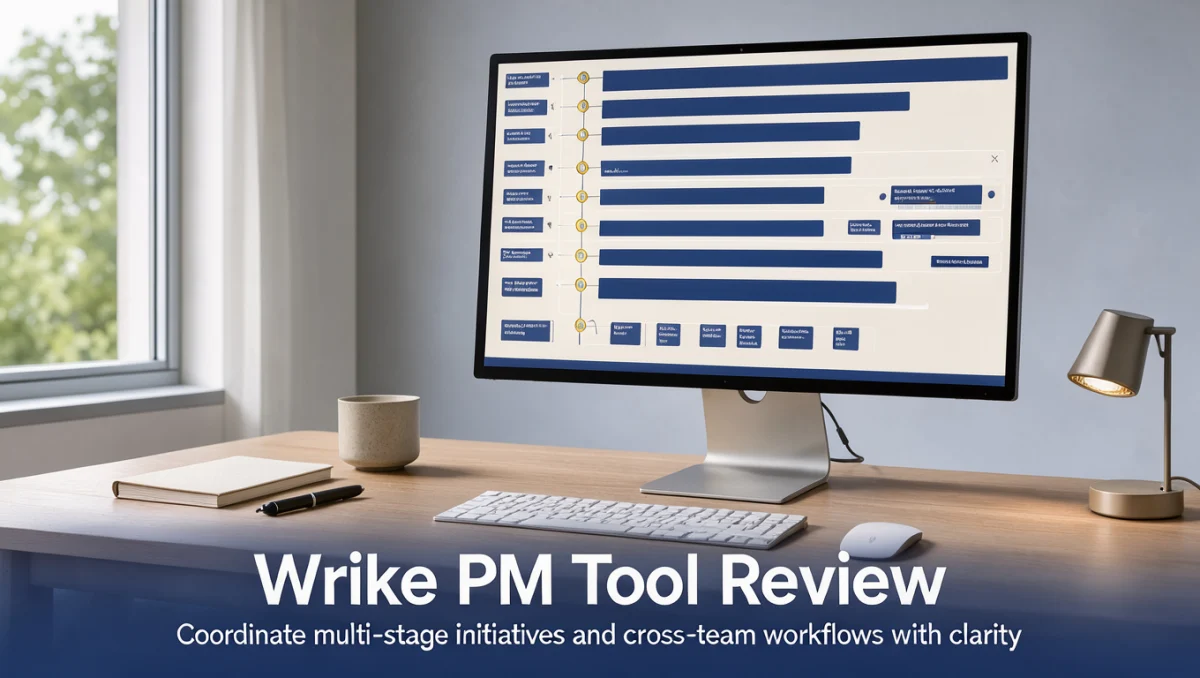
Teams juggling several workstreams at once often need more than a basic to-do list. They need to see how tasks connect, who owns each deliverable, and when each milestone is due. This review examines how the wrike pm tool handles that kind of coordination and where buyers should confirm technical details on the vendor's site before signing up.
Quick verdict: With an overall score of 7.9 / 10, the platform suits multi-layered teams running concurrent operations, cross-functional schedules, and document review cycles. It is less well suited to solo freelancers or small groups that want a minimal task list with little administrative overhead.
| Metric | Evaluation |
|---|---|
| testedtruth score | 7.9 / 10 |
| Best for | Teams handling multi-stage initiatives and cross-departmental schedules |
| Not ideal for | Solo professionals needing basic personal to-do trackers |
| Key strengths | Hierarchical project breakdown, Gantt timeline tracking, and integrated proofing |
| What to check before buying | Review specific seat tiers, add-on costs, and user permissions on the vendor site |
1. How Tested Truth Reviewed Wrike
This review looks at what Wrike is built to do, who it serves, and how it compares with similar tools, using the seven Tested Truth criteria: features, ease of use, pricing and value, integrations, audience fit, support and competitive position. Plans, prices and limits change often, so we point out what to confirm on the official website before you buy. This article was researched and drafted with the help of AI tools, then reviewed and edited by the Tested Truth Editorial Team.
2. What Is Wrike and Who Is It For
Wrike is a project management and work coordination platform designed to align departmental activities within a single digital workspace. Organizations use work management systems to bring together conversations, file revisions, task dependencies, and deadlines that would otherwise be scattered across chat channels and email threads.
In modern organizations, cross-functional projects demand clear visibility into who owns each task. The software tackles operational bottlenecks by organizing work into spaces, folders, projects, and individual assignments. This layered structure gives team directors high-level progress tracking while giving individual contributors clarity about upcoming deadlines.
The system mainly serves mid-sized organizations and growing enterprises where several departments collaborate on shared initiatives. Marketing agencies, design groups, operations squads, and product developers use the workspace to balance incoming project requests against available scheduling capacity. Organizations exploring the broader Collaboration & Productivity space often evaluate Wrike when basic list apps can no longer manage complex task dependencies.
3. Core Capabilities and Work Management Features

Work coordination tools need dependable building blocks to handle complex projects from conception through final sign-off. Wrike organizes its features around structured task lifecycles, clear timeline displays, and systematic review sequences.
3.1. Task Organization and Hierarchical Structuring
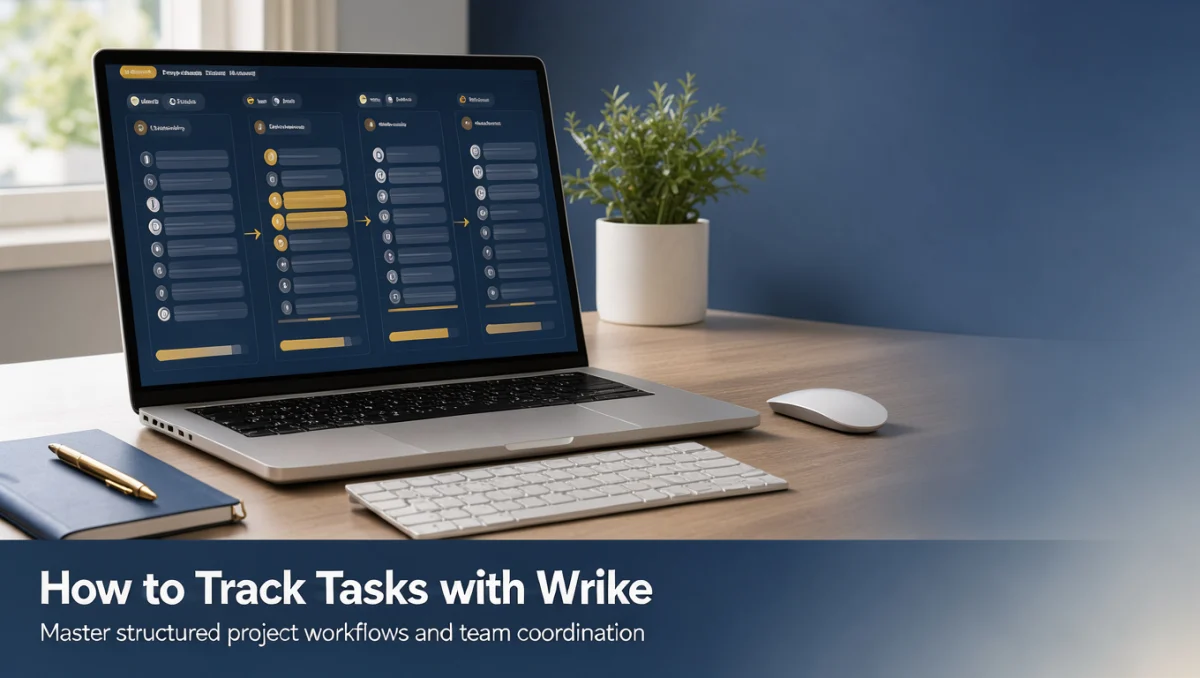
Work breakdown structures form the foundation of successful project delivery. Wrike lets managers split broad strategic objectives into functional spaces, nested project folders, individual tasks, and detailed subtasks. Each task carries designated assignees, schedule intervals, priority indicators, and customizable status labels.
This deep nesting helps project leaders keep records tidy without losing detail. When a major initiative contains dozens of technical subcomponents, assignees can focus on their immediate responsibilities while department heads track milestone completion across the wider portfolio.
3.2. Timeline Tracking and Interactive Gantt Charts
Visualizing task dependencies helps prevent costly delays before work begins. Wrike includes interactive Gantt chart displays that highlight the chronological relationships between predecessor and successor assignments. When a project phase shifts because of unforeseen revisions, linked milestones recalculate their dates along the timeline.
This view helps managers forecast critical delivery paths and rebalance team schedules. Project coordinators can spot likely delays early, keeping delivery deadlines realistic throughout execution.
3.3. Collaboration, Asset Review, and Document Proofing
Managing creative and operational reviews through scattered email chains leads to miscommunication and missed corrections. Wrike builds structured comment streams, mention systems, and contextual file proofing directly into task environments.
Reviewers leave visual comments directly on uploaded graphics, layouts, and document drafts. Version control tracks iterative revisions over time, so feedback stays attached to the relevant task record rather than getting lost in unstructured chat threads.
3.4. Dynamic Dashboards and Custom Workflows
Standardized workflows rarely fit every discipline equally. Software developers, creative editors, and operations analysts move through distinct lifecycle stages. Wrike lets organizations design custom status stages and dashboard views that reflect specific departmental procedures.
Team leads can set up dashboards that highlight overdue items, unassigned intake requests, or upcoming reviews. This flexibility means team members spend less time manually filtering assignments and more time on active deliverables.
4. Ease of Use and Learning Curve
Complex work management platforms require deliberate setup, onboarding investment, and workflow governance. Wrike offers extensive flexibility, which brings a steeper initial learning curve than straightforward digital checklist tools.
New users need to understand how spaces, folders, parent projects, and individual subtasks differ from one another. Without agreed organizational guidelines, teams risk misplacing work or duplicating project records. Teams adopting the platform should designate an internal administrator to define naming conventions and template structures before onboarding general staff.
Once administrators have set up standard folders and intake routines, day-to-day navigation becomes straightforward for general team members. Individual contributors can open their centralized personal task lists to view assignments, reply to updates, and log activity without touching administrative settings.
5. Pros and Cons
Choosing enterprise software means weighing functional strengths against structural complexity. Teams must assess whether their organizational requirements justify the administrative discipline needed to maintain an advanced work management workspace.
5.1. Platform Strengths
- Comprehensive hierarchical structuring that supports complex operational initiatives across distinct departments.
- Interactive dependency mapping through dynamic Gantt charts that simplify schedule adjustments.
- Integrated document proofing tools that streamline multi-stakeholder creative feedback directly inside project files.
- Configurable operational dashboards and custom status workflows adapted to diverse business disciplines.
5.2. Platform Considerations
- Initial configuration requires deliberate planning and administrative governance to prevent workspace disorganization.
- Steeper learning curve for non-technical team members accustomed to simple personal checklist software.
- Certain advanced capabilities and governance settings require confirmation against official tier specifications.
6. Wrike vs Similar Tools
Understanding how different platforms position their core capabilities helps buyers navigate the collaboration software market. Evaluate alternatives against your team's specific collaboration habits and technical comfort level.
| Platform | Target Audience | Primary Structural Philosophy | Evaluation Focus |
|---|---|---|---|
| Wrike | Mid-sized organizations and complex teams | Hierarchical project spaces with deep dependency management | Verify tier features and user onboarding scope |
| Asana | General business squads and operational groups | Intuitive list-based and board-driven workflow coordination | Evaluate cross-team reporting depth |
| Monday.com | Teams seeking visual adaptability and visual boards | Grid-centric spreadsheets with customizable visual status columns | Confirm formula complexity and automation boundaries |
| Smartsheet | Organizations aligned with classic spreadsheet models | Grid-first project planning with familiar sheet mechanics | Assess visual proofing and creative review needs |
Asana emphasizes accessible task tracking and fluid cross-team visibility, which makes it attractive to creative marketing squads that want quick adoption. Monday.com is built around visual grid tables with extensive status options, suited to teams moving away from basic administrative trackers. Smartsheet targets departments that prefer traditional spreadsheet calculation paired with modern task governance.
Wrike sits between flexible work boards and formal enterprise portfolio structures. Its main advantage is managing complex project portfolios that require detailed dependency scheduling, multi-folder visibility, and integrated review processes.
7. Who Should Use Wrike
Different business structures demand different levels of project control. Evaluating your specific organizational needs helps you choose an administrative footprint that improves productivity without adding unnecessary complexity.
7.1. Freelancers and Solo Operators
Solo professionals managing independent client deliverables usually need lightweight task trackers and simple planning tools. Wrike's cross-departmental coordination architecture often exceeds what a single-person business needs. Freelancers should consider whether simpler board applications provide enough daily visibility with less setup time.
7.2. Small Business Owners and Startups
Growing commercial teams juggling concurrent initiatives across sales, marketing, and client fulfillment benefit from centralizing operations. Small organizations should confirm how team members share project access and whether their workflows need formal dependency tracking before committing to extensive setup.
7.3. Marketing and Creative Teams
Creative departments regularly manage incoming requests, iterative design drafts, and multi-stage stakeholder approvals. Integrated document proofing and customized status workflows add clear value by eliminating circular email review chains. Creative leads can verify asset feedback directly on source files, keeping production stages aligned with delivery deadlines.
7.4. Corporate Operational Departments
Cross-functional corporate units that handle regulated procedures, technical operations, or enterprise rollouts require strict accountability. The platform gives department heads visibility into project portfolios, resource distribution, and milestone dates, so they can step in quickly when scheduling bottlenecks appear.
8. How to Choose the Right Plan
Subscription software packages administrative controls, automation capacity, and reporting depth into separate service tiers. Prospective buyers should review vendor specifications carefully to find the plan that matches their operational scale.
| What to Check | Why It Matters | Where to Confirm |
|---|---|---|
| Seat allotments and minimum thresholds | Subscription tiers may enforce minimum user packages that influence budget projections | Official Wrike pricing page |
| Custom status workflows | Certain entry-level packages restrict custom stage names, affecting departmental alignment | Official plan comparison table |
| Advanced Gantt chart functions | Interactive dependency adjustments and milestone path tools vary by plan level | Vendor feature breakdown |
| Document proofing tools | In-line visual commenting features may reside in designated operational tiers | Official product specifications |
| Storage and asset capacities | Media-heavy teams uploading high-resolution collateral must monitor file limits | Official account guidelines |
Before choosing a package, buyers should document their current user count, expected growth, and specific departmental needs. Hold a team discovery session to list the essential functions, so you avoid paying for unnecessary enterprise add-ons.
9. Frequently Asked Questions
9.1. How should teams prepare their workflows before adopting Wrike?
Organizations should map existing project stages on paper, define consistent folder naming rules, and designate internal administrators before creating workspaces. Writing down structured procedures in advance prevents workspace clutter and speeds up staff adoption across departments.
9.2. What factors determine whether a team needs a more advanced tier?
Teams that need tailored intake forms, granular role-based permissions, advanced workload tracking, or cross-project portfolio summaries typically need an upper-level plan. Department leaders should audit their required administrative controls against the official vendor feature matrix.
9.3. How does cross-functional proofing work inside the platform?
Reviewers upload digital files directly to project tasks, letting stakeholders add contextual visual remarks to specific parts of a document. This keeps revision notes centralized and prevents contradictions between internal designers and client representatives.
9.4. What expenses should buyers expect beyond the base subscription?
Organizations should consider potential spending on specialized staff training, internal workspace architecture design, and vendor-specific add-ons. Factoring in administrative setup requirements from the start makes software spending more predictable over time.
10. Final Verdict
The wrike pm tool offers a structured, hierarchical work environment built for organizations that manage cross-departmental operations and intricate project lifecycles. Onboarding demands disciplined planning, but its combination of timeline scheduling, collaborative asset proofing, and portfolio visibility makes it a dependable choice for growing operations.
| Evaluation Criterion | Score / 10 | Assessment Reason |
|---|---|---|
| Features | 8.8 / 10 | Broad structural capabilities including Gantt charts, customized statuses, and asset proofing |
| Ease of Use | 7.2 / 10 | Hierarchical setup requires initial training and deliberate administrative governance |
| Pricing and Value | 7.5 / 10 | Value depends on aligning team size with tier-specific operational limits |
| Integrations | 7.8 / 10 | Connects into enterprise tech stacks; verify exact data sync rules with vendors |
| Audience Fit | 8.5 / 10 | Well-positioned for cross-functional groups, design squads, and enterprise operations |
| Support | 7.0 / 10 | Service channels and response commitments vary based on selected commercial tiers |
| Competitive Position | 8.2 / 10 | Maintains a distinct profile between simple task boards and formal portfolio platforms |
Overall Tested Truth score: 7.9 / 10
For structured organizations running concurrent operations across marketing, design, and technical teams, Wrike provides the coordination architecture needed to keep projects on track. Teams with simpler task needs should check whether a streamlined alternative offers enough coordination without the extra administrative upkeep.
Have questions about choosing the right work management platform for your business? Send your inquiries to the editorial team through Tested Truth Contact or follow our software evaluations on Tested Truth LinkedIn.