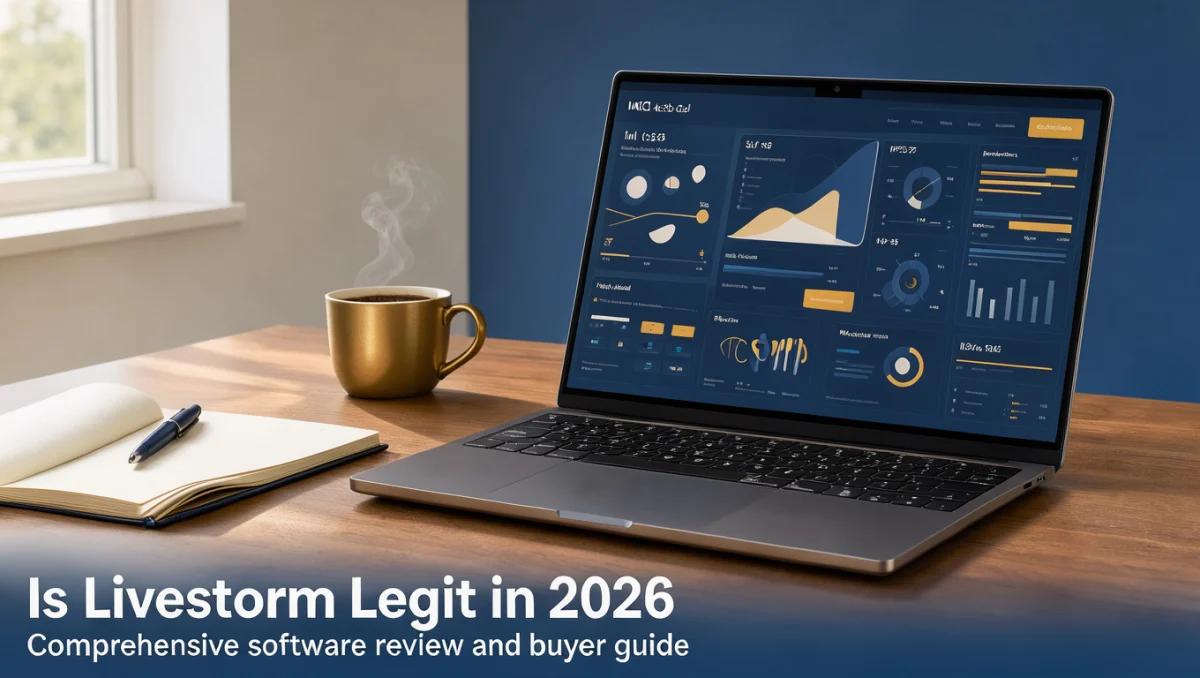
Choosing an event platform is a real commitment, so it is fair to ask whether Livestorm is genuine and dependable before you build a workflow around it. Businesses running webinars, product demos, and virtual meetings want to know the software offers stable hosting, sensible moderation tools, and clean attendee management. Our editorial team at Tested Truth reviewed how the platform handles those core jobs, and this guide shares what we found.
Before committing, you should check whether the tool fits the way your team actually delivers events. That means looking closely at audience engagement features, the technical setup involved, and how accounts are administered. Seeing how Livestorm performs in each of these areas will tell you whether it covers your everyday event needs or whether a different setup suits you better.
Quick verdict: Livestorm earns an overall Tested Truth score of 7.6 out of 10. It works best for marketing teams, educators, and product specialists who want interactive, browser-based sessions with automated workflows. It is less suitable for organizers who need complex on-premise deployments or full broadcast production studios. In short, if you ask whether Livestorm is legit, the evidence points to a credible, purpose-built event solution.
| Metric | Summary Assessment |
|---|---|
| Tested Truth score | 7.6 / 10 |
| Best for | Teams that want structured event workflows with built-in registration, live engagement tools, and post-session tracking. |
| Not ideal for | Hosts who need only a local desktop meeting client or elaborate multi-stage, television-style broadcast setups. |
| Key strengths | Streamlined registration funnels, live interaction modules, and post-event data reporting. |
| What to check before buying | Confirm current participant room capacities and team seat allowances directly on the official Livestorm website. |
1. How Tested Truth Reviewed Livestorm
This review examines what Livestorm is designed to do, who it serves, and how it stacks up against comparable tools. We assessed it against seven Tested Truth criteria: features, ease of use, pricing and value, integrations, audience fit, support, and competitive position. Plans, prices, and limits change frequently, so we flag the details you should verify on the official website before purchasing. This article was researched and drafted with the help of AI tools, then reviewed and edited by the Tested Truth Editorial Team.
2. What Livestorm Is and Who It Is For
Livestorm is an online video communication and event management platform developed by Livestorm Inc. It sits within the wider video conferencing and webinar software category and supports live presentations, customer training, product demonstrations, and virtual meetings. Organizations use tools like this to run virtual gatherings from start to finish without stitching together separate products for sign-ups, presentation delivery, and attendance tracking.
Livestorm's typical users include marketing professionals, customer success specialists, product educators, corporate trainers, and sales leaders. These people run structured sessions where registration, live interaction, and behavioral data matter as much as the video stream itself. Within the Collaboration & Productivity space, Livestorm stands out for covering the full event lifecycle rather than serving as a simple ad-hoc calling tool.
3. Core Features of Livestorm
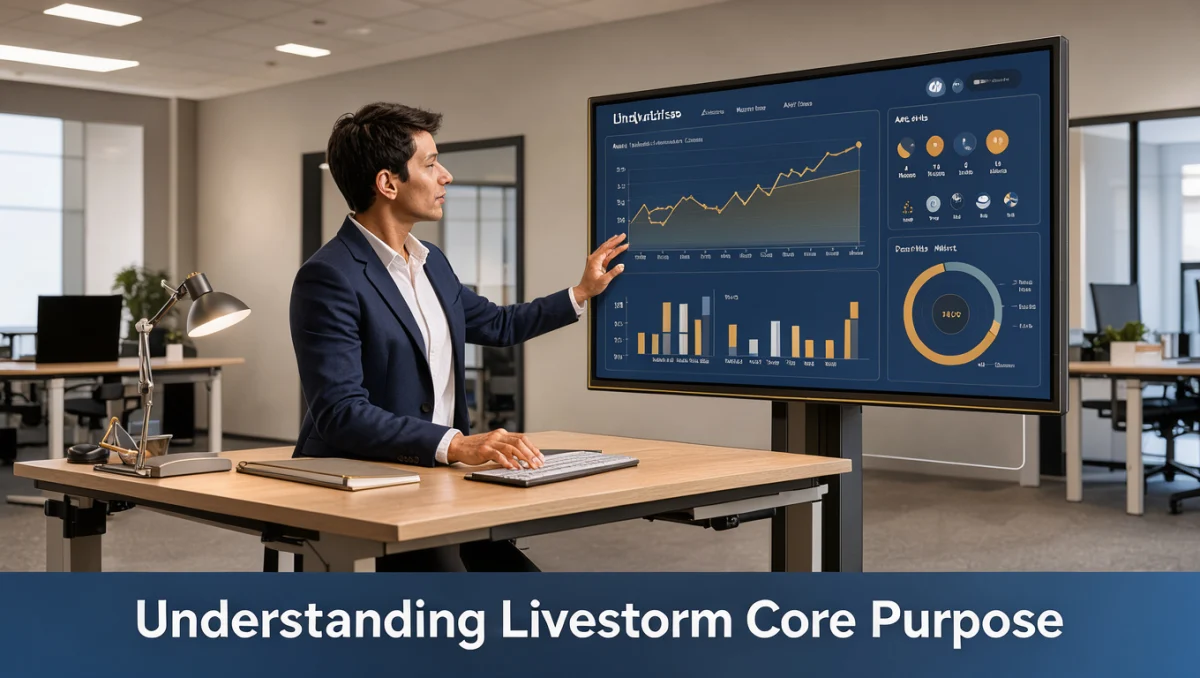
Video event platforms generally organize their functionality into three stages: pre-event management, live room interaction, and post-event analytics. Livestorm covers each stage with dedicated capabilities for building sessions and engaging audiences.
3.1. Event Creation and Attendee Registration
The pre-event phase centers on managing access and collecting participant details. Livestorm offers tools to create branded registration landing pages, customize data collection forms, and schedule automated email reminders. Organizers can set up single sessions, recurring series, or on-demand presentations where attendees can view recorded material. These features reduce manual coordination by sending sign-up details straight into attendee records.
3.2. Live Room Collaboration and Moderation
During live sessions, the presenter interface provides moderation and engagement utilities. Presenters can share slides and screens, invite guest speakers to the virtual stage, and moderate chat. Built-in engagement elements include a dedicated question-and-answer tab with audience voting, real-time polling, and clickable calls to action that point participants to specific URLs during demonstrations.
3.3. Post-Event Reporting and Replays
After a session ends, the focus shifts to attendance review and content management. Livestorm automatically generates recordings that can be sent to registrants who missed the live event. The analytics dashboard tracks attendance rates, time spent per participant, poll participation, and interaction metrics. These figures help organizers judge viewer retention and gauge audience interest with some objectivity.
4. Ease of Use and Learning Curve
Usability matters a great deal in presentation software, since live broadcasts leave little room for technical confusion. Livestorm arranges its room interface into clear panels, keeping chat, questions, polls, and settings visually separate. Because attendees join through a web browser, there is no software installation to get in the way, which makes entry easier for external visitors whose companies enforce strict device policies.
For administrators, setting up an event means working through a sequential checklist covering dates, registration fields, and email timing. First-time hosts usually need only a short trial run to get comfortable with speaker transitions, media sharing, and question management. Complex events with several hosts do call for thorough internal rehearsal, but the basic navigation is manageable for most corporate users.
5. Pros and Cons of Livestorm
A balanced evaluation means weighing both the functional benefits and the operational limits. Understanding both helps procurement teams decide whether the tool meets their standards.
- Structured event workflows: Registration, automated reminder sequences, live engagement, and replay distribution all live in a single management console.
- Frictionless browser access: Participants connect directly through modern web browsers without mandatory downloads.
- Interactive audience modules: Question voting, timed polls, and on-screen call-to-action buttons encourage measurable engagement.
- Automated replay generation: Recordings are created automatically when a session ends, simplifying post-event distribution.
On the other hand, potential buyers should understand these boundaries before choosing the platform:
- Capacity-dependent costs: Many webinar platforms tier subscriptions around maximum concurrent attendees, so larger audiences may require a plan change in advance.
- Browser-dependent performance: Because sessions run in the browser, connection stability depends heavily on each attendee's browser memory management and local resources.
- Limited broadcast staging: Teams that want multi-camera studio switching or sophisticated hardware video mixing may find the standard browser room controls restrictive.
6. Livestorm vs Similar Tools
The video event market includes several established alternatives, each aimed at different organization sizes and priorities. Comparing Livestorm with notable peers shows where each tool focuses its strengths.
| Platform | Target Positioning | Core Operational Focus | Consider If |
|---|---|---|---|
| Livestorm | Marketing teams, educators, customer success | Integrated event lifecycle, browser delivery, audience engagement | Your priority is smooth web-based registration, automated replays, and lead capture. |
| Zoom Webinars | General enterprise, broad corporate communication | High-capacity digital broadcasts, widespread client adoption | Your organization already relies on standard Zoom desktop clients for internal work. |
| GoTo Webinar | Traditional corporate training, established enterprises | Structured enterprise webinars, traditional panelist controls | You need legacy enterprise compliance settings and established corporate workflows. |
| Demio | Marketers and product demonstration teams | Marketing-focused webinars, conversion tracking, simple setup | Your main goal is optimizing marketing funnels and running live product demos. |
Zoom Webinars emphasizes large-scale enterprise reach through its desktop client, while Livestorm focuses on end-to-end event automation directly in the browser. GoTo Webinar targets formal corporate training seminars, whereas Livestorm offers a more modern interface built around attendee interaction. Weighing these differences helps teams pick the architecture that matches their corporate culture.
7. Who Should Use Livestorm
Different business roles use video event software in different ways. The sections below outline where Livestorm is most useful and where teams might think twice.
7.1. Freelancers and Solo Consultants
Independent professionals who run client workshops, group coaching, or paid classes benefit from the integrated registration and replay system. Instead of combining separate form builders, video rooms, and recording hosts, solo operators can manage everything from one dashboard.
7.2. Small Business Owners and Startups
Growing companies that regularly run customer onboarding webinars or sales demonstrations gain real efficiency. Automated email reminders and registration tracking run in the background, so small teams can present a polished brand without dedicated event production staff.
7.3. Marketers and Growth Professionals
Marketing departments running lead generation webinars benefit from native registration forms, interactive polls, and engagement tracking. The ability to push clear calls to action during live demos helps marketing teams send qualified viewers straight to demo booking pages.
7.4. Corporate Trainers and HR Teams
HR departments hosting internal training can use poll responses and question logs to gauge how well participants understand the material. However, very large organizations with strict governance policies requiring on-premise servers may find a public cloud model unsuitable for highly confidential internal broadcasts.
8. How to Choose the Right Plan

Livestorm uses a subscription model with several tiers based on operational scope and participant volume. Choosing the right one means matching your real needs against each plan's specific parameters.
| What to Check on the Official Pricing Page | Why It Matters |
|---|---|
| Live attendee limit | Webinar subscription tiers are often capped by maximum concurrent attendees, and exceeding that cap blocks additional guests. |
| Team host seats | Licensing determines how many team members can schedule, manage, and present events at the same time. |
| Session duration limits | Some subscription levels cap how long a single broadcast can run. |
| Recording storage and retention | Cloud storage limits affect how many past replays remain available online for on-demand viewers. |
| Advanced security settings | Features such as single sign-on or custom domain registration pages may require a higher tier. |
To avoid surprise costs, team leads should estimate their monthly event frequency, average attendance, and number of presenters before committing. Comparing these figures against the official Livestorm pricing page helps ensure the chosen plan handles regular attendance spikes without disruption.
9. Frequently Asked Questions
How should an organization evaluate video event platforms before buying?
Start by listing your typical audience size, number of concurrent hosts, and must-have engagement tools such as polls or question moderation. Test the registration workflow and attendee join steps during a live practice session to confirm the software meets your technical requirements without unexpected friction.
What factors drive the total cost of webinar software?
Total cost depends mainly on concurrent attendee capacity, the number of host licenses required, and any optional add-ons. Checking seat limits and participant caps on the official vendor website will give you a clearer picture of annual spending.
Why do event hosts prefer browser-based webinar platforms?
Browser-based rooms remove the need for attendees to download and configure software before joining. This matters for corporate attendees whose company-issued devices may be locked down by IT policies.
What preparation helps ensure a smooth live session?
Presenters should run a technical rehearsal to check microphone clarity, lighting, and screen sharing. Using a wired internet connection and closing unnecessary background browser tabs will reduce latency problems during the broadcast.
10. Final Verdict
Livestorm is a reputable, purpose-built platform for organizations running structured webinars, online classes, and interactive customer meetings. By combining registration pages, browser-based delivery, active moderation tools, and post-session analytics, it simplifies the administrative work of modern distributed teams. The Tested Truth editorial team evaluated the platform against our standardized review framework.
| Criterion | Score / 10 | Reason |
|---|---|---|
| Features | 8.0 / 10 | Comprehensive event lifecycle tools, including registration, interactive polls, Q&A, and automated replays. |
| Ease of Use | 8.5 / 10 | A clean browser-based interface simplifies room entry for attendees and setup for presenters. |
| Pricing and Value | 7.0 / 10 | Buyers must carefully match attendee thresholds to avoid capacity limits during live events. |
| Integrations | 7.5 / 10 | Connects with external marketing tools, though users should confirm specific workflow compatibility. |
| Audience Fit | 8.0 / 10 | Well suited to marketing, training, and customer onboarding teams running structured web events. |
| Support | 7.0 / 10 | Assistance varies by tier; buyers should verify response times directly through official channels. |
| Competitive Position | 7.5 / 10 | Holds a solid position against traditional desktop webinar tools thanks to modern browser accessibility. |
Overall Tested Truth score: 7.6 / 10
For organizations looking for a dependable, browser-native event management solution, Livestorm is a legitimate option that removes software download barriers while delivering the engagement features most teams need. Readers with questions about choosing software are welcome to contact the team at https://testedtruth.com/contact/ or follow Tested Truth on LinkedIn at https://www.linkedin.com/company/testedtruth/.
See More is livestorm legit