testedtruth may earn a commission when you buy through links on this page, at no extra cost to you. This does not affect our ratings.
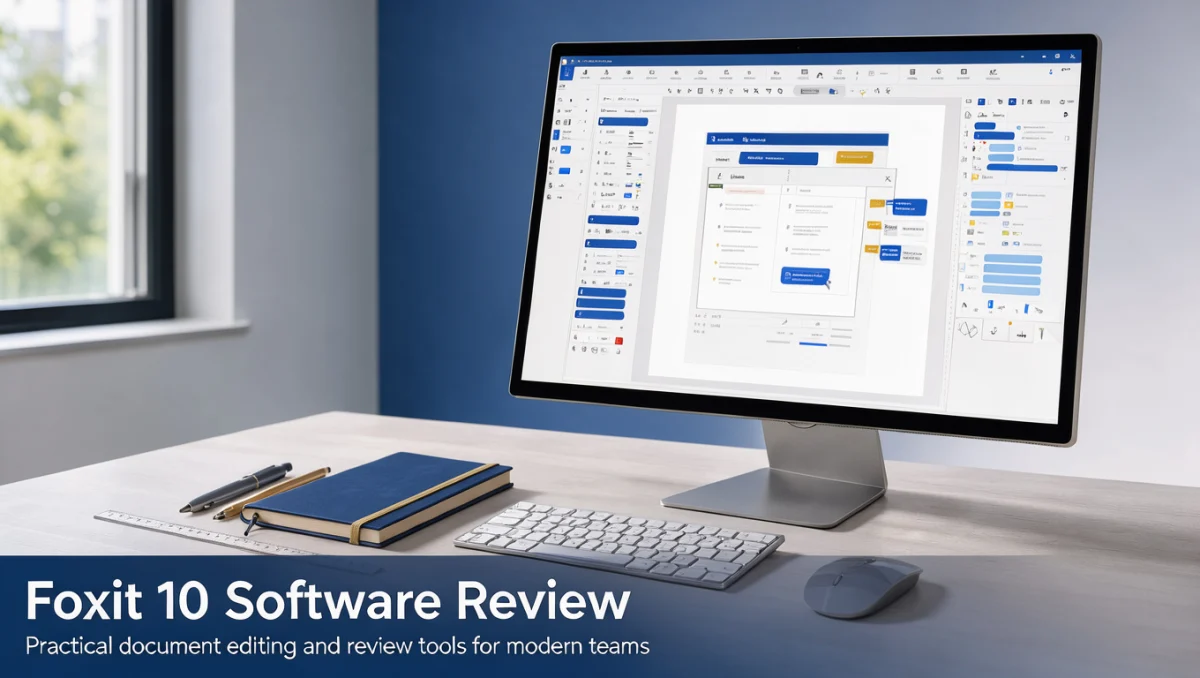
Looking for a dependable desktop app to handle PDFs? This foxit 10 review walks through what the software does well, where it falls short, and who should consider it. Foxit 10 is a dedicated PDF editor and document manager for viewing, creating, organizing and changing files on the desktop. Our goal at Tested Truth is to show how well it fits everyday office work, so buyers can set clear criteria before spending money.
Document tools differ widely between vendors, so the right choice depends on balancing daily usefulness against the effort of managing the software over time. Whether you review contracts, build fillable forms or archive records, the best fit comes from matching the tool to your real workload. If you are browsing the wider Collaboration & Productivity range, you will notice that suitability depends on how much your team collaborates, how strictly admins control access, and how many files you handle each week.
Foxit 10 earns an overall testedtruth score of 8.0 out of 10. It suits professionals and office teams who need reliable PDF editing, document conversion and standard review annotations. It is less suited to distributed teams that expect real-time multi-user co-authoring without traditional file checkouts.
| Evaluation Dimension | Summary Assessment |
|---|---|
| testedtruth score | 8.0 / 10 |
| Best for | Office workers, document controllers, and legal teams needing structured PDF editing and form handling |
| Not ideal for | Teams requiring simultaneous multi-user document collaboration in browser environments |
| Key strengths | Document text manipulation, standard file conversions, form creation, and versatile review annotations |
| What to check before buying | Confirm user licensing options, volume deployment policies, and platform system requirements on the official vendor site |
1. How testedtruth Reviewed Foxit 10
We assessed Foxit 10 on what it is built to do, who it serves and how it stacks up against similar tools. Our review uses seven testedtruth criteria: features, ease of use, pricing and value, integrations, audience fit, support and competitive position. Plans, prices and limits change frequently, so we flag what to verify on the official website before purchase. This article was researched and drafted with AI assistance, then reviewed and edited by the testedtruth Editorial Team.
2. What Is Foxit 10 and Who Is It for?
Foxit 10 is a document editing application developed by Foxit Software for creating, inspecting, changing and archiving PDF files. PDF suites act as everyday office software for businesses that want paperless exchange, contract distribution and administrative record keeping. The product is aimed at business administrators, legal teams, educators, compliance specialists and general office staff who regularly work with standardized digital files.
In modern organizations, document software has to handle routine clerical work while keeping layouts intact across different machines. If you want a deeper look at how this desktop software handles static edits, file protection and structured archiving, our foxit 10 review covers those routines in more detail.
3. Core PDF Management Features
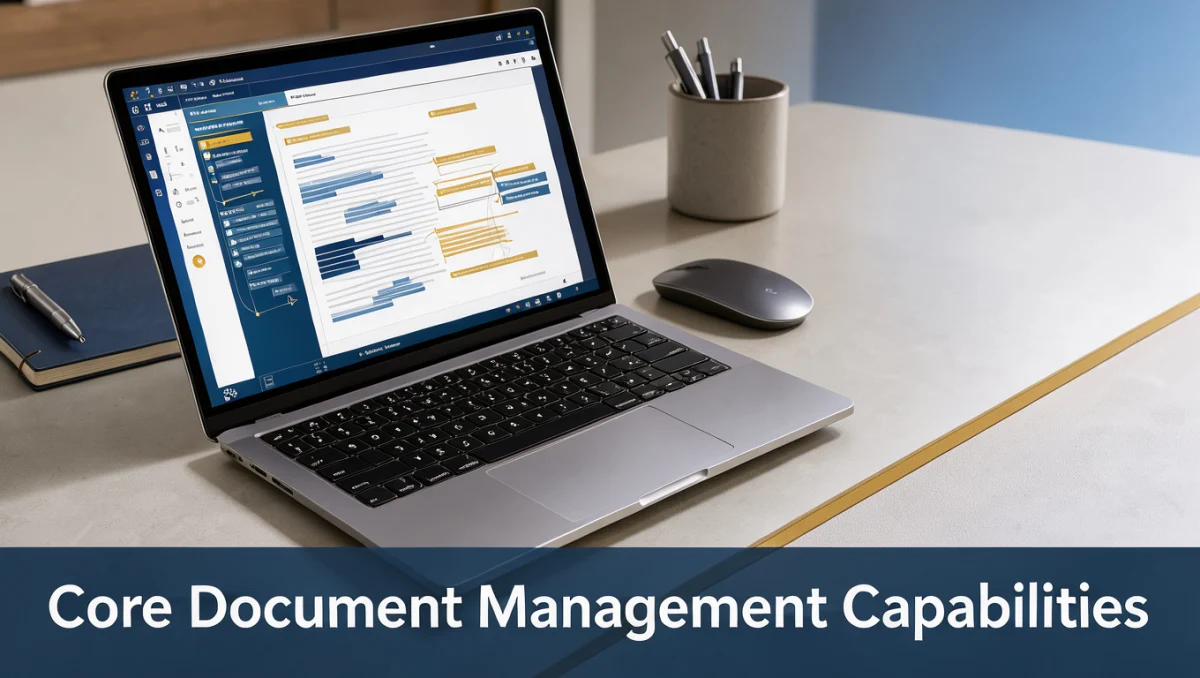
PDF utilities provide the essential tools for managing standardized documents through their full lifecycle. Foxit 10 groups its core functions into document editing, conversion, markup and form handling.
3.1. Document Editing and Text Modification
Changing a static document means keeping typography, paragraph flow and visual layout intact. The software lets you edit text blocks, adjust line spacing, move graphic elements and rearrange pages within an existing file. These tools help with routine admin work, such as updating dates, changing personnel details in policies or fixing clerical errors in finished reports without rebuilding the source file.
3.2. File Conversion and Creation
Creating standardized files from different inputs is central to office productivity. You can generate PDFs from word processing documents, spreadsheets, presentations and images. The application also supports reverse conversion, so teams can export PDF content back into editable formats when the original source is missing. You can merge several records into a single binder or split long manuals into separate chapters.
3.3. Document Annotation and Review Markups
Collaborative review depends on clear visual markup. The application offers text highlighting, margin comments, strikethrough notation, callout shapes and visual stamps. Reviewers can track revisions during audits, leave feedback for colleagues and apply digital sign-off markers to finished drafts. These annotations support administrative tracking while keeping the original text underneath intact.
3.4. Form Building and Data Processing
Administrative departments handle customer intake, job applications and vendor onboarding through structured forms. The platform includes tools for building fillable forms with text boxes, checkboxes, radio selections and signature fields. You can distribute interactive questionnaires, check that entered data is in the right format and export the recorded form data into organizational databases.
4. Ease of Use and Learning Curve
Adoption of workplace software depends heavily on how clear the interface is and how logical the navigation feels. Foxit 10 uses a tabbed toolbar organized much like standard business productivity applications. Users familiar with common office suites will recognize category tabs such as Home, Edit, Organize and Comment. This familiar layout shortens the learning curve for non-technical staff doing routine document changes.
More advanced procedures, such as configuring batch processing, building complex form calculation fields or managing structural document tags, need extra training. Teams moving to a desktop PDF suite should prepare short onboarding guides so staff apply stamps, redact sensitive paragraphs and manage file revisions in the same way.
5. Pros and Cons of Foxit 10
Judging a desktop tool means weighing its practical strengths against its limitations. Looking at both sides helps buyers decide whether it fits before they purchase.
5.1. Practical Advantages
- Structured editing tools let you update text and layout elements within existing documents smoothly.
- Broad file conversion options make it easy to move between standard office formats and archived records.
- Ribbon-style navigation resembles common enterprise software, which keeps team training short.
- Comprehensive annotation markers support thorough internal audits and collaborative review cycles.
5.2. Practical Limitations
- Real-time collaborative editing is limited compared with cloud-native platforms that support simultaneous co-authoring.
- Complex form scripting and deeper administrative automation require dedicated setup and procedural familiarity.
- Buyers should independently verify installation policies, backward compatibility and licensing options directly on the official Foxit software website.
6. Foxit 10 vs Similar Tools
The PDF software market includes established options that serve different scales and technical needs. Adobe Acrobat is the long-running industry standard, offering extensive enterprise publishing and preflight capabilities. Nitro PDF is another well-known alternative, focused on organizational document workflows and straightforward digital signing for office teams.
Foxit 10 positions itself as a capable, agile option that emphasizes core document editing, responsive navigation and standard enterprise form management. Creative publishing specialists often lean toward Adobe Acrobat for high-end print preparation, while business offices frequently evaluate Foxit 10 to cover daily editing, redaction and filing tasks at a balanced cost.
7. Who Should Use Foxit 10?
Matching the software to user requirements ensures the investment fits real workplace activity. Different organizational roles use document tools in different ways.
7.1. Freelancers and Independent Contractors
Solo professionals often handle client agreements, project estimates and completed portfolio records. Foxit 10 suits self-employed people who need to turn quotes into professional documents, add signatures and organize incoming receipts without enterprise-level infrastructure.
7.2. Small Business Owners and Operations Teams
Growing organizations need standard procedures for onboarding paperwork, compliance filings and supplier agreements. Small business admin teams benefit from building standardized fillable documents and assembling multi-part project manuals. Operations leaders should confirm multi-user licensing terms on the official vendor website to match their planned headcount.
7.3. Corporate Knowledge Workers
Office workers, paralegals and contract administrators who handle dozens of static documents each week need dependable local software for sanitizing documents, reordering pages and reviewing annotations. Foxit 10 gives these users a familiar desktop layout that supports heavy document workflows through the business day.
7.4. Users Who Should Look Elsewhere
Organizations whose work centers on simultaneous web-based co-authoring without formal file checkouts should consider cloud-first word processors or web-based workspace platforms. Likewise, design teams that need advanced prepress color separation should look at graphics-oriented publishing suites rather than general document productivity software.
8. How to Choose the Right Plan
Buyers should confirm the specific deployment conditions before signing a purchase agreement. Checking these variables helps organizations avoid licensing surprises and operational roadblocks.
| What to Check | Why It Matters |
|---|---|
| Licensing Structure | Vendors often change between perpetual license and subscription models, which affects recurring costs. |
| Volume Deployment Support | Organizations rolling out software to multiple staff must make sure deployment packages fit their system administration tools. |
| Platform and System Compatibility | Confirming official operating environment requirements prevents installation problems on older or upgraded workstations. |
| Administrative Management Tools | Centralized user management consoles make it simpler to reassign seats as team structures change over time. |
9. Frequently Asked Questions
What core business tasks are performed with Foxit 10?
Professionals use this software to edit text in static PDF records, build interactive forms, convert office documents into standardized archive files, combine multiple documents into one binder and add review annotations during contract negotiations.
How should buyers evaluate perpetual licenses versus recurring subscriptions?
Buyers should consider their accounting preferences, planned workstation lifecycles and upgrade schedules. A perpetual license requires an upfront payment for a specific release, while a subscription provides ongoing access to newer versions through a recurring budget line.
What factors determine whether an office needs dedicated PDF software?
Organizations that regularly execute contracts, redact confidential information, use standardized client intake forms or file records formally benefit from dedicated PDF tools. Teams that only read documents occasionally can often rely on a web browser or a basic system viewer.
Where should teams confirm current system requirements and purchase terms?
Prospective buyers should visit the official Foxit software website to check documentation on supported operating environments, technical requirements, licensing options and volume purchase terms before acquiring seats.
10. Final Verdict
Foxit 10 offers a capable set of document tools for professionals who regularly manage, convert and edit standardized digital files. It balances deep editing and annotation features with an accessible desktop interface, which makes it a practical choice for general enterprise deployments and administrative teams.
| Criterion | Score / 10 | Reason |
|---|---|---|
| Features | 8.8 / 10 | Provides comprehensive document editing, multi-format conversion, interactive form creation and versatile review annotations. |
| Ease of Use | 8.4 / 10 | Familiar ribbon-style menus minimize training overhead for daily office workers. |
| Pricing and Value | 7.8 / 10 | Delivers practical admin capabilities; buyers should verify current subscription and perpetual options on the official site. |
| Integrations | 7.2 / 10 | Supports standard desktop workflow environments; verify specialized enterprise infrastructure compatibility before purchase. |
| Audience Fit | 8.5 / 10 | Well matched for corporate administrators, legal teams, educators and office workers managing high document volumes. |
| Support | 7.0 / 10 | Standard self-directed knowledge resources are available; buyers should confirm enterprise response terms through official channels. |
| Competitive Position | 8.0 / 10 | Holds a distinct profile as an agile, full-featured desktop PDF editor alongside established market alternatives. |
Overall testedtruth Score: 8.0 / 10
We recommend Foxit 10 for office departments, independent consultants and operational teams that need practical, desktop-based PDF editing, form processing and review markups. For more evaluation guides and comparative productivity analyses, explore the full Tested Truth technology resource catalog. Readers with software questions or feedback on this review are welcome to reach out via https://testedtruth.com/contact/ or follow testedtruth on LinkedIn at https://www.linkedin.com/company/testedtruth/.