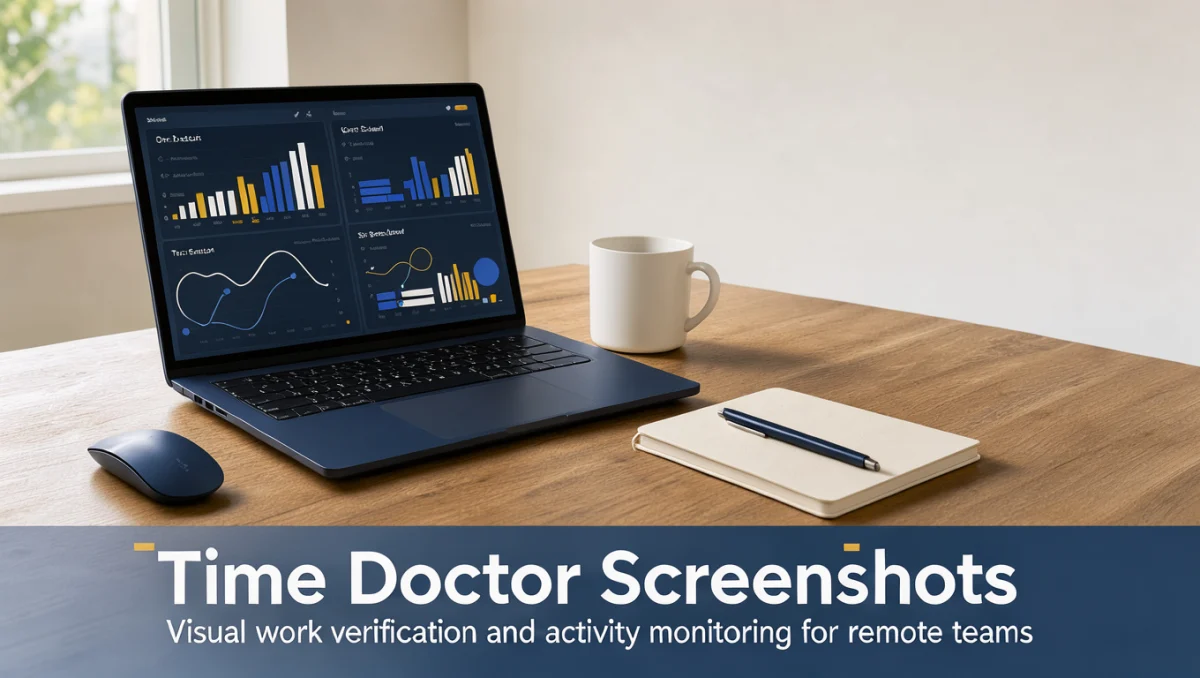
Remote managers often need more than a timesheet to trust that billable hours were spent on the right work. Time doctor screenshots add a visual layer to logged time, capturing periodic snapshots of desktop activity during tracked sessions. For teams weighing employee monitoring software, the key questions involve capture frequency, blur controls and who can view the images. This assessment, from the testedtruth team, walks through how the visual layer fits into a broader time tracking workflow, without relying on unverified technical claims.
Screenshots work alongside keyboard and mouse activity data and recorded work duration. Together they offer a verification trail. Whether that trail is appropriate depends heavily on company policy and the privacy rules of the region where staff work, so the setup decisions matter as much as the feature itself.
Quick verdict: testedtruth rates this platform 7.5 out of 10. It suits agencies and businesses that manage hourly remote contractors. It is a weaker fit for organizations that want passive background observation without any employee interaction, or for teams judged purely on project milestones.
| Evaluation Factor | testedtruth Summary |
|---|---|
| testedtruth score | 7.5 / 10 |
| Best for | Managers and remote organizations that need visual work proof for billable hourly contracts. |
| Not ideal for | Workplaces that judge performance purely on milestone outputs without interval tracking. |
| Key strengths | Time logging paired with configurable capture intervals and recorded employee activity. |
| What to check before buying | Confirm on the official plan pages which tier includes adjustable capture rates and privacy blur settings. |
1. How testedtruth Reviewed Time Doctor
This review covers what Time Doctor is designed to do, who it serves and how it compares with similar tools. We assessed it against seven testedtruth criteria: features, ease of use, pricing and value, integrations, audience fit, support and competitive position. Plans, prices and limits change frequently, so treat our notes as a checklist to confirm on the official website before purchasing. This article was researched and drafted with AI assistance, then reviewed and edited by the testedtruth Editorial Team.
2. What Is Time Doctor and Who Is It Built For
Time Doctor is a time tracking and workforce analytics platform built to record work intervals, verify productivity and simplify timesheet administration. It targets distributed companies that need to bill client hours accurately, understand how workload is spread and keep proof of work across locations.
Within the Collaboration & Productivity category, tools like this help remote departments stay accountable. Team members start and stop timers against specific tasks, while the system records activity indicators that support transparent billing.
Typical users include:
- Digital marketing and creative agencies managing client deliverables.
- Software development shops coordinating remote technical staff.
- Business process outsourcing firms running dedicated customer support workflows.
- Independent contractors who need automated records for hourly invoicing.
3. Core Features and Screenshot Functionality
The core capabilities revolve around logging billable time, documenting user activity and summarizing workflows. Understanding each one helps buyers judge organizational fit.
3.1. Interval Screen Capture and Visual Verification
Screen capture takes periodic visual snapshots of desktop displays during active sessions. Many workforce platforms let administrators set capture intervals or apply blur filters, so buyers should confirm the exact privacy options on the official Time Doctor website.
Visual verification protects both client and provider by creating checkable evidence that work happened on designated assignments during logged intervals. That record helps prevent billing disputes over recorded work blocks.
3.2. Time Tracking and Timesheet Management
Users start timers tied to projects, tasks or clients, building a chronological record of daily output. These logs roll up into timesheets that administrators review before approving payroll or preparing itemized client invoices.
3.3. Application and Website Activity Monitoring
The platform logs the applications and website domains accessed while a timer runs. This catalog helps managers spot workflow bottlenecks and see how software is adopted across remote groups.
3.4. Productivity Metrics and Idle Detection
Input tracking measures keyboard and mouse activity to estimate engagement during recorded sessions. When the system detects extended inactivity while a timer is running, it prompts the user to confirm they are still working, which reduces inaccurate logging during breaks.
4. Ease of Use and Implementation Workflow
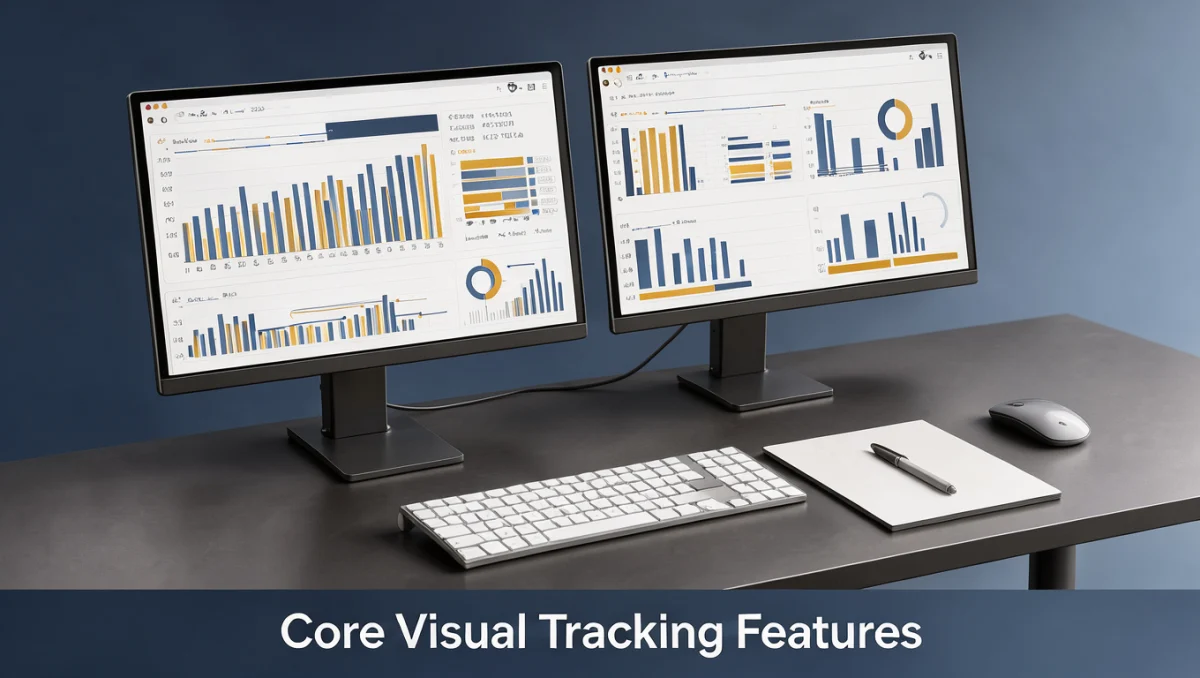
Rolling out monitoring software goes more smoothly with clear communication and deliberate configuration. Implementation typically follows four phases.
- Policy formulation: Write a transparency policy that explains what data is collected, when captures occur and who can access the files.
- Administrative onboarding: Set up project categories, assign role permissions and calibrate monitoring preferences.
- Team deployment: Distribute the installer and simple instructions on starting and pausing tracking.
- Workflow calibration: Run trial sessions to confirm that task categories match daily responsibilities.
Front-line workers usually find the learning curve gentle, since they mainly toggle a tracking switch. Managers need more time to learn reporting filters and permission hierarchies.
5. Pros and Cons of Automated Screen Capture
Visual tracking brings real operational advantages, but it also creates procedural challenges that leadership must manage.
5.1. Advantages
- Provides objective documentation that reduces disputes over billable remote hours.
- Highlights non-work applications used during company time, helping identify distractions.
- Helps project leads confirm that contractors stay focused on assigned client accounts.
- Simplifies invoicing by linking visual records to chronological timesheet summaries.
5.2. Limitations and Mitigation Strategies
- Employee resistance: Visual capture can erode trust if it is introduced without open discussion. Management should stress transparency and limit monitoring to active, billable intervals.
- Accidental data capture: Periodic snapshots can pick up sensitive client messages or personal information. Organizations should instruct workers to pause tracking during personal tasks.
- Bandwidth use: Uploading images from distributed locations needs a stable connection. Teams should review capture settings on the official platform and choose a sensible frequency.
6. Time Doctor vs Similar Tracking Platforms
Choosing workforce tracking software means comparing positioning across established alternatives.
| Platform | Target Positioning | Core Distinction | Evaluation Consideration |
|---|---|---|---|
| Time Doctor | Remote teams and outsourcing agencies that need proof of work. | Combines time logging, activity levels and visual screen verification. | Check official tier tables to see which plan includes visual capture. |
| Hubstaff | Field workforces and distributed agencies managing hourly remote staff. | Strong focus on workforce logistics and timesheet verification. | Compare seat minimums and feature bundles directly on provider sites. |
| Toggl Track | Creative freelancers and internal project teams that value unobtrusive logging. | Emphasizes user-driven time entries without background surveillance. | Consider whether your model needs proof-of-work captures or simple logs. |
| Clockify | Growing businesses seeking broad team time auditing and basic billing. | Flexible timesheet structure suited to budget-conscious management. | Verify which supervisory monitoring features need a separate subscription. |
7. Who Should Use Time Doctor
The right choice depends on company structure, regulatory environment and operational goals.
7.1. Freelancers and Solo Contractors
Independent professionals who bill clients by the hour gain credible proof of work. Exportable records showing focused task attention help validate invoices sent to remote clients.
7.2. Small Business Owners and Agencies
Founders running distributed marketing, development or design agencies benefit from visual confirmation across dispersed contractor networks. That visibility simplifies billing audits and reinforces client trust.
7.3. Enterprise Operations and BPO Firms
Larger organizations running shared service centers need standardized tracking to enforce accountability and measure productivity across many concurrent seats.
7.4. Groups That Should Avoid Visual Tracking
Creative teams focused strictly on milestone delivery, or organizations operating under strict privacy rules, may be better served by simple timers that omit desktop image capture altogether.
8. How to Choose the Right Plan
Subscription offerings often change included seat counts, storage limits and capture features across tiers. Buyers should verify the exact parameters before signing.
| Verification Point | Why It Matters | Where to Confirm |
|---|---|---|
| Screenshot Frequency and Blur Options | Stricter privacy standards may require image blurring, which some vendors reserve for higher tiers. | Review the official Time Doctor plan matrix. |
| Data Storage and Retention Terms | How long audit logs are kept affects client billing compliance. | Check official administrative documentation. |
| Seat Counts and Volume Scalability | Contract terms vary with user volume, so per-seat costs are central to budgeting. | Consult the official pricing page. |
| Administrative Role Hierarchy | Limiting visual log access to designated managers prevents unauthorized browsing. | Inspect the platform's permission documentation. |
9. Frequently Asked Questions
How should managers address privacy concerns when introducing screen capture?
Leadership should set out monitoring parameters in a written policy before tracking begins. Explain that capture happens only during active tasks, specify who can view images and show staff how to pause timers. This builds transparency and trust.
What steps help avoid recording sensitive client information in desktop captures?
Review the official software settings to see whether automatic blur filters or thumbnail options are available. Workers should also receive clear instructions to pause timers when they open confidential account settings, personal messages or financial credentials.
How does interval image capture affect team productivity metrics?
Visual records add context to numerical activity data by showing whether idle alerts reflect offline work, such as phone consultations, or genuine inactivity. Comparing images with recorded input levels gives managers a more balanced view of daily contribution.
What factors determine whether a team needs visual capture instead of basic time logging?
Companies that need verifiable proof of work for hourly client billing, or that manage newly formed offshore teams, often find visual monitoring useful. Teams judged purely on project completion usually do well with basic manual timers.
10. Final Verdict
Visual tracking gives businesses operating across distributed borders necessary oversight, but implementing it takes balanced administrative judgment. Measured against current software standards, Time Doctor provides focused supervision for remote workforces.
| Evaluation Criterion | testedtruth Score / 10 | Assessment Summary |
|---|---|---|
| Features | 8.5 | Offers comprehensive time tracking, activity metrics and configurable capture options. |
| Ease of Use | 7.5 | Simple daily interface for workers, though administrative reporting requires onboarding. |
| Pricing and Value | 7.0 | Buyers should verify per-seat inclusions and minimum license commitments on the official website. |
| Integrations | 7.0 | Connects with common project management software; check official listings for specific tool compatibility. |
| Audience Fit | 8.0 | Suits agencies, remote service providers and teams managing hourly contractors. |
| Support | 7.0 | Confirm support options and response times directly with the provider. |
| Competitive Position | 7.5 | Holds a distinct position for proof-of-work monitoring alongside Hubstaff and simpler loggers. |
Overall testedtruth score: 7.5 / 10
For agencies and outsourcing firms that bill by the hour, structured time logging with image capture builds dependable transparency. Teams that work toward output-based milestones should check whether a less intensive tracking tool better suits their culture.
Editorial questions about workforce management reviews can be sent to the Tested Truth review team through our contact portal, or by following our updates on LinkedIn.