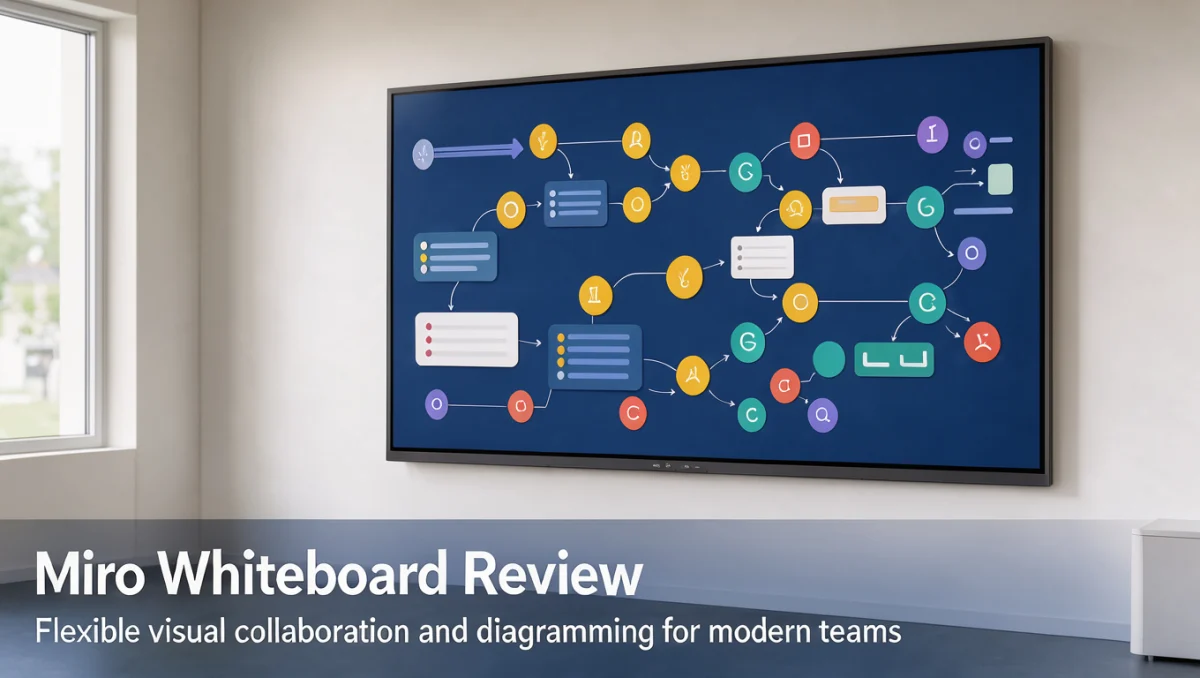
Teams running distributed workshops, sprint planning, or process mapping often outgrow scattered chat threads and slide decks. Miro whiteboard offers a shared digital canvas where contributors can brainstorm, diagram, and align in real time. This guide walks through its strengths, limitations, and buying considerations so you can judge whether it suits your team.
Tested Truth evaluates software with consistent criteria, and this article applies the same lens. Pricing, seat rules and feature limits change regularly, so treat the points below as a checklist to verify on the vendor's site before committing.
How We Assessed Miro Whiteboard
Our assessment covers features, ease of use, pricing and value, integrations, audience fit, support, and competitive position. Drafting was assisted by AI tools, then reviewed and edited by the Tested Truth Editorial Team to check accuracy and clarity.
What Miro Whiteboard Does and Who Uses It
At its core, Miro is a visual collaboration platform built around an unbounded canvas. Participants place digital sticky notes, link shapes, embed wireframes, and sort research findings at the same time, replacing the physical whiteboard for remote and hybrid groups. Comments attached to individual board elements keep feedback anchored to the work itself rather than buried in email.
Typical users include product managers, engineering squads, UX designers, marketers, workshop facilitators, and project leads. Asynchronous teams in particular benefit from contextual commenting that keeps conversations tied to the visual artifact.
Key Feature Areas
Infinite Canvas and Freeform Ideation
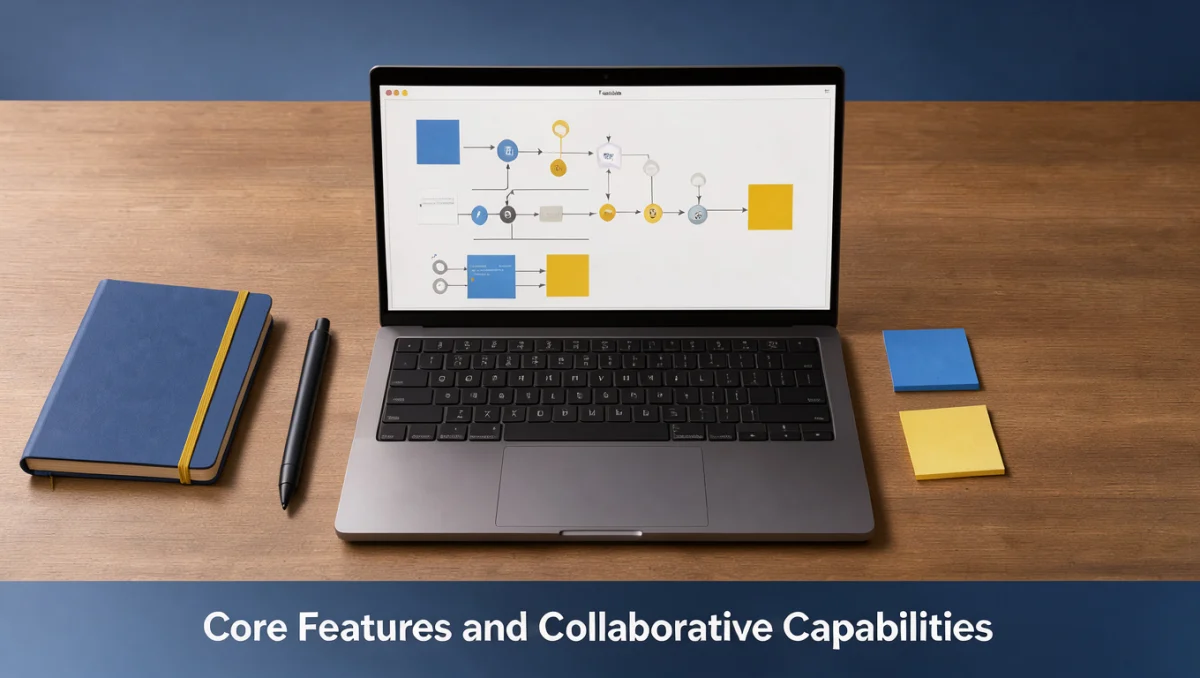
The canvas lets users zoom out to view a full roadmap or zoom in to refine a single process step. Teams can group sticky notes by color, cluster themes after discovery sessions, and run dot-voting to prioritize actions.
Diagrams, Flowcharts, and Process Maps
Shape libraries, snapping connectors, and swimlanes make it possible to document system architectures, customer journeys, and operational workflows without dedicated design software skills.
Agile Ceremonies and Facilitation
Facilitators can run timed design sprints, retrospectives, and backlog refinement sessions, manage participant focus, organize structured voting, and reveal later exercise frames only when the agenda reaches them.
Templates and Frameworks
Prebuilt layouts for SWOT analyses, business model canvases, kanban boards, and empathy maps shorten setup time and help standardize practices across departments.
Ease of Use and Learning Curve

Navigation relies on pan-and-zoom controls familiar from digital maps, so newcomers can place notes and join a session with little instruction. This makes it practical to onboard guest contributors for workshops quickly.
The learning curve steepens on large, heavily layered boards. Without agreed organization conventions, canvases can become cluttered. Teams tend to do best when a board lead sets up navigation landmarks, labels frames, and defines cleanup routines before a company-wide session.
Advantages and Operational Considerations
Strengths
- A flexible canvas supports both loose brainstorming and rigid process diagrams.
- Facilitation tools keep distributed participants engaged during live workshops and retrospectives.
- Large framework libraries cut preparation time for sprints and design workshops.
- Visual artifacts preserve project context more reliably than fragmented chat history.
Considerations
- Dense boards with many graphic assets may lag depending on local hardware.
- Without layout guidelines, unstructured boards can quickly become cluttered.
- Admin permissions and guest editor policies should be reviewed on the official pricing page to avoid unexpected seat charges.
Miro Compared With Similar Tools
Several established platforms compete in this space. The table below summarizes how they are typically positioned.
| Platform | Primary Positioning | Best Suited For | Key Consideration |
|---|---|---|---|
| Miro | Cross-functional visual workspace and diagramming | Agile product teams, UX researchers, workshop facilitators | Confirm account governance and guest sharing rules on official pages |
| Mural | Consulting-oriented guided workshop platform | Facilitators and consultants running structured exercises | Review workshop templates and method alignment |
| Lucidspark | Ideation board paired with formal diagramming tools | Engineering groups that need links to architecture documentation | Examine licensing for the paired diagramming software |
Who Benefits Most
Freelancers and Consultants
Consultants leading discovery sessions, UX audits, or strategy workshops can present findings interactively, and clients can add feedback on the board without extensive training.
Small Businesses and Startups
Founders can keep roadmaps, mood boards, and sprint tasks in one place, avoiding separate apps for basic flowcharting and ideation.
Product Managers and Agile Teams
Story mapping, release planning, and retrospectives all fit naturally on a board. Visualizing dependencies helps distributed engineers spot bottlenecks early.
Marketing and Creative Teams
Campaign timelines, persona profiles, and mood boards can be shared across copywriters, designers, and media buyers to keep everyone aligned.
When to Look Elsewhere
If your work centers on linear text documents, financial statements, or simple task lists, a visual canvas may feel unnecessarily broad. Teams that need strict tabular database management will generally be better served by spreadsheet or database tools.
Choosing a Plan
Subscription models differ in how they handle seats, permissions, and administration. Verify these points on the official pricing page before purchasing.
| What to Check | Why It Matters |
|---|---|
| Active member seat pricing | Determines recurring cost as your department grows |
| Guest editor and viewer permissions | Shows whether external partners can edit without a full license |
| Export formats and resolution | Confirms outputs meet client documentation standards |
| Administrative user management | Lets IT enforce access rules and remove departed staff |
| Archiving and retention rules | Affects how long inactive boards stay accessible |
Frequently Asked Questions
How is a visual collaboration canvas different from presentation slides?
A canvas is an unbounded, non-linear workspace where many people contribute notes, diagrams, and comments at once. Slide software is organized as fixed sequences meant mainly for one-way presentation.
What drives total subscription cost for team visual software?
Costs usually depend on the number of paid members, guest access rules, and billing frequency. Check the vendor's current pricing documentation to see whether occasional contributors need paid seats.
How can teams keep large boards organized?
Group related work into labeled frames, lock background templates, and use a navigation directory. Assigning someone to archive finished sprints and remove temporary drafts keeps boards responsive.
Should organizations check data policies before uploading internal plans?
Yes. Teams handling confidential strategy, proprietary schematics, or sensitive customer data should review the vendor's privacy terms, compliance standards, and sharing restrictions to prevent unintended external exposure.
Final Verdict
Miro whiteboard is an adaptable workspace for distributed teams that need shared roadmaps, design sprints, and flowcharts in one place. The infinite canvas combined with facilitation features makes it a dependable option for cross-functional collaboration.
| Criterion | Score / 10 | Reason |
|---|---|---|
| Features | 8.9 / 10 | Broad canvas, extensive diagram libraries, and strong facilitation controls |
| Ease of Use | 8.6 / 10 | Intuitive navigation and drag-and-drop notes speed onboarding |
| Pricing and Value | 7.8 / 10 | Verify seat policies on official pages to manage license growth |
| Integrations | 8.1 / 10 | Check vendor listings for compatibility with your software stack |
| Audience Fit | 8.8 / 10 | Well suited to agile squads, workshop leaders, and creative teams |
| Support | 7.6 / 10 | Review official support tiers for response times and ticket access |
| Competitive Position | 9.0 / 10 | Strong standing among enterprise visual collaboration platforms |
Overall Tested Truth Score: 8.4 / 10
For product teams, design consultants, and agile organizations aiming to improve cross-functional alignment, Miro whiteboard is a flexible visual foundation. Solo users with simple note-taking needs should confirm that a visual canvas fits their workflow before buying.
Questions about choosing collaboration software? Reach the editorial team through the Tested Truth contact page.
See More Collaboration & Productivity