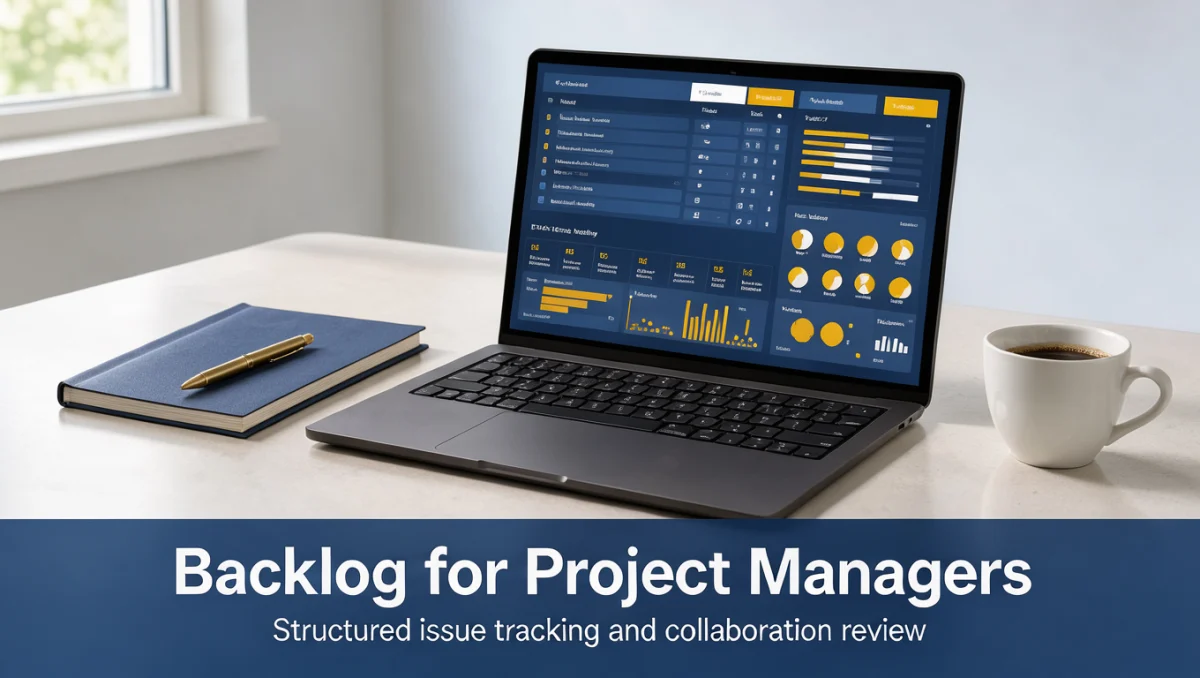
testedtruth may earn a commission when you buy through links on this page, at no extra cost to you, and this does not influence our ratings. Still, the goal here is simple: help you decide whether a centralized tracker fits your team's delivery rhythm. For readers comparing options, backlog for project managers is one of the more established choices to evaluate side by side with other tools.
Choosing collaboration software comes down to three questions: is the workflow clear, do the communication tools hold up, and can leaders keep an eye on the work without drowning in admin? Good project software assigns tasks cleanly, shows milestone progress at a glance, and doesn't demand a full-time administrator to keep running.
Short answer: Backlog earns a testedtruth score of 7.6/10. It suits cross-functional teams that want issue tracking and development task boards in one place. It is less suited to solo users who only need a simple checklist, or to organizations that must model many portfolios and resource pools at once.
| Metric | Details |
|---|---|
| testedtruth score | 7.6/10 |
| Best for | Teams that want issue tracking and milestone monitoring in a single system |
| Not ideal for | Individuals who want lightweight personal to-do lists without team overhead |
| Key strengths | Issue hierarchy, team comment threads, and milestone tracking |
| What to check before buying | User access tiers and storage allowances on the official Backlog website |
1. How testedtruth Reviewed Backlog
We assessed what Backlog is designed to do, who it serves, and how it stacks up against similar products, using seven testedtruth criteria: features, ease of use, pricing and value, integrations, audience fit, support, and competitive position. Plans, prices, and limits change frequently, so treat the figures here as a starting point and confirm current details on the vendor's site before purchasing. This article was researched and drafted with AI assistance, then reviewed and edited by the testedtruth Editorial Team.
2. What Backlog is and who it is for
Backlog is a project management and issue tracking system developed by Nulab to help software teams and business professionals coordinate deliverables. It addresses task sprawl by bringing bug reports, feature requests, and general assignments into shared project spaces. Consistent status indicators give contributors a common view of active goals.
The platform mainly serves project leads, product owners, developers, and operations coordinators managing multi-phase delivery. Organizations running agile methods or AI-driven workflows often depend on an issue tracker to keep collaboration continuous. It gives technical and non-technical stakeholders a single place to follow progress without splitting code-related issues from daily milestones.
3. Core features for project coordination
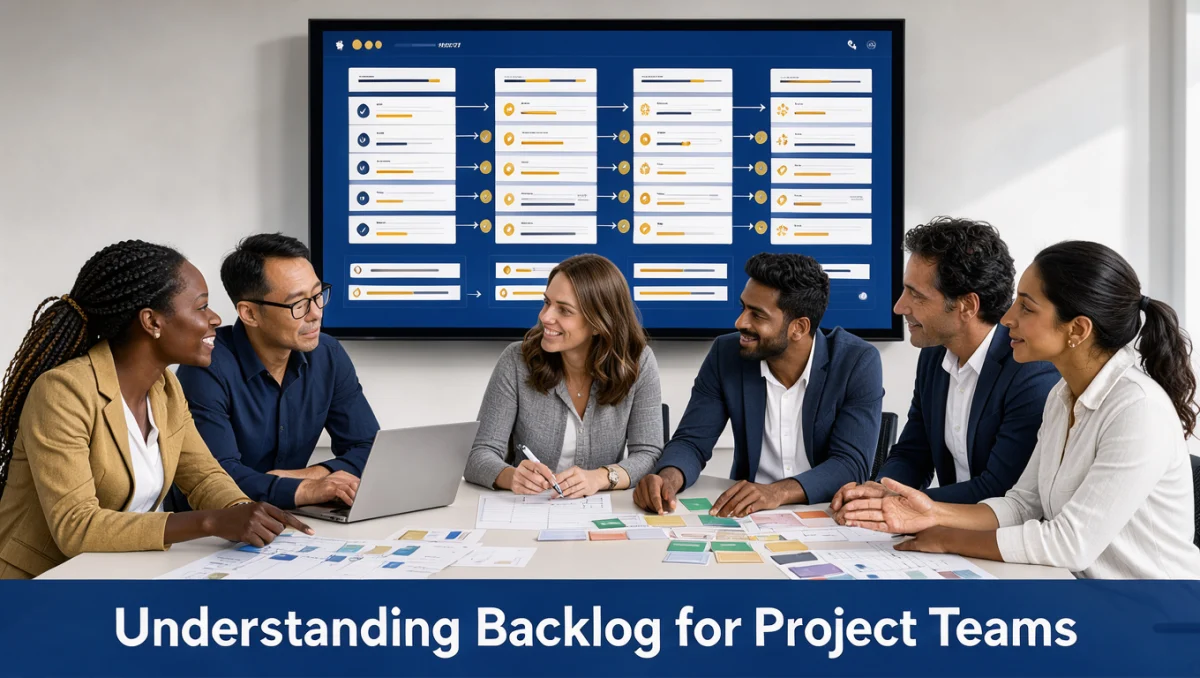
Effective tracking software moves work from intake to delivery through structured components. Backlog offers several core areas that shape day-to-day task governance.
3.1. Issue and task tracking
Teams can log tasks, classify work types, and assign owners to specific members. Parent and child relationships let users break complex initiatives into manageable items. Status fields, category tags, and milestone markers help contributors filter active queues during sprint planning.
3.2. Visual workflow boards
Visual boards arrange cards across sequential completion stages, making operational bottlenecks easier for leads to spot early. Team members move cards between columns as work progresses from intake through review to completion. This layout helps distributed teams run status updates without long meetings.
3.3. Collaboration and internal documentation
Shared documentation lets members maintain project reference pages alongside active issues. Comment threads on individual tasks keep technical feedback and status changes in one record. Notification settings alert assignees when requirements shift or when an item needs review.
4. Ease of use and learning curve
Usability shapes how consistently people keep task records and milestones current. Backlog uses a structured interface that presents project categories, task lists, and updates through standard dashboard navigation. New members generally find the core task boards quickly once an administrator has set up project categories.
Configuring custom workflows, defining permission roles, and teaching non-technical staff the issue hierarchy do take deliberate onboarding time. Organizations moving off simple spreadsheets should plan time for defining how categories, versions, and milestones relate within project boards, so duplicate records don't creep in.
5. Pros and cons
Weighing the trade-offs shows where Backlog supports structured workflows and where your organization may need to adjust.
5.1. Advantages of Backlog
- Structured issue categorization links tasks, defects, and milestone goals in one database.
- Embedded wiki pages keep requirements and technical notes attached to active project spaces.
- Visual boards give clear operational transparency across multi-step delivery phases.
- Comment threads record task history, reducing lost handover details between teams.
5.2. Limitations and considerations
- Initial setup needs clear team agreements on task tags to prevent inconsistent categorization.
- Teams used to informal note-taking may need time to adjust when logging formal issues.
- Broad visibility can generate notification volume that calls for thoughtful alert settings.
6. Backlog vs similar tools
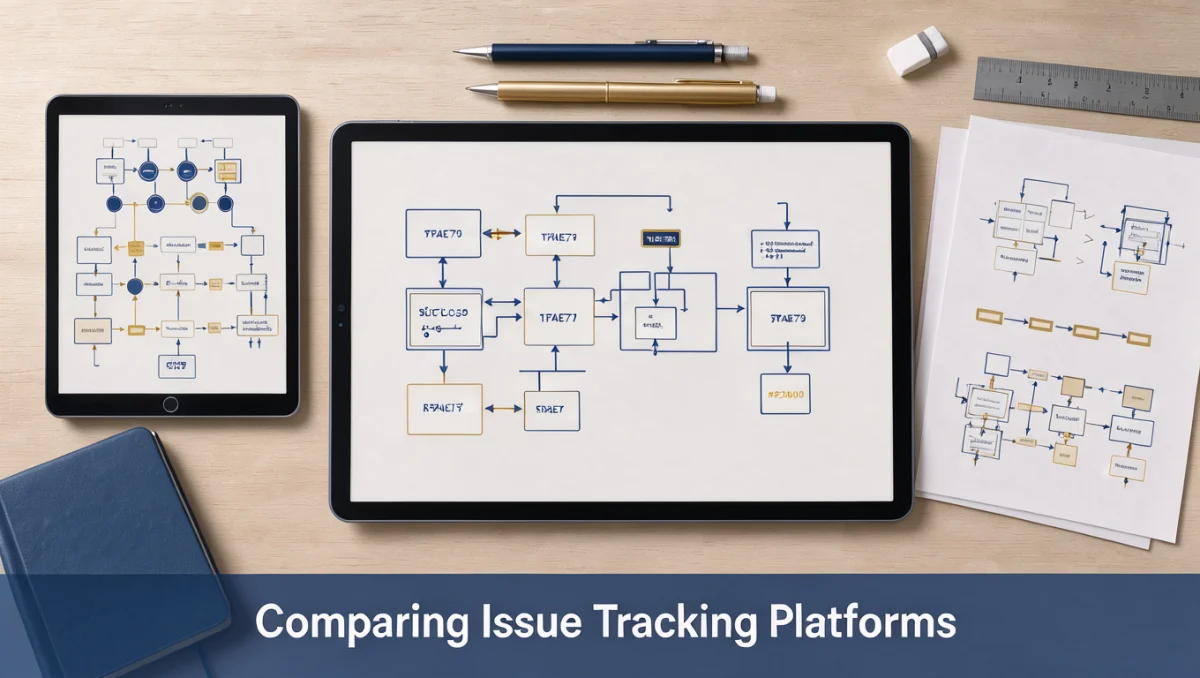
Understanding how products are positioned in the issue tracking market helps organizations choose the right architecture for their workflows.
| Platform | Target Audience | Primary Positioning |
|---|---|---|
| Backlog | Cross-functional product and project teams | Integrated issue tracking with internal project documentation |
| Jira | Software engineering departments | Configurable issue tracking tailored to agile development teams |
| Asana | General business and marketing departments | Visual workflow coordination for general cross-departmental tasks |
| Trello | Small teams and lightweight project groups | Card-based visual boards designed for flexible project lists |
These platforms differ in emphasis. Jira goes deep on technical issue configuration, Asana targets general corporate project tracking, and Backlog sits between developer-centric tracking and broader team collaboration. The key question is whether your main need is technical defect governance or flexible operational boards.
7. Who should use Backlog
Checking user fit keeps organizations from adopting tools that outpace their administrative capacity or miss their technical requirements.
7.1. Recommended user groups
- Software project managers: Leads coordinating developers, designers, and testers who need unified issue tracking.
- Cross-functional product teams: Groups that need technical bug tracking alongside shared reference documentation.
- Small and mid-sized agencies: Client services teams delivering structured milestones with clear progress reporting.
7.2. Groups that should consider other options
- Individual freelancers: Solo workers managing simple checklists without multi-user issue queues.
- Enterprise portfolio offices: Organizations needing multi-tier capacity planning and cross-program financial tracking.
8. How to choose the right plan
Subscription models for team management software differ by seat counts, project quotas, and administrative controls. The Tested Truth editorial team recommends assessing your organizational parameters carefully before committing to a subscription.
| What to check on the official page | Why it matters |
|---|---|
| User seat structures | Determines ongoing monthly cost as internal and external contributors join |
| File storage allowances | Prevents unexpected capacity limits when attaching build files or mockups |
| Project and workspace limits | Confirms the plan supports your expected portfolio growth across departments |
| Access and permission controls | Protects sensitive technical documentation while allowing external collaborators in |
9. Frequently asked questions
9.1. What should teams budget for beyond the base subscription?
Plan for internal onboarding time, documentation migration effort, and possible administrator training. Reviewing your file hosting needs and external collaborator requirements on the official Backlog website helps ensure your ongoing budget covers all operational inputs.
9.2. How do project leaders know if their team needs dedicated issue tracking?
Teams usually need structured issue tracking when general task lists fail to separate bugs from routine work, or when releases demand strict milestone control. If cross-functional contributors regularly lose context across scattered channels, formal issue governance supplies the structure that's missing.
9.3. Should organizations set workflow conventions before adding members?
Yes. Administrators should define category taxonomies, status transitions, and naming conventions before inviting contributors. Clear procedures prevent disorganized boards and keep reporting consistent across all deliverables.
9.4. Where can administrators confirm current storage limits and seat allocations?
Check the official Backlog pricing and plan comparison pages directly. Subscription terms and capacity parameters change over time, so the vendor's current documentation is the most reliable source before you buy.
10. Final verdict
Judging Backlog for project managers means weighing how well it balances task assignment, defect logging, and collaborative documentation.
| Criterion | Score /10 | Reason |
|---|---|---|
| Features | 7.8/10 | Offers functional issue tracking, collaborative documentation, and milestone organization. |
| Ease of Use | 7.6/10 | Clear navigation for routine updates, though configuration takes deliberate planning. |
| Pricing and Value | 7.4/10 | Verify seat models and storage limits against your team size to confirm budget efficiency. |
| Integrations | 7.2/10 | Check official documentation to confirm compatibility with your existing tool stack. |
| Audience Fit | 8.2/10 | Serves development-adjacent project managers and cross-functional teams effectively. |
| Support | 7.3/10 | Confirm support channels and guidance resources on the official website. |
| Competitive Position | 7.7/10 | Sits well between complex engineering trackers and simple task boards. |
Overall score: 7.6/10
Backlog remains a practical option for project managers who want bug tracking, milestone planning, and team wiki documentation in one environment. Small and growing delivery teams benefit from its structured issue hierarchies. For tailored guidance, send questions through the testedtruth Tested Truth contact page, or follow testedtruth on LinkedIn for ongoing software reviews.
See More Artificial Intelligence