testedtruth may earn a commission when you buy through links on this page, at no extra cost to you. This does not affect our ratings.
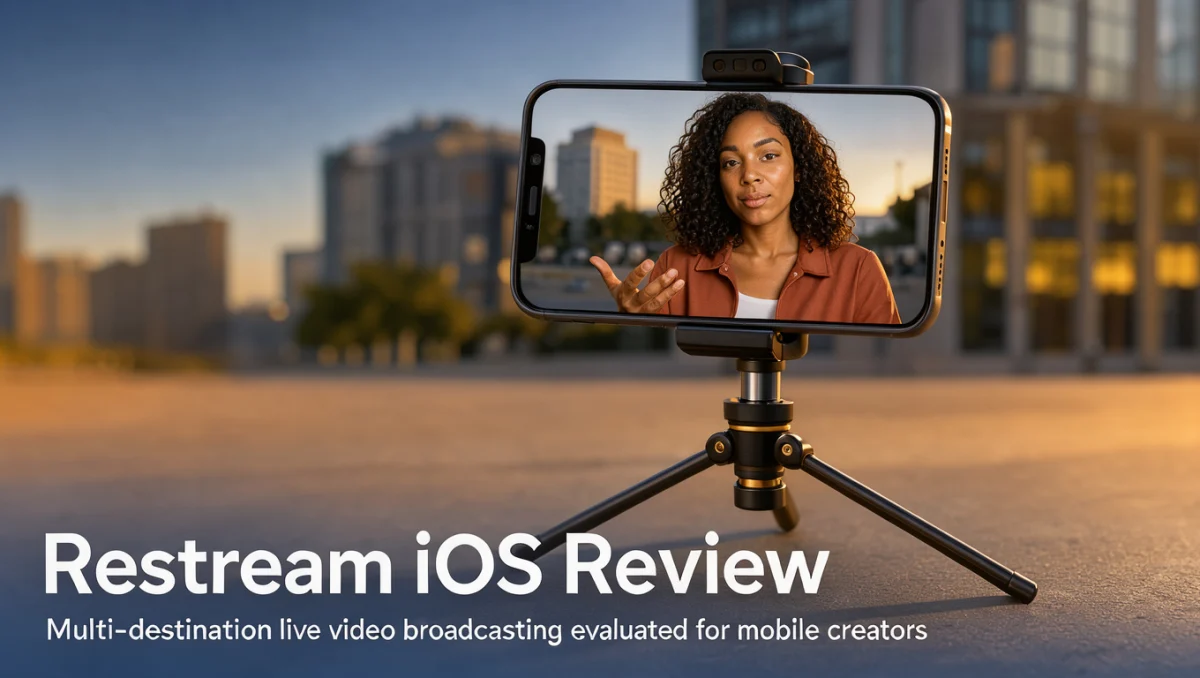
If you create content or run a brand and need to go live across several destinations at the same time, restream ios is one of the tools worth a closer look. Multistreaming software gathers a single video feed and pushes it out to many streaming hubs, so you can reach viewers without building a separate production setup for each one. Here at Tested Truth, we check how this mobile app works for field presenters, event hosts and small media teams who need to get live quickly.
Choosing a mobile broadcasting setup means looking closely at stream stability, how responsive the interface feels, and how well it brings chat from different channels together. Remote shows often run into weak connections or messy channel configuration. This review covers what the app does well, where other setups make more sense, and what to confirm before you commit to a paid tier.
Quick verdict: With an overall testedtruth score of 7.4/10, restream ios suits mobile commentators, roving reporters and solo creators who want portable multistreaming. It is a weaker match for complex multi-camera television work or studio teams that rely on large physical switching consoles.
| Assessment Dimension | Evaluation Summary |
|---|---|
| testedtruth score | 7.4/10 |
| Best for | Solo broadcasters and media teams sending remote video to several community channels at once |
| Not ideal for | Large broadcast networks that need hardware control rooms and analog video switching |
| Key strengths | Simultaneous delivery to many streaming destinations and unified audience chat |
| What to check before buying | Destination limits and resolution settings on the official vendor website |
1. How testedtruth Reviewed Restream iOS
This review considers what Restream iOS is designed to do, who it is built for, and how it stacks up against similar tools. We judged it on seven testedtruth criteria: features, ease of use, pricing and value, integrations, audience fit, support and competitive position. Plans, prices and limits change frequently, so we flag what to verify on the official website before buying. This article was researched and drafted with AI assistance, then reviewed and edited by the testedtruth Editorial Team.
2. What Restream iOS Is and Who It Serves
Restream iOS is a video streaming app that sends camera and audio input to several endpoints at the same time. Instead of locking a broadcast into one social network, multistreaming routes your upload through cloud infrastructure so it can reach audiences wherever they already are. Organizations use this approach to air interviews, breaking announcements, product demos and virtual seminars without duplicating cameras.
Content creation often needs quick deployment when news happens away from a desk. Teams working within Collaboration & Productivity ecosystems frequently depend on fast channels to share updates. A mobile streaming tool turns a handheld device into a working transmission unit, helping field communicators deliver immediate presentations to scattered followers.
3. Core Broadcasting Capabilities
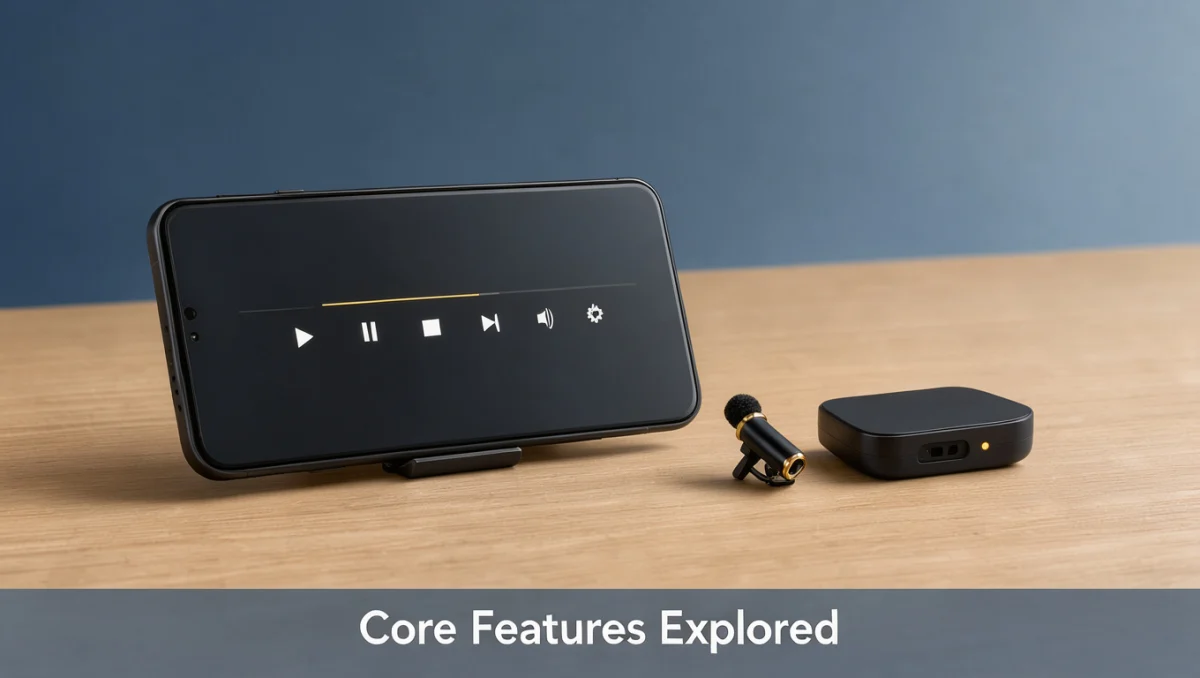
Knowing the main functional groups inside multistreaming tools helps buyers judge how efficiently a workflow will run in different settings.
Simultaneous Destination Routing
The defining feature of multistreaming is taking one incoming feed and distributing it to several target services. Rather than multiplying bandwidth demands at the location, the software sends your camera input to distribution servers that handle the copies. Creators can stay present across general video directories, gaming channels and professional networks at once.
Integrated Audience Chat Aggregation
Keeping up with community feedback across different platforms during a live event is difficult. Multistreaming software closes that gap by pulling viewer comments from active channels into one reading view. Presenters can track questions, reply to remarks and keep interaction going without juggling several screens.
Mobile Camera and Audio Capture
Handheld video tools use the device lens, built-in microphones and any attached audio accessories to create a live signal. Users can frame shots, switch between front and rear cameras and watch basic audio levels from the touch interface. Fast setup suits dynamic outdoor environments where bulky production gear cannot travel.
4. Ease of Use and Learning Curve
Running video tools live adds pressure, so an intuitive layout matters a great deal for solo presenters. Touch targets should be clearly separated so accidental taps do not interrupt a feed at a critical moment. Beginners can usually run a basic test broadcast fairly quickly once their destination profiles are connected, while mastering advanced audio leveling and custom overlays takes deliberate practice.
Network variation is the steepest learning curve for mobile broadcasters. Field operators need to understand how upload speed affects frame stability and overall stream health. Experienced operators often run offline rehearsals to confirm that a cellular connection holds steady before going live to an audience.
5. Pros and Cons
Weighing the structural advantages against the operational constraints helps buyers make a practical choice.
Strengths of Mobile Multistreaming
- Wider audience reach through delivery to several platforms from one capture device
- Lower on-location bandwidth use, since stream replication happens on remote cloud servers
- Single-screen chat monitoring that makes moderation easier for solo field hosts
- Fast setup for spontaneous interviews, press briefings and community updates
Limitations and Trade-offs
- Phone heat and battery drain call for external power banks during long sessions
- Cellular fluctuation can reduce stream clarity unless the uplink is stable
- Visual customization is simpler to manage in desktop studio software than on a handheld screen
6. Restream iOS vs Similar Tools
The live video market includes several categories of broadcasting software, each suited to different production scales and physical setups.
| Platform Type | Primary Target User | Core Value Proposition | Workflow Context |
|---|---|---|---|
| Restream | Multi-platform creators and organizations | Cloud-based distribution to multiple public destinations | Portable broadcasting and community outreach |
| OBS Studio | Technical producers and desktop hosts | Local open-source compositing and granular hardware control | Stationary desktop studios with dedicated capture cards |
| StreamYard | Web interviewers and panel coordinators | Browser-based guest collaboration and conversational shows | Remote corporate webinars and multi-guest panels |
| Switcher Studio | Mobile production crews | Multi-device wireless camera switching within Apple hardware | Local live event production with multiple angles |
Desktop tools focus on detailed canvas customization and local inputs, while cloud-routed mobile streaming focuses on distribution speed and reach. The right choice depends on whether your priority is elaborate visual scene design or fast mobile reach across many community channels.
7. Who Should Choose This Solution?
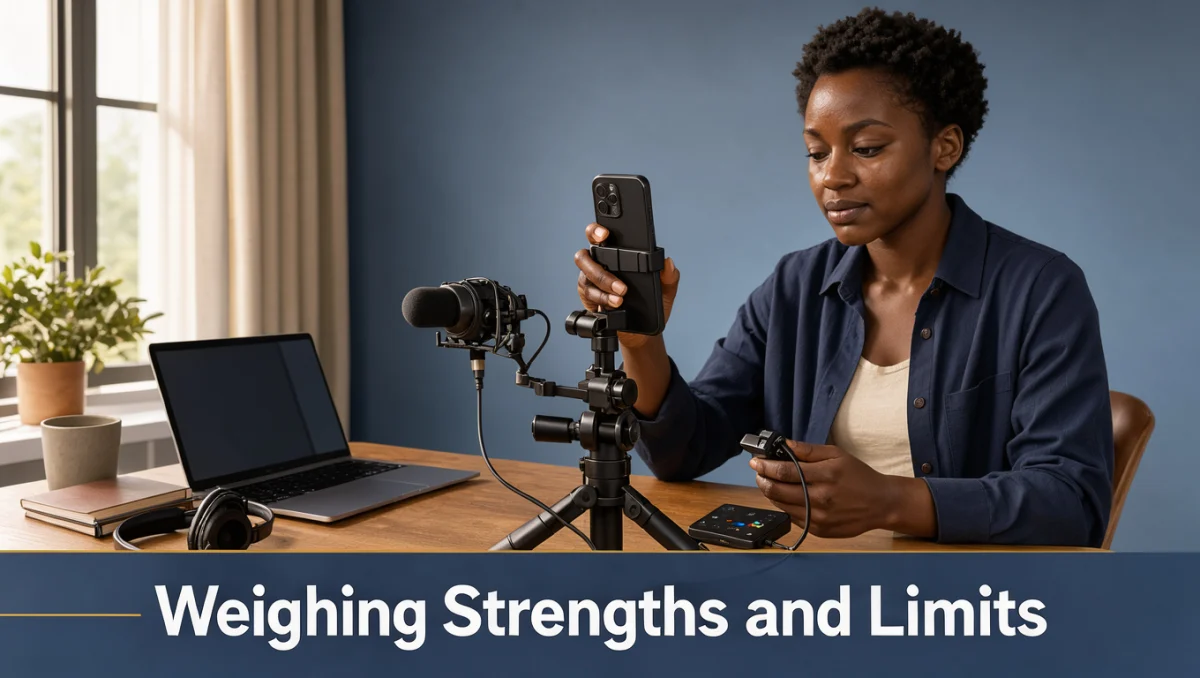
Broadcast needs vary widely across sectors. Assessing your own operating environment keeps you from paying for infrastructure you will not use.
Freelance Presenters and Solo Journalists
Independent media professionals covering trade shows, conventions or community stories gain from lightweight mobile gear. Hauling tripods, capture cards and powerful computers limits agility. A single mobile broadcasting app lets a solo operator send live observations to all relevant public accounts without help.
Small Business Marketers and Founders
Growing companies often run live product launches, founder Q&A sessions and factory tours to build brand trust. Reaching prospective buyers on several social channels at once makes the most of limited marketing hours. Solo founders value a centralized chat panel that keeps them from missing customer questions during spontaneous streams.
Corporate Communications Teams
Enterprise teams sharing town halls or field updates with outside audiences use multi-destination broadcasting to keep timing consistent across channels. Remote spokespeople can share company news while traveling, so stakeholders receive direct visual updates without production delays.
Users Who Need Alternative Configurations
Production studios covering multi-camera sports, televised concerts or complex theatrical events need dedicated hardware switchers and redundant wired connections. Depending only on handheld wireless units for a complicated arena event creates risks that are hard to accept.
8. How to Choose the Right Plan
Subscription models in live streaming differ by channel capacity, stream storage and recording quality. Review these points on the official vendor portal before paying.
| What to Check on the Official Site | Why It Matters to Your Operations |
|---|---|
| Destination limits per stream | Determines how many third-party community endpoints you can broadcast to at once |
| Watermark removal policies | Keeps commercial broadcasts free of vendor branding overlays |
| Cloud recording retention hours | Affects how long you can download or reuse master recordings after a live show |
| Stream resolution and bitrate caps | Confirms that video quality matches your audience expectations and camera capabilities |
| Custom RTMP channel support | Allows streaming to private video portals, enterprise intranets or niche platforms |
9. Frequently Asked Questions
What hardware accessories improve mobile broadcasting results?
External directional microphones, tabletop stabilizing tripods and portable battery packs all noticeably raise mobile stream quality. Audio clarity is the biggest factor in keeping viewers, so dedicated lapel or shotgun microphones usually beat built-in device mics in noisy places.
How should teams prepare for network instability during outdoor broadcasts?
Broadcasters should check upload speeds at the location before starting and set conservative video bitrates. Testing the cellular connection at several times of day helps show whether congestion is likely to disrupt frames during the real broadcast.
What should teams verify regarding team collaboration access?
Organizations should review the vendor account settings to see how administrative permissions work across team members. Confirm whether remote staff can change destination credentials without sharing master passwords, which protects brand security.
Can recorded video files be saved after finishing a live stream?
Most streaming platforms let you keep a copy of the broadcast either in cloud storage or on local device memory. Check the official documentation for automatic recording rules so your team can reuse broadcasts as on-demand content.
10. Final Verdict
At Tested Truth, we evaluate software on operational usefulness, objective criteria and transparent scoring to guide your technology decisions.
| Evaluation Criterion | Assigned Score | Assessment Context |
|---|---|---|
| Features | 7.2/10 | Offers dependable core multistreaming and chat collection, though mobile canvas design remains basic |
| Ease of Use | 8.5/10 | Touch navigation and simple channel authorization make starting a broadcast approachable for beginners |
| Pricing and Value | 7.1/10 | Review tier limits for custom destinations and recording storage to weigh the monthly cost |
| Integrations | 7.8/10 | Confirm connectivity with your preferred third-party networks on the vendor platform before going live |
| Audience Fit | 8.0/10 | Works especially well for roving hosts, field reporters and small business community managers |
| Support | 6.8/10 | Check official support channels and knowledge resources for response policies during critical events |
| Competitive Position | 6.7/10 | Holds a clear niche for mobile distribution against specialized multi-camera local switchers |
Overall Score: 7.4/10
Restream iOS is a practical, streamlined choice for broadcasters who put simultaneous audience distribution ahead of complex studio composition. If your workflow calls for agile, location-independent streaming to several community platforms, this mobile app offers solid value. For more guidance or questions about specific software, contact our editorial team at https://testedtruth.com/contact/ or follow our updates on https://www.linkedin.com/company/testedtruth/.