testedtruth may earn a commission when you buy through links on this page, at no extra cost to you. This does not affect our ratings.
Working with descript text-based editing turns media assembly into something closer to revising a written draft. Instead of hunting through waveforms, users read a transcript and make changes directly in the text, which is why the approach has drawn attention from podcasters and tutorial makers.
Anyone who has spent hours scrubbing a raw timeline to remove stumbles, long pauses, or repeated takes knows how much friction that creates. Speech-to-text tools aim to cut that friction by letting editors work from words rather than frames.
Our verdict: Descript earns 7.8 / 10 for spoken-word production. It suits solo creators, podcasters, and small teams who edit dialogue through a script. It is a weaker match for cinema-grade color work, detailed visual effects, or intricate surround mixing.
| Metric | Summary |
|---|---|
| testedtruth score | 7.8 / 10 |
| Best for | Creators producing spoken-word audio, narrative podcasts, and script-led video |
| Not ideal for | Post teams handling heavy color grading, VFX, and complex surround mixes |
| Key strengths | Transcript-driven timeline editing, automatic text alignment, and screen capture |
| What to check before buying | Transcription accuracy needs and monthly processing limits on the official site |
1. How testedtruth Reviewed Descript
We assessed the product across seven testedtruth criteria: features, ease of use, pricing and value, integrations, audience fit, support, and competitive position. Plans and limits shift frequently, so we flag the details to confirm on the vendor's website before purchasing. This article was researched and drafted with AI assistance, then reviewed and edited by the testedtruth Editorial Team.
2. What Descript Does and Who It Serves
Descript is an audio and video editor built around transcripts. Rather than working across separate audio lanes or slicing clips on layered timelines, people edit spoken dialogue by deleting, cutting, and pasting words within a digital script.
Each spoken word is tied to a specific point in the recording. Removing a sentence from the script removes that exact phrase from the synced audio and video.
The software is aimed at podcasters, online educators, content marketers, and remote team members who publish frequent video updates. It fits workflows where clear speech and fast delivery matter more than traditional broadcast techniques.
3. Core Features
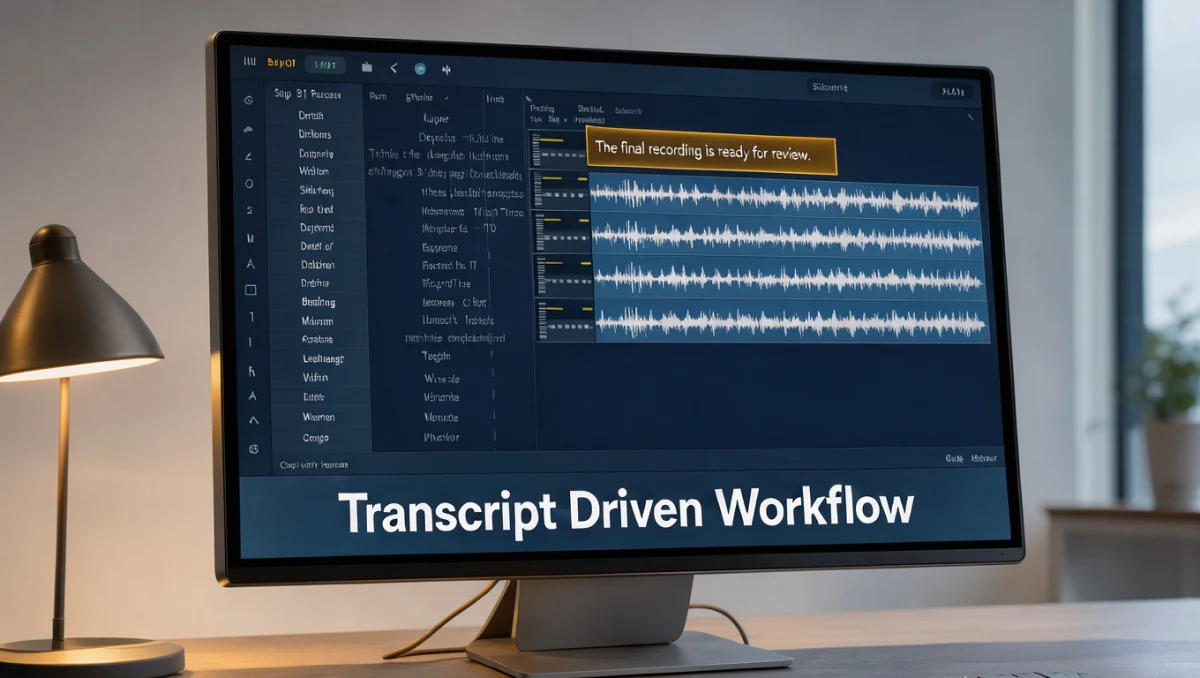
Understanding how transcript-based editing functions means looking at the main capabilities that define this category of software.
Transcript-Driven Media Editing
The central feature is two-way synchronization between playback and text. After import, automatic speech recognition produces a transcript. Deleting unwanted phrases, duplicate takes, or coughs from the text trims the audio and video tracks to match.
Searching the full recording for particular spoken keywords helps editors locate relevant moments quickly. This search-driven method makes it easier to build short summaries or clips from long recordings.
Screen Recording and Presentation Capture
The app can record your display, webcam, and microphone at the same time. When recording ends, the footage opens in a new project with an editable transcript already attached.
This suits teammates preparing software walkthroughs, internal training, or video newsletters, since footage can be refined without switching tools.
Filler Word Management
Spoken content often includes verbal pauses and filler phrases. The platform flags repeated hesitations in the transcript, letting editors remove them in bulk or review each one separately.
Editors can also adjust room tone and gap lengths between words, keeping natural conversational rhythm without creating unnatural silence.
Captions and Social Clips
Short clips for social platforms need readable subtitles. Since the media is already linked to text data, animated or burned-in captions can be produced without a separate captioning tool.
Creators can highlight sections of a main script and export them as standalone promotional clips with branded backgrounds and dynamic captions.
4. Ease of Use and Learning Curve
For writers and podcasters with little video editing experience, the approach feels familiar because it resembles a word processor. Correcting speech mistakes requires only the backspace key instead of blade tools.
Editors coming from non-linear timeline software may need time to adjust. Non-verbal elements, background music timing, and fine transitions still require work on the timeline beneath the text editor.
Learning the keyboard shortcuts for text editing and timeline navigation helps maintain a fast, steady editing rhythm.
5. Pros and Cons
Pros
- A text-first workflow noticeably speeds up rough cuts for spoken content.
- Built-in screen recording removes the need for a separate capture utility.
- Automatic caption generation saves time when preparing social video.
- Keyword search across media makes locating specific topics straightforward.
Cons
- Precision audio mastering and complex multitrack music work lag behind dedicated digital audio workstations.
- Heavy visual effects, fine color grading, and elaborate transitions often mean exporting to a traditional video editor.
- Transcript accuracy depends on microphone quality, background noise, and how clearly speakers articulate.
6. Descript vs Similar Tools
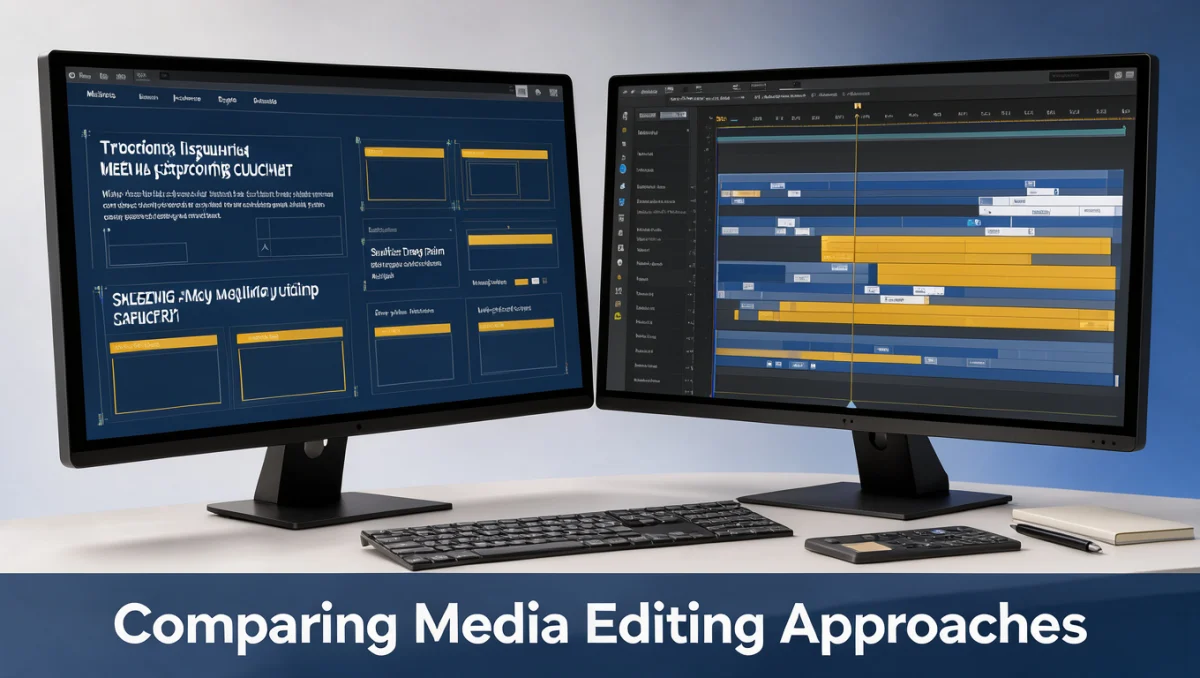
Within the evolving field of AI-assisted media creation, Descript holds a distinct position compared with legacy editing suites and newer automated recorders.
Adobe Premiere Pro and DaVinci Resolve offer deep post-production control, advanced color wheels, and specialized audio repair. Their timelines, however, are designed for detailed visual composition and broadcast engineering rather than quick script-first revisions.
Podcastle and Riverside concentrate on remote studio recording over the web. Both include text trimming, but Descript places more emphasis on post-recording script editing, layout styling, and multi-scene video composition.
Buyers should first identify their main bottleneck: high-fidelity live capture, detailed visual effects, or faster dialogue editing.
7. Who Should Use Descript
Solo podcasters gain from script-based editing because it cuts the time spent listening to raw audio at real-time speed. Removing misspoken words while reading the text speeds up episode assembly.
Content marketers and educators can work efficiently on video tutorials, drafting, recording, and refining spoken lessons without advanced post-production skills.
Documentary crews and commercial agencies working with cinema cameras, log color profiles, and multichannel field recorders will likely keep relying on dedicated non-linear editing systems.
8. How to Choose the Right Plan
Subscription decisions in transcript-based media software usually come down to processing volume and team collaboration needs. Review current details on the official Descript pricing page before committing.
| What to check on the official website | Why it matters |
|---|---|
| Transcription hour allowances | Monthly transcription limits determine how much footage you can process before paying extra. |
| Video export resolution caps | Confirm that high-definition or maximum resolution exports meet your delivery standards. |
| AI voice and processing features | Advanced voice synthesis and cleanup tools may differ across subscription tiers. |
| Team collaboration access | Shared workspaces and simultaneous editing permissions affect monthly seat costs. |
9. Frequently Asked Questions
How does editing text change the underlying video?
Each transcribed word links to a precise timestamp on the media timeline. When an editor cuts a paragraph, the matching audio and video sections are trimmed immediately.
What audio quality is needed for accurate transcription?
Clear voice separation and low reverberation produce the most reliable transcripts. Recording with directional microphones in quiet rooms reduces the manual correction needed for misheard words.
Can Descript fully replace a traditional video editing suite?
For dialogue videos, presentations, and interviews, script-based software often covers the whole workflow. Projects needing detailed motion graphics, frame-by-frame color correction, or orchestral mixing still depend on specialized suites.
What should teams verify before buying a subscription?
Teams should estimate monthly recording hours and confirm export resolution settings. Checking team sharing rules on the official pricing page helps avoid unexpected upgrade requirements.
10. Final Verdict
| Criterion | Score /10 | Reason |
|---|---|---|
| Features | 8.5 / 10 | Offers comprehensive text-linked media tools, screen capture, and automatic captions for speech content. |
| Ease of Use | 8.5 / 10 | Editing media like a text document makes rough cuts accessible to non-technical creators. |
| Pricing and Value | 7.0 / 10 | Buyers should compare monthly media hour allowances with their typical production volume. |
| Integrations | 7.0 / 10 | Users should check export compatibility with their other audio and video applications. |
| Audience Fit | 8.5 / 10 | Built specifically for podcasters, educators, and marketers producing dialogue-centric media. |
| Support | 7.0 / 10 | Buyers should review available documentation, knowledge resources, and direct assistance channels. |
| Competitive Position | 8.0 / 10 | Holds a clear identity as a leading script-first editor alongside traditional timeline applications. |
Overall score: 7.8 / 10
For spoken-word creators who want to cut timeline editing time, descript text-based editing offers a streamlined, document-first approach. To ask about our software evaluations, contact the editorial team through the testedtruth contact page or follow our updates on LinkedIn.
See More Artificial Intelligence · Tested Truth