Tested Truth may earn a commission when you buy through links on this page, at no extra cost to you. Our ratings remain independent.
Choosing a hubstaff tracker download comes down to how well time tracking software links individual work sessions with company-wide reporting. Before rolling out any tracking client, teams should map out their monitoring goals, the boundaries of acceptable tracking, and what employees will expect from the process.
| Metric | Summary Details |
|---|---|
| testedtruth score | 7.9 / 10 |
| Best for | Remote teams and agency managers who want structured tracking plus automated activity metrics |
| Not ideal for | Freelancers or casual users who only need manual logs without workstation monitoring |
| Key strengths | Automatic time capture, background activity measurement, and project oversight |
| What to check before buying | Operating system compatibility and admin control options listed on the vendor's site |
1. How We Evaluated Hubstaff
We assessed Hubstaff against seven criteria: features, ease of use, pricing and value, integrations, audience fit, support, and competitive standing. Subscription tiers and limits shift frequently, so treat the details here as a starting point and confirm current terms on the official website. This piece was drafted with AI assistance and then reviewed and revised by the Tested Truth Editorial Team.
2. Understanding Hubstaff and Its Ideal Users
Hubstaff is a workforce management and time tracking platform built to record employee hours, follow project tasks, and produce reports that can be verified. Companies use it to consolidate shift logging, project time allocation, and admin reporting for staff who work in the office or remotely. By recording active application use and task length, it connects day-to-day oversight with project planning.
Its main audience includes remote agencies, service providers, contractors, and team leads coordinating staff across several time zones. Within the workforce management category, many products prioritize giving supervisors visibility into whether billable hours reflect real progress. Readers browsing our Collaboration & Productivity section will see how these utilities cut payroll confusion and reduce manual spreadsheet work.
On the other hand, independent creatives or small teams who want simple project timers without any activity monitoring may find a dedicated tracking client more structure than they need. Checking operational fit early helps avoid friction between management needs and employee comfort.
3. Key Features Explained
Knowing what time tracking software actually provides makes it easier to choose the right tool. Hubstaff's core functions revolve around time capture, task mapping, and activity reporting.
Time Capture and Activity Monitoring
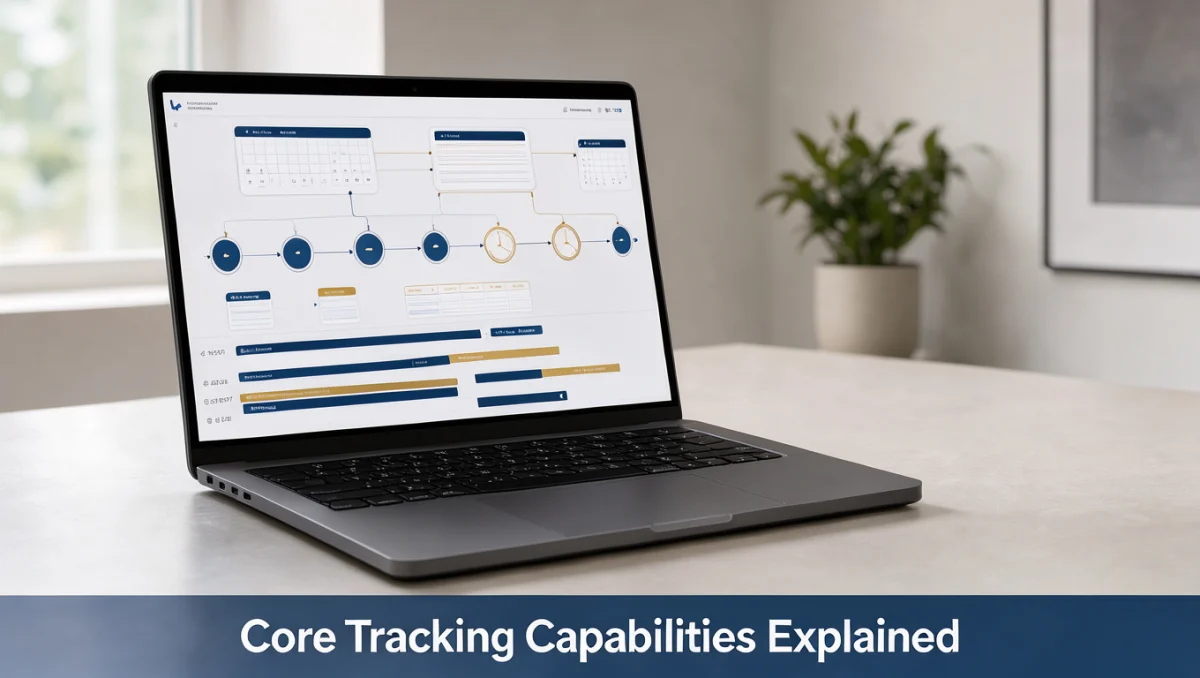
The desktop client records work hours through automatic timers or scheduled shifts. While tracking is active, it measures workstation engagement, including mouse and keyboard activity levels and the applications in use. These measurements let managers see whether work is continuing without relying on handwritten logs. Since monitoring rules differ between regions, organizations should set clear internal policies before turning on the tracker.
Project Mapping and Budget Tracking
From the admin dashboard, managers can attach logged time to client accounts, internal initiatives, and individual tasks. Because the hours flow directly into project budgets, leaders get early warning when a task is nearing its allocated time. This prevents overruns by keeping cumulative labor costs visible throughout the project.
Reporting and Analytics
The reporting engine turns tracked time into adjustable timesheets, client invoice summaries, and team activity overviews. Managers can pull these records to check billable ratios, compare workloads across the team, and streamline client billing. Most subscription plans format exports for accounting and review, so manual timesheet gathering is largely eliminated.
4. Usability and Learning Curve
Monitoring software brings its own usability considerations for both managers and staff. Admins set up projects, assign permissions, and define tracking rules from a central web console. Building out organizational hierarchies takes some planning so that each department has access to the right projects.
For employees, using the desktop tracker requires very little training. They select a project, start the timer, and pause it during breaks or non-work periods. Still, background activity recording calls for open communication about privacy and what is being monitored. Many business owners report that being transparent during onboarding noticeably reduces team pushback.
5. Advantages and Drawbacks
Every workforce management system comes with practical benefits and trade-offs that teams need to weigh.
Advantages of Hubstaff
- Dependable project hour capture removes reliance on estimated, after-the-fact timesheets.
- Automated activity scoring offers objective data on engagement during tracked hours.
- Thorough reporting simplifies manager reviews, client billing, and accounting tasks.
- Clear project mapping ties each employee's daily focus to specific deliverables.
Drawbacks and Operational Considerations
- Constant activity tracking can cause friction if the tool is introduced without transparent guidelines.
- The detailed admin dashboard has a learning curve for managers who are not technical.
- Stricter monitoring may call for updates to company policies on data handling and workstation use.
6. How Hubstaff Compares to Alternatives
Looking at other products in the time tracking market helps buyers match a tool to their management style.
| Software Platform | Primary Target Audience | Core Functional Focus | Consideration Factor |
|---|---|---|---|
| Hubstaff | Distributed teams and remote agencies | Workforce monitoring, timesheets, and activity tracking | Requires team buy-in for automated workstation tracking |
| Time Doctor | Enterprises and mid-sized distributed workforces | Employee monitoring and productivity analytics | Strongly geared toward detailed administrative oversight |
| Harvest | Service businesses and consulting agencies | Time tracking tied to client invoicing and expenses | Emphasizes billing and budgets rather than activity monitoring |
| Toggl Track | Freelancers and creative studios | Flexible, low-friction project and personal time capture | Puts individual autonomy ahead of background workforce oversight |
Harvest focuses on financial workflows, sending recorded time straight into billing templates without tracking keystrokes. Toggl Track suits creative teams that want unobtrusive timers without productivity auditing. Time Doctor is a close competitor to Hubstaff, built for detailed employee accountability.
7. Who Should Consider Hubstaff
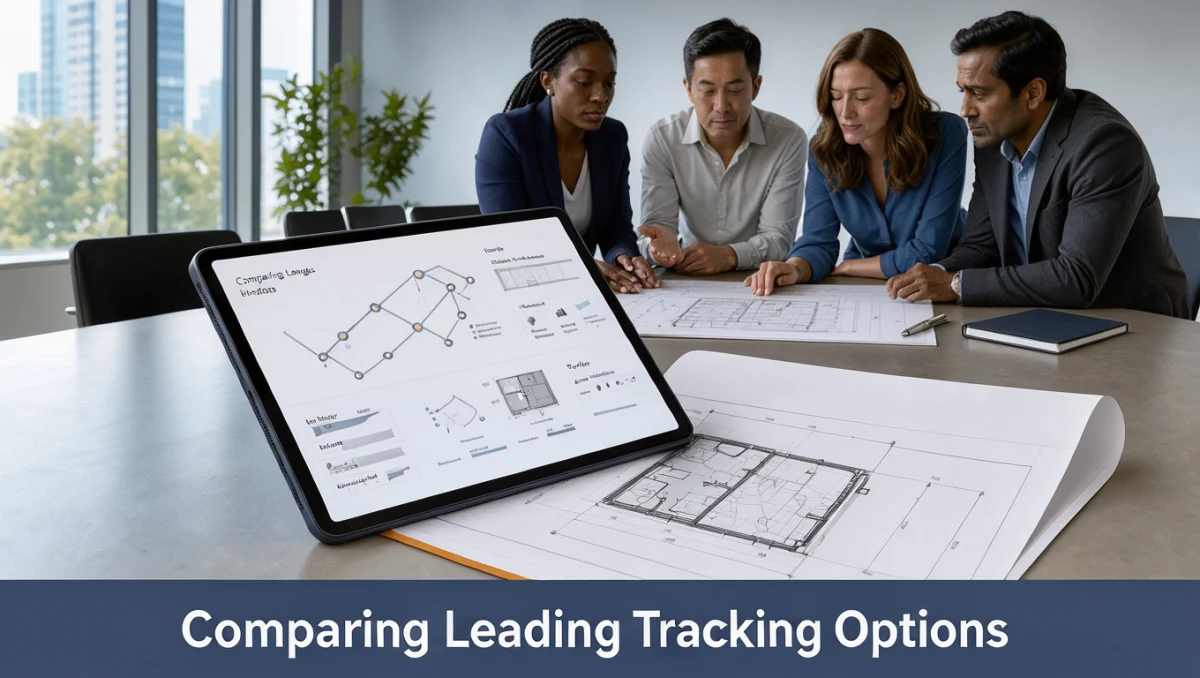
Deciding whether this platform fits your team can save time and admin effort.
Remote Agencies and Contractor Networks
Agencies managing remote freelancers and distributed contractors benefit from verifiable work logs. Automatic record keeping offers clients objective proof of work and makes sure contractors are paid fairly for recorded hours.
Small Business Owners Managing Field or Hybrid Teams
Owners who want centralized labor reporting will value automatic timesheet creation, which removes the work of collecting and checking timesheets before each payroll run.
Marketers and Operations Managers
Leads juggling several campaign deliverables can watch real-time hour allocation across projects, helping them balance workloads and prevent burnout.
Who Should Look Elsewhere
Solo freelancers who only need basic timers for tax records or simple invoices will probably find activity tracking unnecessary. Companies whose culture opposes monitoring software should consider output-based project tools instead.
8. Choosing the Right Plan
Subscription tiers for workforce software usually differ in depth of features, reporting complexity, and admin control. Check the following on the official vendor site before buying.
| What to check on the official vendor site | Why it matters for your team |
|---|---|
| User allocation structure and per-seat pricing | Adding team members changes total recurring software costs. |
| Activity monitoring controls and screenshot intervals | Tiers vary in administrative detail and data retention. |
| Project and task hierarchy limits | Complex agencies need deeper nesting and more project categories. |
| Data export and financial reporting formats | Reports should fit your internal accounting process. |
| Client access and permission settings | Sharing progress with clients requires specific access roles. |
9. Frequently Asked Questions
What should teams prepare before rolling out tracking software?
Write a tracking policy that spells out which metrics are captured, when tracking runs, and how admins review the data. Clear communication helps employees understand the boundaries, especially for personal activity, breaks, and confidential files.
Why do tracking tools measure keyboard and mouse activity?
The software monitors input frequency to determine whether a workstation is active during logged hours. It produces aggregate activity levels rather than recording individual keystrokes, giving supervisors a general view of focus.
How should buyers compare tracking software costs against their budget?
Add up per-seat subscription fees, any higher-tier admin features you need, and potential integration costs. Verifying these on the official vendor website gives an accurate forecast before you onboard anyone.
When is output tracking better than automated activity tracking?
Output tracking works well when performance is judged by finished milestones, creative deliverables, or client satisfaction instead of logged hours. If your culture values asynchronous delivery over strict hourly presence, a simpler project management tool may be a better match.
10. Final Verdict
Picking workforce management software means balancing transparency with managerial oversight. As reviewed by the Tested Truth editorial team, this platform provides structured tracking and verifiable timesheets for distributed organizations.
| Criterion | Score / 10 | Reason |
|---|---|---|
| Features | 8.5 / 10 | Reliable time tracking, activity monitoring, and project budgeting. |
| Ease of Use | 8.0 / 10 | The tracker is simple for staff, though admin setup takes some time. |
| Pricing and Value | 7.5 / 10 | Verify seat requirements and feature tiers on the official pricing page to confirm return on investment. |
| Integrations | 7.0 / 10 | Confirm compatibility with your project boards and accounting software directly with the vendor. |
| Audience Fit | 8.5 / 10 | Strong alignment with remote agencies, service firms, and distributed teams that need accountability. |
| Support | 7.5 / 10 | Review available vendor assistance and onboarding resources before deployment. |
| Competitive Position | 8.0 / 10 | Holds a distinct operational focus alongside Time Doctor, Harvest, and Toggl Track. |
Overall testedtruth score: 7.9 out of 10.
For remote agencies and distributed teams, this platform offers solid project visibility, less administrative friction, and clear labor records. Solo operators and teams that only track milestone deliverables should look at lighter options. Send questions to the editorial team through the Tested Truth contact page, or follow us on LinkedIn for regular software analysis.