Tested Truth may earn a commission when you buy through links on this page, at no extra cost to you. This does not affect our ratings.
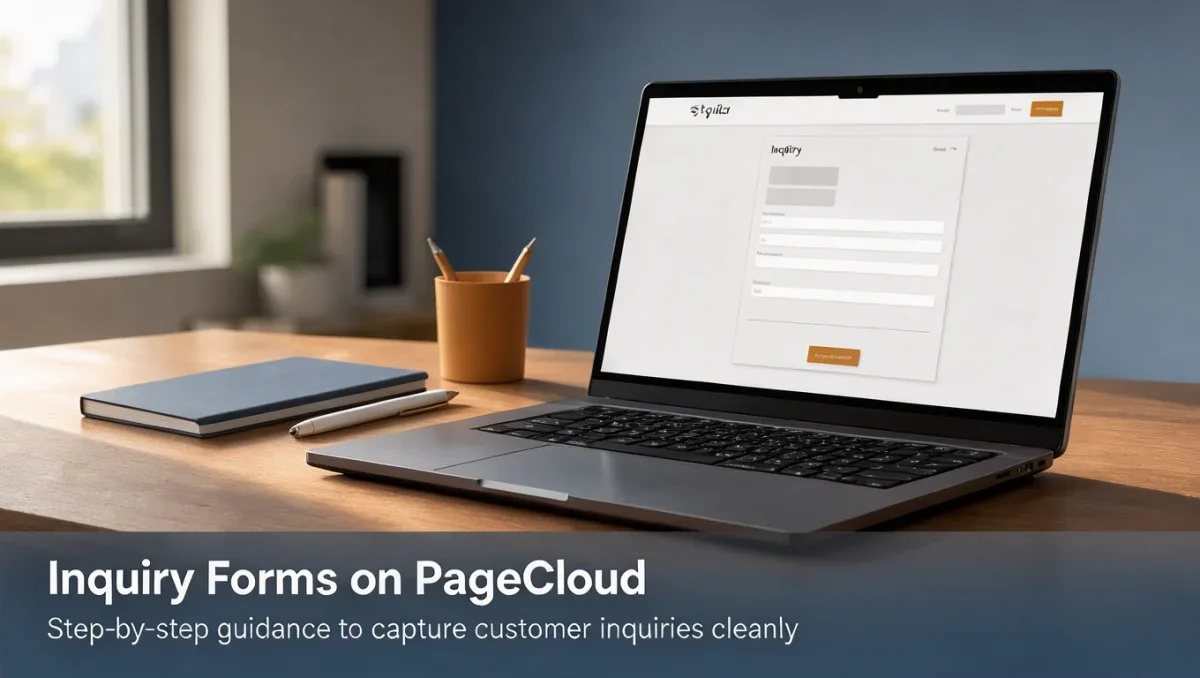
Before you think about layout, decide exactly what information your business needs from each visitor. Knowing how to create inquiry forms with how to create inquiry forms with pagecloud starts with that list. Website builders let small businesses publish contact forms, gather inquiries, qualify leads, and send messages to the right inbox. At Tested Truth, we break website administration into clear, repeatable steps that protect your conversion rate.
A well-planned form collects prospect details without adding friction. It also cuts down on spam, delivers timely alerts, and looks clean on every device.
Quick answer: To build an inquiry form, define the required fields, place the form section on your page, set up destination notifications, and send a live test submission. Check storage limits and data routing options on the official PageCloud website before launch.
| Aspect | Details |
|---|---|
| Who this guide is for | Small business owners, solo operators, and marketers setting up contact pages. |
| What you need before starting | An active site project, an approved field list, and a destination email address. |
| What you will have at the end | A working inquiry workflow that collects and organizes visitor messages. |
1. How Tested Truth Assembled This Guide
This guide pairs the features this software is designed for with the Tested Truth buying framework, so you can judge whether it suits your business. Pricing and limits change frequently, so confirm current details on the official website before purchasing. The article was researched and drafted with AI assistance, then reviewed and edited by the Tested Truth Editorial Team.
2. Preparing Before You Build
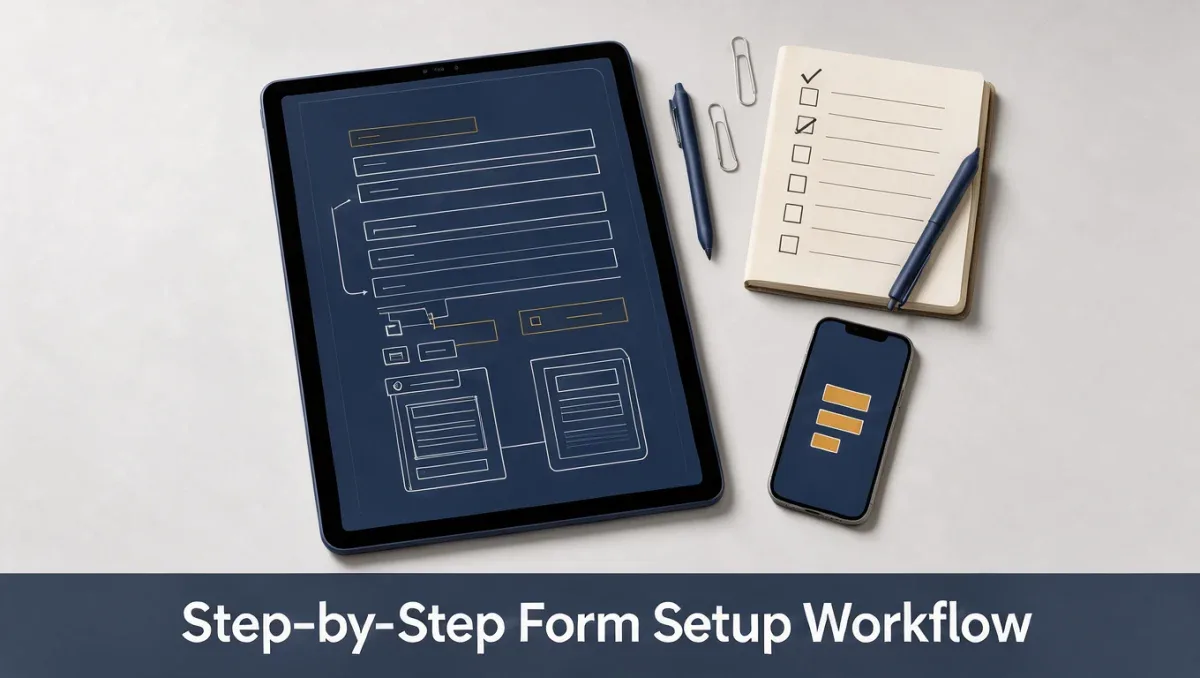
Capturing inbound leads requires some groundwork so the form serves a clear purpose. Launching in a hurry often results in missing customer details or alerts that never arrive.
- Define the minimum data you need to respond, such as full name, email, phone number, and project notes.
- Write your confirmation and thank-you messages in advance to reassure prospects after they submit.
- Confirm you have admin access to your site project and access to the inbox that will receive alerts.
- Review the official PageCloud documentation for current field types and notification settings.
3. Step-by-Step Setup Workflow
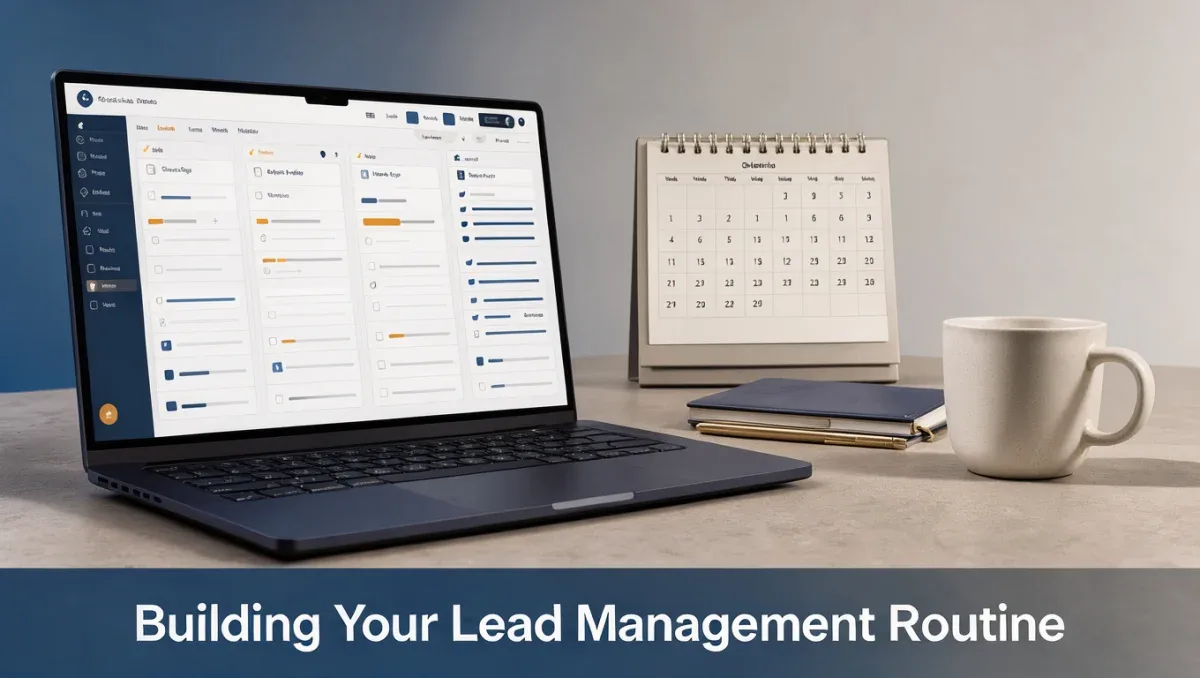
Working through the setup in a fixed order keeps your layout organized and prevents technical slip-ups. A structured process also makes it easier to maintain Design consistency across desktop and mobile screens.
- Map out the form by listing mandatory contact details separately from optional inquiry notes. Keep questions short so visitors finish the form.
- Place the form container on the target page, making sure input boxes stay readable and accessible at every screen size.
- Configure each input with a distinct label, a helpful placeholder, and the right field type, such as email or multi-line text, to reduce entry errors.
- Set up submission routing by entering the recipient notification address, then check the official PageCloud documentation for how entries are stored.
- Design a clear post-submission state, such as an on-page success message or a redirect, so prospects know their message was received.
- Publish the page and send a live test entry to confirm the inbox receives every field value right away.
4. Your First 30 Days
Publishing the form is only the start of managing inbound messages. Building steady habits during the first month helps you catch missed leads and judge inquiry quality.
| Week | Routine to build | Why it matters |
|---|---|---|
| Week 1 | Send test inquiries and check notification delivery across several email clients. | Confirms alerts reach your main inbox instead of spam folders. |
| Week 2 | Review the submission flow and check whether field labels are easy to understand. | Surfaces confusing labels that cause visitors to abandon the form halfway. |
| Week 3 | Audit spam volume and confirm protection measures block automated bots. | Saves time by filtering out unwanted solicitations. |
| Week 4 | Measure how long it takes from submission to your first follow-up. | Shortens sales cycles and sets a professional standard for prospective clients. |
5. Common Mistakes and How to Avoid Them
First-time site administrators often run into the same problems when launching inquiry forms. Avoiding these pitfalls keeps your pipeline healthy.
- Asking for too much personal information upfront, which discourages visitors from finishing.
- Skipping a test entry after layout changes, which can leave a broken form unnoticed for weeks.
- Using vague labels that leave visitors unsure what details to provide.
- Neglecting mobile checks, which can misalign input boxes or hide the submit button on small screens.
- Relying on one recipient inbox without testing whether filters or security gateways block notifications.
6. When to Ask for Help
Basic inquiry forms are manageable for non-technical users, but some situations justify outside support. Software vendors and digital agencies can help depending on the scope of your project.
- Contact the vendor's support team if notifications fail even after you have verified the recipient settings and checked the official status pages.
- Hire a web developer if you need custom database pipelines, advanced CRM data mapping, or specialized tracking scripts.
- Consult a privacy advisor if your form collects sensitive personal data or operates in regions with strict data collection rules.
7. Frequently Asked Questions
How much time does form setup take?
Planning and publishing a standard contact section usually takes under two hours for a basic business page. That includes outlining your questions, aligning the form on your layout, and running live test submissions to confirm email delivery.
What should you do if notifications do not arrive?
Check that the recipient address is spelled correctly and look in junk folders for automated alerts. If alerts still do not show up, review the official PageCloud guide for current notification settings and domain authentication recommendations.
Can form fields be changed after publishing?
Yes. You can edit, reorder, or remove fields after the page is live. After any change, publish the revised project and send a fresh test inquiry to confirm the updated fields transmit their data correctly.
Do you need a developer to build a standard form?
Standard inquiry forms with basic contact fields do not require coding knowledge, and non-technical owners can assemble them on their own. Complex data routing or enterprise CRM connections may benefit from developer help.
8. Next Steps
With the setup workflow in hand, you can finish your lead collection plan with confidence. As you plan future site updates, Tested Truth offers structured software guidance to help you make informed operational decisions.
- Audit your current contact page and remove questions that slow visitors down.
- Confirm destination email routing with your sales or support team before publishing changes.
- Visit the official PageCloud website to review supported form elements, security features, and storage limits for your plan.
- Schedule a monthly test submission to make sure notifications keep arriving reliably.
Have a question about choosing software? Reach the Design team through our contact page, or follow Tested Truth on LinkedIn for new reviews and comparisons.