testedtruth may earn a commission when you buy through links on this page, at no extra cost to you. This does not affect our ratings.
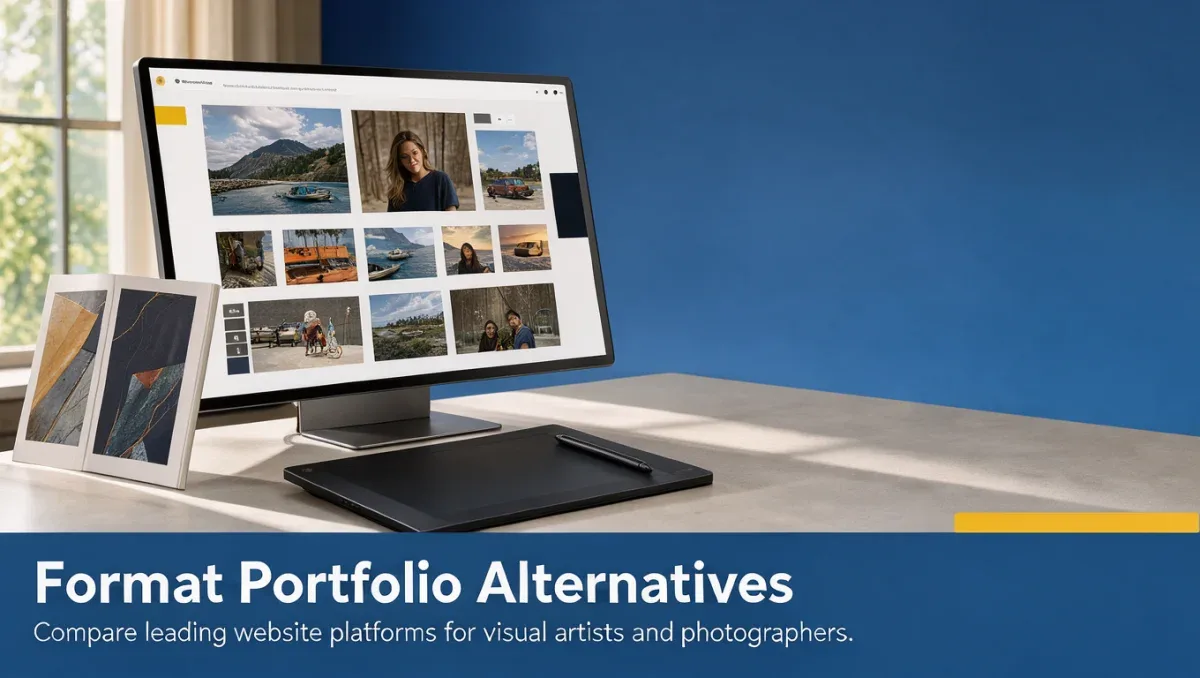
Visual creators who outgrow their current showcase site have several routes to explore. Photographers, illustrators, and designers each present their work differently, and the right format portfolio alternatives depend on whether you prize curated presentation, client approvals, or direct sales. At Tested Truth, we judge portfolio builders by how they function, how flexible they are, and how well they suit visual work.
Every portfolio serves a particular purpose. Some put client proofing first, others focus on selling prints, and many simply need a clean stage for artwork. Choosing a replacement means weighing creative control against setup simplicity, so the platform you pick supports where your practice is headed.
Quick answer: Leading options such as Squarespace, Pixpa, and SmugMug each target a different need. Squarespace suits creators who want a wider website beyond galleries. Pixpa fits photographers who want client proofing galleries built in. SmugMug is built around photo storage, protection, and print fulfillment. Your best fit depends on how much you rely on client interaction and selling.
| Alternative | Switch to it if | Main trade-off |
|---|---|---|
| Squarespace | You need a multi-page business site with blogging and appointment booking. | More design work is required, and gallery styling isn't set up for visual niches by default. |
| Pixpa | You want client proofing and print lab fulfillment together in one place. | Templates lean toward visual arts rather than a wide range of content sites. |
| SmugMug | Your main goals are high-resolution archiving, protection, and dedicated print sales. | Non-gallery page layouts and general website flexibility are limited. |
| Adobe Portfolio | You want quick syncing with an existing Creative Cloud workflow. | Standalone commerce tools and advanced site customization are fewer. |
1. How Tested Truth Put This Guide Together
This guide pairs what each software product is built to do with the Tested Truth buying framework, so you can make a decision that fits your business. Plans, prices, and limits change often, so we flag what to confirm on each official website before purchasing. This article was researched and drafted with the help of AI tools, then reviewed and edited by the Tested Truth Editorial Team.
2. Why People Look Beyond Format
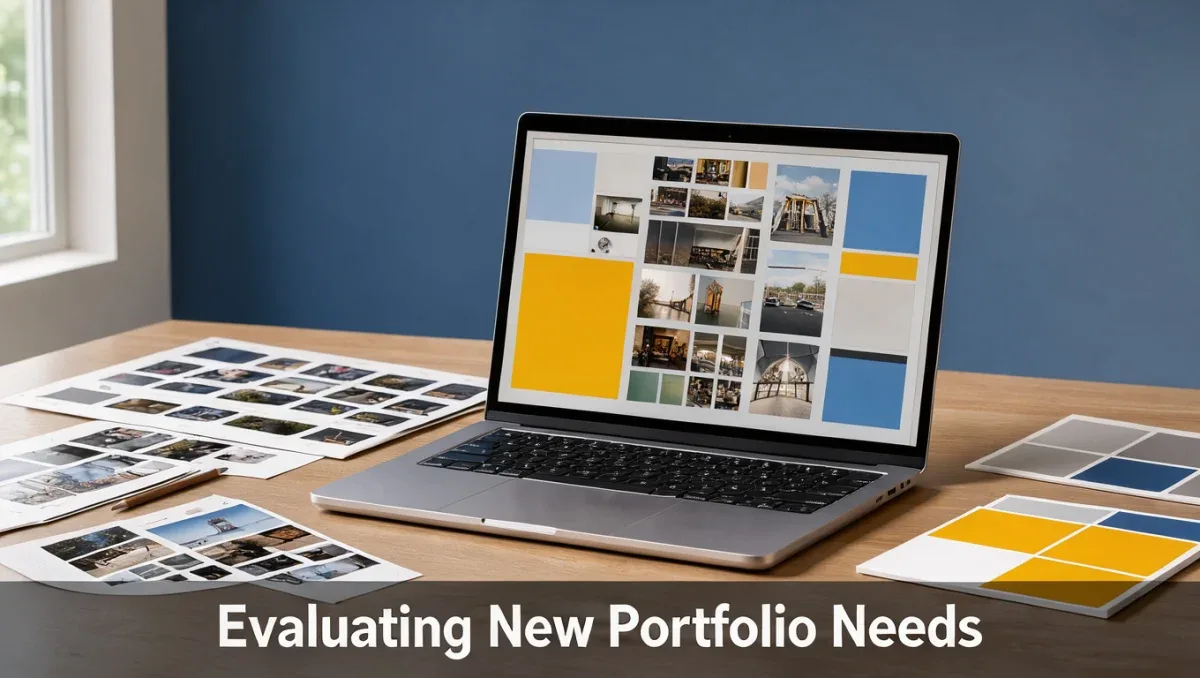
Creators look for other options when their needs outgrow curated visual presentation. As a creative business grows, its online presence often calls for stronger scheduling tools, broader e-commerce models, or dedicated client review portals that general portfolio platforms handle differently. When assessing your Design workflow, determine whether your portfolio is simply a visual lookbook or an operational client portal.
Portfolio platforms approach gallery structure, mobile viewing, and digital asset management from different architectural angles. Creators often move on because of specific needs such as:
- Advanced digital scheduling or multi-purpose service pages beyond basic galleries.
- Dedicated client proofing where clients mark favorites directly within proofing albums.
- Broader template modularity for complex content structures or editorial blogs.
- Tighter synchronization with a wider creative production ecosystem.
3. Switching Triggers: When to Consider Moving
Leaving an active portfolio requires a clear operational reason. Changing website platforms takes time and means rebuilding your asset library, so the decision should solve a concrete business problem. Review the triggers below to clarify what you need.
| Reason you want to switch | Type of alternative to consider | What to check first |
|---|---|---|
| Need integrated client photo proofing with private access | Photographer-focused portfolio platforms with dedicated client galleries | Check the official website for client album delivery and approval tools. |
| Require full content management for services, blogs, and commerce | All-in-one general website builders | Confirm page customization depth and structured content handling on vendor sites. |
| Require professional photo archiving and automated lab fulfillment | Specialized photo hosting and sales platforms | Review print fulfillment partnerships and digital delivery methods directly with vendors. |
| Want quick syncing with desktop creative software | Ecosystem-tied visual site generators | Verify supported asset synchronization tools on the official product site. |
4. The Alternatives to Format
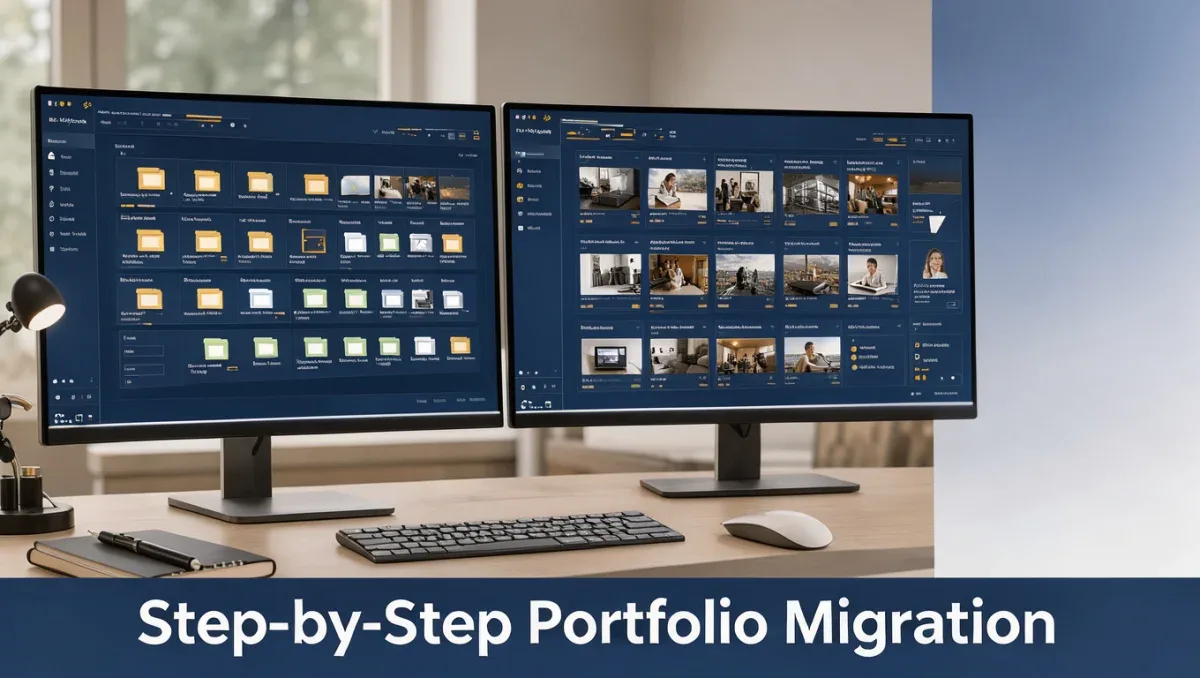
Visual artists and photographers looking for viable options will find several distinct solutions. Below are the main alternatives to weigh against Format.
Switch from Format to Squarespace if You Need Versatile Content Presentation
Squarespace serves creative businesses, consultants, and agencies that want multi-purpose web design alongside a visual portfolio. Choose Squarespace if your business needs rich content layouts, integrated appointment scheduling, and broader marketing extensions beyond image galleries. The main trade-off is more involved template setup, which takes extra design effort to achieve minimalist visual layouts. Before switching, confirm on the official Squarespace website how gallery sections handle high-resolution image compression.
Switch from Format to Pixpa if You Need Dedicated Client Proofing
Pixpa is built for photographers and visual artists who want portfolio presentation, client proofing, and e-commerce in one place. Choose Pixpa if client approvals, private gallery sharing, and lab fulfillment are central to your daily work. The main trade-off is a narrower template range aimed at visual professionals rather than general businesses. Verify account gallery structures on the official Pixpa site before moving your archives.
Switch from Format to SmugMug if You Need Image Storage and Protection
SmugMug centers on professional photographers who need secure image archiving, strong watermarking options, and automated print fulfillment. Choose SmugMug if your site works mainly as an image library, customer download center, or print storefront. The main trade-off is reduced flexibility for building arbitrary non-photo pages or varied editorial layouts. Check the official SmugMug website for details on supported print labs and storage options.
Switch from Format to Adobe Portfolio if You Want Workflow Continuity
Adobe Portfolio suits creative professionals who want simple, streamlined site creation tied directly to their visual asset workflow. Choose Adobe Portfolio if you want a clean presentation site built quickly with minimal configuration. The trade-off is fewer advanced e-commerce tools and less design modularity than standalone site builders offer. Review domain connection guidelines on the official Adobe Portfolio page before starting a transfer.
5. How to Switch Without Losing Data
Moving a portfolio takes careful preparation to keep visual quality intact, preserve digital assets, and protect search visibility. An organized migration plan helps you avoid broken links and lost imagery. Anyone comparing format portfolio alternatives should carry out the move step by step.
- Catalog and export your creative media: Save master high-resolution files and written project descriptions locally before closing any active hosting account.
- Map your existing site structure: Document current gallery URLs and project pages so you can recreate the key navigation paths on the new platform.
- Build the new layout in staging: Recreate core pages, upload clean assets, and optimize image metadata on the destination platform before connecting your custom domain.
- Set up redirects: Configure URL redirection where possible so visitors following old portfolio links land on the matching new galleries.
- Update domain settings: Reassign custom domain records following the destination platform's instructions, then test gallery responsiveness across several screen sizes once live.
6. Frequently Asked Questions
When does staying with Format make the most sense?
Staying with Format is often sensible when your workflow centers on clean, curated visual delivery without complex client proofing or specialized store needs. If your current themes match your brand and need little upkeep, keeping your setup avoids unnecessary migration effort and disruption to ongoing client inquiries.
How much preparation does migrating a portfolio site require?
It depends on catalog size and organization. Visual creators with well-organized local image archives and prepared project copy can often rebuild core galleries over a few focused work sessions. Creators who must download images from older hosting accounts, rewrite project case studies, or rebuild client delivery systems will need considerably more setup time before launch.
What should visual artists verify before committing to an alternative?
Confirm image resolution retention, gallery responsiveness across different screen proportions, domain connection steps, and transaction fee policies on official vendor pages. Checking these basics before you commit prevents surprise limitations once client work goes live.
Why do portfolio platforms handle high-resolution image compression differently?
Platforms balance display speed against visual fidelity using their own web optimization methods. Some compress files aggressively to speed up mobile rendering, while others keep more detail for close visual inspection. Reviewing live demo sites on each target platform lets visual creators check whether rendered sharpness meets professional expectations.
7. Bottom Line
Choosing among Format alternatives means balancing your presentation preferences against practical operational demands. Creators who want comprehensive multi-page flexibility usually find a reliable match in general website builders like Squarespace, while working photographers who need structured client delivery often gain more efficiency from specialized platforms such as Pixpa or SmugMug. Before you migrate, decide whether your portfolio is mainly a passive showcase or an active commercial storefront.
Explore the resources published by Tested Truth to better understand software capabilities and practical evaluation frameworks across modern creative tools.
Have a question about choosing software? Send it to the Tested Truth team through our contact page, or follow Tested Truth on LinkedIn for new reviews and comparisons.