testedtruth may earn a commission when you buy through links on this page, at no extra cost to you. This does not affect our ratings.
Picking a portfolio platform is often less about raw features and more about how you plan to use your site day to day. Visual creators who want their work online without writing code tend to weigh a streamlined gallery against a fuller business toolkit, and that trade-off sits at the heart of any format portfolio vs pixpa decision. Our reviewers at Tested Truth looked at how each tool handles image display, client communication, and brand presentation.
Both products are built for photographers, designers, and illustrators who need a polished online presence but have no interest in custom development. The real question is whether your work revolves around showing finished images to the public, or whether you also need a single hub for approving client selections and selling prints.
Short answer: Choose Format if you want focused portfolio pages with little setup, scoring 8.2/10 overall. Choose Pixpa if you need client proofing galleries and commercial tools in one creative website, scoring 8.1/10 overall.
| Evaluation Summary | Format | Pixpa |
|---|---|---|
| testedtruth score | 8.2/10 | 8.1/10 |
| Best for | Photographers and visual artists wanting curated portfolios | Creators needing portfolios with built-in client proofing |
| Core focus | Visual storytelling and portfolio display | All-in-one portfolio, client management, and store setup |
| Consider if | You prefer quick gallery layouts without complex settings | You manage client photo approvals and image fulfillment |
1. How testedtruth Compared Format and Pixpa
We assessed both platforms against seven criteria: features, ease of use, pricing and value, integrations, audience fit, support, and competitive position. Plans, prices, and limits change frequently, so treat our notes as a starting point and confirm current details on each official website before buying. This article was researched and drafted with the help of AI tools, then reviewed and edited by the testedtruth Editorial Team.
2. How Format and Pixpa differ in focus
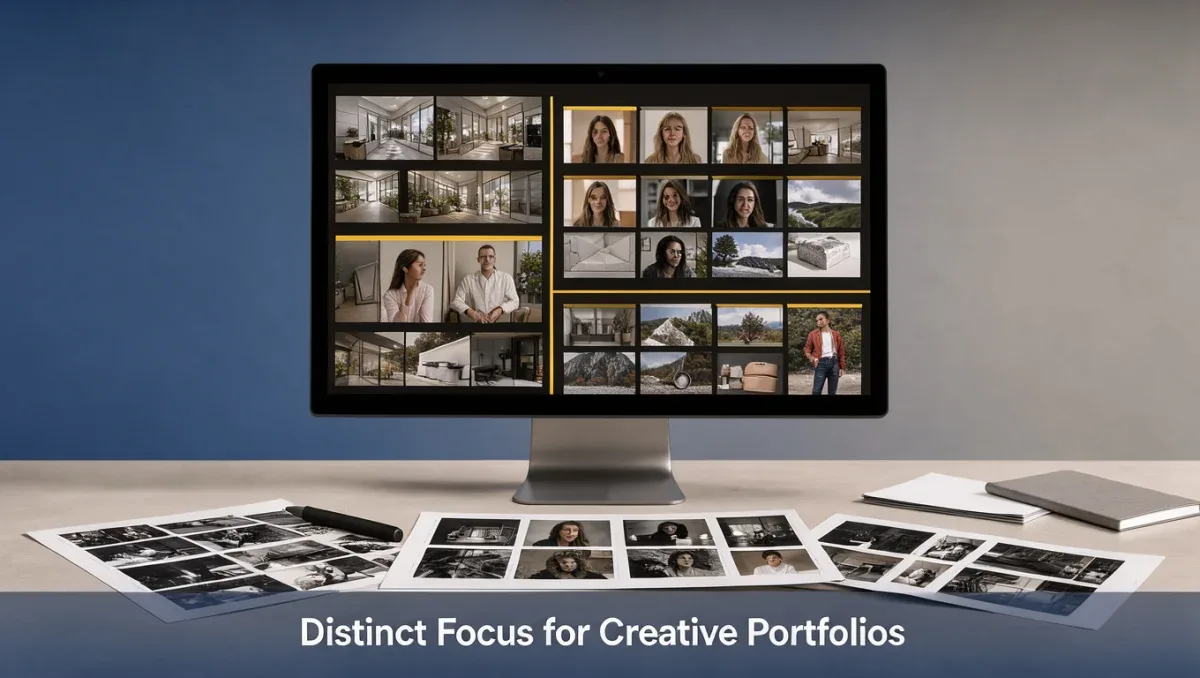
Format presents itself mainly as an online portfolio builder for photographers, designers, and visual artists. Its templates keep attention on the imagery itself, with an emphasis on streamlined curation so creators can assemble galleries and publish project showcases without much distraction.
Pixpa positions itself as an all-in-one website platform for creative businesses. Alongside standard portfolio pages, it bundles client proofing workflows, digital store capabilities, and blogging within a single subscription. Creators who read our Design coverage will notice Pixpa targets professionals who sell services and deliver images directly through their website.
3. Which one fits your situation
The right choice depends on matching your day-to-day operations to each platform's structure. The table below shows how common creative business scenarios line up with each option.
| Situation | Choose Format if | Choose Pixpa if |
|---|---|---|
| Exclusive focus on gallery curation | You want quick visual updates without navigating business modules | You prefer having commerce and proofing tools available later |
| Client image selection and approvals | You handle proofing through separate external file delivery channels | You need built-in client galleries with favorites and feedback |
| Selling prints and creative downloads | You prioritize simple gallery presentation over complex inventory management | You want an integrated store for prints and digital assets |
| Rapid setup before a deadline | You need clean themes that look ready with minimal configuration | You have time to configure client galleries and store settings |
| Unified client and portfolio hub | You run client communication through dedicated email or third-party tools | You want website visitors, proofs, and store buyers in one place |
| Blogging alongside visual work | Your written updates remain simple and secondary to visual galleries | You maintain regular editorial content alongside portfolio projects |
4. How to compare them yourself
Testing both tools directly is the most reliable way to decide. Running a side-by-side trial shows you how image rendering, gallery flexibility, and client touchpoints actually behave in your hands.
4.1. Features
Upload the same batch of high-resolution images to both platforms and see how each handles gallery organization, project sequencing, and text placed alongside media. Check the official feature lists to confirm whether print fulfillment, client proofing, and digital sales need specific account settings.
4.2. Ease of Use
Build a multi-page portfolio with an intro page, two image galleries, and a contact form. Count the steps needed to adjust spacing, replace images, and reorder projects, and note whether setup feels straightforward or means digging through several settings screens.
4.3. Pricing and Value
Compare the current subscription tiers on the official pricing pages for Format and Pixpa, since both update plans and allowances periodically. Estimate your real spend by checking annual commitment terms, storage limits, and any transaction fees tied to commerce tools.
4.4. Integrations
Look at how each platform connects with the services you already use for domain registration, social channels, and payments. Confirm the supported external services on both official sites, and check whether your preferred payment gateway carries extra platform fees.
4.5. Audience Fit
Start from your core commercial workflow. If your main goal is showing editorial work to agencies and art directors, test how quickly you can refine gallery layouts. If you run a commercial photography business that needs client login portals, confirm that private galleries open smoothly for outside visitors.
4.6. Support
Browse the help documentation and knowledge bases on both sites. Judge how clear the setup tutorials, troubleshooting guides, and onboarding walkthroughs are, and confirm on each vendor website which support channels are offered and when.
4.7. Competitive Position
Compare how Format and Pixpa stack up against broader website builders such as Squarespace or specialist gallery hosts. Decide whether a dedicated presentation tool or an all-in-one platform covering blogging, commerce, and proofing better suits how you work.
5. Cost checklist for both tools
Web builder costs vary with service tiers and add-ons. Use this checklist on both vendor websites before committing a budget.
| Cost item | Ask about Format | Ask about Pixpa |
|---|---|---|
| Subscription commitment | Confirm billing terms for monthly versus annual billing cycles | Verify subscription terms and renewal policies across all tiers |
| Image and storage capacity | Check how many images, videos, or total gigabytes your tier allows | Confirm whether file storage is capped or expandable on your plan |
| Client proofing capabilities | Check if proofing features require specialized plans or add-ons | Confirm how many active client galleries your subscription includes |
| Commerce transaction fees | Verify if the platform takes a percentage fee on store transactions | Check whether store sales are subject to additional platform commission |
| Custom domain connection | Confirm if connecting your domain involves separate hosting charges | Verify whether custom domain hosting requires specific account levels |
6. How to decide
- Decide whether your main goal is simple gallery display or also client proofing and merchandise sales.
- Review the official plan comparison pages on both Format and Pixpa to note what each tier currently includes and limits.
- Prepare a sample gallery of ten to twenty representative images with captions and project descriptions.
- Create test accounts on both platforms and build a basic project page to see how quickly each one comes together.
- Test client proofing workflows if client approvals make up a regular part of your revenue.
- Choose the platform that presents your visual work clearly without adding administrative overhead you don't need.
7. Frequently asked questions
Which platform is better for freelance wedding and portrait photographers?
Wedding and portrait photographers often need private galleries, image favoriting, and direct client downloads. For these workflows, built-in client proofing removes the need for a separate file delivery subscription. Review each official website to see how client accounts and private galleries are structured.
Can creative professionals migrate an existing portfolio between Format and Pixpa?
Moving a portfolio between website platforms generally means re-uploading original files and rebuilding project structures by hand, since builders don't offer direct database transfers between proprietary systems. Keep an organized offline archive of high-resolution images, project copy, and metadata so any future rebuild stays manageable.
How should small design studios evaluate team access on these platforms?
Small studios should check whether several team members can edit pages, manage galleries, or answer client messages under one account. Many builders limit account management to a single administrator on entry-level tiers. Check the official permission details on both vendor websites before choosing a plan for your team.
What should growing visual artists look for regarding digital commerce?
Artists planning to sell prints, digital downloads, or creative services should examine payment processor connections, tax calculation tools, and transaction fees. Building a store inside a portfolio builder saves setup time, but confirming merchant account compatibility and inventory limits on the official site helps avoid operational surprises later.
8. Final verdict
| Criterion | Format score /10 | Pixpa score /10 | Reason |
|---|---|---|---|
| Features | 7.8 | 8.6 | Format emphasizes curated gallery layouts; Pixpa incorporates store, client proofing, and blogging modules. |
| Ease of Use | 8.8 | 7.6 | Format offers faster initial setup; Pixpa requires more time to configure comprehensive business features. |
| Pricing and Value | Confirm before buying | Confirm before buying | Review official pricing pages to verify renewal terms, transaction fees, and storage quotas. |
| Integrations | Confirm before buying | Confirm before buying | Check official vendor documentation for supported payment gateways and marketing connections. |
| Audience Fit | 8.2 | 8.2 | Format aligns with artists seeking visual curation; Pixpa serves commercial photographers managing clients. |
| Support | Confirm before buying | Confirm before buying | Consult official support centers on both sites to verify available contact methods. |
| Competitive Position | 8.0 | 8.0 | Both platforms offer clear differentiation compared to general website builders. |
| Overall score | 8.2/10 | 8.1/10 | Overall score reflects the average of scored criteria for each portfolio platform. |
Format suits visual artists, editorial photographers, and illustrators who want a refined online showcase where the images take center stage without administrative complexity. Pixpa suits commercial photographers, studios, and creative entrepreneurs who need client proofing, print sales, and portfolio presentation under one system.
Have a question about choosing software? Send it to the testedtruth team through our contact page or follow testedtruth on LinkedIn for new reviews and comparisons.