testedtruth may earn a commission when you buy through links on this page, at no extra cost to you. This does not affect our ratings.
Put simply, reclaim AI explained means an automated calendar tool that guards deep-work hours, books recurring routines, and lines up team availability across digital calendars. For people juggling competing demands, this walkthrough from Tested Truth shows how automated scheduling keeps shifting workdays on track without constant manual rearranging.
Many professionals lose hours each week dragging appointments around, carving out task slots, and hunting for open gaps across several calendars. Scheduling software tackles that friction by holding space for focused work and adjusting when urgent meetings appear.
Quick verdict: Reclaim AI scores 7.9/10 on the testedtruth scale. It suits individuals and collaborative teams who want automatic protection for recurring habits and tasks. It is a weaker fit for organizations that need on-premises deployment or for workers who don't rely on digital calendars.
| Metric | Summary |
|---|---|
| testedtruth score | 7.9/10 |
| Best for | Professionals balancing heavy meeting loads with focused task execution |
| Not ideal for | Teams that do not use centralized digital calendars for daily planning |
| Key strengths | Automated habit defense, dynamic task scheduling, multi-calendar synchronization |
| What to check before buying | Confirm seat management options and supported calendar environments on the official website |
1. How testedtruth Reviewed Reclaim AI
This review covers what Reclaim AI is designed to do, who it serves, and how it stacks up against comparable tools, measured against the seven testedtruth criteria: features, ease of use, pricing and value, integrations, audience fit, support and competitive position. Plans and prices change frequently, so we flag what to verify on the official website before purchasing. This article was researched and drafted with AI assistance, then reviewed and edited by the testedtruth Editorial Team.
2. What Is Reclaim AI and Who Is It For?
Reclaim AI is calendar automation software that structures the workweek through algorithmic time allocation. Rather than making users manually block focus time, lunch, or personal errands, it places these commitments into connected calendars according to priority rules the user sets.
When new meetings get booked, the system moves flexible blocks to later openings automatically. That keeps daily agendas from becoming rigid or crowded with conflicts, so high-priority habits stay protected all week.
Within the wider Artificial Intelligence landscape, time optimization tools serve people juggling several projects, managers fielding constant scheduling requests, and teams coordinating availability across different working hours.
3. Core Features of Reclaim AI
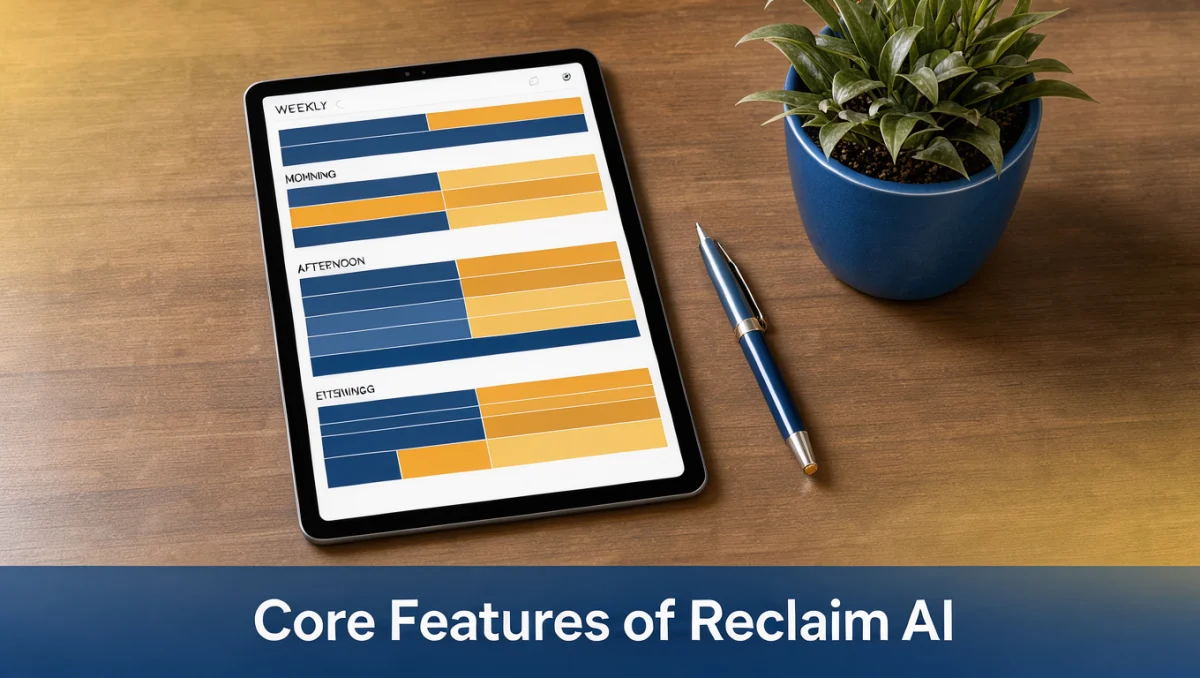
The system offers automated capabilities centered on schedule protection, availability coordination, and personal productivity rhythms.
3.1. Smart Habit Scheduling
Habit defense lets users set up recurring events, such as exercise, reading, or admin wrap-ups, with flexible parameters. Users decide whether an event should land in the morning or afternoon, how often it repeats, and how long it should last.
The software treats habits as flexible until open time shrinks. Once surrounding gaps disappear, it locks the habit in place so colleagues can't book over essential personal or professional routines.
3.2. Automated Task Blocking
Task scheduling links to-do lists directly with available agenda blocks. Users enter duration estimates, due dates, and priority levels, and the engine carves out time automatically.
If a task runs long or an urgent obligation intervenes, the remaining work shifts to the next free slot without manual adjustment.
3.3. Multi-Calendar Synchronization
Multi-calendar sync mirrors personal commitments onto work calendars as busy blocks, keeping event details private while preventing double-booking between professional and personal obligations.
This avoids a common mishap where outside appointments get overwritten by internal work meeting invites.
3.4. Buffer Time and Decompression Periods
Automated buffers insert transition intervals between back-to-back meetings. Knowledge workers avoid cognitive fatigue by guaranteeing short pauses between high-stakes calls, travel commitments, or focused work sessions.
4. Ease of Use and Learning Curve
Setting up calendar automation takes an initial adjustment period while users define working hours, habit flexibility, and task prioritization logic. Once baseline preferences are in place, the system runs in the background with little need for constant interaction.
Users who want absolute manual control over every minute may feel uneasy about automated block movement. However, adjusting priority thresholds and setting firm boundaries lets them keep command over critical daily schedules.
5. Pros and Cons
5.1. Key Advantages
- Automates the time-consuming chore of moving task blocks when new priorities arise.
- Maintains boundaries between personal life and workplace availability across connected calendars.
- Protects focus time automatically without requiring daily manual adjustments.
- Adapts flexibly to schedule disruptions by reprioritizing pending work blocks.
5.2. Limitations and Considerations
- Delivers full organizational benefits only when people consistently rely on digital calendar entries.
- Automated block movements can feel unpredictable to users who prefer rigid schedules.
- Teams need to agree on scheduling etiquette to avoid conflicting booking rules.
6. Reclaim AI vs Similar Tools
Calendar automation sits within a diverse market of productivity and scheduling solutions, each addressing different operational bottlenecks.
| Software Category | Core Differentiation | Best Fit |
|---|---|---|
| Reclaim AI | Automated habit defense and dynamic internal calendar scheduling | Individual contributors and teams needing protected focus blocks |
| Calendly | External meeting scheduling and booking links | Sales teams and consultants scheduling client meetings externally |
| Clockwise | Team-wide focus time optimization and shared meeting coordination | Engineering and cross-functional teams coordinating collaborative time |
| Motion | Combined project management and calendar scheduling automation | Professionals seeking a consolidated task tracker and schedule engine |
External booking services mainly let outside parties pick open slots on a calendar, whereas Reclaim AI focuses on protecting internal capacity and organizing task execution behind the scenes.
7. Who Should Use Reclaim AI?
7.1. Freelancers and Solo Operators
Freelancers handling diverse client commitments benefit from automated multi-calendar synchronization, which keeps external obligations shielded from client bookings without exposing personal details.
7.2. Small Business Owners and Managers
Owners and managers face constant inbound meeting requests that fragment deep planning time. Dynamic buffer intervals and defended focus blocks help leadership keep strategic momentum alongside supervisory duties.
7.3. Knowledge Workers and Corporate Staff
Individual contributors in dense corporate meeting cultures can reserve space for uninterrupted project work, reducing the need to catch up on assignments after hours.
7.4. Groups That May Not Benefit
Workers with fixed shift schedules, hands-on retail staff, or teams that don't use digital calendars for task planning will find limited value in dynamic scheduling algorithms.
8. How to Choose the Right Plan
Subscription tiers for scheduling software differ in feature access, synchronization rules, and administrative oversight for organizations. Review your operational requirements before committing to a paid tier.
| What to Check | Why It Matters |
|---|---|
| Calendar Account Allowances | Confirm how many secondary calendars can link to your central profile. |
| Team Management Controls | Verify whether administrative management tools exist for cross-functional groups. |
| Task Prioritization Depth | Ensure habit rules and task scheduling options match your daily workflow complexity. |
| Collaboration Features | Determine how collective scheduling features operate across team members. |
9. Frequently Asked Questions
How does automated calendar defense protect focus time?
Automated calendar defense evaluates daily workloads, open meeting slots, and incoming invites. When calendar density rises, the algorithm converts flexible time blocks into protected busy blocks, so colleagues can't book over dedicated deep work sessions.
What should teams consider before adopting calendar automation?
Teams should agree on core meeting hours, response times, and habit visibility. Clear communication prevents confusion when automated systems reschedule flexible obligations during collaborative project pushes.
How should buyers evaluate subscription options for scheduling tools?
Buyers should consider how many active calendar connections they manage, whether organizational reporting is needed, and how many collaborative links they require. Reviewing the official pricing page confirms that a plan matches the operational scale.
Can automated scheduling adapt to unexpected schedule conflicts?
Automated software recalculates agendas whenever an unscheduled meeting is accepted. It moves pending tasks and flexible routines to upcoming slots, keeping weekly progress on track without manual intervention.
10. Final Verdict
| Criterion | Score /10 | Reason |
|---|---|---|
| Features | 8.0 | Strong automated habit defense, dynamic task placement, and multi-calendar synchronization capabilities. |
| Ease of Use | 8.5 | Clear conceptual setup, though users must spend initial time defining priority rules. |
| Pricing and Value | 7.5 | Users should check current subscription details on the official website to ensure fit for their budget. |
| Integrations | 7.5 | Supported calendar environments should be verified directly with vendor specifications before purchase. |
| Audience Fit | 8.5 | Well-aligned for busy knowledge workers, remote managers, and cross-functional project leads. |
| Support | 7.0 | Prospective buyers should review available assistance channels on the official portal prior to enrollment. |
| Competitive Position | 8.0 | Distinct internal focus defense distinguishes the platform from external booking link providers. |
Overall testedtruth Score: 7.9/10
For independent professionals and teams overwhelmed by back-to-back appointments, Reclaim AI delivers dependable calendar structure by safeguarding focus intervals and flexible routines. Prospective users should examine their individual calendar setups and team collaboration requirements to pick the most suitable configuration.
Readers with questions about calendar automation software are welcome to contact Tested Truth for further technology guidance.