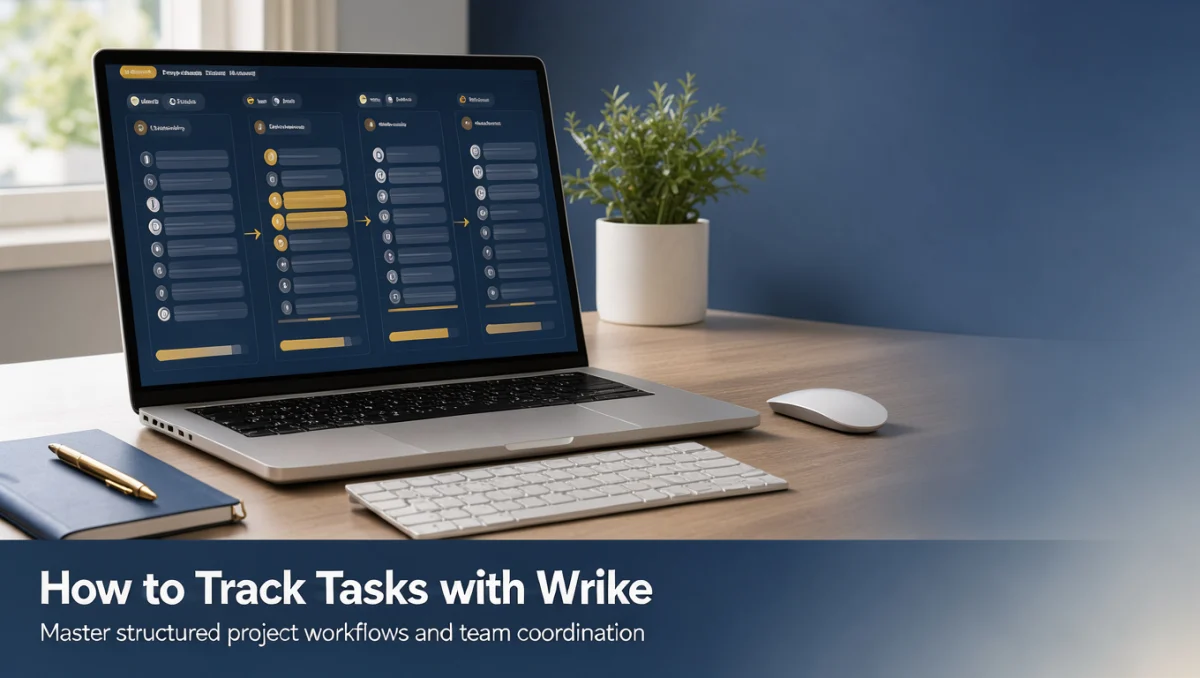
Tracking work reliably in Wrike starts with understanding how tasks, folders and shared views link together to give your team a clear picture of active assignments. Teams turn to project management platforms to align deadlines, pin down responsibility and close the communication gaps that appear between departments. At testedtruth, we evaluate whether a tool offers enough structural flexibility to keep day-to-day operations organized in complex business environments.
Before inviting anyone into a shared workspace, define naming conventions, status labels and milestone schedules. When these foundations are set deliberately, collaborative software lets cross-functional teams stay aligned without depending on scattered email chains or hand-maintained status spreadsheets.
testedtruth score: 7.7 / 10. Wrike suits multi-layered teams coordinating cross-functional work across intricate operations. It is less suitable for solo freelancers who only need a basic checklist without any setup overhead. The platform offers a structured hierarchy, detailed task attributes and configurable views for organized operational oversight.
| Metric | Details |
|---|---|
| testedtruth score | 7.7 / 10 |
| Best for | Cross-functional departments and structured teams managing complex operational workflows |
| Not ideal for | Individual creators or simple personal checklist tracking |
| Key strengths | Structured task hierarchy, custom workflow statuses, and cross-department visibility |
| What to check before buying | Confirm user access tiers and specific workflow capabilities on the official Wrike website |
1. How testedtruth Reviewed Wrike
Our review covers what Wrike is designed to do, the audiences it serves and how it stacks up against comparable tools. We apply the seven testedtruth criteria: features, ease of use, pricing and value, integrations, audience fit, support and competitive position. Plans, prices and limits change frequently, so we flag the details you should verify on the official website before purchasing. This article was researched and drafted with AI assistance, then reviewed and edited by the testedtruth Editorial Team.
2. Preparing Your Workspace Before Tracking Tasks
Map out your structural hierarchy in the project management software before creating any individual assignments. Wrike arranges work into spaces, folders, projects and individual tasks. Clarifying how broad company initiatives connect to daily action items keeps shared environments from becoming cluttered.
Agree on standard workflow stages before anyone starts logging activity. When the whole team shares one definition of what counts as active, blocked, completed or deferred, updates stay consistent across departments. Teams exploring the wider Collaboration & Productivity category often find that a clear taxonomy is the single biggest factor in long-term adoption.
Administrators should also review roles and permission settings. Deciding who can create tasks, change schedules or mark items complete protects data reliability in large departments. The official Wrike workspace administration documentation is a useful reference for checking configuration options before onboarding collaborators.
3. Step-by-Step Workflow for Tracking Tasks
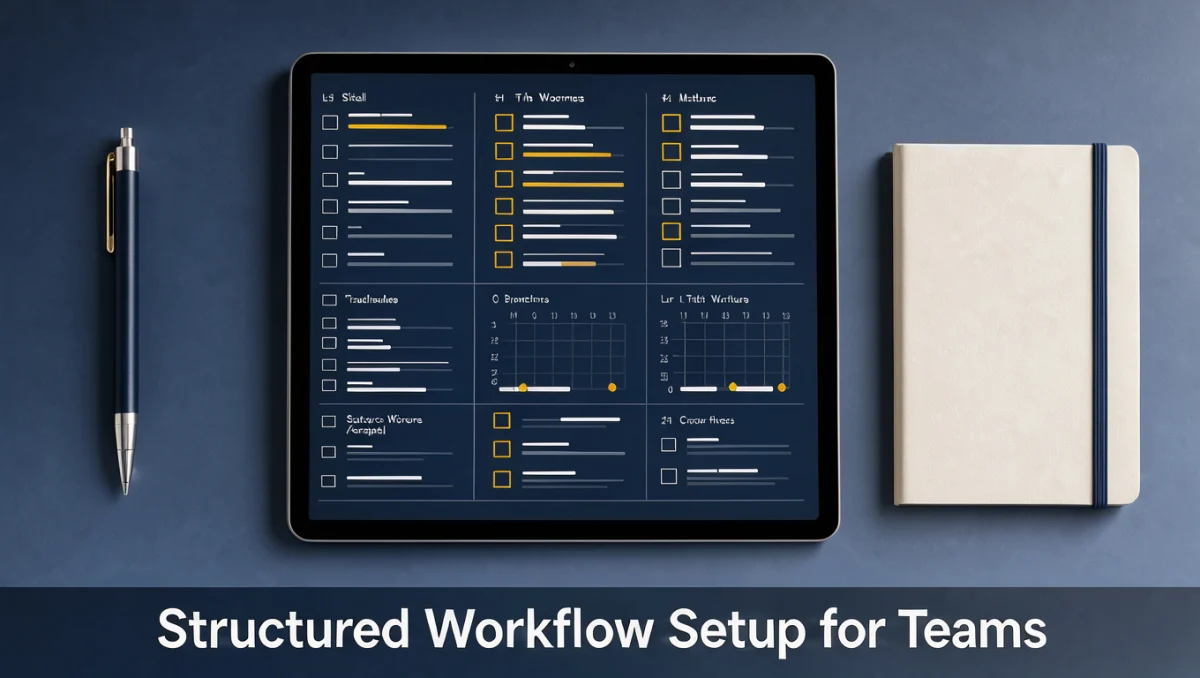
A structured rollout keeps project tracking consistent across departments. Working through these steps in order takes a team from simple task logging to full project monitoring without confusion.
Step 1: Set Up Spaces and Project Containers
Start by creating a dedicated space for each department or operational unit. Inside each space, build project containers for distinct initiatives, client deliverables or recurring work cycles. This layout keeps unrelated activity separated while still allowing cross-departmental alignment when needed.
Step 2: Write Tasks with Clear Action Titles
Fill project containers with actionable work items. Begin each task title with a concrete verb and state the intended deliverable explicitly. Avoid vague labels such as “updates” or “marketing,” which leave assignees and reviewers guessing.
Step 3: Assign Ownership and Target Dates
Every task needs one accountable owner and a specific due date. Shared tools tend to create accountability gaps when tasks have several unassigned contributors or open-ended deadlines. Naming a single primary owner keeps responsibility clear, while supporting collaborators stay attached for visibility.
Step 4: Configure Custom Workflow Statuses
Set up lifecycle stages that mirror the real path work follows from start to sign-off. Moving tasks through stages such as intake, drafting, review and approved gives managers instant status awareness without recurring check-in meetings.
Step 5: Choose the Right Project Views
Pick the visual layout that suits each task type. List views work well for daily execution, board views help track status progression and timeline views show date-driven dependencies across related initiatives.
4. Best Practices for Organizing and Monitoring Tasks
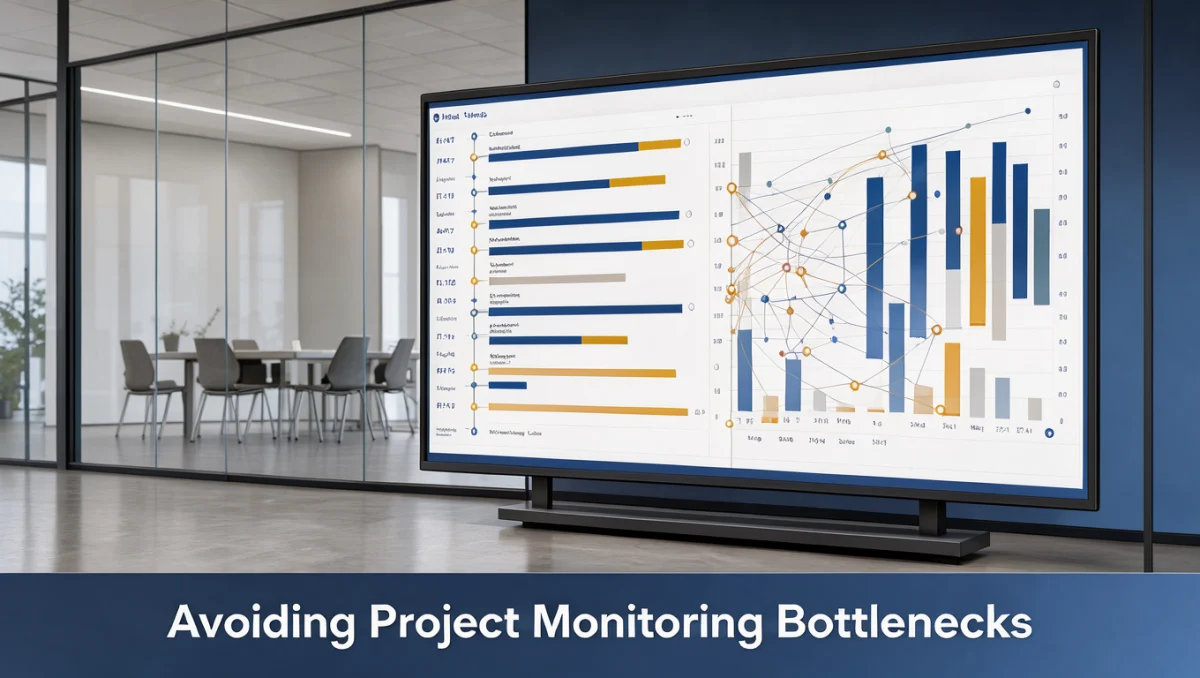
Consistent habits decide whether a collaborative system stays useful over time. Teams should set regular maintenance routines so shared task dashboards remain accurate and trustworthy across every active project.
- Hold regular status hygiene reviews to clear overdue items and adjust unrealistic deadlines.
- Keep all task-related discussion in item comments to avoid separate email trails.
- Use subtasks sparingly so high-level project visibility isn't buried under micro-checklists.
- Attach reference briefs and supporting documents directly to the parent work record.
- Standardize tagging across departments to make cross-project reporting easier.
Following these practices lets team leads produce dependable status summaries. Readers who consult evaluations on Tested Truth will find that process discipline matters as much as the specific platform chosen for tracking operations.
5. Common Mistakes to Avoid When Tracking Tasks
Teams new to structured task platforms often make procedural errors that reduce the system's value. Spotting these traps early helps organizations keep their workspace efficient.
A frequent error is treating the platform as a personal scratchpad instead of an organizational record. When users log unstructured notes without deadlines or assignees, team visibility drops and search results fill up with stale items.
Another common misstep is over-engineering workflows with too many custom statuses. Dozens of intermediate review stages confuse contributors, and people may stop updating statuses altogether. Keep status paths simple so daily progression takes minimal effort.
| Common Mistake | Operational Impact | Recommended Remedy |
|---|---|---|
| Vague task descriptions | Deliverable misalignment and delays | Use verb-led action titles with specific acceptance criteria |
| Multiple primary owners | Diffused accountability and missed deadlines | Assign one primary owner and add others as followers |
| Overly complex statuses | Inconsistent updates and user frustration | Limit standard workflows to essential lifecycle stages |
| Unmaintained schedules | Unreliable project forecasts | Review and update overdue items during weekly planning |
6. Who Should Use Wrike for Task Management
Wrike is built for organizations that need structured coordination across interconnected teams. Still, the benefit varies with the type of organization and how it works.
Mid-Sized and Enterprise Marketing Teams
Marketing departments juggling creative requests, multi-channel campaigns and recurring assets gain a lot from structured intake and multi-stage review workflows. Wrike's folder hierarchies help organize assets across separate client accounts and ongoing campaign calendars.
Cross-Departmental Project Managers
Operations leaders overseeing initiatives that span engineering, marketing and finance benefit from configurable views. Seeing the same task data as a timeline, board or table makes it easier to communicate with diverse stakeholders.
Small Business Owners and Office Teams
Small teams handling client services can track operational milestones systematically. However, smaller groups should make sure they have the capacity to set up spaces properly, since an unmanaged setup can feel unnecessarily rigid.
Freelancers and Individual Operators
Solo professionals who only want a simple personal checklist may find full-featured project management software too complex. Independent workers who don't coordinate with cross-functional teams often prefer lightweight to-do apps that need minimal setup.
7. Frequently Asked Questions About Tracking Tasks in Wrike
How should teams structure recurring operational tasks
Create template projects or dedicated operational containers for ongoing duties. Setting clear recurrence schedules ensures maintenance, reporting and administrative responsibilities appear automatically without being rebuilt each week.
What is the most effective way to manage task dependencies
Link preceding deliverables directly to the work items that depend on them. Schedule timeline views help project leaders spot bottlenecks before an overdue upstream task disrupts downstream delivery milestones.
When should an organization choose board views over list views
Board views work best for processes with clear sequential stages, such as editorial pipelines or approval requests. List views are better for dense administrative inventories where quickly scanning dates, assignees and priority markers matters most.
How can project managers keep team members from abandoning task updates
Keep status options concise and avoid mandatory fields that slow down daily logging. Involving team members in workflow design ensures tracking procedures reflect how people actually work rather than an idealized process.
8. Final Verdict on Tracking Tasks with Wrike
Wrike provides a structured foundation for teams that need deep folder organization, multi-view project tracking and disciplined operational workflows. Initial setup takes planning and administrative commitment, but the resulting visibility helps growing companies keep complex projects accountable.
| Criterion | Score /10 | Reason |
|---|---|---|
| Features | 8.5 | Comprehensive hierarchy, multi-view scheduling, and configurable task attributes |
| Ease of Use | 7.0 | Deeper learning curve that requires deliberate administrative planning |
| Pricing and Value | 7.5 | Confirm seat pricing structures and plan options on the official website |
| Integrations | 7.5 | Examine supported third-party business software connections on official channels |
| Audience Fit | 8.0 | Well aligned with cross-functional departments requiring disciplined oversight |
| Support | 7.5 | Review official support coverage and enterprise onboarding assistance directly |
| Competitive Position | 8.0 | Strong operational tracking platform among enterprise collaboration tools |
Overall score: 7.7 / 10
For teams managing multi-stage workflows across several departments, Wrike offers the structural discipline needed for reliable task monitoring. Before buying, list your reporting requirements and verify plan terms on the official Wrike website.
Have questions about structuring your team's workflow or comparing management platforms? Contact our editorial staff at Tested Truth or follow the team for ongoing operational software analysis.
See More how to track tasks with wrike