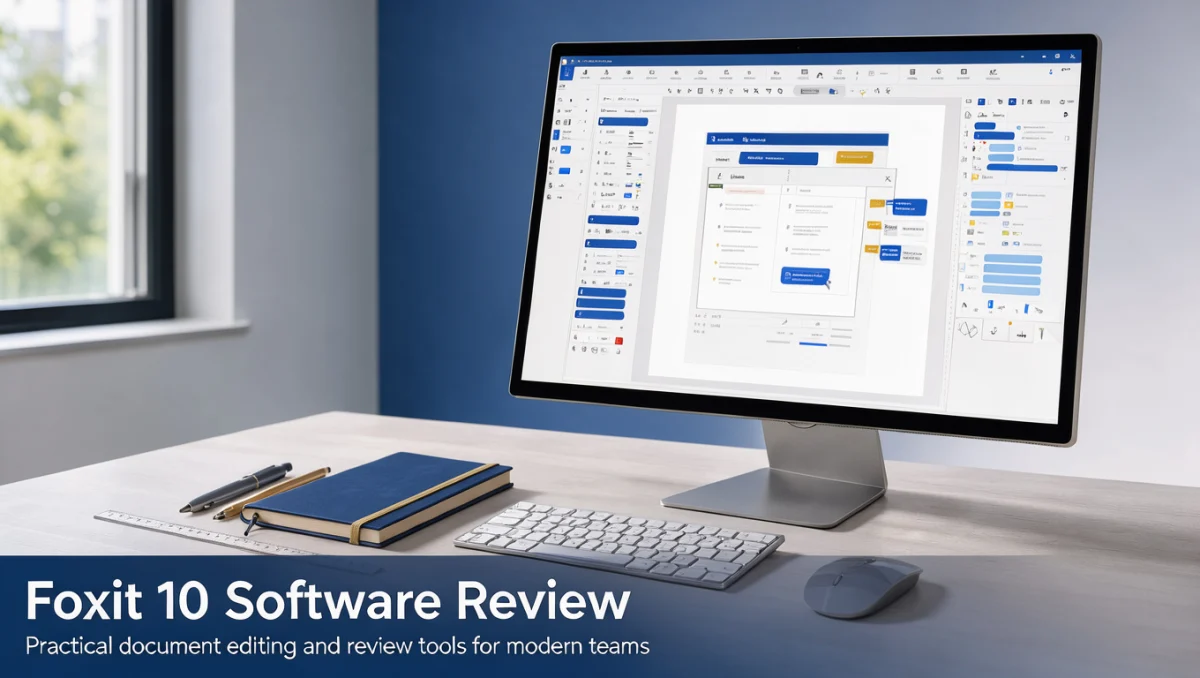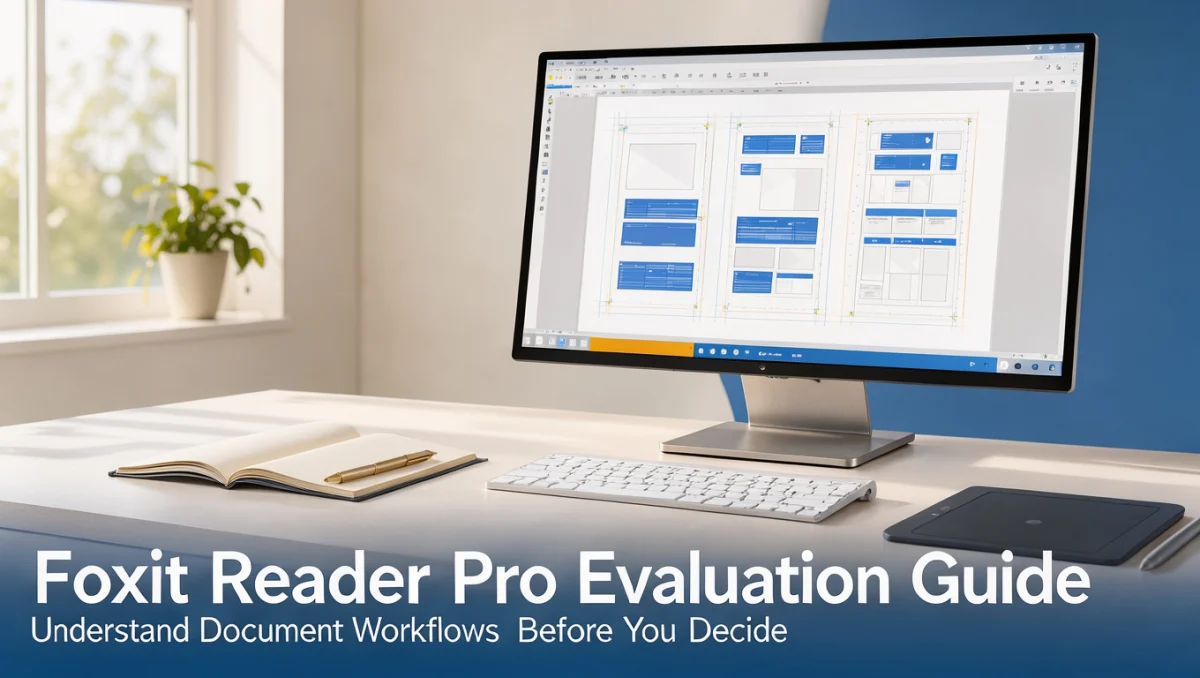
Choosing document software is rarely about the brand name alone. Teams first need to map how they really work with PDFs before they commit to a foxit reader pro download, since editing, commenting, and signing needs vary widely between departments.
Tested Truth prepared this independent assessment to help buyers confirm license structures, platform terms, and workflow fit before any installation takes place.
Quick verdict: Based on our evaluation, Foxit Reader Pro earns a 7.6/10 overall. It suits business professionals and administrative teams that need structured PDF editing, review, and markup. It is less suited to anyone who only needs simple viewing with no editing, configuration, or ongoing administration.
| Metric | Details |
|---|---|
| testedtruth score | 7.6/10 |
| Best for | Teams that need structured PDF editing, form filling, and annotation |
| Not ideal for | Individuals who only read documents occasionally and never edit them |
| Key strengths | Document editing, comment tracking, and document security controls |
| What to check before buying | License terms, deployment options, and user access rules on the official Foxit website |
1. How testedtruth Reviewed Foxit Reader
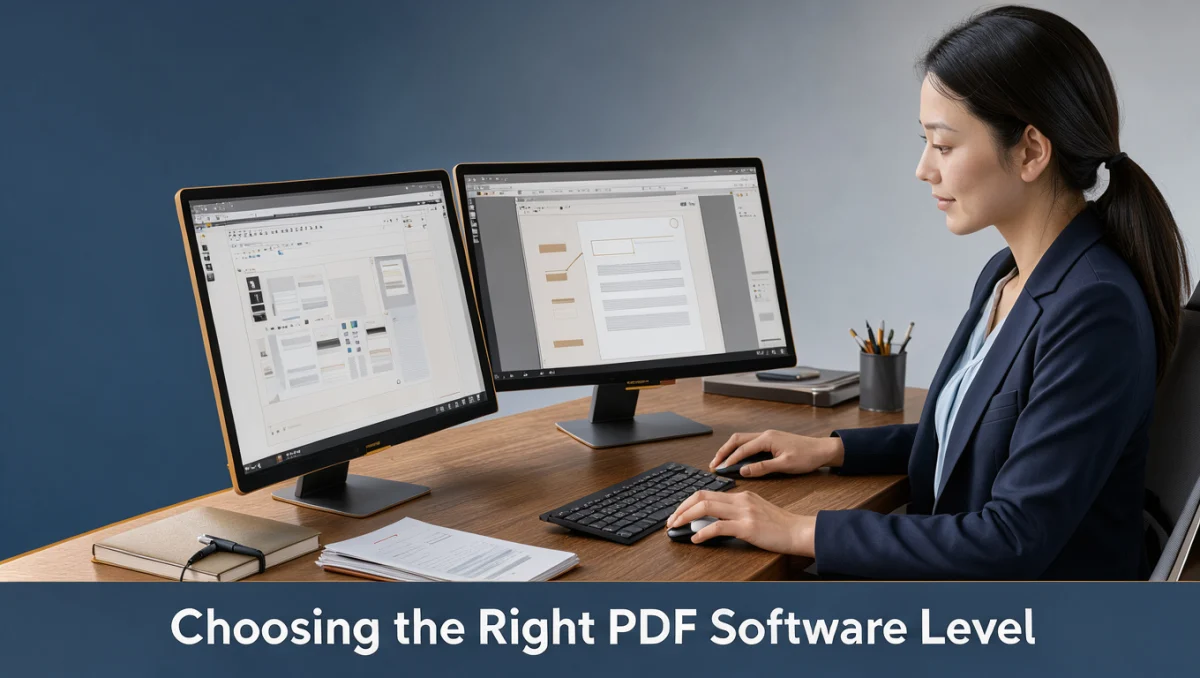
This review examines what Foxit Reader is designed to do, who it serves, and how it stacks up against similar tools. We applied seven testedtruth criteria: features, ease of use, pricing and value, integrations, audience fit, support, and competitive position. Plans and prices change frequently, so we flag what to confirm on the official website before purchasing. The article was researched and drafted with AI assistance, then reviewed and edited by the testedtruth Editorial Team.
2. What Foxit Reader Does
Foxit Reader is a PDF and digital document management application developed by Foxit. It lets individuals and organizations view, create, edit, organize, and sign digital paperwork across common administrative tasks.
Its core functions include viewing, text editing, page reordering, annotation, form completion, and basic document security. It also supports collaboration, allowing several reviewers to mark up text and share feedback on the same file.
3. How to Tell if a Pro-Level Plan Fits Your Business
Choosing an intermediate or advanced document tool depends on operational demands rather than brand recognition. In modern office workflows, selecting the right software within the collaboration and productivity category helps protect document integrity.
Organizations that handle routine contract reviews, legal redlining, or structured form processing need more than a passive reader. When daily work involves merging several files into one portfolio or changing existing page content, professional tools become necessary.
Teams that circulate draft agreements across departments often need tracked changes and markup. If colleagues regularly request edits on exported files, a higher tier typically matches those habits.
By contrast, teams that only archive finished files or read incoming invoices rarely benefit from complex editing. In those cases, a simpler reader avoids unnecessary complexity.
4. Questions to Answer Before Your Foxit Reader Pro Download
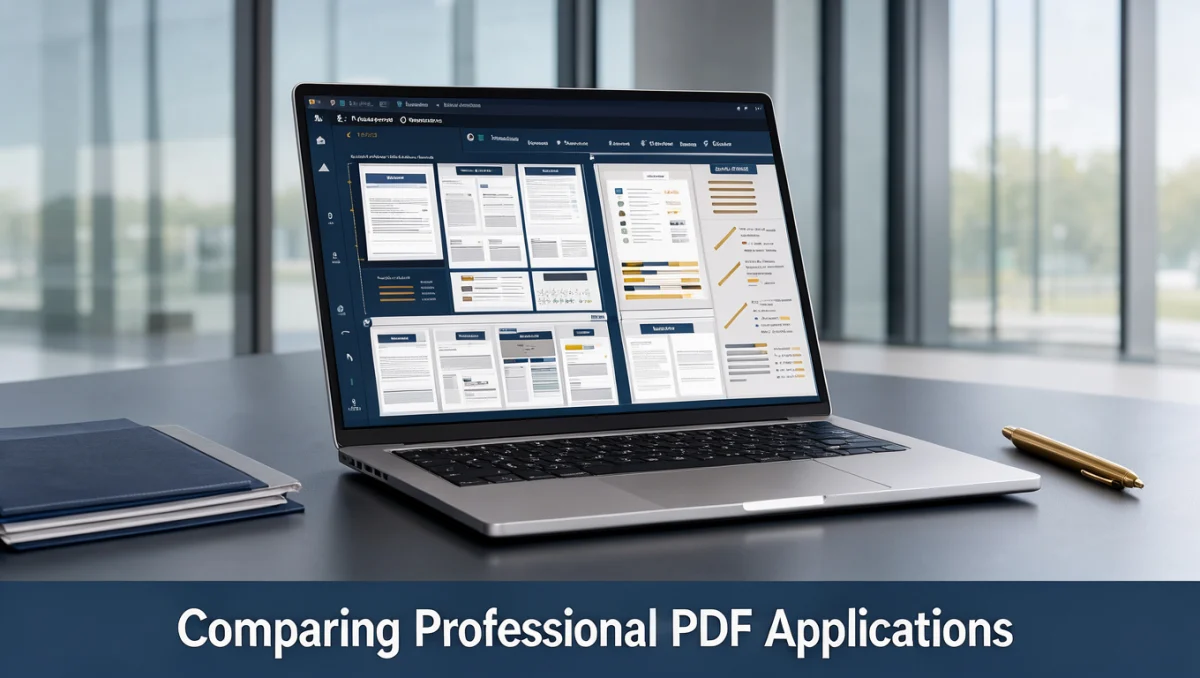
Before moving ahead with any download or rollout, buyers should evaluate administrative and technical requirements. The table below lists key points to verify directly on the official Foxit website.
| Question | Why it matters | Where to confirm |
|---|---|---|
| Which operating systems and environments are supported? | Operating system compatibility determines whether the client runs properly on every staff computer. | Official Foxit system requirements page |
| What licensing models apply to single or multi-seat installations? | License structures affect long-term recurring costs and transfer rules. | Official Foxit purchase and licensing terms |
| Are administrative deployment tools available for IT management? | Centralized installation packages save IT departments considerable setup time. | Official Foxit administrative documentation |
| How are document security and electronic signature features structured? | Regulatory requirements often dictate how signatures and permissions must be managed. | Official Foxit product specification page |
| What support channels are available in your region? | Support availability affects uptime if installation or rendering problems arise. | Official Foxit support guidelines |
5. Signs Your Organization Needs a More Advanced Setup
Certain workflows clearly show when standard viewing tools fall short. Recognizing these signs helps avoid bottlenecks before they disrupt administrative schedules.
- High-volume form creation: When staff build interactive forms, automated field calculations, and fillable intake sheets, dedicated editing tools become essential.
- Complex document assembly: Merging spreadsheets, presentations, and scans into standardized corporate records requires advanced page organization.
- Multi-party redaction needs: Legal and compliance teams handling confidential records must permanently remove sensitive content before wider distribution.
- Standardized digital signature workflows: Corporate compliance may require formal signature validation and audit trails that basic readers cannot manage.
For organizations facing these requirements, confirm on the official Foxit comparison page which specific editing functions match your compliance obligations.
6. Signs a Simpler PDF Tool Is Enough
Not every workstation needs an advanced document suite. A lighter setup can reduce costs and training time.
- Read-only use: If staff mainly view manuals, published invoices, or marketing brochures, a viewer covers the need.
- Occasional highlighting: Teams that only highlight phrases or add short notes rarely need deep text editing.
- Centralized document creation: When documents originate entirely in office suites and never change after export, editing tools go largely unused.
- Restricted IT environments: Workstations under strict endpoint policies may face administrative friction with advanced desktop suites.
Assessing actual usage patterns ensures your organization invests software resources only where productivity gains are real.
7. How to Compare Foxit Reader Pro With Other Options
Comparing document software requires a structured review of alternatives. Adobe Acrobat is a long-established option for creative and enterprise work, while Nitro PDF targets corporate teams that want streamlined paperwork tools.
Follow these steps to run an objective comparison before committing resources:
- Document your operational tasks: List every specific action staff perform each week, such as page splitting, OCR scanning, and form building.
- Review official product matrices: Visit the official Foxit website and competitor pages side by side to map each task to supported capabilities.
- Check administrative controls: Verify how license allocation and device authorization work for each candidate tool.
- Inspect total ownership costs: Determine whether vendors charge per user, per device, or on an ongoing maintenance schedule.
- Verify installation requirements: Before starting any foxit reader pro download, confirm that your computers meet every system criterion the vendor specifies.
8. Frequently Asked Questions About Foxit Reader Pro
What should buyers evaluate regarding document editing requirements?
Buyers should decide whether staff need full text reflow and page restructuring, or only basic annotation and form filling. Reviewing real user tasks prevents paying for advanced features that everyday operations never use.
Where can administrators find verified installation packages?
Administrators should obtain setup packages directly from the official Foxit website. Downloading from the publisher's portal helps ensure file integrity, proper license validation, and access to genuine updates.
How should organizations budget for document management software?
Organizations should account for license renewal cycles, support access, and administrative setup time alongside the base price. Checking official vendor terms clarifies whether updates require separate maintenance agreements.
Which factors influence performance when handling documents?
Document complexity, vector graphics, font embedding, and file size all affect rendering speed across different machines. Buyers should check minimum hardware recommendations on the publisher's site before a wide rollout.
9. Final Verdict on Foxit Reader Pro Download
Whether a Foxit Reader Pro download makes sense depends on balancing document editing capability against day-to-day operational complexity. Foxit offers a focused utility that handles standard corporate paperwork and annotation well.
| Criterion | Score /10 | Reason |
|---|---|---|
| Features | 8.0/10 | Covers core editing, form creation, page management, and standard annotation. |
| Ease of Use | 8.4/10 | Offers a toolbar layout familiar to users of common office software. |
| Pricing and Value | 7.0/10 | Buyers should verify current license terms and seat allocations on official pages. |
| Integrations | 7.0/10 | Connects with standard office ecosystems; check publisher documentation for specific integrations. |
| Audience Fit | 8.0/10 | Suits business teams that need structured editing without heavy design complexity. |
| Support | 7.2/10 | Support options depend on plan structure; verify regional coverage through official channels. |
| Competitive Position | 7.6/10 | Holds a solid place alongside enterprise options such as Adobe Acrobat and Nitro PDF. |
| Overall score | 7.6/10 | A balanced rating reflecting reliable editing capability and accessible controls. |
For independent professionals and small teams handling contracts, this tier offers a practical balance between capability and ease of adoption. Enterprises should review management overhead on the official Foxit portal before planning multi-user rollouts.
Readers with questions about software selection can reach us through the testedtruth contact page or follow testedtruth on LinkedIn for ongoing software evaluation updates.
See More Collaboration & Productivity