Tested Truth may earn a commission when you buy through links on this page, at no extra cost to you. This does not affect our ratings.
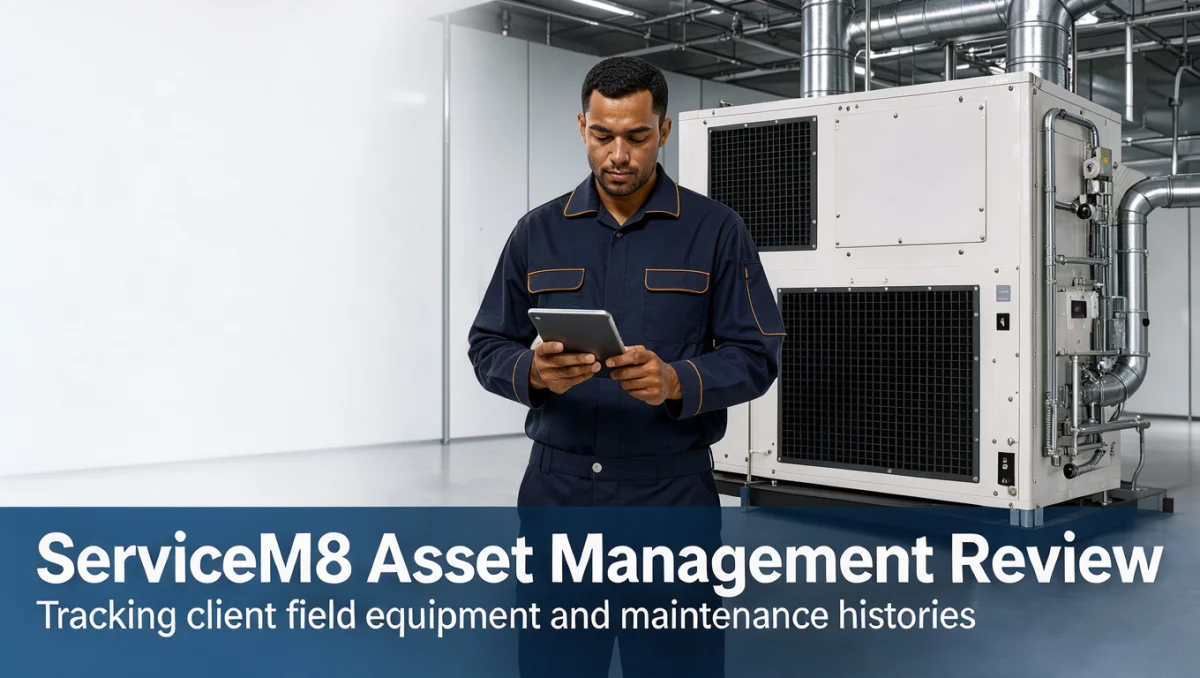
Field teams that maintain boilers, air conditioning units, or electrical panels need to know what was installed, what was repaired, and when the next inspection is due. Servicem8 asset management gives trade and service contractors a way to log client equipment and past interventions straight from the job site, rather than relying on scattered notes.
Many trade businesses still keep equipment details on paper job cards or buried inside email threads. Consolidating serial numbers, warranty status, and job history in one place means technicians arrive prepared and billing stays consistent. Before committing, it helps to check whether the workflow suits your dispatch routine.
Quick verdict: Rated 7.8/10 overall, ServiceM8 suits contractors who want job dispatch and client equipment records under one roof. It is a weaker fit for capital-intensive plants that need depreciation schedules or multi-warehouse inventory tracking.
| Metric | Summary |
|---|---|
| Tested Truth score | 7.8/10 |
| Best for | Trade contractors, technicians, and maintenance businesses that want integrated dispatch and client equipment histories. |
| Not ideal for | Large enterprises that need detailed internal fixed-asset depreciation, multi-site warehouse logistics, or manufacturing resource planning. |
| Key strengths | Unified job management, visual dispatch, client equipment records, digital forms, and on-site job completion. |
| What to check before buying | Confirm current subscription tiers on the official ServiceM8 pricing page, since feature modules and seat limits vary by plan. |
How Tested Truth Reviewed ServiceM8
We assessed what ServiceM8 is designed to do, who it serves, and how it stacks up against similar tools. The review follows seven Tested Truth criteria: features, ease of use, pricing and value, integrations, audience fit, support, and competitive position. Plans and prices change frequently, so we flag what to verify on the official website before purchase. This article was researched and drafted with AI assistance, then reviewed and edited by the Tested Truth Editorial Team.
What ServiceM8 Does and Who Uses It
ServiceM8 is field service management software built for trade contractors and service businesses. It handles job requests, technician scheduling, field quotes, customer signatures, and invoices. Managing client assets is a natural extension of that work, supporting preventive maintenance, regulatory compliance, and routine servicing.
The primary audience is small to mid-sized trades such as electricians, plumbers, heating engineers, refrigeration specialists, and security installers. These workers need quick access to customer equipment records while on location. Teams also weighing modern Customer Service tools alongside dispatch software will find that organized client histories support both satisfaction and repeat contracts.
Core Asset Management Features
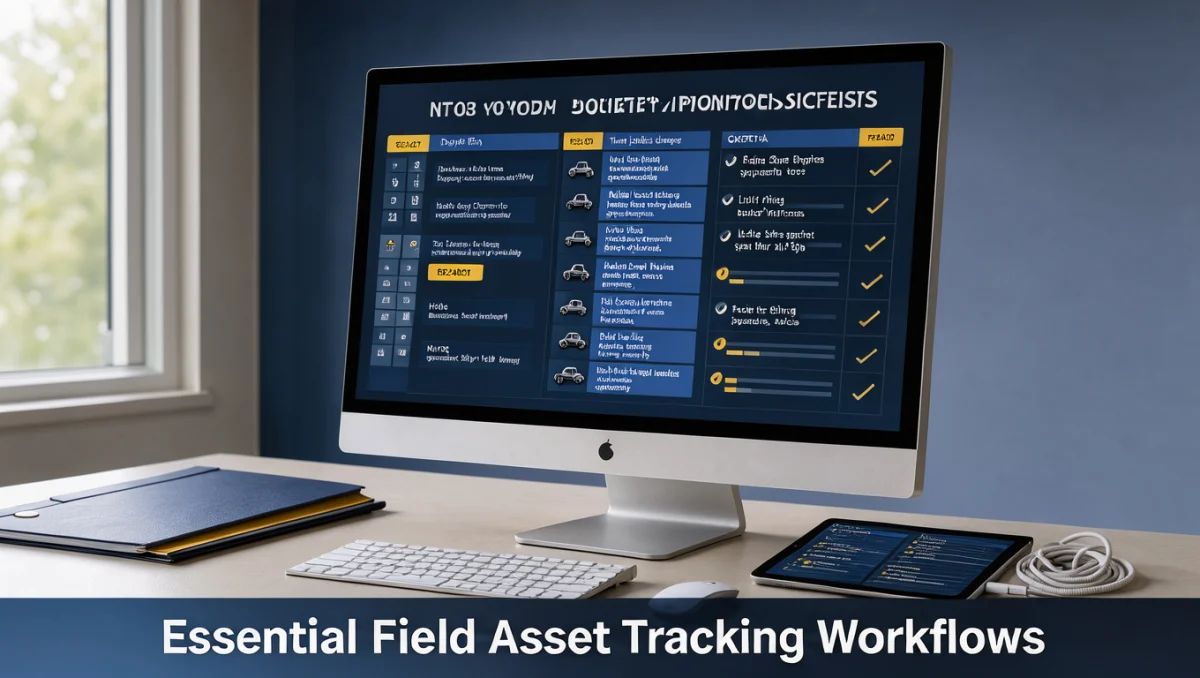
Equipment tracking in field service covers several operational areas. ServiceM8 links customer sites, equipment units, and dispatch schedules into one connected workflow.
Client Equipment Tracking and Service History
Technicians attach asset records to client properties. Each profile holds make, model, serial number, installation date, and physical location on site. Reviewing past service notes before a breakdown visit avoids repeated diagnostic work and helps confirm warranty eligibility.
Job Dispatch and Recurring Maintenance Schedules
Maintenance contracts often call for regular visits, such as annual safety inspections or quarterly filter changes. The software ties asset profiles to scheduled jobs and alerts office staff when preventive work falls due. Schedulers assign technicians based on availability and route.
Digital Checklists, Photos, and Compliance Records
Field staff attach photos, completed inspection forms, and customer sign-offs to the job file. For regulated trades, structured checklists make sure each mandatory safety check is completed before a work order can be closed and billed.
Quoting, Invoicing, and Job Costing
After the work is done, technicians can assemble billable items, parts used, and labor time into an invoice on site. Linking parts to the serviced asset gives property owners clear invoices and builds an audit trail for future warranty claims.
Ease of Use and Field Setup
Field software has to be simple enough for technicians working in plant rooms or utility cupboards. ServiceM8 focuses on clear job cards, readable status badges, and task lists that walk workers through each appointment step by step.
Office managers benefit from drag-and-drop scheduling boards that show active jobs across the team. Field adoption, however, depends on initial setup. Businesses should plan time for configuring asset categories, importing existing client equipment spreadsheets, and standardizing inspection checklists before expecting full efficiency.
Pros and Cons of ServiceM8
Trade software decisions come down to weighing operational strengths against practical limits common to dispatch systems.
Pros
- A straightforward job card interface built around field trade workflows.
- Centralized asset history linked to customer accounts and physical job locations.
- Structured forms and checklists that support on-site regulatory compliance.
- Integrated quoting and invoicing that reduce office data entry.
- A clear scheduling board that simplifies daily technician allocation.
Cons
- Not designed for enterprise internal fixed-asset tracking or capital depreciation.
- Keeping serial numbers and asset photos current across thousands of client sites takes ongoing administrative discipline.
- Some advanced modules may depend on specific subscription tiers, so buyers should confirm inclusions on the official vendor site.
ServiceM8 vs Similar Tools
Trade businesses usually compare several options when shopping for field dispatch and asset maintenance software. Knowing how each competitor is positioned helps identify the right fit for your business structure.
| Software | Target Audience | Primary Strength | Consider If |
|---|---|---|---|
| ServiceM8 | Small to mid-sized trade contractors | Field job dispatch and integrated client asset profiles | You need practical on-site tracking for trade maintenance contracts |
| Jobber | Home service companies and maintenance teams | Client communication and online booking portals | Your priority is residential quotes and scheduling |
| Simpro | Mid-sized to large commercial contractors | Complex project management and multi-phase estimating | You manage large commercial installations alongside service jobs |
| Tradify | Small trade businesses and solo operators | Simplified job tracking and quote-to-invoice workflows | You want an entry-level admin tool with minimal setup |
Simpro concentrates on commercial project estimating and multi-stage contracting, while ServiceM8 targets service and repair teams handling quick dispatches or recurring maintenance rounds. Jobber puts more weight on homeowner communication, and Tradify serves smaller operators who want fast job tracking without deep asset hierarchies.
Who Should Use ServiceM8?
The right field management tool depends on team structure, trade sector, and recurring contract volume.
Small Trade Business Owners
Plumbing, electrical, and HVAC owners who handle both emergency callouts and recurring servicing get real value from linking job cards to installed equipment. Technicians can review previous equipment notes without phoning the office, which cuts administrative overhead.
Commercial Maintenance Contractors
Contractors looking after commercial properties with dozens of discrete assets, such as fire extinguishers, emergency lighting, or rooftop units, benefit from organized digital checklists. Building compliance reports come together faster when each inspection step is logged systematically.
Organizations Not Suited for ServiceM8
Large manufacturing plants, municipal fleet departments, and corporate offices managing internal IT hardware should look elsewhere. They need enterprise asset management platforms that handle multi-depot depreciation, procurement workflows, and heavy inventory logistics, which fall outside the scope of trade service software.
How to Choose the Right Plan
Software vendors revise pricing structures, plan names, and bundled features from time to time. When evaluating ServiceM8, match the plan to your operational volume and confirm terms directly with the vendor.
| What to Check on the Official Pricing Page | Why It Matters |
|---|---|
| Asset tracking availability | Confirm whether asset management is included in base tiers or requires a specific package. |
| User and seat structure | Determine whether pricing is per active technician, per admin user, or by job volume bracket. |
| Form and checklist limits | Verify whether custom compliance checklists are capped at certain plan levels. |
| Automated reminder tools | Check which tiers support automatic text or email alerts for upcoming asset service dates. |
Frequently Asked Questions
What type of equipment can be tracked in field service software?
Field service software can catalogue almost any client equipment that needs installation, maintenance, or testing. Common examples include boilers, heat pumps, commercial catering appliances, security cameras, and electrical distribution boards. Profiles typically store serial numbers, manufacturer details, and location notes within the building.
How do technicians access asset histories while on location?
Technicians open the active job card on their portable device to see linked equipment records. They can review past repair dates, look at photos from earlier visits, read technician notes, and check installed components before starting diagnostic or repair work.
What is the difference between client asset tracking and internal tool management?
Client asset tracking covers equipment owned by your customers that your business maintains, services, or inspects under contract. Internal tool management covers your company's own drills, ladders, testing meters, and fleet vehicles. Buyers should decide which capability matters more before choosing a configuration.
How should a trade business prepare existing records before implementation?
Collect equipment lists, customer addresses, and warranty dates into standardized spreadsheets. Removing duplicate customer records and agreeing on naming conventions for equipment makes the data import faster and avoids confusion among technicians.
What should teams budget for besides the base software subscription?
Plan for staff onboarding time, data cleaning, custom digital form design, and ongoing accounting sync checks. Thorough training for office staff and field technicians prevents delays during the switchover.
Final Verdict
At Tested Truth, we judge field service platforms on day-to-day practicality, clarity of operational records, and fit with trade work.
| Criterion | Score /10 | Reason |
|---|---|---|
| Features | 8.0/10 | Solid field dispatch, client asset history, digital forms, and invoicing built for service trades. |
| Ease of Use | 8.5/10 | Clean job cards and visual dispatch calendars keep daily operations simple for technicians and schedulers. |
| Pricing and Value | 7.5/10 | Value depends on job volume and tier rules; buyers must verify plan inclusions on the official site. |
| Integrations | 7.0/10 | Connects with common trade accounting systems; check the official integration directory for specific third-party tools. |
| Audience Fit | 8.5/10 | Designed specifically for trade contractors, field technicians, and maintenance businesses handling service calls. |
| Support | 7.0/10 | Offers digital help centers and guided onboarding; review available assistance channels on the vendor site before buying. |
| Competitive Position | 8.0/10 | Holds a focused place against trade competitors by emphasizing streamlined mobile workflows for field workers. |
Overall score: 7.8/10
For small to mid-sized trade contractors who want client equipment records alongside daily dispatch and billing, ServiceM8 is an effective, field-ready platform. To see how it matches your maintenance workflow, review current plan details on the official ServiceM8 website.
Readers with questions about choosing field software can reach the team through our Tested Truth site or connect with us on LinkedIn.