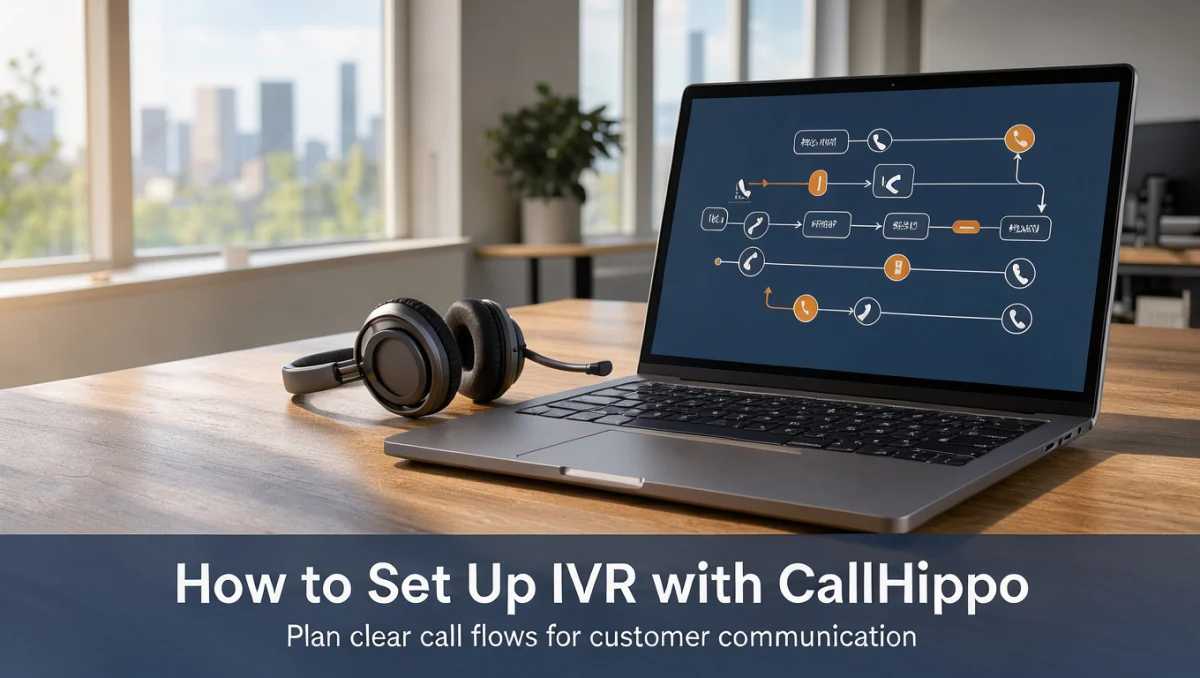
Building an automated phone menu with CallHippo works best when you map out your call paths before touching any settings. An interactive voice response system acts as a virtual receptionist: it plays recorded greetings and waits for callers to press keys that send them to the correct person or department. Skipping the planning stage usually results in tangled menus, dead ends, and frustrated prospects.
Here is a quick look at what CallHippo offers, based on our testedtruth review. It earns a 7.5/10 for its focus on business telephony and call distribution. It suits small to mid-sized sales and support teams that need organized inbound routing, but it may not fit companies that depend on heavy on-premise hardware or complex enterprise telecom architecture.
| Metric | Evaluation |
|---|---|
| testedtruth score | 7.5/10 |
| Best for | Remote teams that want centralized inbound call distribution |
| Not ideal for | Businesses that need extensive physical PBX hardware integration |
| Key strengths | Automated call distribution, virtual numbers, department-based routing |
| Check before buying | Confirm menu depth and extension limits on the official pricing page |
1. How testedtruth Evaluated CallHippo
We assessed CallHippo against seven criteria: features, ease of use, pricing and value, integrations, audience fit, support, and competitive position. Vendors revise plans and limits frequently, so treat the details here as a starting point and verify current terms on the official website. This article was drafted with AI assistance and then reviewed and edited by the testedtruth Editorial Team.
2. Preparing Before You Configure

Before you open the software, sketch your directory and call flow on paper. An IVR is the automated greeter on your business line: it plays audio prompts and listens for keypresses. Configuring the system without a clear decision map leads to looping menus and misdirected sales calls.
Every routing setup relies on three core elements: the incoming phone number, the recorded prompts, and the destinations where calls land. Destinations can include individual extensions, ring groups, external forwarding numbers, or voicemail boxes. Deciding in advance which team handles each type of inquiry gives you a solid base to build on.
Setting Business Hours and Routing Rules
Your phone system should behave differently depending on when someone calls. Most setups separate calls into regular office hours, after-hours periods, and holiday schedules. Decide ahead of time what happens when nobody is available to pick up.
- Regular hours: Send callers through the main menu with live transfers to staff.
- After hours: Play an informational greeting and offer an emergency line or message box.
- Holidays: Announce closures and tell callers when someone will return their call.
Writing Prompts and Menu Scripts
Clear prompts reduce confusion and keep callers from hanging up before they reach someone. Write a short script for each menu level and keep the choices simple. Most callers can hold only three or four options in mind at once.
Choose between text-to-speech and recorded human voices. Text-to-speech is quick to update when your departments change, while a professional voice recording gives a more personal feel. Whichever you pick, confirm the audio files match the format CallHippo accepts before uploading.
3. Step-by-Step Menu Setup
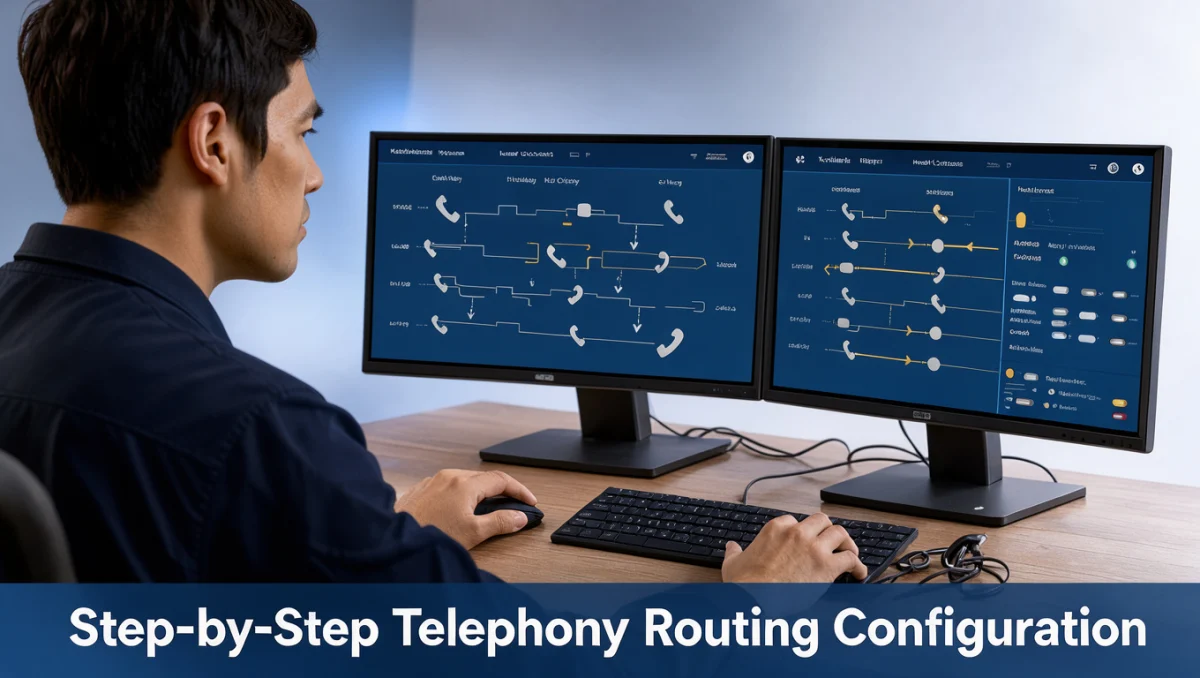
Configuring your automated call router follows a logical sequence, from choosing a number to running final tests. The routing settings sit within the phone management dashboard, where you attach rules to each business number you own. Working in order keeps your customer lines running without gaps.
- Step 1: Select your virtual number. Pick the number you publish for general inquiries, sales, or support.
- Step 2: Create departments and extensions. Add team member profiles and group them into ring groups such as billing, technical support, or account management.
- Step 3: Upload greeting audio. Add the welcome message that plays as soon as a caller connects.
- Step 4: Assign keypress actions. Link each number key to a department, a specific agent, an outside number, or a voicemail queue.
- Step 5: Set timeout and fallback rules. Decide what happens if a caller says nothing or presses an invalid key.
- Step 6: Define after-hours behavior. Turn on separate evening and weekend rules so callers know what to expect.
- Step 7: Run test calls. Call from several outside lines to check audio quality, keypress response, and that the right phones ring.
Arranging Menu Options by Demand
Order your menu around how often each reason for calling comes up, not around your org chart. Put the most common request on key one. If most callers want billing help, placing billing first cuts down on wait time.
Always state the destination before the key number, for example: For technical support, press two. This lets callers recognize their need first and then find the matching key on the keypad.
Setting Up Fallback Queues and Voicemail
A reliable phone tree expects the unexpected, such as slow keypad entry, accidental presses, or callers who ignore the menu entirely. Fallback logic catches these calls so they are not abruptly dropped. Many teams replay the menu once and then send unresolved callers to a general operator or voicemail.
Decide where voicemails go once they are left. Most virtual phone platforms can send messages to a shared department inbox or an admin dashboard. Confirm that destination so no customer message sits unread for days.
4. Best Practices for Smooth Call Distribution
A good phone menu is built around caller convenience and internal clarity. Buyers often find that overly complicated routing creates friction instead of saving time. Following proven telephony guidelines keeps interactions short and useful.
Limit the number of menu levels as much as possible. A single menu that resolves the call right away beats several nested submenus that make callers answer one question after another. If you do need a second level, keep it to the distinctions that truly matter.
| Configuration Area | Recommended Practice | Operational Benefit |
|---|---|---|
| Menu depth | Two branching levels at most | Reduces caller drop-off and confusion |
| Option count | Five choices or fewer per menu | Helps callers remember their options |
| Language selection | Offer primary languages first | Connects callers quickly to fluent staff |
| Fallback handling | Send unanswered calls to monitored mailboxes | Makes sure every inquiry gets logged |
| Audio consistency | Use the same voice across all prompts | Gives callers a polished, cohesive experience |
Keeping Scripts Short
Make the greeting brief so callers can make a choice without waiting. Leave out promotional messages or company history from the routing prompts. People call support lines to fix something, so direct and efficient language is the most helpful thing you can give them.
Number your options in order, starting at one. Skipping numbers or using unexpected keys causes mistakes. If your team can staff it, reserve zero for reaching a live operator or receptionist.
Auditing the Directory on a Schedule
Staff come and go, and roles shift over time. Outdated routes can send customers to empty extensions or abandoned mailboxes, which costs you business. Put a recurring reminder on the calendar to review ring groups, forwarding rules, and user assignments.
Ask department leads to tell whoever manages the phone system whenever work hours or call responsibilities change. Keeping groups aligned with real staffing keeps the workload balanced among active agents.
5. Mistakes to Watch For
Even experienced managers slip up when building automated call trees. Knowing the usual pitfalls helps you catch them before the line goes public.
- Endless menu loops: Without a clear exit, confused callers keep cycling through the greeting until they hang up.
- Too many options on one menu: Long lists overwhelm callers and lead to random key presses.
- Ignoring mobile callers: Some carriers add a slight audio delay, so quick prompts can get cut off before the caller hears the key.
- Outdated holiday messages: Leaving a closure announcement active after you reopen creates confusion about availability.
- No ring timeout destination: Letting calls ring indefinitely without a voicemail or backup agent leads to abandoned calls.
Dropping Internal Jargon
Internal labels mean little to outside callers. An option called Tier Two Accounts can make someone hesitate when they just want to pay a bill, while Billing is immediately clear. Use plain, widely understood words for every choice.
Have someone outside your department test the script before launch. If that person cannot tell which key fits their situation, rephrase the prompt until it is obvious.
6. Who CallHippo Suits Best
CallHippo works well for certain kinds of teams and less well for others. Consider your team size, inbound call volume, and technical needs before choosing a virtual phone provider.
Remote and Distributed Sales Teams
Sales groups spread across different locations benefit from a central virtual number with automated routing. Reps in various places can receive prospect calls based on territory or product area. A central dashboard gives managers visibility into incoming inquiries without needing a shared office.
Local numbers help a distributed team look established in each market. Prospects get professional routing that feels like a headquarters line, while agents take calls from a desktop or laptop wherever they have a connection.
Growing Support Desks
Support teams handling technical issues, billing questions, and onboarding gain from splitting calls into categories. Sending callers to specialized groups keeps generalist agents from getting stuck on complex problems. Routing rules spread calls across available staff to keep response times steady.
During busy periods, automated menus can prioritize urgent issues or offer a callback queue. This keeps the support line orderly and reduces frustration when volume spikes.
Organizations That May Need Another Tool
Large enterprises with significant on-premise telecom infrastructure may find a cloud-only system incompatible with existing equipment. Businesses running legacy PBX hardware, physical copper lines, or strict local server requirements often need a hybrid platform built for on-site hardware.
A solo operator who takes only occasional calls rarely needs multi-level menus. A direct line often builds better client rapport than an intermediate routing system.
7. Frequently Asked Questions
How should a small team design its first phone menu?
Start with a single level of no more than three choices, such as sales, customer care, and general questions. Keep the greeting short, and send anything else to a main operator or a shared voicemail inbox so callers do not drop off.
What audio format works best for custom greetings?
Business phone software usually accepts common high-quality formats such as WAV or MP3. Check the vendor's documentation for exact bitrate and channel requirements before recording your final audio.
How often should the routing setup be reviewed?
Review menus, ring groups, and voicemail destinations at least once a quarter. Regular checks remove departed staff from call lists and make sure new departments are represented in the menu.
What should happen when a caller presses nothing?
Replay the options once. If there is still no input, transfer the caller to a general operator or a main voicemail. This protects callers on older phones or hands-free setups from being disconnected by mistake.
Can after-hours calls skip the daytime menu?
Yes. Time-based routing lets you play a different greeting outside working hours, sending night callers directly to emergency voicemail or an on-call person without listing daytime departments.
8. Final Verdict
A well-built automated call route changes how customers experience your business. CallHippo gives you the core tools to build working menus, set up department extensions, and keep inbound calls organized. A thoughtful structure gets callers to the right person quickly and reliably.
If you want to compare how we scored the platform, see the breakdown below. Each criterion shows where CallHippo meets typical business needs and where buyers should double-check specific requirements.
| Criterion | Score /10 | Reason |
|---|---|---|
| Features | 7.5/10 | Offers practical call routing, automated reception menus, and extension management for everyday business calling. |
| Ease of use | 8.0/10 | Setup menus and routing steps follow a clear sequence that non-technical managers can handle. |
| Pricing and value | 7.0/10 | Check the official pricing tiers to see whether advanced routing and multi-level menus require a higher plan. |
| Integrations | 7.0/10 | Works with common CRM software, but buyers should confirm specific data-sync workflows on the vendor site. |
| Audience fit | 8.5/10 | A strong match for distributed sales groups, support teams, and small companies that want a virtual business presence. |
| Support | 7.5/10 | Confirm published support channels and live assistance availability on the vendor website. |
| Competitive position | 7.0/10 | Holds a balanced place among established cloud phone platforms, with a focus on agile business teams. |
| Overall score | 7.5/10 | A dependable virtual phone solution for structured inbound routing and distributed call handling. |
For organizations that want orderly call distribution across remote departments, CallHippo is an accessible option to replace scattered direct lines. Estimate your expected call volume, review included features on the official vendor website, and test your menu thoroughly before going live.
For questions about phone system setup or software selection, reach out through https://testedtruth.com/contact/ or follow testedtruth on LinkedIn at https://www.linkedin.com/company/testedtruth/.
See More how to set up ivr with callhippo · Customer Service · Tested Truth