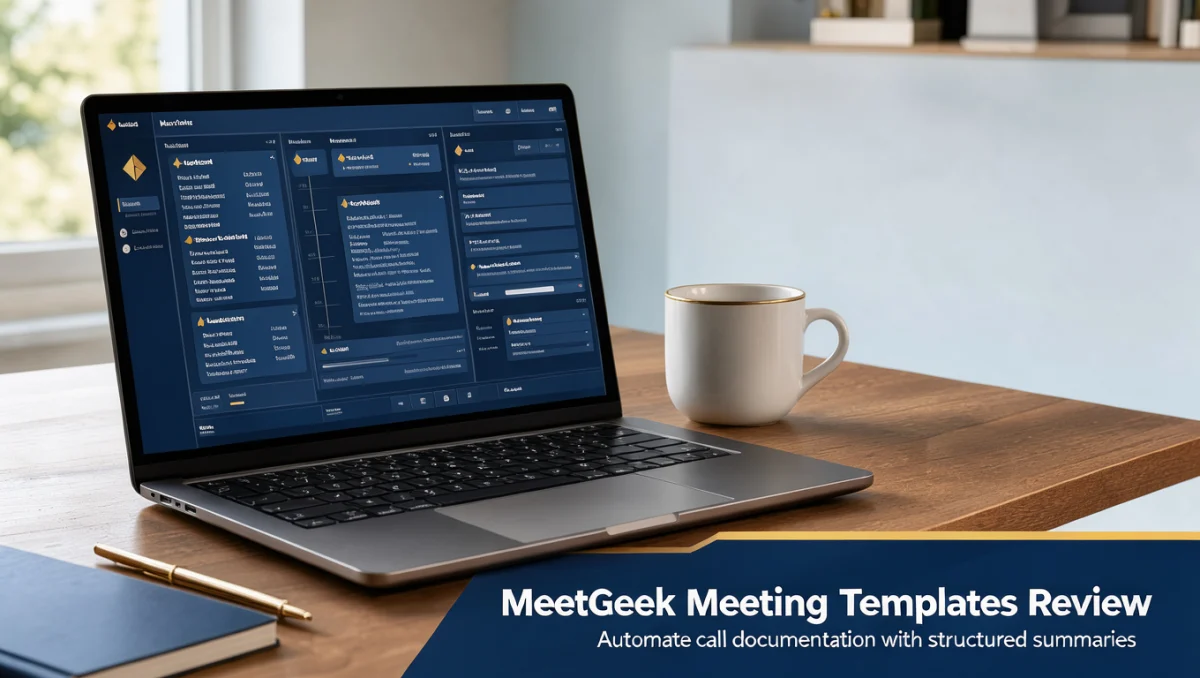
Turning a busy call into usable notes is harder than it sounds. Most teams end up with long transcripts that nobody has time to read, and commitments made on the call slip through the cracks. A structured approach solves this, and meetgeek meeting templates are built to do exactly that by shaping raw conversation into consistent, scannable records.
Meeting documentation tools sit within the wider Artificial Intelligence category of recording and transcription software. The real challenge is balancing automated structure with enough flexibility that every participant leaves a discussion knowing who owns what and why it matters.
Quick verdict: MeetGeek earns a testedtruth score of 7.9/10. It suits teams that want standardized, automated call summaries across repeated workflows. It is less useful for solo users who only need a plain transcript with no template-based formatting.
| Evaluation Criterion | Assessment Summary |
|---|---|
| testedtruth score | 7.9/10 |
| Best for | Teams that need consistent, structured summaries across recurring calls |
| Not ideal for | Solo users who only need raw transcripts without structured synthesis |
| Key strengths | Automated synthesis into customizable outlines, keyword tracking, and organized action-item grouping |
| What to check before buying | Confirm on the official MeetGeek website how specific template libraries match your team's workflows |
How testedtruth Evaluated MeetGeek
We reviewed MeetGeek against seven testedtruth criteria: features, ease of use, pricing and value, integrations, audience fit, support, and competitive position. Plans, prices, and limits change frequently, so we flag the details you should confirm on the official website before purchasing. This article was researched and drafted with AI assistance, then reviewed and edited by the testedtruth Editorial Team.
What Is MeetGeek and Who Is It For?
MeetGeek is an automated meeting management and transcription tool built to capture spoken conversations, generate structured notes, and pull out action points from virtual meetings. It targets professionals who sit in several collaborative sessions each week, including project managers, sales teams, consultants, and executives who cannot afford to lose commitments made during calls.
In fast-moving organizations, unstructured transcripts create clutter because few people have time to read thousands of words. Structured formats fix this. By guiding the summarization process, meetgeek meeting templates ensure key takeaways, customer concerns, and deadlines appear in predictable sections. Readers looking for independent technology evaluations can explore more product guides on Tested Truth.
Core Features of MeetGeek

The real value of meeting automation comes from how well it turns conversation flow into practical operational assets.
Automated Meeting Summarization
MeetGeek records dialogue and generates synthesized meeting briefs automatically. Rather than producing long walls of text, it breaks the conversation into distinct topics, high-level summaries, and chronological milestones, so absent teammates can grasp an hour-long discussion in minutes.
Template-Driven Outline Structuring
Templates let teams decide how summaries are organized for each type of call. A discovery call needs sections for customer pain points and budget constraints, while an engineering sprint needs sections for blockers, pull requests, and deployment dates. Teams can tailor these frameworks to match their own expectations.
Action Item Extraction and Highlight Tagging
The system detects commitments made during conversations and isolates them as discrete tasks. Highlight tagging lets users flag key moments, such as client feedback or policy decisions, so crucial audio or video snippets are easy to find later.
Keyword Tracking and Sentiment Analysis
MeetGeek includes conversational analytics that monitor specific phrases, competitor mentions, and attendee engagement. Tracking these patterns helps managers spot trends across customer-facing calls and assess team alignment over time.
Ease of Use and Learning Curve
Getting started with meeting recording platforms generally takes little effort, although customizing summary structures benefits from thoughtful upfront setup. Connecting calendar schedules lets the recorder join scheduled calls automatically, reducing manual work for hosts.
The learning curve centers on tailoring template prompts so summaries match departmental standards. Default settings produce clear, functional output, but investing time in custom categories yields far more useful documentation for ongoing projects.
Pros and Cons of MeetGeek
Understanding both the advantages and trade-offs is essential before rolling out any new software across an organization.
Pros of MeetGeek
- Consistent documentation formats save significant time after internal and external meetings.
- Action items are highlighted automatically, reducing missed commitments.
- Searchable meeting libraries make it simple to reference earlier discussions.
- Flexible template options accommodate diverse meeting types across departments.
Cons of MeetGeek
- Heavy technical jargon or niche industry terms may need manual correction in transcripts.
- Relying solely on automated summaries can cause participants to skim past subtle conversational nuances.
- Building specialized templates requires an upfront investment in administrative planning.
MeetGeek vs Similar Tools
The meeting intelligence market includes several established alternatives, each addressing different operational needs.
| Platform | Target Positioning | Core Strength | Consideration Factor |
|---|---|---|---|
| MeetGeek | Teams requiring structured, template-based summaries | Automated outline structuring and action-item tracking | Best when meetings follow standardized operational cadences |
| Otter.ai | Individual professionals, students, and media workers | Fast live transcription and personal note-taking | Prioritizes real-time text generation over complex template workflows |
| Fireflies.ai | Collaboration teams and developer-focused groups | Searchable conversation repositories and voice analytics | Suited for broad organization-wide conversation search |
| Fathom | Individual professionals and client-facing specialists | Quick personal summaries and instant highlight sharing | Focuses on streamlined solo workflows |
Buyers should decide whether their main need is simple transcription or structured, departmental synthesis. Otter.ai emphasizes quick personal notes, while MeetGeek focuses on converting conversations into standardized documentation.
Who Should Use MeetGeek?
Different roles get different value from structured meeting documentation.
Project Managers and Team Leads
Managers coordinating several cross-functional workstreams benefit from standardized meeting briefs. Reviewing structured action items keeps sprint goals and milestones clearly assigned across departments.
Sales Professionals and Account Executives
Client-facing staff who run repetitive discovery calls and product demos can use specialized templates to capture prospect requirements, timelines, and objections. Critical CRM updates then happen accurately without distracting from the pitch itself.
Consultants and Freelancers
Independent professionals managing multiple engagements can keep thorough records of client direction and feedback. Structured notes provide a clear paper trail for scope agreements and deliverables.
Who Should Look Elsewhere
People who attend only occasional informal catch-ups, or who just need a simple audio recorder, will find dedicated meeting intelligence platforms unnecessary. If your workflow does not involve recurring documentation or shared summaries, a basic recorder is enough.
How to Choose the Right Plan
Meeting intelligence platforms usually price their offerings by usage volume, collaboration features, and advanced customization. Because tiers and allowances change over time, evaluate these points on the official vendor site before committing.
| What to Check on the Official Pricing Page | Why It Matters |
|---|---|
| Meeting recording limits and transcription allowances | Recording caps determine how many team calls you can process each month without interruption. |
| Custom template access | Advanced template customization is often restricted to certain plan levels. |
| Workspace collaboration and user seats | Cost changes depending on whether team members need full host seats or read-only access. |
| Storage retention periods | Organizations with strict data governance policies need to know how long recordings are kept. |
Frequently Asked Questions
How do meeting templates improve team productivity?
Meeting templates set a uniform layout for summaries, highlights, and action items. Instead of sorting through scattered personal notes or long recordings, team members can quickly scan defined sections to find responsibilities, deadlines, and conclusions.
What factors influence the total cost of meeting transcription tools?
Total spend depends mainly on seat count, monthly recording quotas, and access to premium customization. Buyers should separate team members who host calls from those who only need to view summaries, since this distinction directly affects licensing costs.
How should a team prepare before adopting automated meeting notes?
Start by defining your most common meeting formats, such as customer discovery calls, standups, or executive planning sessions. Setting standard template outlines beforehand ensures automated summaries are immediately readable and aligned with existing habits.
Where can buyers verify current platform capabilities and limits?
Visit the official MeetGeek website to check current tier structures, subscription allowances, and workflow options. Reviewing the official documentation prevents surprise restrictions when onboarding cross-functional groups.
Final Verdict
Choosing the right meeting assistant comes down to how effectively a platform turns raw conversation into usable, repeatable business records. MeetGeek offers particular value for organizations that want organized, template-guided synthesis across recurring meetings.
| Evaluation Criterion | Score /10 | testedtruth Review Summary |
|---|---|---|
| Features | 8.5 | Strong automated summarization with customizable outlines and highlight tagging. |
| Ease of Use | 8.0 | Straightforward calendar scheduling and recording, with an intuitive dashboard. |
| Pricing and Value | 7.5 | Verify transcription volume limits on the official site to match your call frequency. |
| Integrations | 7.5 | Connects with major conferencing ecosystems; confirm specific platform compatibility before purchase. |
| Audience Fit | 8.5 | Well suited for project managers, sales professionals, and structured teams with recurring calls. |
| Support | 7.0 | Standard self-service knowledge base and vendor help resources; check response expectations before rollout. |
| Competitive Position | 8.0 | Distinct advantage for teams needing structured summary frameworks rather than raw transcripts. |
Overall testedtruth score: 7.9/10
Teams that run frequent check-ins, client discovery sessions, and recurring project reviews will find structured summary tools cut administrative overhead considerably. If your priority is turning spoken discussions into accountable documentation, MeetGeek is a reliable software investment.
Have questions about choosing meeting software for your team? Send them to our editorial staff through Tested Truth or follow our latest software analyses on LinkedIn.