

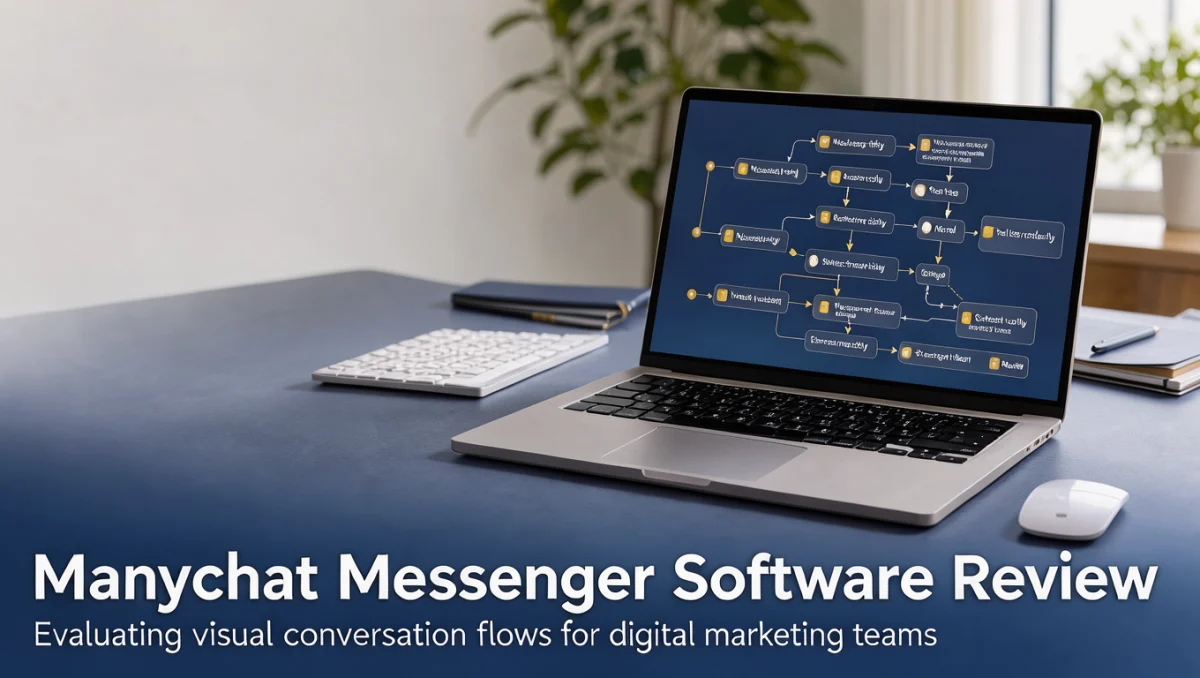
Brands that receive a steady stream of questions through their social inboxes often struggle to answer every message quickly. A well-designed automation layer can greet visitors, sort their intent and move serious prospects forward while the team focuses on higher-value work. Tested Truth examines software of this kind so buyers can judge whether it fits their operations before committing budget.
Choosing a conversational tool means weighing builder flexibility against governance needs, audience expectations and the messaging rules set by each platform. Before adopting any visual chat system, confirm that its logic model matches how your team actually talks to customers.
Quick verdict: With an overall score of 8.0/10, Manychat Messenger suits growth marketers and online merchants who want to automate routine conversational sequences on Facebook chat channels. It is a weaker match for enterprise contact centers that depend mainly on complex ticketing systems and custom telephony.
| Metric | Evaluation |
|---|---|
| testedtruth score | 8.0/10 |
| Best for | Businesses that handle lead qualification and promotional questions through direct chat |
| Not ideal for | Organizations running traditional helpdesk queues with no social engagement needs |
| Key strengths | Visual flow building, automated keyword routing, contact tagging and broadcast structures |
| What to check before buying | Subscriber volume caps, contact-based billing thresholds and channel-specific features on the vendor portal |
1. How testedtruth Reviewed Manychat
This review considers what Manychat is designed to do, who it serves and how it compares with similar tools. We applied seven testedtruth criteria: features, ease of use, pricing and value, integrations, audience fit, support and competitive position. Plans, prices and limits change frequently, so we flag what to confirm on the official website before purchase. This article was researched and drafted with AI assistance, then reviewed and edited by the testedtruth Editorial Team.
2. What Is Manychat Messenger and Who Is It Built For?
Manychat messenger is a conversational marketing and chat automation platform built around Meta messaging channels. It lets organizations design interactive message sequences, collect prospect contact details, pass inquiries to live staff and trigger automatic replies based on incoming keywords.
2.1. Target Audience and Operational Scope
The platform serves solo creators, e-commerce storefronts, digital marketing agencies and community managers who field high volumes of repetitive questions on public business profiles. Teams competing in Social Media marketing often rely on these structured flows to keep engagement prompt without adding headcount.
2.2. Foundational Problems It Solves
Manual inbox monitoring tends to produce slow replies, abandoned sales conversations and inconsistent lead records across distributed teams. An automated messaging engine routes every inbound inquiry through standardized interactive menus, capturing preferences and logging customer tags directly inside conversation threads.
3. Core Features of Manychat Messenger

Building manychat messenger workflows lets organizations coordinate audience interactions through systematic visual tools and relational contact data.
3.1. Visual Conversation Flow Builder
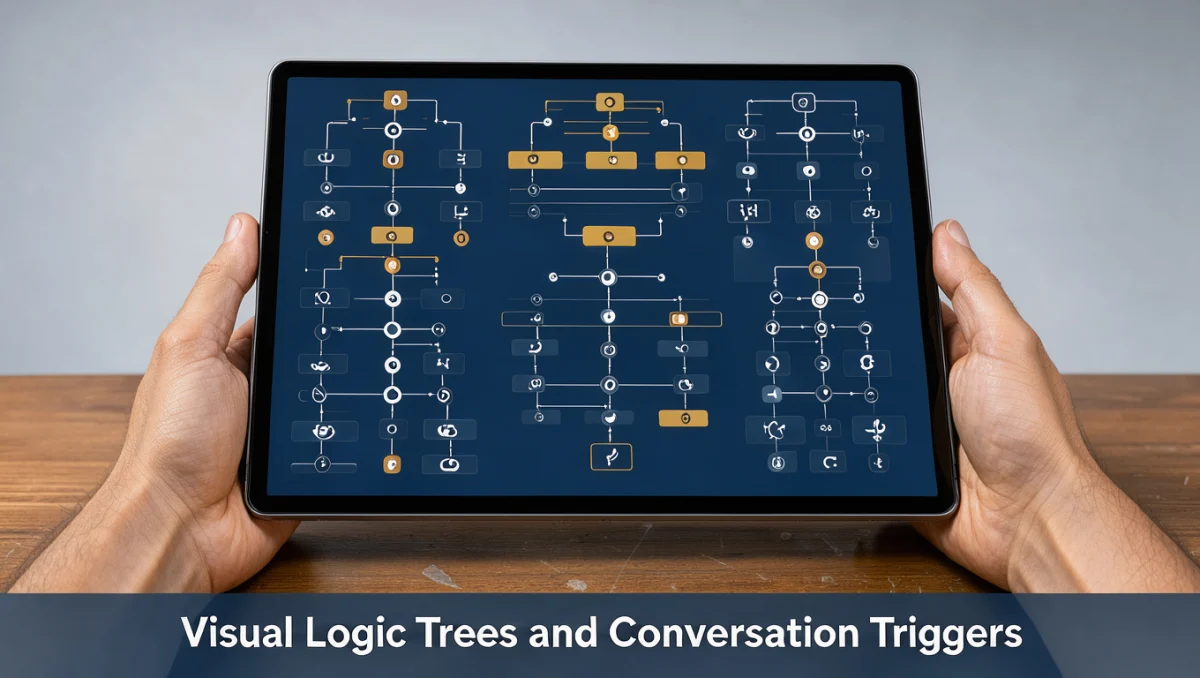
The system offers a visual canvas where administrators map branching logic, decision paths and sequential message actions. Builders connect buttons, quick replies and text nodes into structured trees that guide users toward booking links, product recommendations or support resources.
3.2. Automated Keyword Triggers and Rules
Administrators define words or phrases that activate predetermined conversation paths when prospects send them. This sends users who ask about pricing, return policies or sign-up steps straight into relevant self-service paths without staff involvement.
3.3. Contact Segmentation and Custom Tagging
During interactive exchanges, automated steps assign tags, record custom attributes and sort profiles by their selections. This metadata builds organized audiences for targeted broadcast updates and follow-up messages.
3.4. Live Chat Handoff Controls
When an automated sequence meets a complex request, the dialogue moves into an internal operator inbox. Human agents can review the earlier automated exchanges and step in to close transactions or resolve nuanced concerns.
4. Ease of Use and Implementation Workflow
Configuring conversation sequences calls for sound information architecture rather than programming skill, although campaign complexity affects the learning curve.
4.1. Interface Navigation and Workflow Design
The drag-and-drop workspace lets non-technical team members sketch logic trees clearly. Teams building intricate multi-layered campaigns, however, should enforce strict naming conventions for nodes and tags so the library does not become confusing as it grows.
4.2. Team Governance and Inbox Management
Shared team views let several staff members monitor simultaneous chats. Explicit rules for conversation ownership prevent duplicate agent replies and make sure high-priority inquiries get timely human attention.
5. Pros and Cons of Chat Automation
Evaluating conversational marketing tools means balancing real-time responsiveness against platform constraints.
5.1. Operational Advantages
- Immediate automated replies keep prospects engaged during off-peak hours.
- Standardized qualification questions filter out unqualified inquiries before staff assignment.
- Visual logic canvases simplify training new marketing staff on campaign operations.
- Structured contact tagging keeps audience segments organized for targeted messaging.
5.2. Practical Limitations
- Third-party platform policy changes can alter acceptable broadcast practices without notice.
- Overly complex decision trees can frustrate users who prefer immediate human support.
- Ongoing subscriber list management is needed to avoid paying for inactive audience records.
6. Manychat vs Similar Conversational Platforms
Comparing conversational software requires understanding how each core alternative is positioned in the marketing automation space.
| Platform | Core Strategic Focus | Ideal Operational Context |
|---|---|---|
| Manychat | Visual social chat workflows and audience messaging automation | Marketing teams prioritizing social conversation funnels |
| MobileMonkey | Cross-channel web outreach and multi-platform lead generation | B2B teams seeking centralized web and messaging campaigns |
| Chatfuel | Social media automation focused on structured flow mechanics | E-commerce stores automating customer service communications |
Where alternatives stress broad omni-channel support or dedicated helpdesk features, Manychat concentrates on social inbox marketing funnels. Teams should decide whether their main goal is lead acquisition or complex ticket resolution across enterprise databases.
7. Who Should Use Manychat Messenger?
Fit depends largely on your team's message volume, marketing channels and staff capacity.
7.1. Small Business Owners and E-Commerce Brands
Online store operators can send advertising traffic directly into automated shopping conversations. Sequences can showcase catalog collections, answer delivery questions and capture buyer email addresses before checkout.
7.2. Digital Marketing Agencies and Freelancers
Agencies managing social business accounts for several clients can standardize lead intake and appointment booking. Automated routines report interaction metrics that link directly to social marketing initiatives.
7.3. Organizations That Should Avoid This Setup
Companies that need deep enterprise IT service desk capabilities, extensive telephone routing or strict on-premise data storage should look at dedicated customer service ticketing suites instead of social-first chat builders.
8. How to Choose the Right Subscription Strategy
Subscription tiers generally scale with active contacts, team logins or advanced logic modules. Checking your business needs against official vendor policies prevents unexpected recurring cost increases.
| What to Check on the Official Site | Why It Matters for Your Budget |
|---|---|
| Contact count measurement rules | Chat tools often bill by total stored subscribers rather than monthly active conversations |
| Included team member seats | Growing support rosters may require higher tiers to accommodate concurrent staff |
| Message delivery protocol limits | Social network rules govern outgoing promotional windows and broadcast options |
| Advanced filtering and routing features | Complex multi-team routing logic is often reserved for upper-tier plans |
9. Frequently Asked Questions
9.1. How do subscription tiers scale as a contact list grows?
Costs for messaging automation platforms generally track the number of subscribers stored in the system. Buyers should audit their active audience regularly and remove unengaged contacts to avoid moving into higher pricing brackets unnecessarily.
9.2. What policies govern automated messaging windows on social platforms?
Major social networks enforce specific time windows during which automated messages can reach prospects without extra fees. Administrators should review official channel guidelines to confirm that their campaign workflows follow current broadcast rules.
9.3. When should a team hand a conversation from a bot to a human agent?
Hand off to live staff whenever a customer shows dissatisfaction, requests custom terms or asks something outside the standard decision trees. Clear keyword triggers for human escalation protect customer goodwill.
9.4. What technical preparation is required before connecting chat automation?
You need administrative access to the official business page and any connected social accounts before linking conversation software. Teams should also confirm internal data handling policies and define escalation guidelines for customer service in advance.
10. Final Verdict and Evaluation
Manychat messenger is a focused, accessible platform for businesses that want to turn social inquiries into structured customer journeys. Its visual workflow design reduces technical friction, so growth teams can deploy practical automation quickly.
| Evaluation Criterion | Score (/10) | Assessment Rationale |
|---|---|---|
| Features | 8.5/10 | Strong visual canvas, comprehensive logic triggers and robust lead segmentation tools. |
| Ease of Use | 8.5/10 | Intuitive drag-and-drop builders let non-developers organize complex dialogues quickly. |
| Pricing and Value | 7.5/10 | Buyers must review contact volume thresholds on official pages to prevent unexpected budget growth. |
| Integrations | 7.5/10 | External data sync depends on checking compatibility with your existing CRM. |
| Audience Fit | 8.5/10 | Tailored for social marketers, digital merchants and agency client managers. |
| Support | 7.0/10 | Prospective users should verify official support channels and response times before deploying. |
| Competitive Position | 8.5/10 | Holds a distinct, reliable focus on social funnel creation and inbox communication workflows. |
Overall testedtruth Score: 8.0/10
For more software consultations, send your workflow questions through the Tested Truth Contact Portal or connect with our research team on LinkedIn.