testedtruth may earn a commission when you buy through links on this page, at no extra cost to you. This does not affect our ratings.
Knowing how to monitor brand mentions with Brand24 comes down to three habits: defining sharp search terms, choosing the right discussion channels, and reviewing results on a fixed schedule. Watching public conversations helps teams respond to customer feedback early, reduce reputation risk, and gauge sentiment across the web. Brand24 gathers media monitoring and social listening data into one organized dashboard. At Tested Truth, we examine how the software works so teams can deploy it without drowning in irrelevant results.
Manually checking news sites, blogs, forums, and social platforms is slow and easy to abandon. Automated listening pulls posts that mention your brand phrases into a single feed. The payoff depends on how carefully you structure the project, because a loose setup returns chatter you cannot act on.
Quick verdict: Brand24 earns a testedtruth score of 7.7 out of 10. It suits marketing teams, public relations specialists, and agency operators who need structured social listening and sentiment tracking. It is less suitable for solo users who only run occasional lookups, or for teams that want an all-in-one suite with built-in publishing and customer relationship management.
| Metric | Summary |
|---|---|
| testedtruth score | 7.7 / 10 |
| Best for | Marketing specialists, agencies, and public relations professionals tracking public sentiment and direct brand references. |
| Not ideal for | Occasional solo searchers or teams requiring full social publishing suites rather than dedicated listening. |
| Key strengths | Automated keyword tracking across web and social sources, sentiment detection, and structured mention alerts. |
| What to check before buying | Confirm keyword quotas, historical data retention periods, and user seat allowances on the official Brand24 pricing page. |
1. How testedtruth Reviewed Brand24
This review considers what Brand24 is designed to do, who it serves, and how it stacks up against similar tools. We apply seven testedtruth criteria: features, ease of use, pricing and value, integrations, audience fit, support, and competitive position. Plans, prices, and limits change frequently, so we flag what to verify on the official website before buying. This article was researched and drafted with AI assistance, then reviewed and edited by the testedtruth Editorial Team.
2. Preparing Before You Track Brand Mentions
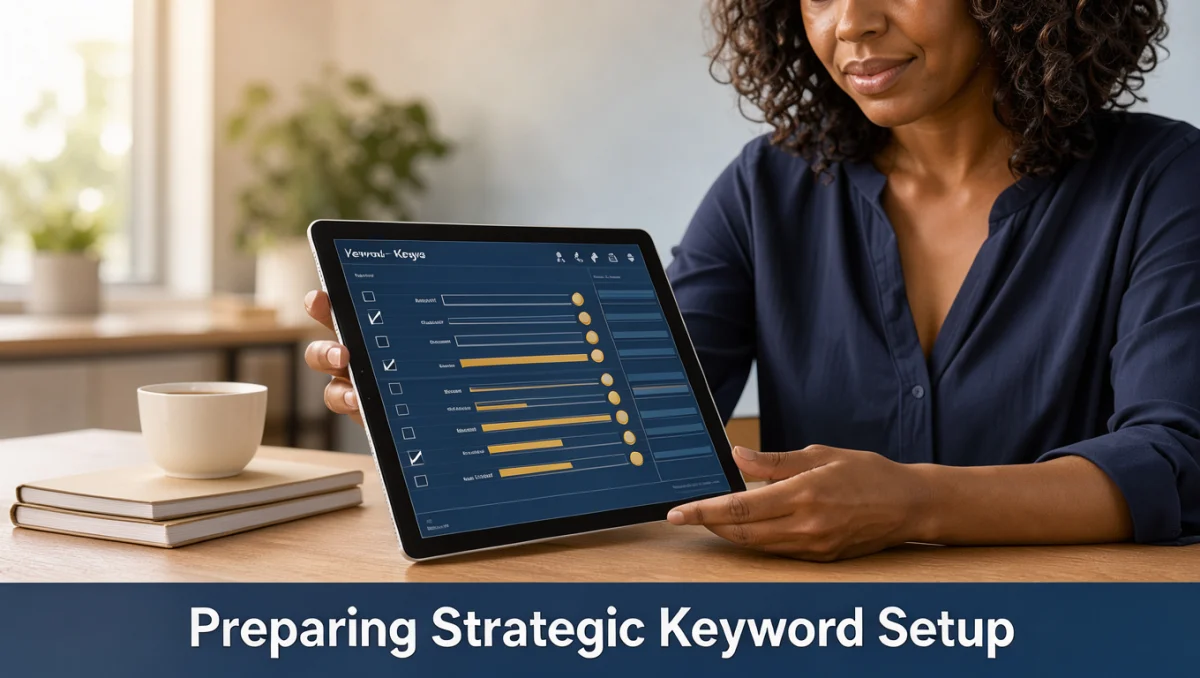
Settle your search criteria before configuring any listening tool. Monitoring software captures every instance of a keyword, so vague queries quickly fill your workspace with clutter. List your brand variations, common misspellings, executive names, and campaign phrases first, and you will start with clean incoming data.
Define the goal of listening early. Some organizations focus on protecting customer support, watching for complaints so they can step in before problems escalate. Others track competitors, following rival product launches and shifts in customer sentiment. Your primary goal determines which alerts need immediate attention and which metrics belong in routine reports.
Many modern workflows use Artificial Intelligence to categorize sentiment and filter spam. Automated systems still need human review to catch sarcasm, context, and local phrasing. Agree in advance on who investigates critical alerts so nothing falls through the cracks.
3. Step-by-Step Setup for Brand Monitoring
An orderly setup sequence helps your team capture meaningful conversations while filtering background noise from public channels.
Step 1: Define Core Brand Identifiers
Write down every exact form of your brand name, including the official company name, primary domain, flagship product names, and branded hashtags. If your brand shares a common dictionary word, prepare negative keywords to exclude unrelated topics.
Step 2: Set Up Project Keywords in Brand24
Enter your chosen terms in the project configuration area. Group the direct brand name with core offerings so mentions collect in one workspace. For complex names, use required words or exclusion filters to keep results tied to your company.
Step 3: Choose Sources and Languages
Decide which platforms and languages matter most to your audience. Monitoring tools scan social networks, video platforms, forums, podcasts, newsletters, and news sites. Limiting searches to your operating languages and key markets removes international matches that share similar names.
Step 4: Set Notification Thresholds
Create alert rules so important mentions reach the right people quickly. Real-time notifications suit negative spikes and high-visibility coverage from authoritative outlets. Daily or weekly digests work better for general review and community engagement.
Step 5: Review and Refine Incoming Mentions
During the first few days, read through the results to spot irrelevant matches. Add unrelated terms to your exclusion list to keep the stream clean. Learning how to monitor brand mentions with Brand24 well usually requires this refinement during the initial setup window.
4. Best Practices for Tracking Mentions
Effective tracking involves more than reacting to notifications as they arrive. Consistent review habits make sure your data informs real marketing and service decisions.
Categorize mentions by sentiment and urgency. Software tags sentiment automatically, but team members should periodically check flagged items to determine whether negativity stems from a bug, a billing question, or a shipping delay. Tagging by topic simplifies monthly reporting.
Respond to public mentions according to a written communication policy. Public replies to feedback show attention, but jumping into every casual conversation can seem intrusive. Document when support staff should reply publicly, when to move the conversation to private channels, and when to simply observe.
Track industry terms and competitor brands alongside your own. Shared market vocabulary reveals trends, recurring frustrations with alternatives, and emerging opportunities. Independent evaluators such as Tested Truth suggest running parallel projects to benchmark your sentiment against broader market standards.
5. Common Mistakes to Avoid When Monitoring Mentions
The most frequent error is skipping negative keywords. Brands whose names are common words or abbreviations often collect thousands of unrelated messages from personal chats, sports commentary, or entertainment discussions. Audit your stream regularly and apply exclusions to protect data quality.
Another misstep is judging volume alone without reading sentiment context. A sudden jump in mentions may signal a successful viral campaign, but it can just as easily point to an outage or a PR problem. Investigate sudden shifts promptly to understand the narrative behind them.
Ignoring forums and comment communities leaves blind spots. Many detailed product discussions happen on boards, review sites, and niche communities rather than mainstream feeds. Make sure your scope includes long-form channels where dedicated customers give candid feedback.
6. Frequently Asked Questions
What should buyers check regarding keyword quotas on the official pricing page?
Confirm the number of active keywords and the monthly mention allowance included in each plan on the official Brand24 pricing page. Exceeding monthly limits can pause data collection, so match your expected mention volume to the plan before subscribing.
Why should teams audit historical data retention before choosing a plan?
Historical retention determines how far back you can search when you create a project. Check the official site to see how many months of records each tier keeps, especially if you rely on year-over-year reporting or retrospective campaign analysis.
When should an organization choose dedicated listening over an all-in-one social suite?
Choose a dedicated listening platform like Brand24 when your main need is tracking sentiment across web, news, and social sources. Teams that need post scheduling, a unified social inbox, and publishing calendars often prefer integrated social media management suites.
How can teams keep irrelevant mentions out of reports?
Use negative keyword exclusions, required co-occurring terms, and filters for language or geography. Auditing incoming data weekly helps you catch newly emerging unrelated phrases before they clutter your feeds.
7. Final Verdict on Brand24
Monitoring brand references is an essential practice for modern digital operations, and Brand24 provides dedicated tools for tracking web conversations, analyzing sentiment, and gathering competitor intelligence. With careful keyword parameters and negative filters, organizations can turn unstructured online conversation into actionable business insight.
| Criterion | Score /10 | Reason |
|---|---|---|
| Features | 8.2 / 10 | Broad source coverage and sentiment detection for dedicated listening work. |
| Ease of Use | 8.5 / 10 | Project setup and alert configuration are straightforward once terms are defined. |
| Pricing and Value | 7.2 / 10 | Value depends on keyword and mention volume, so confirm limits before buying. |
| Integrations | 7.0 / 10 | Useful for listening workflows, though not a full publishing or CRM suite. |
| Audience Fit | 8.0 / 10 | Strong match for agencies, PR teams, and growth marketers. |
| Support | 7.4 / 10 | Adequate assistance for setup and troubleshooting. |
| Competitive Position | 7.6 / 10 | Competitive within the dedicated social listening category. |
Overall testedtruth score: 7.7 / 10
Brand24 suits agencies, public relations professionals, and growth marketers who need dedicated online mention monitoring without enterprise-level overhead. Simpler projects or individual site owners with minimal brand volume may find manual searches enough, while large enterprises running multi-channel publishing may prefer unified marketing platforms. Confirm your keyword volume needs on the official Brand24 pricing page before you decide.
If you have questions about choosing monitoring software for your team, contact our editorial staff at https://testedtruth.com/contact/ or follow testedtruth on LinkedIn at https://www.linkedin.com/company/testedtruth/ for ongoing software analysis.