testedtruth may earn a commission when you buy through links on this page, at no extra cost to you. This does not affect our ratings.
Employers today rely on background screening technology to vet applicants quickly and stay compliant. These platforms process sensitive identity data, criminal history lookups, and identity confirmations. Before committing budget, your team should weigh data turnaround times, candidate communication requirements, and the volume of hires you expect each year. A thorough checkr review helps clarify how the workflow actually operates.
At Tested Truth, we judge screening platforms by how well they fit structured recruitment processes. Hiring teams need verification pipelines that protect applicant privacy and still give administrators clear oversight. Reading an independent evaluation lets you understand the process before you spend anything.
Quick verdict: Checkr scores 7.9 out of 10 on the testedtruth scale. It suits organizations that run frequent hiring cycles and need consistent candidate verification. It is less suitable for solo operators or small groups that only run the occasional check and prefer reviewing records by hand.
| Evaluation Metric | Summary Details |
|---|---|
| testedtruth score | 7.9 / 10 |
| Best for | Organizations managing structured hiring cycles seeking digital candidate screening workflows |
| Not ideal for | Informal operations or solo managers needing occasional manual record checks |
| Key strengths | Criminal record searches, driving record tracking, and applicant portal management |
| What to check before buying | Per-check screening expenses, local record access surcharges, and verification package options |
1. How testedtruth Reviewed Checkr
This evaluation covers what Checkr is designed to do, who it serves, and how it stacks up against comparable tools. We used the seven testedtruth criteria: features, ease of use, pricing and value, integrations, audience fit, support, and competitive position. Plans, prices, and limits change frequently, so we flag what you should confirm on the official website before purchasing. This article was researched and drafted with AI assistance, then reviewed and edited by the testedtruth Editorial Team.
2. What Is Checkr and Who Is It For?
Checkr is a digital background screening platform built to speed up pre-employment verification. It brings together identity validation, criminal records research, professional credential checks, and driving history retrieval inside one administrative dashboard. HR teams, staffing agencies, and distributed organizations use it to handle high applicant volumes while keeping clear audit trails.
The platform replaces scattered paperwork with a candidate-facing digital invitation. Applicants enter their personal identifiers, residential history, and consent documents directly through an online form. This reduces data entry mistakes made by HR staff and gives transparent tracking at every stage of vetting.
Talent operations teams often assess screening tools alongside wider Artificial Intelligence developments that streamline candidate evaluation. Checkr concentrates on efficiency by automatically matching records against public databases and court repositories, so coordinators can focus on flagged results instead of reading clean reports line by line.
3. Core Background Check Features
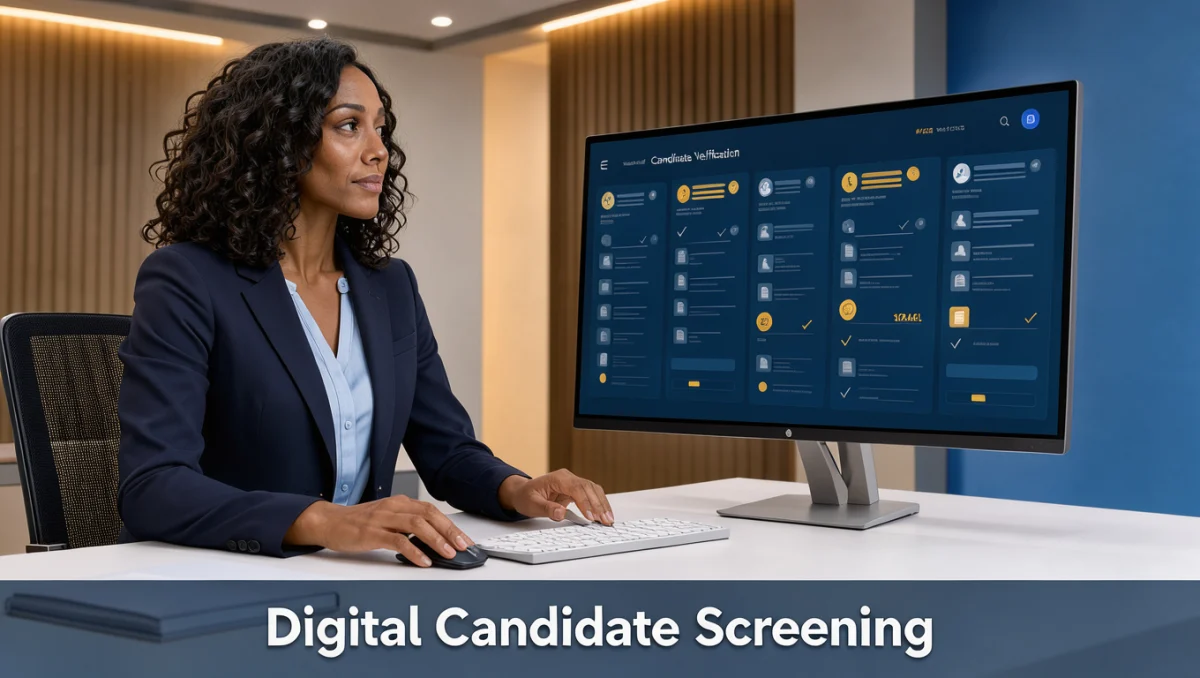
Screening software has to retrieve accurate data across many legal jurisdictions. Checkr organizes its capabilities around pre-employment verification, record maintenance, and ongoing workforce monitoring.
3.1. Criminal Background Records and Screening
Criminal record screening is the core of any pre-employment check. Checkr searches county court records, state repositories, federal district courts, and international databases for criminal filings, felony cases, and misdemeanors. Employers set search parameters based on industry norms, internal risk tolerance, and jurisdictional limits.
The platform combines multi-jurisdictional databases with direct county-level court lookups to surface relevant historical records. When potential matches appear, filtering logic removes records that cannot legally influence hiring decisions because of local reporting restrictions.
3.2. Verification of Prior Employment and Education
Confirming work history protects companies from credential misrepresentation. Checkr runs verification workflows that contact former employers to confirm tenure dates, job titles, and employment status. Its education verification module reaches out to registrars, universities, and technical schools to validate degrees, diplomas, and certifications listed on résumés.
If an institution or past employer cannot be reached quickly, candidates can upload supporting documents directly through the candidate portal. This route keeps verification delays from completely stalling a hiring decision.
3.3. Motor Vehicle Records and Driving History
Roles involving company vehicles, commercial transport, or delivery require driving record validation. Checkr connects with state motor vehicle agencies to produce reports covering license validity, suspensions, moving violations, and driving-related convictions.
Organizations define pass or fail criteria based on their transportation policies. Motor vehicle reports flag infractions within set reporting windows, so fleet managers can confirm driver eligibility before issuing vehicle keys.
3.4. Continuous Record Monitoring Workflows
Traditional screening checks an employee only at the moment of hire. Checkr also offers ongoing monitoring that watches criminal databases and driving registries for new adverse events during an employee's tenure. Alerts notify safety managers when an active driver's license is revoked or a serious charge is filed, supporting proactive workplace safety governance.
4. Ease of Use and Learning Curve
Administrative dashboards for screening tools need intuitive layouts so recruiters can read report statuses at a glance. Checkr offers a clean administrative view that sorts candidate reports into pending, in review, and complete categories.
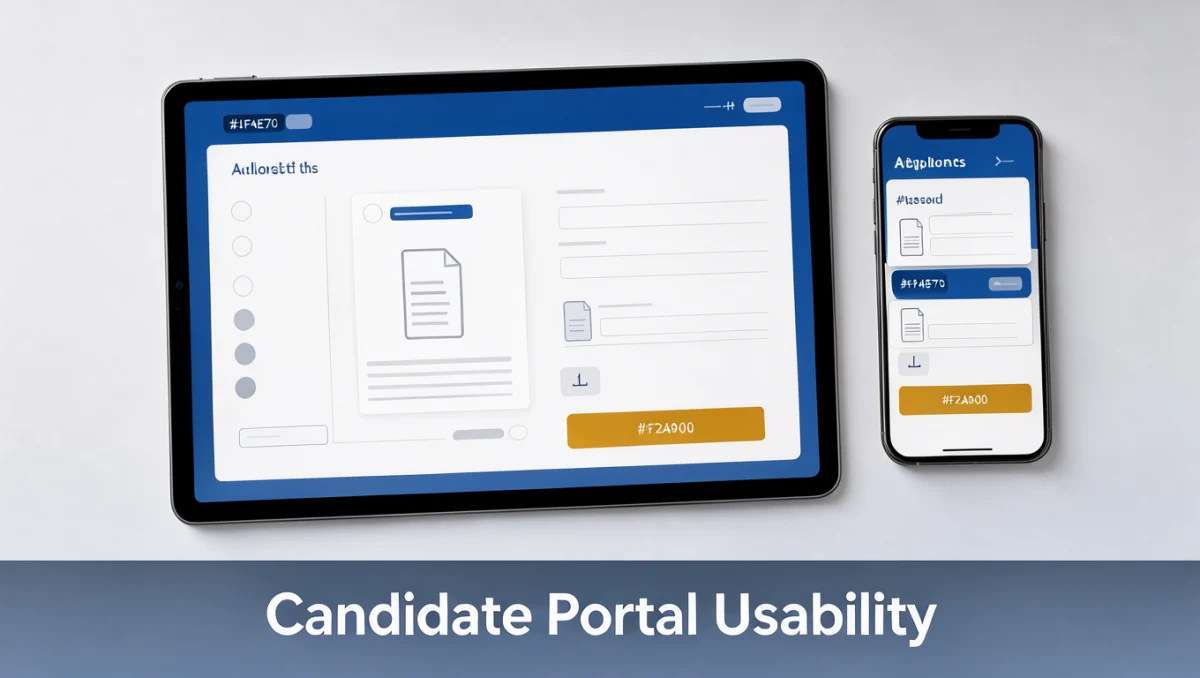
The applicant experience is just as direct. Candidates receive mobile-friendly links where they upload identity documents, sign electronic disclosure agreements, and review preliminary findings. This openness reduces candidate anxiety and cuts down on inbound questions to hiring teams.
5. Pros and Cons of Checkr
Every software platform involves trade-offs that teams must weigh against their existing hiring processes.
5.1. Advantages of Checkr
- A candidate-centric online portal simplifies electronic consent collection and identity document uploads.
- Structured dashboard workflows clearly categorize candidate statuses for recruitment teams.
- Standardized criminal record filtering reduces manual report auditing for compliance staff.
- Continuous monitoring supports safety oversight for ongoing transportation and field roles.
5.2. Limitations of Checkr
- County court record access surcharges vary by location and can make final screening costs hard to predict.
- Resolving disputed candidate records requires direct communication with record bureaus, which can delay hiring decisions.
- Complex international background checks take longer to process than standard domestic reports.
6. Checkr vs Similar Screening Tools
Knowing where Checkr sits relative to established competitors helps buyers choose the right screening solution.
| Screening Platform | Primary Market Focus | Core Positioning Strength |
|---|---|---|
| Checkr | Technology-enabled businesses, staffing, and modern distributed workforces | Digital candidate onboarding and automated record workflows |
| Sterling | Global enterprises and heavily regulated corporate environments | Extensive multi-national record networks and complex enterprise governance |
| HireRight | Large-scale organizations with extensive international hiring demands | Global verification depth and industry-specific compliance programs |
| GoodHire | Small to mid-sized businesses seeking straightforward screening setups | Accessible self-service background checks for growing teams |
Sterling and HireRight have traditionally served global corporations that need customized enterprise setups and broad international coverage. GoodHire targets smaller businesses that want simple self-service packages. Checkr sits between modern high-growth staffing platforms and established corporate talent acquisition teams.
7. Who Should Use Checkr?
Different operating models have very different screening needs. Matching the software to your actual company profile keeps the investment aligned with real workflow requirements.
7.1. Small and Growing Businesses
Growing companies hiring several people each quarter benefit from a structured process that replaces manual reference calls. Checkr gives small teams a standardized verification portal without requiring a dedicated background check specialist.
7.2. High-Volume Staffing Agencies
Staffing firms working on tight placement timelines need fast report turnarounds. Checkr handles high volumes by organizing many verification requests into standardized review queues, helping placement coordinators close contracts without administrative bottlenecks.
7.3. Fleet and Transportation Operators
Companies running logistics, courier fleets, or field service technicians need regular driving record checks. Checkr provides motor vehicle screening along with continuous driving record monitoring to help meet transport safety requirements.
7.4. When to Consider Alternative Solutions
Organizations hiring heavily overseas should check whether a specialized international screening provider better fits regional data privacy laws. Likewise, solo consultants who seldom hire staff may find a formal screening platform more than they need.
8. How to Choose the Right Plan
Background screening providers bundle checks into tiered packages, individual add-ons, or usage-based pricing. Reviewing the official specifications before choosing a plan helps you avoid unexpected costs.
| What to Check on the Official Site | Why It Matters to Your Budget |
|---|---|
| Base screening package components | Confirm which verification types are included in basic packages versus optional add-ons to avoid unexpected costs. |
| County court surcharge policies | Court record fees vary significantly by county jurisdiction and are usually billed directly to the hiring firm. |
| Volume-based usage commitments | High-volume screening agreements may require minimum monthly check commitments that smaller businesses cannot meet. |
| Credential verification surcharges | Third-party education registries and past employers sometimes levy separate verification charges that affect report totals. |
| Adverse action workflow tooling | Ensure mandatory legal notice distribution tools are part of your subscription setup to manage compliance risks safely. |
9. Frequently Asked Questions
How does a candidate submit information during a background check?
Candidates receive a secure digital link that opens an applicant portal. There they enter their legal name, residential address history, date of birth, and identity documents. They also review required disclosures and sign authorization forms electronically before screening begins.
What factors influence how long a background report takes to finish?
Completion time depends on how deep the requested searches are and how quickly outside institutions respond. County court clerk availability, manual record retrieval, and school holiday closures can extend timelines. Simple electronic database lookups usually finish much faster than manual courthouse record pulls.
How should employers budget for third-party court surcharges?
Many county courts charge administrative fees to retrieve criminal case documents. Screening vendors typically pass these statutory court fees through to the employer without markup. Organizations should identify their main hiring regions and set aside contingency funds in the recruiting budget to cover differing county fee schedules.
What steps are required when a background report shows disqualifying information?
Federal and state regulations require strict adverse action procedures before an applicant can be rejected based on background findings. Employers must issue a pre-adverse action notice along with a copy of the report and an explanation of the candidate's rights. Applicants need a reasonable window to review findings, dispute inaccuracies, or provide context before a final decision is made.
10. Final Verdict
| Evaluation Criterion | Score / 10 | Assessment Rationale |
|---|---|---|
| Features | 8.5 | Comprehensive screening modules covering criminal history, driving records, and credential validations. |
| Ease of Use | 8.5 | Candidate portal simplifies document submission while recruiter dashboard organizes report tracking intuitively. |
| Pricing and Value | 7.5 | Transparent per-check structures require careful tracking of third-party county record surcharges. |
| Integrations | 7.5 | Connecting candidate pipelines requires reviewing supported recruitment management systems on the official site. |
| Audience Fit | 8.5 | Well structured for modern companies, high-volume staffing firms, and distributed workforce hiring. |
| Support | 7.0 | Candidate disputes and record verifications rely on structured service queues that vary by inquiry complexity. |
| Competitive Position | 8.0 | Strong modern positioning against legacy corporate screening vendors through digital onboarding workflows. |
Overall testedtruth Score: 7.9 / 10
Checkr offers a dependable, candidate-friendly screening framework that suits modern recruitment teams and high-volume hiring. Before completing setup, confirm county fee policies and integration compatibility on the official Checkr website.
If you have questions about choosing screening software, send them through our contact page or follow the testedtruth team on LinkedIn for ongoing business software evaluations.