
Affiliate notice: We may earn an affiliate commission from merchant purchases made via links on this site without extra cost to you, which never alters our objective scoring standards.
Generating promotional visuals and performance-focused commercial assets at scale poses a constant operational bottleneck for modern media buyers and e-commerce stores. The app adcreative ai was built specifically to address this hurdle by automating the assembly of marketing banners, promotional graphics, and matching sales copy. When assessing machine-driven graphic generation systems, businesses must scrutinize workflow governance, asset visual consistency, and licensing export boundaries before allocating organizational budgets.
Deciding on ad production utilities requires balancing production velocity against granular creative control. Rather than laboring over repetitive artboard adjustments, marketing teams can deploy specialized generation tools to accelerate routine campaign preparation while keeping operational objectives clear.
Summary judgment: Scoring an aggregate 7.8/10 in our comprehensive benchmark, this platform serves e-commerce businesses and performance advertisers requiring rapid batch generation of promotional collateral. Conversely, it remains unsuitable for studios requiring meticulous pixel-level artistry or bespoke vector drawing.
| Evaluation Metric | Summary Details |
|---|---|
| testedtruth score | 7.8/10 |
| Best for | Teams needing rapid generation of advertising banners and social variations |
| Not ideal for | Organizations wanting manual vector design and custom typestyle editing |
| Key strengths | Automated layout generation, headline drafting, and batch production speed |
| What to check before buying | Review asset download limits, export file types, and brand asset storage terms |
Review Methodology and Assessment Criteria
Our thorough evaluation examines the platform's core target market, primary technical capabilities, and standing alongside industry alternatives. We apply seven standard operational benchmarks: functional features, interface accessibility, cost value, available integrations, user profile fit, vendor support, and competitive positioning. Because subscription parameters and tier quotas fluctuate, users should cross-reference terms on the official site prior to checkout. Our editorial team researched this breakdown utilizing AI assistive tools and applied stringent manual review before publication.
Understanding AdCreative.ai: Purpose and Target Demographics
AdCreative.ai operates as a specialized asset generation engine that translates foundational design elements—such as brand color values, raw product pictures, and marketing text—into finished promotional banners and social ad graphics. The system specifically aids digital marketing agencies, growth media buyers, independent dropshippers, and retail merchants active across paid display networks.
Conventional visual production mandates that graphic designers assemble multiple individual artboard dimensions one by one for every social platform. Automated generation technology reorganizes this procedure by running algorithmic structural layouts that combine product photos, company logos, primary calls to action, and contrasting backgrounds across standardized digital dimensions at once.
Companies operating ongoing testing schedules profit substantially from this model. Instead of dedicating entire workdays to manual visual resizing, commercial teams can draft extensive asset batches in minutes, redirecting their bandwidth toward media buying optimization and audience targeting.
Essential Capabilities of the Generation Engine
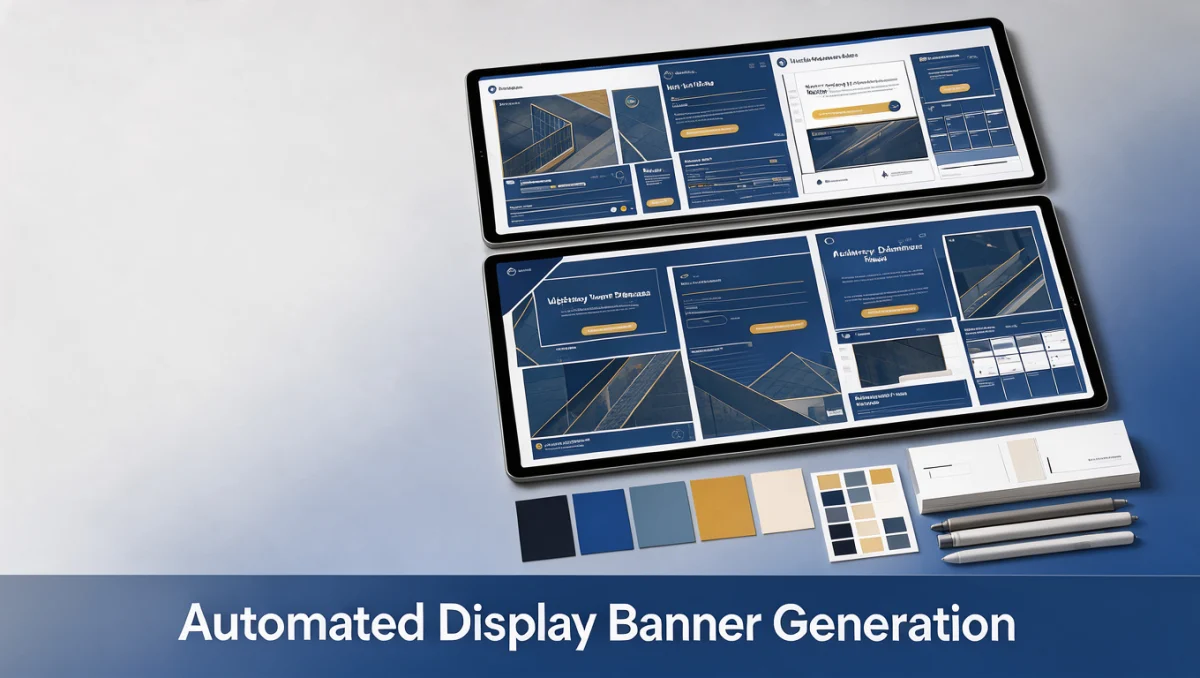
Modern commercial design automation integrates various core modules to compress digital advertising production cycles. Understanding these functional components enables prospective buyers to identify software alignment with their specific operational throughput.
High-Volume Banner and Layout Creation
At the center of the platform lies simultaneous multi-format rendering. Marketers upload core brand graphics and campaign parameters, allowing the engine to output production-ready files scaled for common social channels.
- Generates vertical, square, and horizontal layout variations simultaneously.
- Places product cutouts, typography hierarchies, and brand marks systematically.
- Applies visual contrast principles intended to capture viewer attention in social feeds.
- Provides batch rendering to eliminate repetitive manual layout resizing.
Built-In Advertising Copy Generation
Compelling display units require persuasive text to prompt customer action. The integrated language module produces conversion-oriented titles, call-to-action buttons, and promotional paragraphs aligned with specific promotional networks.
Integrating real-time copy suggestions alongside visual layout creation allows performance marketers to assemble unified campaign drafts without juggling external word processors. Even so, teams should evaluate generated copy to ensure regional advertising adherence and maintain brand voice.
Multi-Client Profile Governance
Agencies overseeing numerous distinct accounts require organized digital asset separation. The software incorporates dedicated workspace profiles that preserve registered color hex values, approved font pairings, and high-definition brand marks.
These segmented brand repositories prevent stylistic cross-contamination between different client projects. When launching a new production task, users assign the designated workspace to enforce aesthetic consistency across all generated outputs automatically.
Predictive Layout Performance Indicators
To assist in variant selection, the software includes algorithmic performance indicators that analyze composition balance, visual hierarchy, and contrast against historical patterns. While these indicators serve as convenient initial filters, practitioners should confirm asset effectiveness via live split testing on live ad networks.
Platform Usability and User Onboarding
Software deployment success hinges on navigational simplicity and how swiftly non-technical team members can generate viable marketing materials. The platform relies on guided, form-driven workflows that eliminate software complexity.
Asset Ingestion and Initial Setup
The onboarding path begins by uploading primary brand collateral. Users populate specific hex codes, vector logos, and visual product assets prior to starting batch jobs. Teams with established brand guidelines can complete this setup rapidly.
If a team lacks transparent product photography, preliminary asset cleaning will be required before running generation cycles. Maintaining an organized folder of transparent product files significantly streamlines the onboarding phase.
Step-by-Step Production Sequence
Deploying an advertising run follows a straightforward sequence: operators choose required canvas ratios, input primary headlines, upload featured imagery, and start generation. The software quickly displays dozens of visual candidates within an organized gallery view, allowing users to pick preferred banners and download distribution-ready files.
Interface Clarity for Non-Designers
Because the engine is anchored around algorithmic layouts, media managers can navigate the tool without formal graphic design experience. Bypassing complex vector nodes and canvas timeline layers lowers the operational barrier to entry.
However, dedicated illustrators who demand exact kerning adjustment, custom vector paths, or custom layering may find automated templates constraining. Businesses should treat the tool as a rapid production utility rather than a substitute for dedicated desktop illustration suites.
Operational Trade-Offs: Advantages and Limitations
Choosing digital marketing software necessitates balancing operational advantages against functional constraints. Below are typical realities associated with this automated ad generation engine.
Key Operational Strengths
- Fast production of multiple aspect ratios from a single input session.
- Built-in copywriting tools that suggest promotional headlines alongside graphic layouts.
- Structured brand kits that preserve visual consistency across automated batches.
- Accessible user flow that enables non-designers to produce polished ad assets.
Platform Bottlenecks
- Template-driven output structures can feel formulaic without ongoing asset variation.
- Limited manual customization compared with full-featured desktop graphic design suites.
- Subscription models in this software category tie utility directly to recurring usage allowances.
- Complex branding guidelines with strict geometric constraints may require manual finishing.
Comparative Market Analysis
Determining the right creative utility requires examining where programmatic creation fits relative to conventional layout software and advanced design ecosystems.
| Software Category | Best For | Core Operational Focus | Consider If |
|---|---|---|---|
| Automated Ad Generators (AdCreative.ai) | Performance marketers and e-commerce stores | Algorithmic layout generation and batch ad creation | Your primary goal is rapid banner variation for ad testing |
| Template Design Suites (Canva) | General content creators and small businesses | Drag-and-drop manual editing across wide document types | You produce social posts, flyers, and presentations manually |
| Professional Desktop Editors (Adobe Creative Cloud) | Design agencies and art directors | Pixel-level control, vector drawing, and custom artwork | Your brand requires bespoke illustration and typography |
Generalist template tools provide broader design flexibility for brochures or corporate presentations, whereas dedicated programmatic platforms focus entirely on conversion-focused advertising banners. To see how machine learning reshapes adjacent operational software, explore our in-depth guides covering the Artificial Intelligence landscape.
Commercial User Profiles: Evaluating Organizational Fit
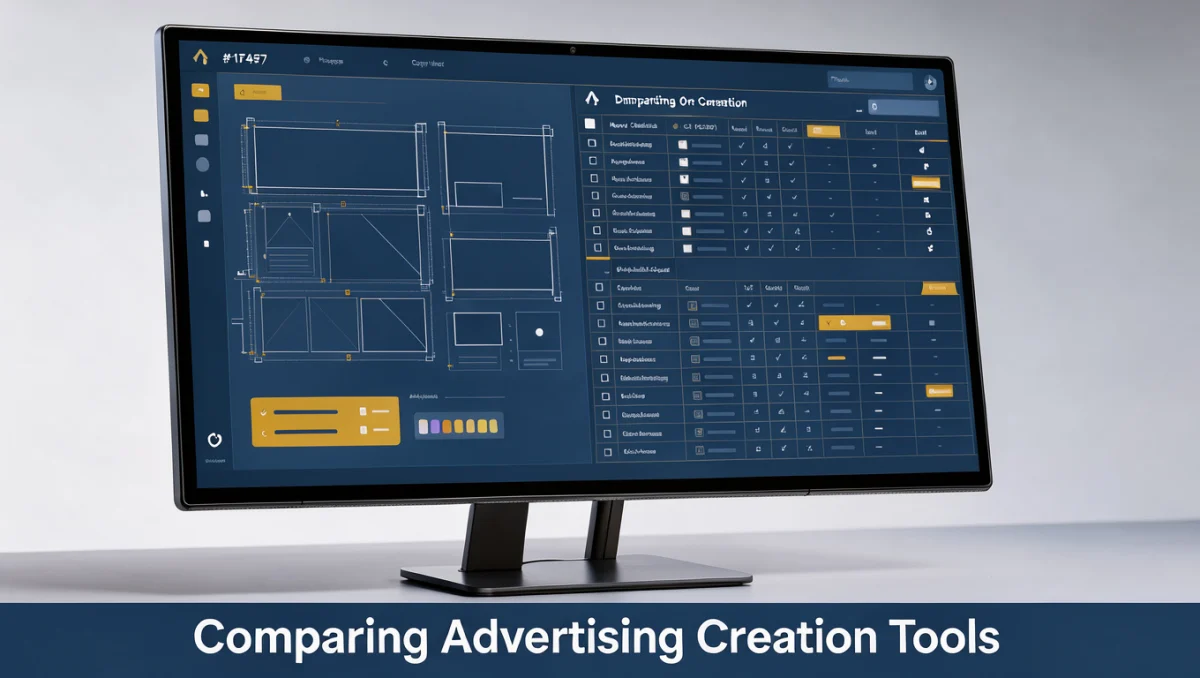
Different commercial operating models demand distinct creative production pipelines. Below is how programmatic design automation aligns across typical industry profiles.
Solo Media Buyers and Freelancers
Solo performance practitioners managing several client accounts must constantly introduce fresh visual assets to counteract audience fatigue. Using automation software enables single operators to generate continuous visual variations without contracting external freelancers. Freelancers should review multi-brand allowances on the vendor portal to ensure their client roster aligns with account parameters.
Direct-to-Consumer Merchants and SMBs
Online retail managers require consistent visual collateral for promotional sales, catalog updates, and dynamic retargeting. Automated engines allow small teams to output high-converting graphics without maintaining internal creative departments. Store managers should verify export resolution compatibility with their chosen media channels.
Growth Marketing Agencies
Agencies handling substantial ad budgets across diverse brands encounter continuous creative testing bottlenecks. Automation suites help media teams replenish testing queues rapidly, backing data-led campaign optimization. Management should confirm seat quotas and workspace security protocols before enterprise deployment.
When Traditional Design Tools Are Better
Brands centered on bespoke luxury positioning or artisanal illustration will find template generation too restrictive. Projects requiring unique hand-crafted lettering or complex 3D rendering still demand traditional studio environments.
Strategic Subscription and Budget Planning
SaaS vendors in the advertising technology domain generally structure their subscription plans around download credits, workspaces, and team seats. Consult the checklist below to assess subscription options effectively.
| What to Check on the Official Site | Why It Matters to Your Budget |
|---|---|
| Asset download or generation quotas | Ensures your monthly campaign testing volume does not trigger unexpected overage fees |
| Brand profile allowances | Determines whether you can manage all active clients or ventures under a single account |
| Team user seat allotments | Affects your total expenditure if multiple team members require simultaneous access |
| Export resolutions and formats | Confirms that generated visual assets match technical network specifications |
| Platform billing cycles | Allows teams to balance monthly flexibility against annual commitment savings |
Prior to checkout, teams should calculate their average asset consumption across past quarters to identify the most cost-effective tier. Consistent analysis from Tested Truth highlights the necessity of checking official plan parameters directly to avoid unexpected overages.
Answers to Common Questions
How do algorithmic platforms produce multi-ratio ad banners?
These systems apply rule-based layout frameworks that integrate user-provided brand colors, fonts, logomarks, and isolated product photography into pre-calibrated digital ad sizes automatically.
What collateral is required prior to starting generation?
Marketing teams should assemble transparent background product photos, vector brand marks, and approved color hex values to ensure rapid setup and consistent generation quality.
Can automated generation tools replace in-house graphic artists?
No; automated utilities function primarily as production accelerators for routine ad scaling and iterative variations. Creative artists remain vital for overarching brand strategy, complex illustration, and original conceptual work.
How are asset download allocations regulated across tiers?
Subscriptions calculate usage based on downloaded assets or batch creations. Teams should examine if unused allowances roll over or if additional fees apply when monthly caps are exceeded.
Where can buyers verify social channel format compliance?
Prospective users should review official software specifications to ensure exported image formats and pixel ratios match current guidelines for their chosen ad networks.
Final Assessment and Overall Score
AdCreative.ai serves as a practical, focused tool for digital marketing agencies, performance media buyers, and direct-to-consumer retailers seeking to streamline iterative creative production. By automating layout creation and draft copywriting, the software allows commercial teams to maintain agile testing cadences without requiring specialized design training.
| Evaluation Criterion | Score /10 | Evaluation Reason |
|---|---|---|
| Features | 8.2/10 | Provides capable multi-ratio ad layout generation, copy drafting, and brand profile tools |
| Ease of Use | 8.6/10 | Form-based campaign setup workflows allow non-designers to produce assets promptly |
| Pricing and Value | 7.2/10 | Buyers must align asset generation allowances carefully against recurring campaign volume |
| Integrations | 7.1/10 | Teams should verify supported workflow connections on official product pages |
| Audience Fit | 8.4/10 | Strong functional alignment for performance marketers and active e-commerce merchants |
| Support | 7.2/10 | Buyers should review available support channels and documentation resources directly |
| Competitive Position | 7.9/10 | Maintains a clear focus on commercial advertising assets compared with general design tools |
Overall testedtruth Score: 7.8/10
For growth-oriented teams managing regular promotional updates, the software offers tangible workflow acceleration that simplifies asset scaling. Before completing a purchase, confirm current brand allowances and download limits on the official vendor website to pick the optimal package for your campaign volume.