Our testedtruth team may earn a commission when you buy through links on this page, at no extra cost to you. This does not change our ratings.
Few security tools are as widely discussed as bitdefender malware protection. Built to detect, isolate, and remove harmful code before it can compromise a system, the platform serves both home users and business networks. In this guide from Tested Truth, you will find a clear breakdown of its strengths, limitations, and value so you can judge whether it matches your risk level.
Deciding on cybersecurity software means understanding how automated tools work alongside everyday routines. Many buyers now look for Artificial Intelligence-assisted heuristics that go beyond classic signature lists to catch new threats. The sections below explain the key evaluation points, what the software does well, and what to verify before you commit.
Quick verdict: With a testedtruth score of 8.0 out of 10, this platform suits people who want dependable background protection against common digital risks without heavy setup. It is less ideal for users who need full manual control over scanning rules or for teams requiring specialized hands-on remediation tools.
| Metric | Details |
|---|---|
| testedtruth score | 8.0 / 10 |
| Best for | Users seeking reliable automated protection against persistent digital threats and unverified downloads |
| Not ideal for | Advanced system administrators wanting manual command-line configuration for custom scanning kernels |
| Key strengths | Automated background scanning, web attack interception, and proactive threat quarantine routines |
| What to check before buying | Review official plan matrices to verify protected device allocations and platform availability rules |
1. How testedtruth Reviewed Bitdefender
This review examines what Bitdefender is designed to do, who it serves, and how it stacks up against similar tools. We used seven testedtruth criteria: features, ease of use, pricing and value, integrations, audience fit, support, and competitive position. Plans, prices, and limits change frequently, so we highlight what to confirm on the official website before purchase. This article was researched and drafted with the help of AI tools, then reviewed and edited by the testedtruth Editorial Team.
2. What Is Bitdefender and Who Is It For
Bitdefender is an anti-malware and digital defense suite built to protect computing environments from intrusive code, unverified scripts, and network intrusions. Developed by Bitdefender, the software emphasizes real-time monitoring and preventive scanning to safeguard personal files, communication channels, and login credentials. Individuals and organizations alike use it to keep systems clean and resistant to outside disruption.
The audience includes casual computer users, solo professionals, remote employees, and enterprise system managers. For home offices and small ventures, it offers straightforward peace of mind by flagging malicious payloads hidden in email attachments or infected file downloads. Larger organizations use centralized deployment models to apply consistent protection policies across many endpoints without relying on each employee to maintain them.
3. Core Features of Anti-Malware Protection
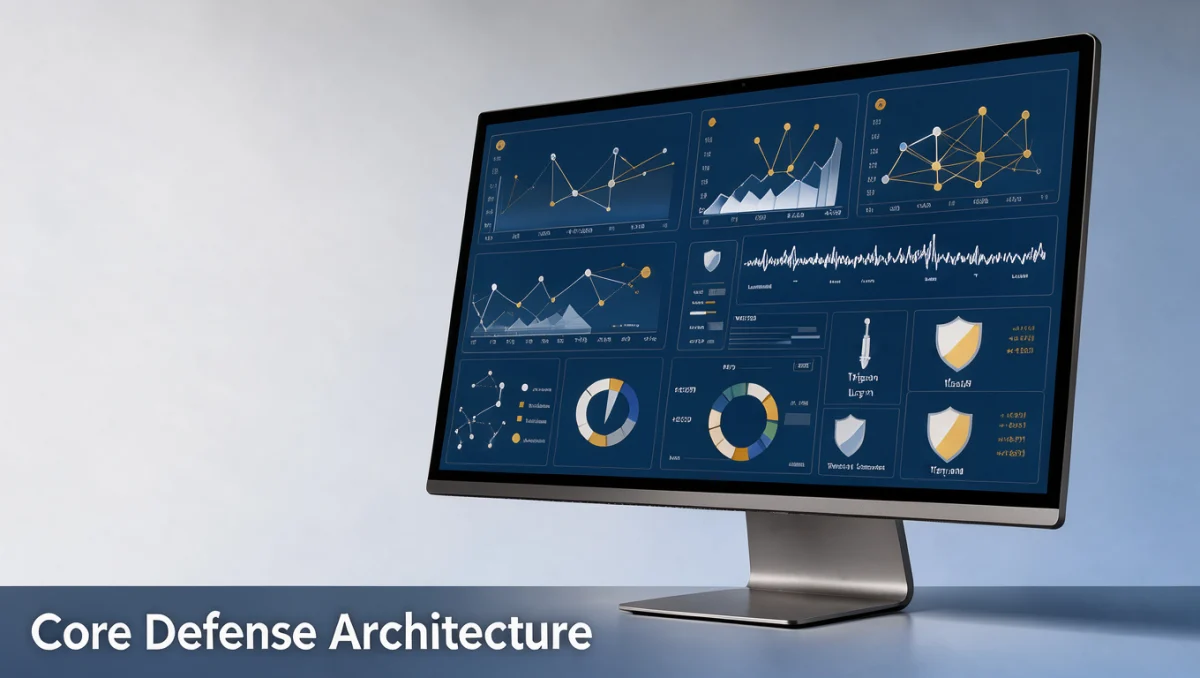
Anti-malware software depends on a few foundational capabilities to deliver steady safety as threats evolve.
Real-Time Threat Detection
Continuous system observation lets the software intercept suspicious processes the moment a file starts to run. Instead of waiting for a manual audit, the background engine watches code behavior and halts unauthorized changes to boot sectors and critical folders. When evaluating bitdefender malware solutions, confirming that active protection runs without disrupting daily productivity is an essential priority.
Behavioral Heuristic Auditing
Signature definitions alone cannot stop brand-new script variants, which makes behavioral monitoring critical. The security engine inspects code logic for actions such as silent file encryption, sudden registry rewrites, or unauthorized remote access attempts. By quarantining abnormal processes early, the software narrows the window of vulnerability between a threat's appearance and the next definition update.
Web and Network Threat Prevention
A large share of harmful software enters systems through deceptive links, credential-harvesting pages, and compromised network ports. The software examines incoming web traffic, filters malicious domains, and blocks unsafe script downloads before they reach local memory. Network monitoring also alerts users when untrusted connections try to reach local device ports.
Quarantine and File Remediation
When an infection appears, safe isolation keeps compromised files from spreading across connected drives or network shares. The software provides an isolated vault where suspicious binaries remain contained for review or permanent deletion. This containment prevents accidental reactivation while preserving the stability of neighboring software files.
4. Ease of Use and Learning Curve
Managing security software should not demand deep administrative expertise for everyday operation. Bitdefender organizes navigation around clear dashboards that display system health status, recent scan records, and active module toggles. Routine background tasks run quietly, surfacing notices mainly when a threat needs action or an update requires attention.
Installation proceeds through standard installers that establish baseline shields automatically. Users who want minimal interaction can rely on default settings to handle updates and threat removal without answering complex technical questions. Advanced operators can open deeper preferences to schedule off-peak scans or define exclusions for specialized internal utilities, keeping the experience accessible across different skill levels.
5. Bitdefender Malware Protection Pros and Cons
Evaluating cybersecurity solutions means balancing core protective benefits against inherent trade-offs.
- Proactive automated background defense that identifies malicious activity without requiring constant user intervention.
- Multi-layered web filtering that intercepts suspicious links, fraudulent sites, and stealth file downloads.
- Straightforward central console layout suitable for individuals with limited administrative security experience.
- Clean quarantine management that safely neutralizes hazardous assets away from critical documents.
- Occasional false positive alerts on specialized proprietary developer utilities, requiring manual exclusion creation.
- Resource consumption may rise during deep full-system disk audits on older hardware.
- Granular enterprise-level policy editing requires navigating multiple configuration screens.
6. Bitdefender vs Similar Tools
Understanding the market helps buyers compare Bitdefender against established alternatives.
| Security Platform | Core Market Positioning | Primary Focus | Consideration Factor |
|---|---|---|---|
| Bitdefender | Automated multi-layered endpoint defense | System protection and threat elimination | Check device management limits on official portal |
| Norton | Consumer security and digital identity defense | Personal privacy and device protection | Verify renewal parameters and feature bundling |
| Kaspersky | Comprehensive threat scanning architecture | Deep file analysis and network defense | Review regional organizational procurement compliance |
| Malwarebytes | Targeted remediation and specialized cleanups | Post-infection decontamination | Assess baseline real-time shield requirements |
Alternatives differ in how they package protection. Norton emphasizes broader identity protection modules alongside its antivirus shields, appealing to households that prioritize bundled privacy tools. Kaspersky focuses on thorough file analysis and deep heuristic inspection, which suits environments where technical depth matters. Malwarebytes is known for precise cleanup and post-infection removal, making it a common secondary tool on machines already compromised. Bitdefender balances preventive background shielding with minimal friction, offering a dependable core defense.
7. Who Should Use Bitdefender
Matching the tool to your situation helps ensure the purchase fits your real needs.
Freelancers and Remote Consultants
Independent professionals who handle diverse client files benefit from uninterrupted real-time filtering. Because freelance hardware often accesses external files and multiple client portals, background shields reduce the risk of spreading contaminated documents. Contractors should confirm multi-device license terms to cover both primary workstations and secondary laptops.
Small Business Owners
Small companies without dedicated technical staff need consistent protection that does not consume internal administrative hours. Standardized endpoint shields help prevent disruptions caused by rogue downloads or phishing attacks. Managers should check management console options on the official Bitdefender product pages to confirm multi-device administration features.
Everyday Home Users and Students
People who browse research sites, download coursework, and manage online banking need straightforward protection without technical overload. Automated detection handles updates and containment on its own, letting home users focus on daily tasks without juggling complicated settings.
Who Should Look Elsewhere
Organizations requiring strict air-gapped monitoring or specialized command-line threat hunting may find mainstream security suites limiting. System engineers managing custom operating environments often prefer specialized open-source logging tools that offer complete manual policy control rather than bundled commercial dashboards.
8. How to Choose the Right Plan
Security vendors offer multiple subscription tiers based on feature access and deployment scope. Comparing them requires a systematic look at your actual needs.
| What to Check | Why It Matters |
|---|---|
| Device Allocation Numbers | Multi-seat licenses vary widely between packages; verify exact machine counts on the official website. |
| Operating System Coverage | Protection modules differ across desktop and mobile platforms; confirm cross-system compatibility. |
| Included Defense Modules | Advanced ransomware shielding or network traffic inspection may sit in higher subscription packages. |
| Management Console Access | Centralized administrative dashboards for multi-seat deployments may require dedicated business tiers. |
| Renewal Term Conditions | Subscription rates frequently adjust following introductory cycles; review ongoing annual terms carefully. |
Avoid choosing the most expensive package by default. Count your devices, list the operating systems your team uses, and confirm whether extra security utilities are truly necessary. Comparing these needs against the official Bitdefender pricing page helps you get adequate protection without paying for components you will not use.
9. Frequently Asked Questions
How do buyers determine if basic malware protection is sufficient?
Start by auditing your daily digital exposure. Basic shields handle standard local file scanning, which suits isolated machines doing routine tasks. Setups that involve heavy external communication, unverified downloads, or shared network folders often need the web inspection and behavior monitoring layers found in expanded packages.
What factors influence the total operational cost of security software?
Total cost depends on the number of endpoints, subscription length, and whether you need coverage across multiple platforms. Centralized management consoles for multi-user setups or specialized enterprise monitoring can increase the overall budget. Reviewing renewal rates alongside introductory prices gives a more accurate long-term cost estimate.
Why should businesses consult technical administrators before deploying security suites?
IT specialists can prevent conflicts between new endpoint protection and existing proprietary software. Enterprise environments often run specialized databases or legacy applications that may clash with background scanning. Technical advisors can help set appropriate scan schedules and folder exclusions before a broad network rollout.
How should users prepare their system before installing new anti-malware tools?
Remove any residual third-party security software to avoid kernel-level conflicts. Running built-in disk health checks and confirming that the operating system is fully updated creates a stable base. Verifying that current data backups exist before changing security architecture is an essential precaution for every computer user.
10. Final Verdict
Choosing strong digital protection means balancing threat mitigation, usability, and budget predictability. At Tested Truth, independent reviews aim to steer consumers toward platforms that match their daily needs without speculative marketing hype.
| Criterion | Score / 10 | Reason |
|---|---|---|
| Features | 8.8 / 10 | Multi-layered defense architecture handles automated scanning, web filtering, and proactive quarantine effectively. |
| Ease of Use | 8.0 / 10 | Clean graphical interface allows non-technical users to review system status and run scans effortlessly. |
| Pricing and Value | 7.6 / 10 | Competitive multi-device packages exist, though buyers must verify renewal terms on official pricing pages. |
| Integrations | 7.2 / 10 | Functions primarily as a self-contained shield; buyers should review enterprise API options on official pages. |
| Audience Fit | 8.4 / 10 | Broad applicability spanning solo operators, household setups, and distributed small workplace teams. |
| Support | 7.5 / 10 | Documentation and formal help paths exist; verify direct response commitments on the vendor portal. |
| Competitive Position | 8.7 / 10 | Maintains strong standing alongside traditional security suites through reliable behavioral interception. |
Overall testedtruth score: 8.0 out of 10. For individuals, remote workers, and growing teams looking for set-and-forget cybersecurity, Bitdefender malware protection offers dependable, systematic defense. Confirm specific device coverage limits on the official vendor website to match your exact setup.