testedtruth may earn a commission when you buy through links on this page, at no extra cost to you. This does not affect our ratings.
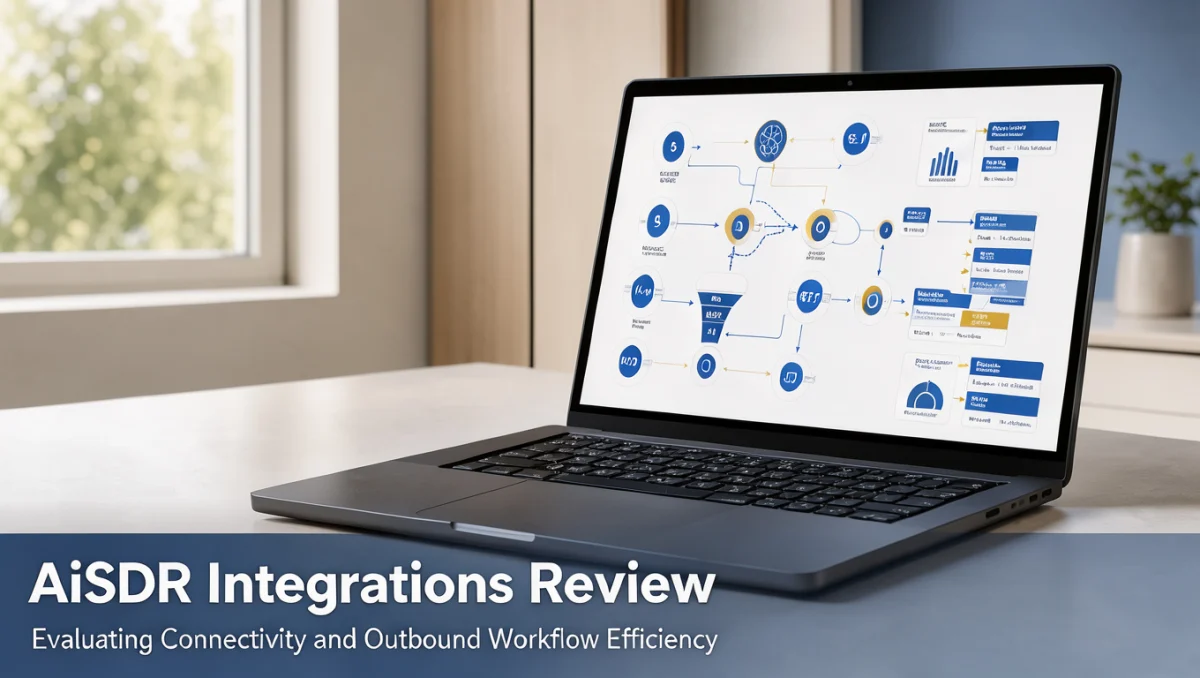
Before any automated outreach tool goes live, the real question is how it will plug into the systems you already run. aisdr integrations decide whether lead data, email activity, and pipeline stages move cleanly between your CRM, inboxes, and prospect databases, or whether your team ends up exporting spreadsheets by hand. Our editors at Tested Truth evaluate these connection points so buyers can judge fit before committing budget.
Connectivity should be checked before features are compared. A sequence engine that generates strong messages still creates problems if replies fail to update the CRM, duplicate contacts appear, or sending accounts are misconfigured. Walking through each link in the chain shows whether the platform will support your daily sales operations.
1. How testedtruth Assessed the Connections
This review examines AiSDR against the seven testedtruth criteria: features, ease of use, pricing and value, integrations, audience fit, support and competitive position. Vendors revise plans, limits and connector lists often, so treat our observations as a starting framework and confirm current details on the official website. This article was researched and drafted with the help of AI tools, then reviewed and edited by the testedtruth Editorial Team.
2. What AiSDR Connects To and Why It Matters
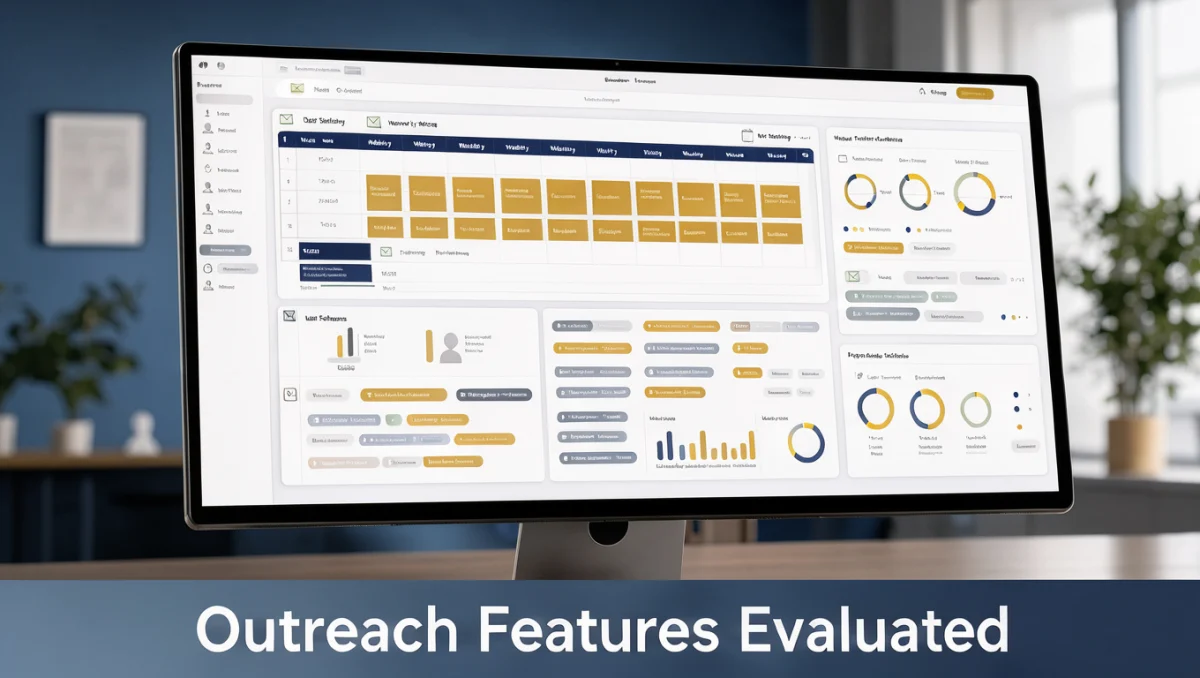
AiSDR is an automated sales outreach platform built to handle prospect communication, inbound lead responses and cold outreach messaging. Its value depends heavily on the data it receives and the places it writes results back to. Prospect records need to arrive accurately, reply outcomes need to land in the right pipeline stage, and meeting bookings need to reach the account executive who owns the deal.
The platform mainly serves B2B companies, startup founders, marketing teams and outbound specialists. Those audiences usually run a CRM as the system of record, so the integration layer determines whether AiSDR becomes a productive extension of that stack or a separate silo that creates reconciliation work.
Within the artificial intelligence software category, automated messaging only works well when it stays aligned with internal pipeline hygiene. If the tool updates contact statuses inconsistently, the same prospect may receive conflicting messages from different teammates, which can damage both the relationship and your sending domain's reputation.
3. Core Integration Points to Verify
Connectivity in outreach software generally falls into four areas. Evaluate each one against your team's current tooling.
3.1. CRM Synchronization
Ask whether contact records, lead statuses, email activity and unsubscribe requests sync in both directions. One-way exports can leave your CRM stale, while bi-directional sync keeps reps working from a single source of truth. Confirm on the official AiSDR documentation whether the CRM connector is native or requires an intermediary automation service, since that choice affects setup time and ongoing maintenance.
3.2. Email Inbox and Sender Connections
Outbound messages are sent from connected mailboxes, and the number of accounts you can link affects how volume is distributed. Spreading sends across several sender addresses protects deliverability, but only if the platform supports the mailbox types your organization uses. Verify supported providers and any limits on connected inboxes before purchase.
3.3. Prospect Data and Enrichment Sources
Accurate prospect lists are the foundation of any campaign. Check how contacts are imported, whether CSV uploads or third-party database lookups are supported, and which enrichment vendors provide verification fields such as validated emails or firmographic details. Outdated or unverified records lead to bounces, which harm sender reputation quickly.
3.4. Webhooks, APIs and Custom Reporting
Teams with in-house technical resources often want to push events into bespoke dashboards or internal data warehouses. Review whether AiSDR exposes webhooks or an API, what events they cover, and how authentication is handled. If your reporting depends on custom data flows, this is often the decisive factor.
4. Setup Effort and Learning Curve
Connecting AiSDR involves more than clicking authorization buttons. Sender domains need proper SPF, DKIM and DMARC records, mailboxes may require warming before higher volumes are sent, and pipeline stages must be mapped to your CRM's existing fields. Teams moving from manual outreach should expect a shift from typing individual messages to monitoring automated replies and exceptions.
Before subscribing, decide who will own the integration work. If your internal team can edit DNS records and manage field mappings, setup is manageable. If not, plan for external help during onboarding so that misconfigured domains do not delay your first campaign.
5. Advantages and Limitations of Connected Outreach
5.1. Advantages
- Reduced manual data entry when reply outcomes and meeting bookings sync automatically to the CRM.
- Consistent follow-up cadences that keep inbound leads from waiting for a first response.
- Centralized messaging rules that keep outbound copy aligned with approved product terminology.
- Systematic classification of prospect replies without manual inbox sorting.
5.2. Limitations
- Initial mapping and testing take time, and outbound copy should be reviewed before scaling.
- Deliverability needs ongoing monitoring of bounce rates and domain health.
- Complex enterprise CRM schemas with custom objects require careful field mapping checks.
6. How AiSDR Compares With Similar Tools
Buyers commonly evaluate Apollo, Outreach, Salesloft and Lemlist alongside AiSDR, each with a different connectivity emphasis.
| Platform | Core Focus | Typical User Fit | Integration Focus |
|---|---|---|---|
| AiSDR | Autonomous messaging and reply handling | Outbound sales teams and lean startups | Confirm CRM sync direction and inbox connection limits |
| Apollo | Large B2B database combined with sequencing | Teams wanting contact data and outreach in one tool | Check data refresh behavior and CRM push options |
| Outreach | Enterprise sales engagement and pipeline governance | Large sales organizations | Assess deployment complexity and enterprise connectors |
| Salesloft | Full-funnel revenue workflow management | Established sales departments | Review workflow governance and CRM field coverage |
| Lemlist | Multichannel outreach with deliverability warmup | Agencies and outbound specialists | Review mailbox support and warmup integration |
Choosing among these depends on whether you want autonomous conversational handling or task-driven sequence management that keeps human reps in control of each queue.
7. Who Benefits Most From These Connections
7.1. Strong Fit
- Early-stage founders running outbound prospecting without a dedicated SDR team.
- Small sales teams seeking to scale contact volume without adding headcount.
- Marketing agencies managing client campaigns that need structured reply triage and lead routing.
7.2. Where Another Tool May Suit Better
- Legacy enterprises with strict on-premise data rules that block external syncing.
- Relationship-driven consultancies whose sales cycles rely on personal, technical outreach rather than cold email.
8. Checklist Before Choosing a Plan
Vendors change plan structures, credit allowances and seat counts frequently. Use this checklist on the official pricing and documentation pages before selecting a tier.
| What to Check on the Official Page | Why It Matters |
|---|---|
| CRM sync rules and direction | Ensures lead statuses flow back into your master database without manual exports. |
| Email inbox connection limits | Determines how many sender addresses you can spread volume across. |
| Enrichment and contact credit allowances | Affects monthly budget if extra credits must be purchased. |
| Webhook and API capabilities | Lets your technical team connect custom dashboards or proprietary databases. |
| Seat allowances and collaborator roles | Changes total cost when several team members need dashboard access. |
9. Frequently Asked Questions
What should a team confirm about CRM synchronization?
Verify field mapping compatibility on the official vendor site. Confirm that lead statuses, email activities and unsubscribe requests sync without creating duplicate records or losing data.
How do automated SDR tools protect sending domain health?
Platforms typically apply sending limits and rotate across mailboxes. Confirm specific daily limits and warmup recommendations in the vendor's technical guides so outreach follows standard deliverability practices.
What must be in place before launching automated campaigns?
You need sending domains, correctly configured SPF, DKIM and DMARC records, active mailboxes and clear targeting criteria. Preparing these before subscribing helps campaigns launch on schedule.
How should buyers assess CRM compatibility?
Check the official integration directory to see whether bi-directional sync is native or depends on a middleware platform. Confirming the sync path early prevents broken data flows and unplanned integration costs.
10. Final Verdict
AiSDR suits revenue teams that want to automate first-touch outbound engagement and triage inbound replies efficiently. Before deploying, confirm your domain setup, CRM mapping and mailbox plan against the official documentation.
| Criterion | Score /10 | Reason |
|---|---|---|
| Features | 8.0/10 | Autonomous sequences, reply categorization and dynamic triage cover core SDR tasks. |
| Ease of Use | 7.5/10 | Workflow setup is straightforward, though deliverability needs disciplined technical configuration. |
| Pricing and Value | 7.0/10 | Compare contact allowances and seat structures against your monthly outreach targets. |
| Integrations | 7.0/10 | Check native CRM connectors and webhook support on the official directory. |
| Audience Fit | 8.5/10 | Closely matches the needs of lean startups and outbound SDR teams. |
| Support | 7.0/10 | Verify onboarding help and documentation availability before purchase. |
| Competitive Position | 7.5/10 | Distinct focus on autonomous reply handling rather than traditional task sequencing. |
Overall Score: 7.5/10
For startups and small revenue teams building steady outbound prospecting without extra SDR hires, AiSDR offers targeted automation value. Enterprise organizations with rigid database governance should verify compliance and sync capabilities thoroughly before committing.
Have questions about choosing sales outreach software? Contact the editorial team through our contact page or follow testedtruth on LinkedIn for ongoing software evaluation updates.