testedtruth may earn a commission when you buy through links on this page, at no extra cost to you. This does not affect our ratings.
Getting useful results from how to analyze sentiment with brand24 starts with carefully chosen brand keywords and a habit of reading context, not just trusting automatic labels. Brand24 is a social listening and online media monitoring tool that gathers public web mentions. Teams use it to gauge public mood, catch complaints early, and see how campaigns are landing. Building clean keyword queries is what turns emotional signals into business insight.
Sentiment sorting places each mention into positive, negative or neutral buckets. At testedtruth, we test software against real working needs so teams can judge tools without the hype. Once parameters are set properly, a listening platform helps communications staff notice reputation changes before a minor issue becomes a major problem. For more independent reviews of business software, see Tested Truth.
Quick verdict: With an overall score of 7.9 out of 10, Brand24's sentiment features suit PR specialists, digital marketers and brand managers who want organized tracking of public opinion. It is a weaker fit for offline businesses or for teams that need a full enterprise CRM without dedicated media monitoring.
| Evaluation Dimension | Summary Assessment |
|---|---|
| testedtruth score | 7.9 / 10 |
| Best for | Communication teams and marketers who want automatic tone detection across web discussions |
| Not ideal for | Organizations that need helpdesk ticketing or tracking of private customer service conversations |
| Key strengths | Wide capture of online mentions and automatic sorting into positive, negative and neutral groups |
| What to check before buying | Confirm keyword limits, seat counts and archive depth on the official Brand24 website |
1. How testedtruth Reviewed Brand24
This review covers what Brand24 is designed to do, who it serves and how it stacks up against similar tools. We apply seven testedtruth criteria: features, ease of use, pricing and value, integrations, audience fit, support and competitive position. Plans, prices and limits change often, so verify current details on the official website before purchasing. This article was researched and drafted with AI assistance, then reviewed and edited by the testedtruth Editorial Team.
2. Preparing Before You Analyze Sentiment

Reliable sentiment monitoring depends on a sound setup before any data is collected. Media monitoring platforms classify online language by spotting linguistic markers, but automated systems need human calibration to separate real brand discussion from unrelated noise.
2.1. Setting Clear Keyword Boundaries
Every sentiment project needs precise brand names, product titles and executive names. Beyond the main identifiers, add common misspellings, product abbreviations and any campaign hashtags. Negative keywords help keep irrelevant results off your dashboard. If your brand shares a name with a place or a common word, filter out the non-brand references so your sentiment ratios stay accurate.
2.2. Knowing the Limits of Automated Polarity
Natural language processing labels text by recognizing sentiment signals. Current algorithms handle plain praise or plain complaints well, but nuance is harder. Sarcasm, regional slang, cultural humor and complex sentence structures can throw off automated classifiers. When you plan your workflow inside AI-driven monitoring software, treat the baseline labels as directional trends rather than perfectly accurate judgments on each individual statement.
3. A Workflow for Analyzing Sentiment in Brand24
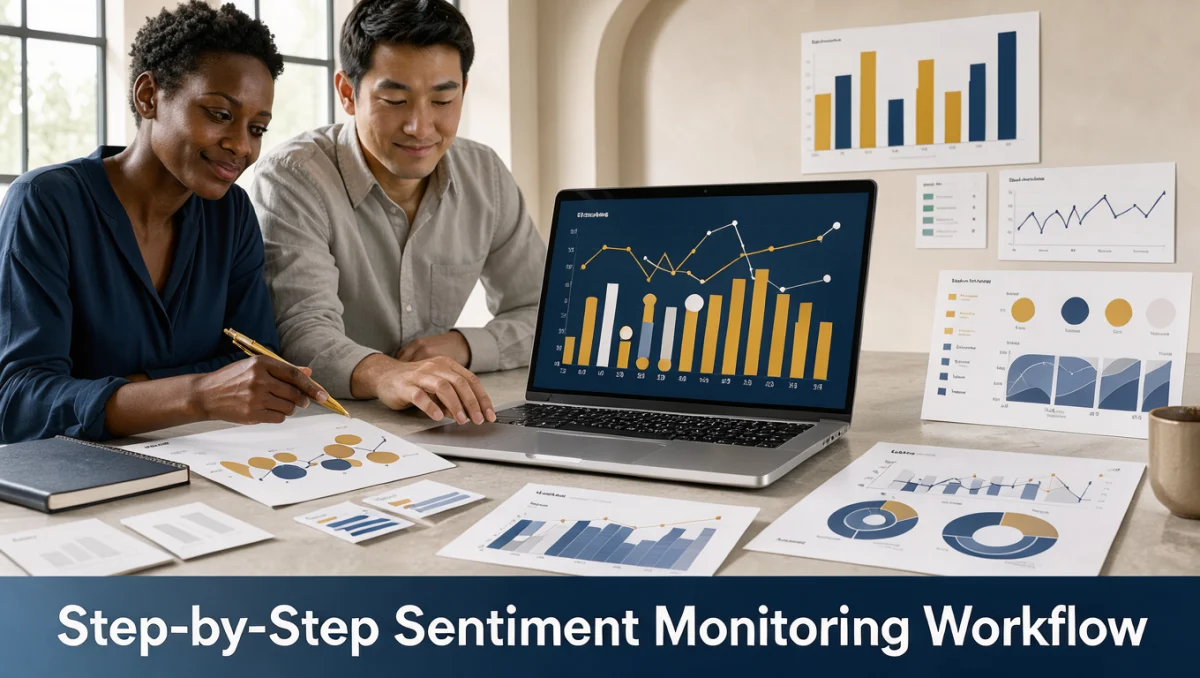
A systematic approach turns raw mention streams into marketing intelligence you can act on. The steps below outline a workable process for managing sentiment data in Brand24.
3.1. Creating the Project and Calibrating Queries
Start by setting up a monitoring project around your core brand assets. Enter primary brand phrases along with relevant secondary terms, such as support handles or named product lines. Exclude common words that trigger off-topic mentions. A preliminary preview lets you confirm that the captured discussions really relate to your organization.
3.2. Reviewing the Baseline Sentiment Distribution
Once data comes in, look at the overall split between positive, negative and neutral mentions. A healthy brand typically shows a large share of neutral commentary, with smaller portions of positive advocacy and occasional criticism. Recording this baseline over several normal operating weeks makes sudden jumps in negative sentiment easy to spot.
3.3. Filtering and Segmenting by Sentiment Type
Use the platform's filters to isolate negative mentions first. Critical comments offer quick chances to address service problems, clear up product confusion or adjust messaging. Filtering for positive mentions reveals organic testimonials, loyal advocates and possible partnership leads. Neutral posts are useful for spotting informational questions from prospective buyers.
3.4. Manually Recategorizing and Checking Context
Set aside time to review ambiguous mentions and correct any polarity tags that are wrong. If an automated rule scores a sarcastic complaint as positive because of polite wording, reclassify it. Regular audits like this make your project more accurate over time and keep the aggregate sentiment score grounded in reality.
3.5. Correlating Trends and Configuring Alerts
Compare sentiment shifts against your operating calendar, including product launches, service outages and press releases. Set up automatic notifications for sharp increases in negative commentary so you can respond quickly. For independent perspectives on evaluating business software, Artificial Intelligence coverage on Tested Truth offers practical strategies.
4. Best Practices for Media Sentiment Analysis
Lasting value from sentiment tracking comes from consistent analytical habits, not occasional spot checks.
- Track velocity alongside polarity: A small cluster of negative posts is routine, but a sudden surge in negative volume signals a developing reputation problem that needs escalation.
- Find the root cause behind spikes: Don't react only to a percentage drop. Open individual mentions to see whether the trouble comes from downtime, shipping delays or unclear marketing.
- Monitor key competitors: Set up separate projects for industry peers using the same framework. Comparing against competitor sentiment places your brand's performance in a broader market context.
- Use neutral mentions for buyer research: Neutral commentary often contains frank questions about pricing, feature availability or comparisons that can guide content planning.
5. Common Pitfalls in Sentiment Tracking
Teams new to media intelligence often fall into procedural traps that distort their decisions.
5.1. Overreacting to Isolated Negative Mentions
Online spaces attract vocal complaints as a matter of course. A few negative comments do not necessarily mean your reputation is damaged. Look at broader trend lines and volume proportions instead of treating every critical remark as an emergency.
5.2. Missing Context in Sarcastic Remarks
Slang and humor can easily reverse the intended meaning. When reviewing high-impact discussions or influencer commentary, read the full thread to confirm what the author meant before presenting findings to leadership.
5.3. Letting Keyword Lists Go Stale
Brands launch new product versions, retire older offerings and run seasonal campaigns throughout the year. Monitoring queries need regular upkeep so they keep pace with changes in brand vocabulary and how customers describe your products.
6. Frequently Asked Questions
How should a team read neutral sentiment scores?
Neutral sentiment covers factual mentions, directory listings, general questions and contextual discussion that lacks clear emotional language. A high share of neutral coverage is common in many industries and shows how widely your brand is seen and how visible it is for information.
What should buyers check about keyword quotas before choosing a plan?
Confirm how many active keywords and monitoring projects each subscription tier allows. Going over those limits means paying for a higher tier, so compare your current brand variations, executive names and competitor terms against the vendor's package limits before committing.
How can users improve the accuracy of automated sentiment detection?
Refine your query strings with negative filters that remove irrelevant chatter. Regular manual audits that correct misread sarcastic or colloquial mentions will keep your aggregated reports dependable for executive reviews.
When is a broader monitoring tool a better choice than Brand24?
Enterprises that need full coverage of broadcast television, physical print archives and deep enterprise workflow integrations may be better served by specialized suites such as Meltwater. Organizations focused mainly on web conversations, social networks and online news usually find Brand24 well suited to their goals.
7. Final Verdict on Sentiment Monitoring
Brand24 offers dependable web monitoring and automatic sentiment sorting that fit modern marketing workflows. Check how sentiment tracking fits your reporting requirements so the investment produces concrete intelligence.
| Criterion | Score /10 | Reason |
|---|---|---|
| Features | 8.0 | Effective automatic mention sorting and positive, negative and neutral categorization across online channels. |
| Ease of Use | 8.5 | Straightforward project setup and clean dashboard filtering make baseline sentiment monitoring accessible. |
| Pricing and Value | 7.5 | Verify query allowances and account limits on the official website to confirm cost fit. |
| Integrations | 7.0 | Check direct connections against your existing team communication and analytics stack. |
| Audience Fit | 8.5 | Well suited to digital agencies, PR teams and brands that prioritize tracking online conversations. |
| Support | 7.5 | Confirm support channels and response times directly through official vendor resources. |
| Competitive Position | 8.0 | Holds a solid position against specialized peers like Mention and enterprise suites like Meltwater. |
Overall testedtruth Score: 7.9 / 10
For marketing teams, agency strategists and mid-sized businesses, tracking sentiment in Brand24 is an accessible way to monitor public perception and respond quickly to emerging online conversations. Organizations with large global media needs that span offline broadcast and print should evaluate specialized enterprise platforms for broader institutional requirements.
Questions about structuring your sentiment tracking or choosing the right monitoring tool? Reach our team through the testedtruth Contact Page or follow testedtruth on LinkedIn for our latest software assessments.