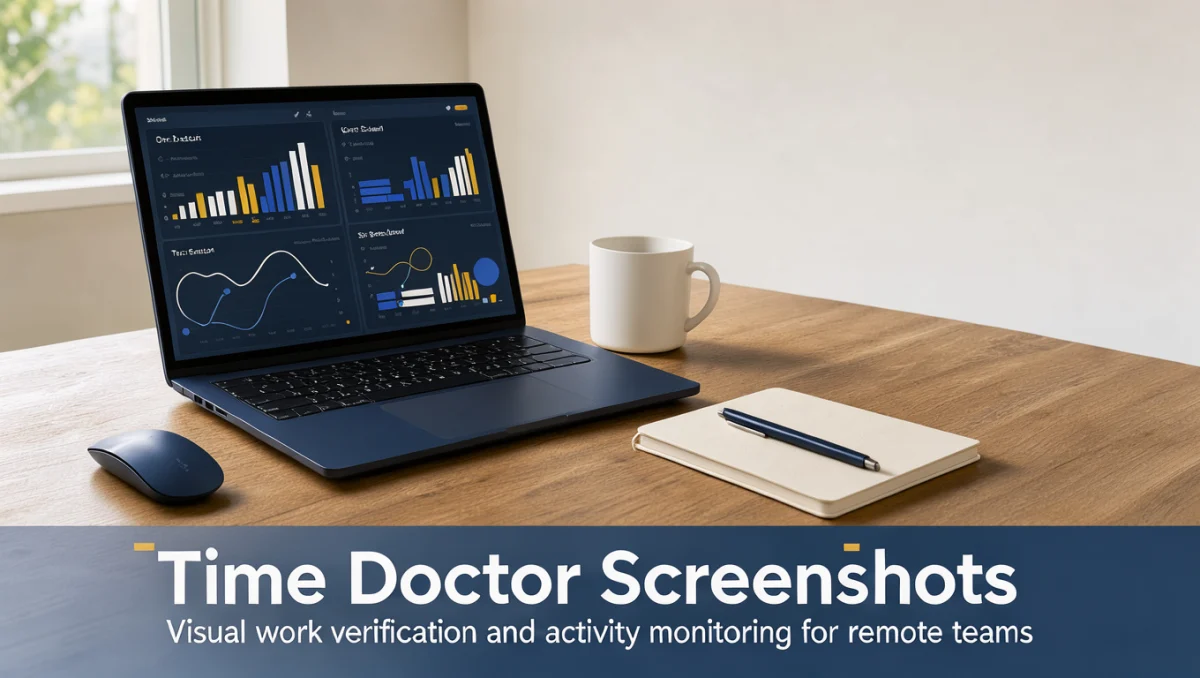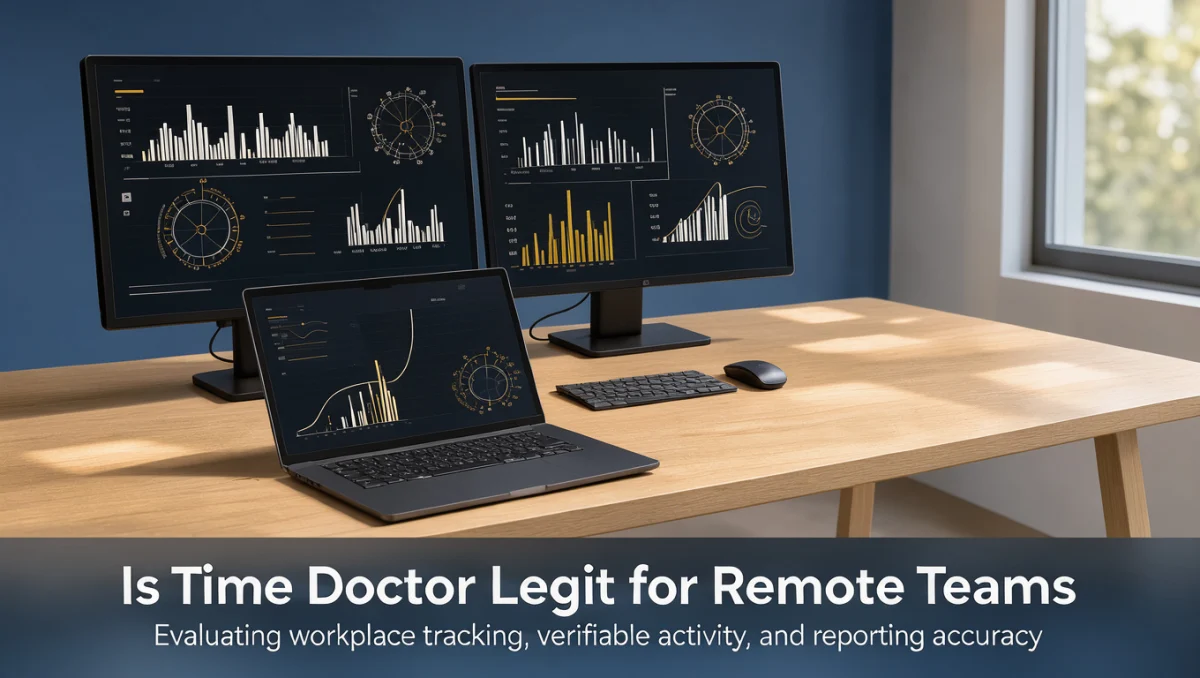
Before committing to any workforce monitoring platform, many managers ask whether it genuinely works. Here at Tested Truth, we looked at how is time doctor legit holds up when it comes to recording hours, tracking activity, and managing distributed teams, separating real operational value from marketing claims.
Choosing this kind of software means balancing oversight with trust. Teams working in the Collaboration & Productivity space typically need accurate records for client invoicing, project scheduling, and fair workload planning. The sections below explain what the platform does well, where it falls short, and what buyers should confirm before rolling it out.
Our bottom line: with a testedtruth score of 7.4 out of 10, Time Doctor is a legitimate, structured tracker that suits managers who need detailed visibility into remote staff. It is less suitable for independent professionals or cultures that reject active computer monitoring.
| Metric | Summary |
|---|---|
| testedtruth score | 7.4 / 10 |
| Best for | Managers who need structured activity monitoring and verifiable hours for remote staff |
| Not ideal for | Independent creators and organizations that prioritize full autonomy over computer activity checks |
| Key strengths | Automated time logging, activity level tracking, task organization, and client billing visibility |
| What to check before buying | Confirm user access limits, desktop tracking settings, and admin dashboard controls on the official site |
1. How Tested Truth Evaluated Time Doctor
We assessed what Time Doctor is designed to do, who it serves, and how it measures up against comparable tools. Our review covers seven criteria: features, ease of use, pricing and value, integrations, audience fit, support, and competitive position. Plans and prices change frequently, so we highlight what to verify on the vendor's website before purchasing. This article was researched and drafted with AI assistance, then reviewed and edited by the Tested Truth Editorial Team.
2. What Time Doctor Does and Who Uses It
Time Doctor is a workforce tracking and productivity platform that records work hours, monitors workstation activity, and produces accountability reports. It gives business owners documented evidence of how long people spend on projects, tasks, and client accounts. Rather than depending on handwritten timesheets prone to error, organizations use it to confirm that scheduled shifts match real computer engagement.
The tool is aimed at companies with remote employees, hybrid offices, agency staff, and contractors who need clear records for invoicing. By capturing activity levels, idle periods, and active applications, managers get a clear picture of project progress. Anyone asking whether the product is genuine can see that it is an established solution with broad adoption in the workforce analytics market.
3. Core Features
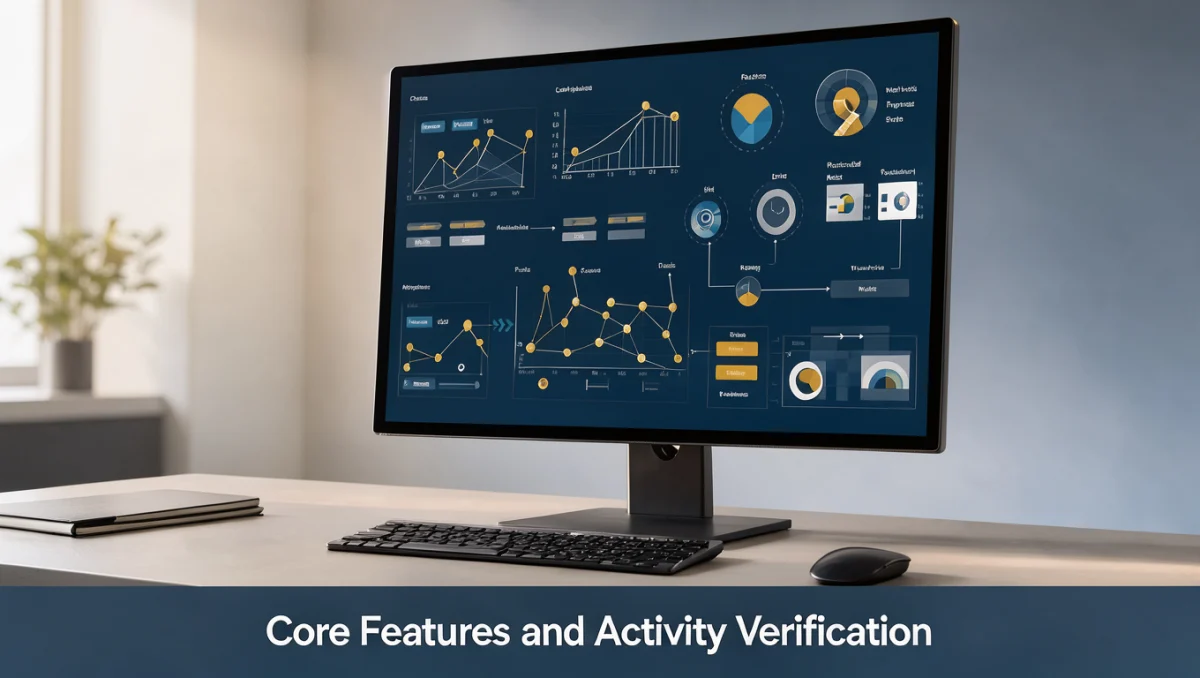
Work Time Tracking and Attendance Recording
Time tracking lets team members log active hours against specific assignments, general duties, or client accounts. The system records when work starts, pauses, and ends, producing structured attendance entries. These automatic timestamps help administrators monitor punctuality, shift completion, and total workload across pay periods.
Activity Monitoring and Inactivity Detection
Activity monitoring tracks how often keyboard and mouse input occurs while a timer is running. If a user stops interacting with the computer for a set period, the app flags the idle time or pauses the timer. This gives managers objective evidence that logged hours line up with real machine use rather than a forgotten running clock.
Application and Website Usage Categorization
Application tracking sorts the programs and web pages used during the workday into categories defined by company guidelines. Each digital environment can be marked as productive, neutral, or distracting. Aggregating this data helps leadership spot workflow bottlenecks and adjust software usage across departments.
Project Management and Task Allocation
Project tracking groups recorded hours by client job, department, and assigned staff member. Team leads can assign tasks inside the interface or match tracked periods to existing workflows. Centralizing these records makes it easier for finance teams to total project hours before issuing client invoices.
Reporting and Admin Dashboards
Reporting dashboards combine individual data into summaries of productivity, attendance, and timelines. Managers review daily, weekly, or monthly outputs to track team pace, identify overtime patterns, and rebalance heavy workloads. Export options let administrators share records with clients or internal auditors.
4. Ease of Use and Learning Curve
The admin dashboard uses clear visual menus for navigating reports, project lists, and individual user summaries. Supervisors can review weekly trends without extensive training, since key metrics appear in standard tables and charts. Setting company rules for idle alerts and tracked categories takes careful initial configuration, but everyday navigation for managers is simple.
For day-to-day staff, logging time takes little effort once the desktop client is installed, and starting or stopping timers follows familiar software patterns. Automatic activity monitoring, however, can feel uncomfortable to employees who are new to digital oversight, so transparent onboarding is important for team buy-in.
5. Pros and Cons
Pros
- Creates objective records of work hours and task completion for billing and payroll checks.
- Helps distributed teams stay accountable across time zones without constant check-ins from managers.
- Reveals unproductive distractions and underused software subscriptions across the organization.
- Simplifies project budgeting by showing total hours spent on each client engagement.
Cons
- Workstation monitoring can raise privacy concerns and lower morale if introduced without team input.
- Inactivity detection may penalize work that involves no typing, such as phone calls, reading documents, or strategic thinking.
- Organizations need to invest time in classifying websites and applications to grade productivity fairly.
6. Time Doctor vs. Similar Tools
Hubstaff is a main alternative in the workforce management space, with strengths in distributed team oversight, geofencing, and field staff monitoring. Time Doctor concentrates more on office productivity, web tracking, and computer activity analytics, while Hubstaff suits companies that need location-aware tracking for mobile workers.
Toggl Track takes a different approach, offering lightweight, user-driven timers without heavy surveillance features. Teams that value trust, creative freedom, and simple billing timers often prefer Toggl Track, while leaders who need strict verification of presence and computer activity lean toward Time Doctor.
7. Who Should Use Time Doctor
Distributed Agencies and Professional Services
Agencies that bill clients by the hour benefit from the detailed proof of work that automated monitoring provides. Clear documentation of who worked on which assignment helps prevent invoice disputes and builds trust with overseas clients.
Operations Managers Overseeing Remote Staff
Operations leaders supervising staff across several continents get unified oversight through centralized dashboards. Automatic attendance logging removes the need for manual check-in messages and confirms coverage during critical business hours.
Teams With Discretionary Work Cultures Should Look Elsewhere
Workplaces built on autonomous output, results-only expectations, or largely non-computer work should avoid dense activity monitoring. Tracking keyboard input in roles centered on brainstorming or verbal coordination often harms team culture while producing little useful data.
8. How to Choose the Right Plan
Time Doctor organizes its plans around organizational size and monitoring depth. Before choosing a tier, review your administrative needs and reporting requirements on the official site.
| What to check on the official site | Why it matters for your team |
|---|---|
| Monitoring features included in each tier | Some admin settings, report types, or tracking depth may only be available on higher plans. |
| How long historical logs are stored | Audit needs and long-term billing reviews depend on how far back activity records are accessible. |
| Data management and privacy controls | Confirm whether admins can turn off specific screen or monitoring options to protect sensitive information. |
| User access boundaries and admin roles | Organizations with layered management structures need detailed permission controls for supervisors. |
9. Frequently Asked Questions
How should managers handle employee privacy when introducing monitoring software?
Leaders should publish clear written policies that explain exactly what is tracked, during which working hours monitoring applies, and how the data feeds into performance reviews. Openness prevents misunderstandings and helps staff separate work activity from personal computer use.
How can offline work be recorded fairly alongside computer activity?
Administrators can enable manual time entries or create task categories for offline responsibilities such as phone calls, video meetings, and planning sessions. Clear submission guidelines ensure that non-typing contributions are credited accurately toward workload targets.
How do organizations decide whether a tracking tool fits their culture?
Decision-makers should first determine whether their main goal is verifying hourly presence or measuring project outcomes. Companies that need to verify billable contractor time often get good results, while cultures that prioritize creative freedom may find strict activity tracking counterproductive.
What should buyers consider about long-term subscription costs?
Check the per-seat pricing for every intended user, any administrative fees, and the terms for adding or removing seats. Reviewing the official site helps ensure budget forecasts account for changes in team size over the year.
10. Final Verdict
| Criterion | Score / 10 | Reason |
|---|---|---|
| Features | 7.8 | Provides dedicated time tracking, activity analysis, idle detection, and task allocation for teams. |
| Ease of Use | 7.2 | Dashboard administration is straightforward, though detailed tracking rules take some initial setup. |
| Pricing and Value | 7.3 | Offers solid practical value for organizations that need verified hourly billing records for remote staff. |
| Integrations | 7.4 | Buyers should check how the platform connects with their project boards on the official site. |
| Audience Fit | 8.2 | Strong match for distributed service agencies, but a poor fit for creative, autonomy-focused cultures. |
| Support | 6.8 | Verify official support channels and response time commitments before purchasing. |
| Competitive Position | 7.1 | A well-known workforce tracker that stands apart from lightweight timers. |
Overall testedtruth score: 7.4 / 10
For organizations that want structured proof of work, clear attendance records, and verifiable task timelines, Time Doctor is a legitimate and capable investment. Still, confirm exact plan features and privacy options on the official Time Doctor website to make sure the tracking depth matches your company policies. Questions about choosing software? Reach our team at https://testedtruth.com/contact/ or connect with Tested Truth on LinkedIn at https://www.linkedin.com/company/testedtruth/.