Some links on this page may earn testedtruth a commission when you purchase through them, at no additional cost to you. Our ratings are not influenced by these arrangements.
Tidio is customer communication software that blends live chat with automated messaging for ecommerce shops and service providers. Teams looking for a clear, practical assessment will find below the criteria we used to judge whether this tool can handle everyday customer messages without creating extra administrative burden.
Choosing a communication tool means lining up its capabilities with what your staff can realistically manage. A tidio chatbot setup can take over repetitive visitor questions, yet buyers should confirm conversation volume limits and admin permissions on the official site before committing to a plan.
Quick verdict: With an overall testedtruth score of 7.8/10, Tidio suits growing webshops and small service firms that want conversational engagement alongside live visitor chat. It is less appropriate for large enterprises that need custom database syncing or layered permission structures across international support teams.
| Metric | Summary |
|---|---|
| testedtruth score | 7.8/10 |
| Best for | Online storefronts and compact support teams wanting unified live chat and automated reply flows. |
| Not ideal for | Organizations that require advanced ticket routing across several international support departments. |
| Key strengths | Visual conversation flow design, unified inbox management, and automated visitor capture. |
| What to check before buying | Review the official Tidio website for conversation caps, agent seat counts, and multichannel account rules. |
1. How testedtruth Reviewed Tidio Chatbot
This review examines what Tidio is designed to do, which businesses it serves, and how it stacks up against comparable products. We applied seven testedtruth criteria: features, ease of use, pricing and value, integrations, audience fit, support, and competitive position. Plans, prices, and limits change frequently, so we highlight the details to verify on the official website before purchase. This article was researched and drafted with the assistance of AI tools, then reviewed and edited by the testedtruth Editorial Team.
2. What Tidio Is and Who It Serves
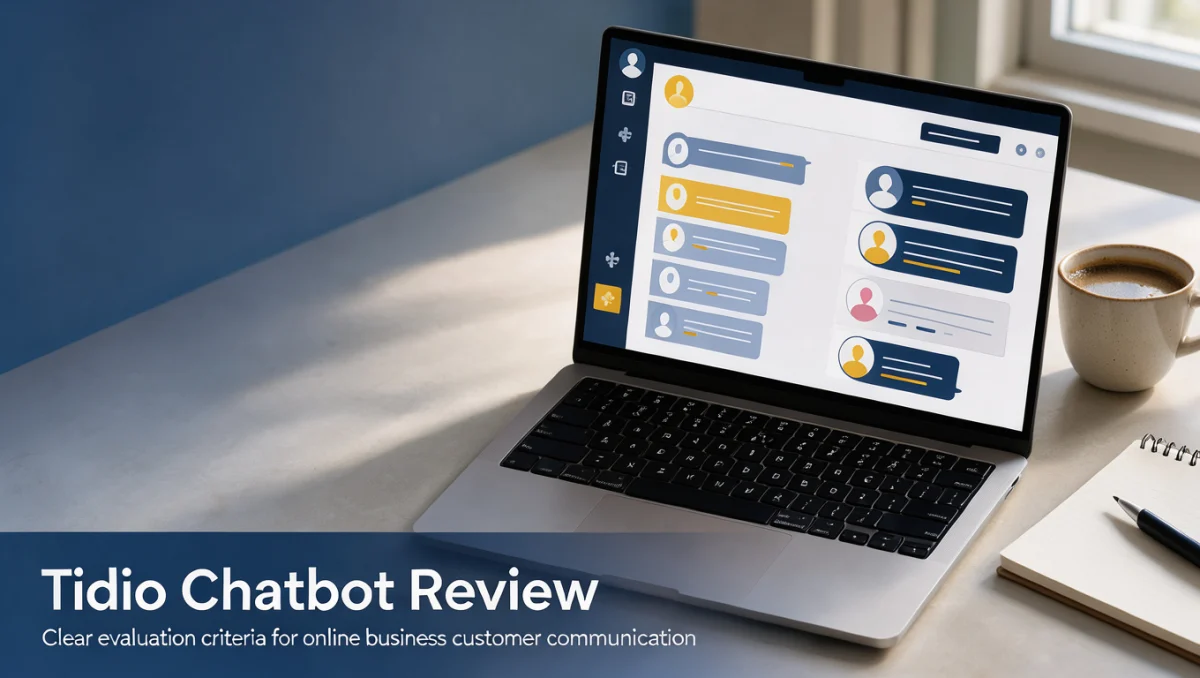
Tidio is customer service and visitor communication software built to bring website inquiries and automated messaging into one place. It lets companies respond to shopper questions, capture visitor contact details, and handle repetitive queries through preset response sequences. Buyers exploring artificial intelligence tools often want automated communication that simplifies customer interactions while keeping human agents available for complicated questions.
The platform mainly serves independent ecommerce merchants, boutique agencies, and lean customer service departments. These teams regularly field questions about order fulfillment, booking confirmations, and product details. By placing a clean chat interface on customer-facing pages, the system keeps visitor conversations centralized in a single workspace.
3. Core Features

3.1. Automated Conversation Builder
Automated conversation flows let teams build guided paths for prospective buyers without programming skills. Administrators choose trigger events, such as a visitor arriving on the site or navigating to a particular page, and set up decision trees that deliver answers based on visitor selections. This helps qualify incoming inquiries before complex technical issues are passed to human agents.
3.2. Live Chat and Shared Inbox
The shared inbox brings real-time visitor discussions and automated dialogue history into one management view. Operators can step in when a customer asks for personal help or shows frustration. Status labels and assignment fields help team members distribute incoming conversations in an organized way.
3.3. Multichannel Communication Management
Customer communication software often consolidates messages arriving from several social or messaging touchpoints. Teams can view conversations across multiple public channels without switching between separate browser tabs. Buyers should check the official Tidio documentation to see which external channels connect to their chosen plan.
4. Ease of Use and Learning Curve
Getting started means installing a tracking script or activating an ecommerce extension on the company website. The visual builder uses drag-and-drop mechanics, so non-technical marketers or store founders can draft dialogue trees quickly. Adjusting greeting banners, brand colors, and default offline messages only requires working through straightforward settings panels.
Routine management stays simple for solo entrepreneurs and small customer care groups. However, building intricate response trees with many decision branches can become cluttered if conversation goals are not planned in advance. Keeping things clear means assigning designated administrators to review automated answers on a regular schedule.
5. Pros and Cons
5.1. Pros
- A straightforward visual workflow designer lets team members map out customer paths visually.
- A unified inbox combines real-time human chat with automated responses.
- Pre-built conversation templates cover typical online commerce questions and lead collection.
- A centralized visitor list shows who is currently browsing the website.
5.2. Cons
- Advanced logic customization is less extensive than in dedicated enterprise customer service platforms.
- Automated interaction quotas need periodic review on the official Tidio pricing page to avoid service interruptions.
- Multi-department escalation rules are basic compared with heavy service-desk systems.
6. Tidio vs. Similar Tools
Comparing conversational software means understanding the wider market. Intercom focuses on broad customer journey engagement and product tours for software-as-a-service companies, with enterprise-grade configuration structures. Zendesk targets formal service desk operations with detailed escalation workflows, SLA monitoring, and complex ticket management across deep organizational hierarchies.
Freshchat emphasizes scalable omnichannel customer contact for medium to large enterprises. Crisp concentrates on messaging infrastructure for internet businesses that want lightweight team communication. Within this segment, Tidio positions itself for retail shops and small commercial websites that value accessible setup and rapid implementation over complex enterprise infrastructure.
7. Who Should Use Tidio
7.1. Independent Online Merchants
Online store founders often juggle fulfillment, inventory, and marketing at the same time. Automated conversation flows handle recurring questions about shipping timelines, return rules, and sizing, freeing owners to focus on growing the business.
7.2. Small Digital Agencies and Consultancies
Professional service firms can place the widget on portfolio sites to capture prospective client details outside regular office hours. The system asks basic qualifying questions and collects email addresses so team members can follow up during working hours.
7.3. Organizations Not Recommended for This Platform
Enterprises running global call centers with tiered escalation levels and specialized compliance requirements should look at dedicated enterprise helpdesk infrastructure. Organizations that need custom database manipulation inside conversation nodes will also encounter architectural limits.
8. How to Choose the Right Plan

Subscription tiers for customer communication tools are structured around usage volume, operator seats, and specific automation limits. The testedtruth team recommends auditing your current customer traffic before making an annual financial commitment.
| What to check on the official pricing page | Why it matters |
|---|---|
| Monthly conversation thresholds | Exceeding allocated communication allowances can pause automated flows or require a plan upgrade. |
| Operator seat allotments | Team growth changes ongoing monthly costs if additional agent licenses are needed. |
| Channel connection allowances | Certain social messaging channels may require higher subscription tiers. |
| Historical conversation retention | Access to past visitor transcripts varies by plan tier and affects reporting. |
| Add-on module policies | Specialized automated features or extra seats are often billed as separate line items. |
9. FAQ
How can a business determine whether its communication volume justifies automated chat software?
Start by reviewing how often repetitive questions arrive through contact forms and email. When team members spend significant time copying identical replies about opening hours, return policies, or basic pricing, conversational automation saves administrative time while giving visitors instant answers.
What should buyers evaluate when comparing messaging software with traditional email helpdesks?
Buyers should determine whether website visitors expect immediate interaction during shopping sessions or whether delayed email ticketing is acceptable. Fast-moving retail environments benefit from real-time on-page dialogue, while consultancies handling technical documentation may find structured email tickets sufficient.
Why is auditing chat conversation limits important before commercial deployment?
Checking communication limits prevents unexpected service halts during peak promotions or seasonal sales. Vendors typically enforce monthly interaction caps, so knowing your baseline visitor count helps ensure the chosen plan handles inbound spikes without sudden suspension or forced tier upgrades.
How should small teams prepare their workflow before activating automated conversation paths?
Small teams should list their three most common customer questions and draft concise answers before configuring any software. Preparing clear fallback options that direct complicated inquiries to a standard contact form ensures visitors never reach a dead end inside an automated conversation tree.
10. Final Verdict
| Criterion | Score /10 | Reason |
|---|---|---|
| Features | 7.8/10 | Covers core customer messaging and a visual automation builder cleanly for small businesses. |
| Ease of Use | 8.8/10 | Intuitive setup and visual flow design significantly reduce the initial learning curve. |
| Pricing and Value | 7.2/10 | Seat caps and conversation volume limits need ongoing checks against company growth. |
| Integrations | 7.5/10 | Connects with major storefront platforms, though buyers must confirm compatibility with their own ecosystem. |
| Audience Fit | 8.5/10 | Matches the practical needs of independent ecommerce and service websites. |
| Support | 7.0/10 | Support accessibility should be verified on the official website based on the chosen tier. |
| Competitive Position | 7.8/10 | Offers an accessible entry point compared with complex enterprise customer communication systems. |
Overall score: 7.8/10
For independent shop owners and boutique service providers, Tidio offers a practical balance between live human support and automated inquiry handling. As you evaluate software options in 2026, confirm exact monthly seat allotments and conversation quotas directly on the vendor website so you can choose the tier that fits your operational scale.
Have questions about choosing customer communication tools? Send them via https://testedtruth.com/contact/ or follow testedtruth on LinkedIn at https://www.linkedin.com/company/testedtruth/ for ongoing independent software reviews.
See More Tested Truth