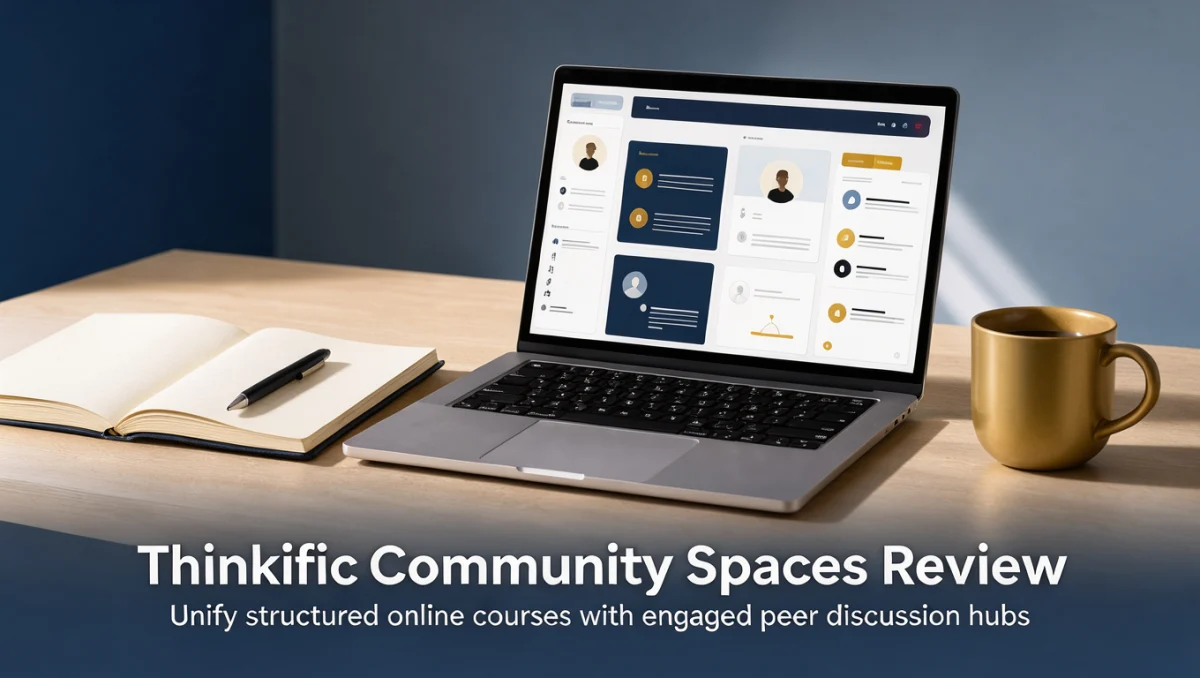
Many course creators quickly learn that video lessons alone rarely keep students motivated. A dedicated discussion area, placed right next to the curriculum, changes that dynamic. This guide walks through how thinkific community spaces handle conversation, moderation and access, and what to weigh before committing.
Disclosure: testedtruth may earn a commission when you buy through links on this page, at no extra cost to you. This does not affect our ratings.
Why Built-In Discussion Areas Matter for Learners
Learning sticks better when students can ask questions, share work and react to peers in the same place they study. Thinkific's approach embeds these conversation hubs inside the course environment instead of pushing members toward outside social networks. That placement keeps attention on the material and reduces the number of logins a student has to manage.
For independent instructors and small training businesses, the practical gain is simple: fewer scattered chat groups and one clear destination for questions, feedback and announcements.
Quick verdict: With an overall testedtruth score of 7.9/10, this platform suits creators who want course content and topic-based discussion under one brand. It is a weaker fit for teams that need a large standalone social network, gamified mechanics or complex external automations.
| Evaluation Factor | Details |
|---|---|
| testedtruth score | 7.9/10 |
| Best for | Course creators and educators who want discussion areas tied to learning material |
| Not ideal for | Organizations that need standalone social platforms separate from curriculum |
| Key strengths | Unified member management, organized topic channels and integrated learning environments |
| Check before buying | Confirm admin seat limits, space creation allowances and moderation features by tier on the official website |
How testedtruth Evaluated the Platform
We reviewed what thinkific community spaces are designed to do, who they serve and how they compare with similar tools. The assessment used seven criteria: features, ease of use, pricing and value, integrations, audience fit, support and competitive position. Plans and limits change frequently, so treat the points below as a starting checklist and verify current details on the official site. This article was drafted with AI assistance and then reviewed and edited by the testedtruth Editorial Team.
What Thinkific Is and Who Spaces Are For
Thinkific is a software platform for building, selling and delivering online courses and educational products. Within that setup, spaces act as focused sub-communities where students and instructors talk about particular topics, modules or cohort assignments. Instead of one crowded feed, administrators can split students into targeted conversation groups.
Completion rates often suffer when course material is entirely passive. Built-in discussion hubs let educators run cohorts, host text-based discussions and share supporting media without relying on a separate message board. Spaces support both live cohort sessions and self-paced, asynchronous participation.
The setup is aimed mainly at independent course creators, boutique training firms, subject-matter coaches and growing education businesses. Teams that want learning content, student accounts and community kept in one web destination get the most value. Looking at broader Collaboration & Productivity tools also shows that focused social spaces reduce platform switching for students and administrative overhead for teachers.
Core Features of Community Spaces

Judging an educational community tool means looking at how everyday interaction works and how administrators keep conduct in check. The main functions cover discussion organization, access control, content sharing and moderation.
Structured Topical Discussions
Spaces let managers organize conversation around clear themes rather than one busy stream. An instructor might run one space for technical troubleshooting, another for weekly assignment feedback and a third for networking. This separation keeps conversations relevant and stops newcomers from being overwhelmed by advanced threads.
Threaded replies help members follow context across long exchanges. Participants can post updates, attach files and answer peers directly in the web interface. For programs built around peer critique, dedicated channels ensure shared work gets targeted attention rather than being buried under announcements.
Access Rules and Audience Segmentation
Educational businesses often serve several student groups at once, from open introductory learners to private coaching cohorts. The software lets administrators link space access to enrollment conditions. Students in an advanced program can see exclusive spaces, while general learners only see the communal channels relevant to their coursework.
This reduces friction when running multiple cohorts, because students do not need separate accounts on outside chat apps. The member dashboard shows the discussion hubs that match each person's enrollments. Buyers should confirm on the official Thinkific website how membership rules are configured for each subscription tier.
Member Profiles and Direct Interaction
Community building depends on students recognizing peers and finding shared interests. Members keep individual profiles with basic information and a record of their contributions. Visible profiles encourage accountability and collegial exchange, turning a silent digital classroom into an active learning space.
When learners form study partnerships inside these spaces, completion rates tend to improve. Everything stays under the creator's own domain, which reinforces brand loyalty rather than sending attention to public social networks.
Moderation and Administrative Controls
A professional, welcoming environment needs dependable moderation. Administrators and designated community managers can pin key announcements, remove off-topic posts and edit threads that break community standards. Pinned content keeps rules, schedules and essential resources visible at the top of active discussions.
Notification settings let both staff and students stay informed without message overload. Members can adjust email alerts and in-platform notices for specific channel activity. Creators managing high-volume discussions should review the administrative controls on the official Thinkific website to understand how notification digests work.
Ease of Use and Learning Curve
The admin interface follows clean design conventions familiar from modern discussion boards. Creators already comfortable organizing course modules can set up initial spaces with little technical effort. Setup involves naming the space, writing descriptive guidelines, defining access permissions and posting an introductory prompt.
For learners, the experience resembles familiar consumer feeds and threaded workplace forums. Students need little training to post, upload images or comment. Because discussions sit behind the same login used for video lessons, there are no separate passwords or extra onboarding steps.
The real learning curve lies in community design and ongoing facilitation. An active community depends on regular instructor participation, timely questions and deliberate scheduling. The software supplies the framework, but administrators must set aside time for consistent engagement and proactive content planning so that spaces do not go quiet.
Pros and Cons of Thinkific Community Spaces
Choosing community software means weighing structural benefits against functional limits. Review these points before deciding whether the fit is right.
Advantages
- Unified student experience: Learners reach their syllabus and peer discussions through one account, which reduces drop-off caused by juggling several tools.
- Custom brand alignment: Discussions take place on the creator's own branded property rather than an ad-supported public network.
- Flexible space segmentation: Organizers can create separate spaces for student tiers, cohorts or specific interest areas.
- Less platform juggling: Administrators avoid the complexity of syncing third-party group chats with their checkout system.
Limitations
- Focused scope: Built mainly around educational interaction, so it may not meet the needs of communities that require intricate social features or complex sub-group structures.
- Facilitation dependence: Without curriculum-linked prompts and active moderation, spaces can lose momentum over time.
- Tier-dependent parameters: Limits on active spaces or moderation roles vary by subscription tier, so buyers should confirm these before enrolling.
Thinkific vs Similar Tools
Understanding how Thinkific positions its community features against other educational and membership platforms helps clarify the decision. Each product emphasizes community differently based on its original design focus.
| Platform | Core Positioning | Best Match For | Key Differentiator |
|---|---|---|---|
| Thinkific | Course platform with integrated community spaces | Creators who prioritize structured courses alongside discussion | Course delivery and discussion architecture under one roof |
| Teachable | Course hosting and digital product delivery | Creators focused on simple curriculum sales and checkout | Centers on course delivery, with discussion often kept inside lessons |
| Kajabi | All-in-one business and marketing suite for knowledge commerce | Entrepreneurs wanting email, funnels, courses and community together | Broader marketing automation paired with integrated group spaces |
| Circle | Dedicated standalone community platform | Organizations prioritizing rich community hubs over structured LMS features | Specialized forum and community infrastructure as the primary product |
Circle specializes in community infrastructure, offering deep customization and extensive event tools for larger communities. Teachable concentrates on course sales, often treating discussion as an add-on to individual lesson pages.
Thinkific balances the two, serving educators whose main product is structured video courses but who recognize that peer dialogue improves outcomes. Full business suites such as Kajabi add sales funnels and automated email on top of community spaces. Teams should decide whether they need specialized community depth, all-in-one marketing or a balance of course and community management.
Who Should Use Thinkific Community Spaces?
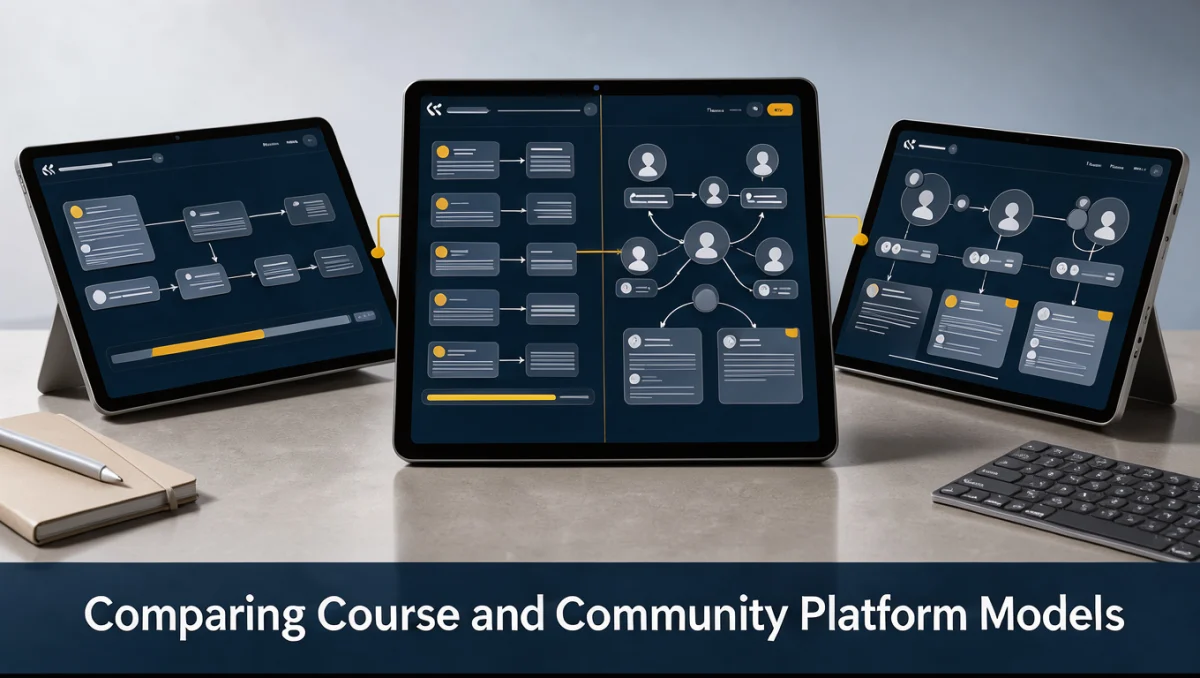
Different business models gain different amounts of value from integrated spaces. Matching the tool to your staffing and audience behavior keeps the investment sensible.
Independent Course Creators and Educators
Individual educators who produce instructional videos and downloadable workbooks benefit from keeping discussion inside their main platform. Handling student questions in one place saves time compared with monitoring external social groups. Feedback in topical spaces also gives creators fresh ideas for future modules.
Professional Coaches and Cohort Facilitators
Coaches running time-bound group programs need dedicated hubs for weekly accountability updates and milestone celebrations. Spaces let facilitators run cohort-specific discussions hidden from general alumni, which protects confidentiality and keeps coaching dialogue focused.
Small Training Agencies and Corporate Educators
Boutique training firms that onboard external clients or deliver continuing education value the cohesive branding of Thinkific spaces. A private, clean environment without social media distractions keeps employees and clients focused on professional development.
Audiences Not Suited for This Tool
Organizations that want a large public forum with gaming elements, intricate threading or a standalone networking app unconnected to courses should look at dedicated community platforms instead. Businesses without staff to moderate discussions or post weekly topics may find that simple comment sections inside lessons cover their basic needs with less overhead.
How to Choose the Right Plan for Community Spaces
Thinkific uses a multi-tier subscription model in which feature access, admin seats and advanced controls scale with organization size. Run through a structured checklist before choosing a tier.
| What to Check on the Official Page | Why It Matters for Your Business |
|---|---|
| Active space creation limits | Sets how many discussion channels or cohort hubs you can run at once across your courses. |
| Administrator and moderator seat allotments | Determines how many team members can manage posts, review reports and help students. |
| Custom domain and branding controls | Affects whether your community presents a unified white-label identity to corporate or high-ticket clients. |
| Payment gateway and membership bundling | Shows whether you can sell community access as a recurring membership. |
| Data export and member reporting options | Confirms you can analyze engagement and keep ownership of community data over time. |
Map out expected growth for the coming year before choosing. If you plan three cohort courses that each need their own networking space, make sure the tier covers that total. Check the official Thinkific pricing page for current plan boundaries.
Practical Implementation and Community Management Workflows
Launching a space takes more than flipping a setting in the dashboard. Successful educational communities rely on deliberate routines that move members from introduction into peer discussion.
- Define clear space guidelines: Set rules on acceptable post formats, promotional boundaries and respectful interaction in a pinned welcome thread.
- Build a smooth welcome sequence: Send new enrollees to an introductions space right after checkout to build early habits.
- Seed weekly discussion prompts: Schedule recurring starters, such as critique days or win-sharing days, to keep posting steady.
- Assign moderation hours: Tell students when instructors or managers answer questions so they do not expect instant replies.
- Connect course milestones to community posts: At key lessons, ask learners to share completed homework in the matching topical space.
With these routines, communities become self-sustaining as learners help one another. Peer support reduces the direct support load on instructors, letting small teams teach larger audiences effectively.
Frequently Asked Questions
How do community spaces interact with course content?
Spaces work alongside structured lessons, so students move between instruction and peer discussion within one account. Administrators can attach specific spaces to particular courses so enrolled students see the right channels without managing extra credentials.
What should educators budget for when deploying community spaces?
Beyond the platform subscription, budget for moderation staffing, time spent creating content and any visual assets. If you rely on outside designers for banners or hired facilitators for daily moderation, include those recurring costs in your annual plan.
How do administrators decide whether they need multiple spaces?
Review audience diversity and course structure first. If cohorts differ in skill level, timeline or privacy needs, separate spaces keep discussions focused and prevent a single general channel from becoming disorganized.
What keeps student discussions active over time?
Ongoing educator involvement, well-timed prompts and direct links to assignments do most of the work. When lessons explicitly ask students to share exercises or ask questions in designated spaces, learners come to see the community as a core part of the course.
Final Verdict
Thinkific community spaces offer a dependable, well-organized way for online educators to run structured discussions alongside video curricula and course materials. Independent reviews on the Tested Truth website note that software combining learning and communication reduces friction for both teachers and students. Specialized standalone forums offer deeper social customization, but Thinkific suits businesses whose main value is structured online education.
| Criterion | Score /10 | Reason |
|---|---|---|
| Features | 8.0/10 | Well-structured topic channels, member profiles and access rules tied to enrollments. |
| Ease of Use | 8.5/10 | Intuitive for students and instructors, with little onboarding friction. |
| Pricing and Value | 7.5/10 | Verify tier allowances on the official website to confirm space quotas fit your team. |
| Integrations | 7.5/10 | Works reliably in the native course environment; complex external workflows need checking. |
| Audience Fit | 8.5/10 | Well suited to creators, educators and training providers wanting one engagement environment. |
| Support | 7.0/10 | Standard educational documentation; confirm direct support response times on official channels. |
| Competitive Position | 8.0/10 | Balanced against specialized community boards and all-in-one business suites. |
| Overall Score | 7.9/10 | A solid integrated community solution for educators who want courses and discussion under one brand. |
To compare current plan limits, space allocations and feature bundles, visit the official Thinkific website. For questions about choosing the right educational tools, contact us at https://testedtruth.com/contact/ or follow testedtruth on LinkedIn at https://www.linkedin.com/company/testedtruth/.
See More Collaboration & Productivity