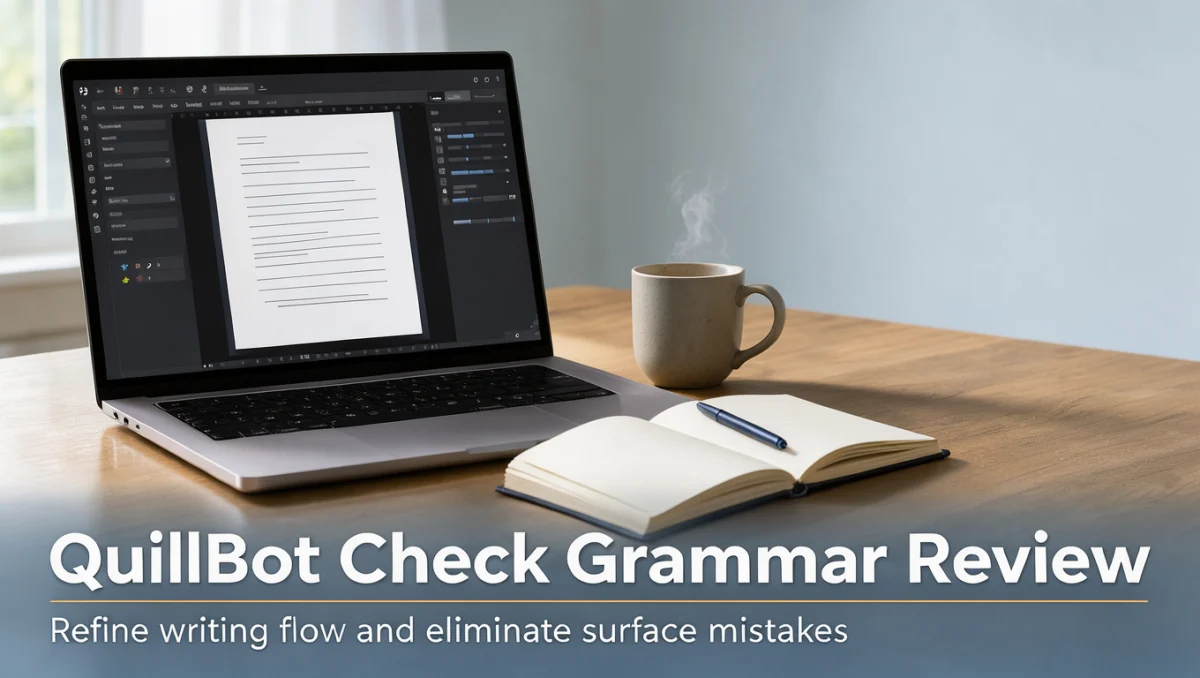
Writers who want to catch slips before publishing often turn to a grammar tool, and quillbot check grammar features are among the most common choices. At Tested Truth, we judged the software on practical usefulness, the reliability of its corrections, and how well it suits different audiences.
Choosing a proofreading assistant comes down to balancing thoroughness against speed. Writing assistants differ widely in how they restructure sentences, improve vocabulary, and suggest structural changes across academic, professional, and creative work.
Quick verdict: With an overall Tested Truth score of 7.8/10, QuillBot suits students, content creators, and casual writers who want simple proofreading alongside sentence rewriting. It is a weaker fit for corporate compliance teams that need centrally enforced policies. Confirm usage quotas and renewal terms on the official website before subscribing.
| Metric | Summary |
|---|---|
| Tested Truth score | 7.8/10 |
| Best for | Students, bloggers, and solo creators polishing everyday drafts |
| Not ideal for | Enterprises that need custom brand dictionaries and strict administrative audits |
| Key strengths | Fast syntax correction paired with vocabulary enrichment and rephrasing |
| What to check before buying | Plan limits, account allowances, and feature tiers on the official website |
1. How Tested Truth Reviewed QuillBot
This review examines what QuillBot is built to do, who it serves, and how it stacks up against similar tools. We used seven Tested Truth criteria: features, ease of use, pricing and value, integrations, audience fit, support, and competitive position. Plans, prices, and limits change frequently, so we flag what to confirm on the official website before you buy. This article was researched and drafted with AI assistance, then reviewed and edited by the Tested Truth Editorial Team.
2. What QuillBot Is and Who It Serves
QuillBot is a digital writing assistant that polishes written communication by detecting mechanical errors and suggesting alternative phrasing. It is designed to help users turn rough drafts into coherent, readable text without manually copyediting every sentence.
The platform mainly serves people who write regularly, such as university students drafting research papers, freelance writers producing web articles, and professionals preparing correspondence. When people run a grammar check, their main goal is usually to prevent accidental typos and smooth out awkward wording.
Unlike basic word processor spellcheckers, writing assistants analyze how words relate to each other in context. Grammar software typically evaluates sentence parts to flag subject-verb disagreements, incorrect tenses, and misplaced modifiers, giving users immediate visual cues about where revisions would improve clarity.
3. Core Features of QuillBot
3.1. Mechanical Error Detection
The grammar engine scans pasted or imported paragraphs for spelling errors, misplaced commas, apostrophe misuse, and sentence fragments. Users see highlighted segments with proposed corrections, which can be accepted individually or reviewed one after another across the document.
3.2. Sentence Rephrasing and Restructuring
Beyond proofreading, the platform offers rephrasing tools that rearrange clauses, swap in synonyms, and adjust readability levels. This helps writers break up repetitive rhythm, shorten wordy explanations, and test alternative cadences while keeping their core message intact.
3.3. Tone and Clarity Adjustments
Clarity checks look for passive voice, redundant phrases, and convoluted vocabulary. By recommending concise alternatives, the system nudges writers toward active, direct communication suited to audiences ranging from formal academic panels to casual online readers.
3.4. Citation and Source Formatting
Academic writing requires proper attribution to uphold publishing ethics. Writing platforms often include reference formatting tools that help students compile works-cited entries in standard bibliographic styles alongside their main editing pane.
4. Ease of Use and Learning Curve
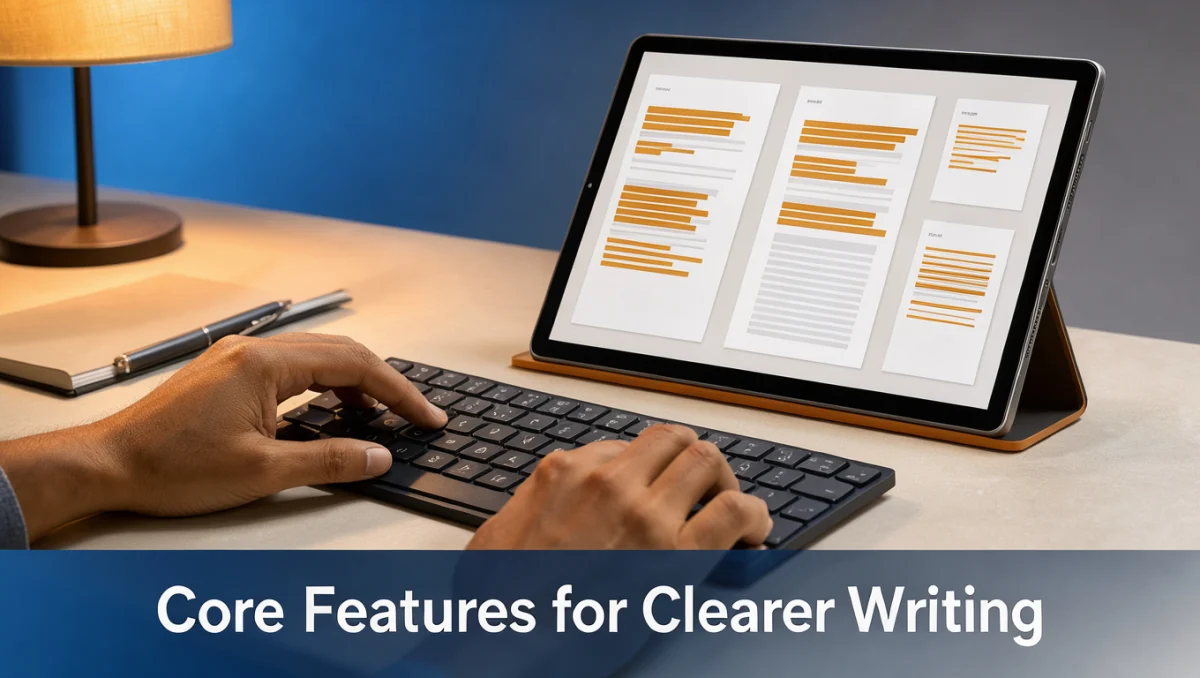
A minimal interface means users can start editing right away without digging through complicated settings menus. The workspace uses a split-pane layout, with source text beside revised suggestions, which reduces friction during long revision sessions.
Beginners pick up the core mechanics within minutes because error notifications appear directly above problem words. Accepting a suggestion takes a single click, and manual edits can be made directly in the input panel without interrupting the engine.
Moving between grammar checking, rephrasing modes, and summarization tools happens through clearly labeled tabs. Writers working on lengthy manuscripts should expect to split material into manageable sections, since most web-based checkers run most smoothly on modular passages.
5. Pros and Cons
5.1. Key Advantages
- A straightforward layout allows immediate copy-and-paste checking without training.
- Combined proofreading and rephrasing streamlines sentence-level editing.
- Clear visual highlights explain error types before any changes are made.
- Flexible text handling suits multilingual writers working in English.
5.2. Practical Limitations
- Advanced style suggestions sometimes miss specialized academic jargon.
- Long documents often need to be reviewed in separate segments.
- Deep context awareness can struggle with nuanced literary narrative.
- Corporate style guide enforcement is minimal compared with enterprise tools.
6. QuillBot vs Similar Tools
The broader artificial intelligence ecosystem for text editing offers several specialized options, and understanding where each brand focuses its development helps buyers match a tool to their publishing needs.
Grammarly is the most direct benchmark for general editing, positioning itself around comprehensive style metrics, tone analysis, and team collaboration. While Grammarly emphasizes enterprise consistency and workflow integrations, QuillBot's appeal centers on flexible rephrasing and sentence restructuring alongside baseline grammar checks.
ProWritingAid targets long-form fiction writers and book authors with in-depth reports on pacing, dialogue tags, and thematic consistency. Authors managing manuscripts often choose ProWritingAid for structural analysis, whereas creators producing daily essays or articles often prefer faster, modular rephrasing tools.
7. Who Should Use QuillBot
7.1. University and College Students
Students benefit from automated proofreading that catches punctuation slips and citation inconsistencies before deadlines. The rephrasing function can also help clarify dense thesis statements without changing the original academic argument.
7.2. Freelancers and Online Content Creators
Bloggers, copywriters, and newsletter publishers need quick proofreading to keep editorial schedules on track. Editing software helps solo operators catch typos that tired eyes miss during late-night production.
7.3. Non-Native English Communicators
Writers working in a second language often know vocabulary rules but struggle with idiomatic expressions or preposition choices. Automated writing tools offer useful guidance by suggesting natural sentence constructions common in standard professional English.
7.4. Teams That Should Consider Other Options
Large legal departments, medical documentation teams, and corporate communication offices that require strict data isolation, compliance certification, and standardized house-style rules should evaluate enterprise platforms built for administrative oversight.
8. How to Choose the Right Plan
Buyers should verify subscription structures on the vendor's website to make sure their expected editing volume fits the plan. Because usage limits and feature distributions change over time, a manual check before purchase helps avoid unexpected workflow bottlenecks.
| What to check | Why it matters |
|---|---|
| Text length limits per check | Determines whether full chapters can be reviewed at once or must be split manually. |
| Available rephrasing modes | Controls stylistic flexibility between formal, casual, and creative document needs. |
| Subscription renewal terms | Clarifies recurring billing cycles and cancellation procedures. |
| Multi-device authorization rules | Shows how many simultaneous sessions your account allows across workspaces. |
9. Frequently Asked Questions
9.1. How does automated grammar correction compare to human proofreading?
Automated software quickly flags mechanical issues such as spelling and comma placement, which makes it well suited to routine drafting. Human editors remain necessary for subject-matter nuance, fact-checking, and cultural context.
9.2. What should buyers check in text privacy policies?
Buyers should read the vendor's data handling terms to find out whether submitted text is stored, analyzed, or used for system training, especially when working with proprietary or sensitive corporate documents.
9.3. Why do grammar checkers offer multiple phrasing suggestions?
Sentence intent depends on context, so tools offer alternative formulations that let writers choose the phrasing that best reflects their voice and target audience.
9.4. How should students verify their academic policy on editing tools?
Students should consult their institution's honor code or course syllabus directly, since academic departments set specific rules on automated writing aids and sentence revision software.
10. Final Verdict
Independent evaluation from Tested Truth provides structured software assessments to help professionals and students invest in the right productivity tools.
| Criterion | Score /10 | Reason |
|---|---|---|
| Features | 7.8 | Dependable grammar checking paired with flexible sentence rephrasing options. |
| Ease of Use | 8.8 | A clean dual-pane layout allows instant text verification without specialized training. |
| Pricing and Value | 7.5 | Competitive subscription model; buyers should verify recurring terms on the official site. |
| Integrations | 7.2 | Works well in standard web environments, while enterprise software links remain basic. |
| Audience Fit | 8.5 | Well matched for students, creators, and anyone seeking quick daily draft improvements. |
| Support | 7.0 | Relies mainly on digital knowledge libraries and web inquiry channels. |
| Competitive Position | 8.0 | Holds a distinct niche by blending mechanical proofreading with dynamic paraphrasing. |
Overall score: 7.8/10
QuillBot delivers solid value for writers who want an efficient way to catch surface errors and explore clearer sentence phrasing. For questions or further guidance, readers can contact our team at https://testedtruth.com/contact/ or follow Tested Truth on LinkedIn at https://www.linkedin.com/company/testedtruth/.