Tested Truth may earn a commission when you buy through links on this page, at no extra cost to you. This does not affect our ratings.
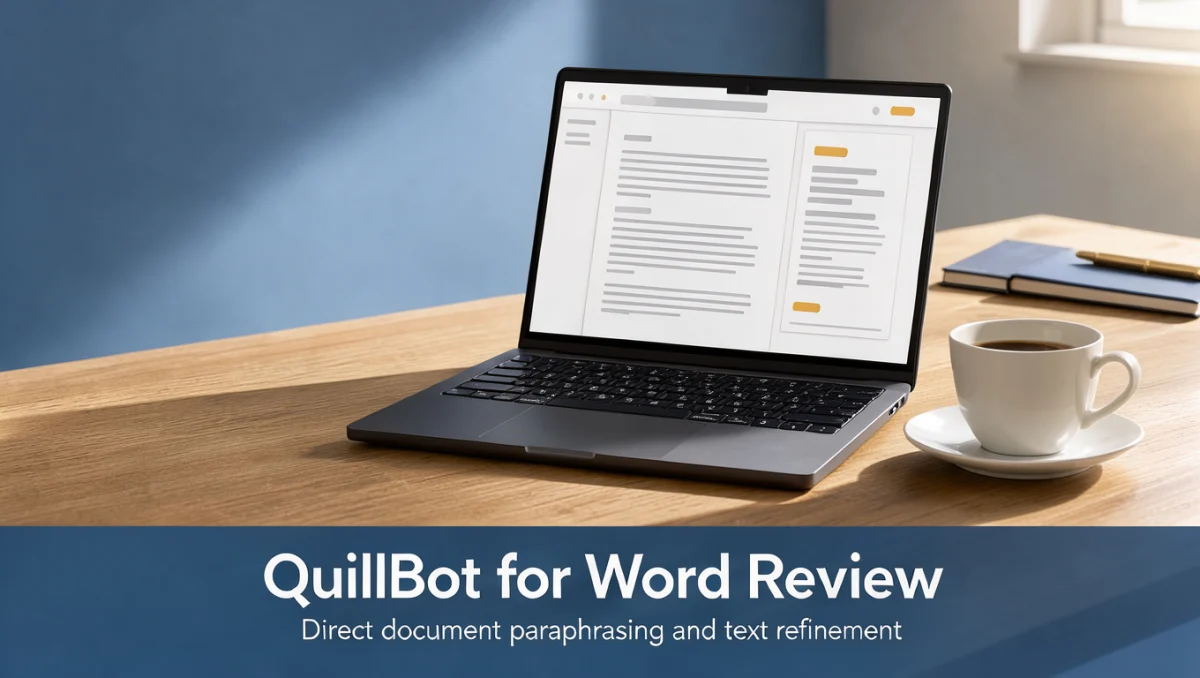
Writers, students and professionals who want sentence restructuring, vocabulary upgrades and text polishing without leaving their document editor will find QuillBot for Word worth a closer look. Keeping writing support inside the document workspace cuts down on jumping between browser windows while drafting. Readers shopping for editorial software can use this independent assessment from the Tested Truth software team to judge whether the add-in fits their needs.
Choosing an editing companion means checking whether text transformation tools match your drafting habits and any institutional guidelines. Document work calls for consistent style, reliable rewording and simple revision tracking. Before paying for any subscription, verify account structure and deployment requirements on the vendor's site.
Quick verdict: QuillBot for Word scores 7.9 overall for its straightforward paraphrasing and summarizing directly inside documents. It suits people producing long drafts who need quick stylistic variations, while teams that must enforce detailed style guides across an organization may prefer enterprise editing platforms.
| Metric | Evaluation |
|---|---|
| Tested Truth score | 7.9 / 10 |
| Best for | Writers and researchers who want instant sentence rephrasing and concise summaries inside documents |
| Not ideal for | Organizations needing strict compliance enforcement and multi-department style governance |
| Key strengths | Direct document editing, flexible sentence restructuring and automated text condensation |
| What to check before buying | Review tier options, word processing edition compatibility and multi-user administration terms on the official site |
1. How Tested Truth Reviewed QuillBot for Word
This review looks at what QuillBot for Word is designed to do, who it serves and how it stacks up against similar tools. We apply the seven Tested Truth criteria: features, ease of use, pricing and value, integrations, audience fit, support and competitive position. Plans, prices and limits change often, so we flag what to confirm on the official website before buying. This article was researched and drafted with AI assistance, then reviewed and edited by the Tested Truth Editorial Team.
2. What QuillBot for Word Is and Who Needs It
QuillBot for Word is an editing add-in that brings automated rewriting, vocabulary changes and document condensing into standard word processors. Instead of pasting text into an external web portal, you work alongside your draft pages. People looking for practical AI-assisted writing help often prefer tools that plug into the software they already use to write.
The app mainly serves people who write at length, including academic researchers, copywriters, translation editors and business communicators. These writers often run into repetitive wording, clumsy syntax or dense passages that benefit from fast alternative phrasings.
Because the tool focuses on contextual transformation, it appeals to anyone drafting reports, essays, proposals and summaries. If you want to speed up your daily drafting, you can test QuillBot for Word to see how smoothly revisions fit into your current document workflow.
3. Core Features of QuillBot for Word
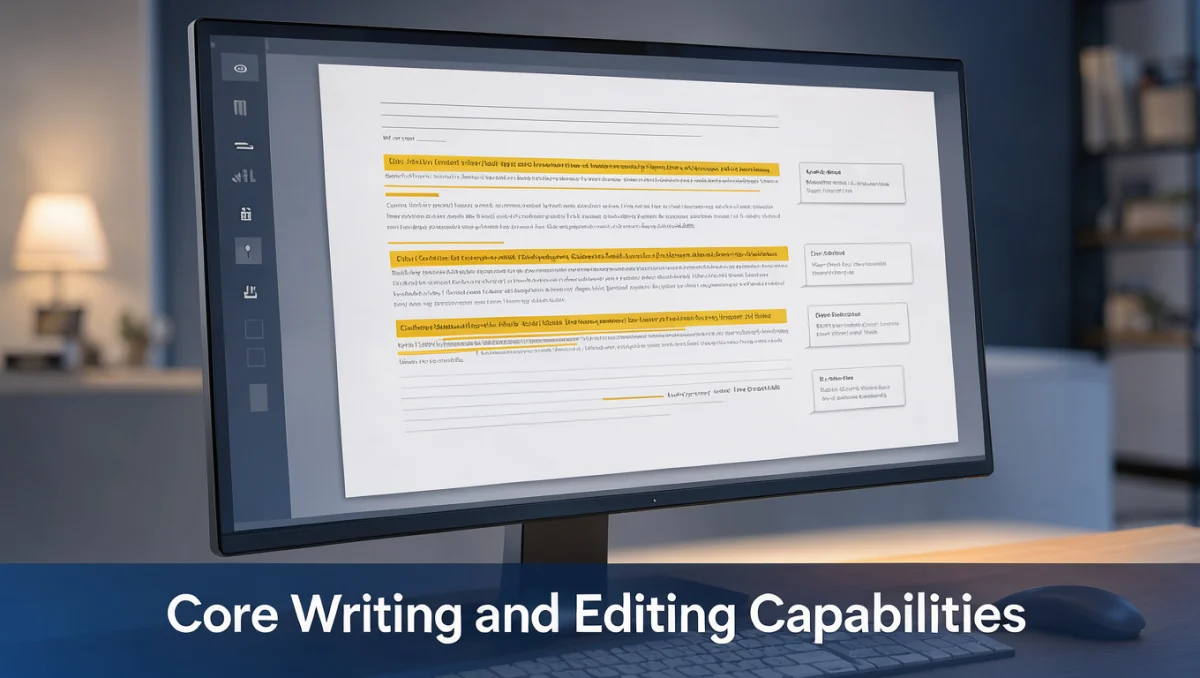
Editing software offers a range of tools to polish text and speed up revision. QuillBot for Word organizes its capabilities around rewriting, grammar checking, condensing and citation preparation.
Paraphrasing and sentence restructuring
The paraphrasing engine rebuilds existing sentences while keeping the core meaning intact. You highlight a passage in your document and receive alternative versions with altered syntax and substituted synonyms. This helps remove awkward phrasing, rework passive constructions and avoid unintended repetition across long manuscripts.
Writers can review individual word choices and pick alternative terms from contextual synonym lists. This manual control keeps technical terminology and discipline-specific vocabulary intact while the surrounding sentences are smoothed out.
Grammar and proofreading assistance
Proofreading features scan selected text for typos, punctuation slips and common grammar errors. Corrections appear alongside the text, so you can accept changes with a single click.
Unlike broad editing suites that demand strict adherence to a particular style guide, the proofreading interface focuses mainly on foundational sentence correctness. Writers keep final say over stylistic choices and voice.
Text summarization and condensation
Summarization tools analyze long sections and generate condensed overviews. The software can produce bulleted summaries or compact paragraphs that capture the main themes of dense research articles or corporate reports.
This condensing function is useful for synthesizing background research, drafting executive briefings and checking that complex arguments stay coherent when reduced to their core claims.
Citation and reference generation
Preparing reference lists is one of the more time-consuming parts of document preparation. The citation module helps authors assemble formatted source references in common academic and professional styles directly within the writing window.
Authors enter source details or standard publication identifiers to insert structured bibliographic entries. Confirm on the official QuillBot website which citation standards and export formats the tool currently supports.
4. Ease of Use and Learning Curve
QuillBot for Word uses a sidebar workspace that mirrors standard document editing. Writers work through an integrated panel next to their main page, which keeps the visual flow consistent across writing sessions.
Learning the tool takes little time for anyone already used to word processors. Highlighting text immediately brings up rewriting suggestions, which reduces the friction often associated with complex desktop publishing software.
The interface favors clarity over visual clutter. Controls for sentence adjustment, dictionary choices and summarization toggles are clearly labeled, so authors can focus on writing rather than managing software.
5. Pros and Cons of QuillBot for Word
Weighing advantages against trade-offs helps ensure a purchase matches real workplace needs. QuillBot for Word offers focused rewriting help but has structural limits that prospective subscribers should understand.
Advantages of the add-in
- Works directly inside standard word processing documents, so you don't need to switch between browser windows.
- Offers multiple alternative sentence formulations, helping writers who are stuck on phrasing or facing writer's block.
- Lets you choose individual synonyms, giving control over specialized terminology.
- Combines sentence restructuring, proofreading and summarization in a single sidebar.
Limitations and operational considerations
- Contextual rewording sometimes produces interpretations that distort specialized technical definitions, so careful human checking is required.
- Organization-wide governance features, such as enterprise vocabulary blacklists and custom brand manuals, are less developed than in dedicated corporate communication suites.
- Long document sections may need to be processed in parts rather than transformed all at once.
6. QuillBot for Word vs Similar Tools
Comparing alternative editing software helps buyers find the platform that fits their main writing goals. The market includes several reputable applications designed to improve document quality.
| Software | Best For | Core Market Positioning | Key Consideration |
|---|---|---|---|
| QuillBot for Word | Paraphrasing and rapid text restructuring | Contextual sentence transformation and text condensation inside documents | Check the official site for specific add-in installation requirements |
| Grammarly | Comprehensive proofreading and communication clarity | Full-spectrum grammar correction, tone detection and institutional style enforcement | Broader focus on professional tone rather than deep paraphrasing |
| ProWritingAid | In-depth stylistic analysis and manuscript development | Detailed diagnostic reports on sentence pacing, readability and dialogue mechanics | Higher analytical complexity that takes time to master |
| Wordtune | Targeted sentence-level rewriting and phrasing options | Short-form stylistic adjustments and casual-to-formal tone switching | Focuses mainly on micro-level phrasing rather than research summarization |
While Grammarly emphasizes overall document governance, correct punctuation and consistent corporate communication, QuillBot focuses mainly on alternative sentence construction. Writers who want variety in phrasing often gravitate toward QuillBot, while communication directors who require a uniform brand voice tend to prefer comprehensive grammar ecosystems.
ProWritingAid provides extensive analytical reports on pacing, sentence length variety and terminology, which makes it suitable for long-form fiction and manuscript authors. Wordtune offers quick rewrite choices for single sentences and competes directly in the short-form writing space.
7. Who Should Use QuillBot for Word
Identifying user profiles helps purchasing teams spend on tools that solve everyday problems. Different roles get different value from in-document rewriting aids.
Freelance writers and independent content creators
Freelancers producing large volumes of copy need to keep drafting briskly while avoiding clichéd phrasing. The add-in offers quick vocabulary alternatives that refresh stale sentences without interrupting workflow.
Academic researchers and university students
Scholars working through extensive literature reviews benefit from condensing features when synthesizing dense academic texts. The citation tools also help organize bibliography entries according to publication standards.
Office professionals and corporate project leads
Business professionals writing internal memos, project briefs and quarterly updates can polish drafts quickly. Turning rough notes into cohesive paragraphs saves time during busy reporting cycles.
Users who should consider alternative solutions
Legal counsel, medical documentation specialists and technical compliance teams should approach automated paraphrasing with caution. When statutory wording or regulated terminology must be reproduced exactly, generic sentence restructuring tools create compliance risks. Organizations that need centralized administrative and security controls across the enterprise should also evaluate platforms built for that purpose.
8. How to Choose the Right Plan for Your Workflow
Subscription software often comes in tiers that determine processing speed, feature access and usage allowances. Before buying, compare your expected workload with the published subscription limits.
| What to Check on the Official Site | Why It Matters |
|---|---|
| Usage allowances and text limits | Knowing the processing caps prevents interruptions during major manuscript revisions. |
| Add-in technical prerequisites | Verifying compatible word processor editions prevents installation problems across team devices. |
| Billing cycles and renewal terms | Comparing annual commitments with flexible monthly contracts protects organizational software budgets. |
| Multi-user management options | Team administrators should confirm whether centralized license pooling and admin controls are available. |
Vendors adjust subscription tiers and feature allocations from time to time. Always check the official QuillBot website before signing up to make sure current plan terms match your expected workload.
9. Frequently Asked Questions
What should I check about word processor compatibility before subscribing?
Verify on the official QuillBot setup documentation that your specific word processing edition and operating environment are supported. Reviewing installation guidelines beforehand helps the add-in deploy properly without permission conflicts or unsupported client versions.
How should teams budget for automated writing assistants?
Organizations should determine whether costs are billed per seat or through consolidated team billing. Comparing renewal costs with the productivity gained during document preparation helps keep software commitments cost-effective across fiscal quarters.
Where can buyers confirm multi-seat management details?
Prospective purchasers should consult the business or team section of the official QuillBot website. Reviewing administrator provisioning, centralized billing options and license reassignment policies shows whether the platform accommodates staffing changes.
Should technical writers verify how specialized terminology is handled?
Checking how the software handles technical glossaries is essential in specialized fields. In areas such as engineering or patent drafting, replacing standard terms with generic synonyms can change legal or scientific meaning, so authors should keep manual oversight over all suggested revisions.
10. Final Verdict on QuillBot for Word
QuillBot for Word offers valuable rewriting help inside the main writing environment, reducing tab switching and helping authors get past linguistic sticking points. It does not replace human editorial judgment or specialized technical review, but its restructuring and summarization tools provide steady utility for heavy drafting workloads.
| Criterion | Score / 10 | Reason |
|---|---|---|
| Features | 8.2 / 10 | Provides dependable sentence restructuring, summarization, proofreading and citation support inside the document workspace. |
| Ease of Use | 8.8 / 10 | Minimal learning curve with an uncluttered sidebar that fits naturally into routine writing habits. |
| Pricing and Value | 7.6 / 10 | Prospective buyers should review published subscription rates on the official site to weigh feature access against budget. |
| Integrations | 7.4 / 10 | Focuses mainly on word processing integration; confirm application edition requirements before checkout. |
| Audience Fit | 8.5 / 10 | Strong match for individual writers, researchers and marketing professionals who produce high volumes of draft text. |
| Support | 7.2 / 10 | Confirm support options on the official portal to make sure the inquiry channels suit your schedule. |
| Competitive Position | 7.9 / 10 | Holds a distinct niche built around flexible sentence transformation, compared with grammar-first proofreading ecosystems. |
Overall Tested Truth score: 7.9 / 10
For solo creators and academic authors who want flexible sentence reformulation, QuillBot for Word is a capable writing partner. Corporate teams that need comprehensive style governance across large writing departments should look at enterprise alternatives. If you have questions about choosing editorial tools, contact the editorial team at https://testedtruth.com/contact/ or follow our latest software assessments on LinkedIn at https://www.linkedin.com/company/testedtruth/.
See More Artificial Intelligence