
Tested Truth may earn a commission when you buy through links on this page, at no extra cost to you. This does not affect our ratings.
Learning how to find B2B leads from website traffic with Leadfeeder begins with grasping visitor identification technology, which converts anonymous sessions into organization-level profiles. Tested Truth assists growth teams in selecting sales software by examining workflows, selection pitfalls, and deployment considerations. Leadfeeder is a business intelligence platform that recognizes the companies visiting your digital properties, giving revenue teams a head start on prospects before they ever fill out a form.
Turning that capability into pipeline requires pairing identity resolution with intent filtering and disciplined outreach. Plenty of anonymous visitors are genuine commercial buyers in research mode, yet without structured qualification, teams can burn outreach time on irrelevant traffic. When your analytics are aligned with account-based marketing priorities, raw domain logs become a repeatable method for discovering prospects.
Quick verdict: In 2026, Leadfeeder earns a 7.9/10 from Tested Truth for identifying organizations arriving from inbound digital traffic. It fits business development teams and inbound marketers who want account-level visibility into company visits. It is not a fit for consumer shops or creators who need personal identity records, since the technology tracks organizational domains rather than individual consumer profiles.
| Metric | Summary |
|---|---|
| Tested Truth score | 7.9/10 |
| Best for | B2B teams seeking account-level identification from anonymous domain traffic |
| Not ideal for | Consumer retail brands needing individual shopper identity data |
| Key strengths | Organizational traffic identification, intent behavior filtering, and lead routing |
| What to check before buying | Confirm data coverage, tracking script requirements, and seat terms on the official Leadfeeder website |
1. How Tested Truth Reviewed Leadfeeder
This review examines what Leadfeeder is designed to do, who it serves, and how it stacks up against comparable tools. We applied the seven Tested Truth criteria: features, ease of use, pricing and value, integrations, audience fit, support, and competitive position. Plans, prices, and limits change frequently, so we flag what to verify on the official website before purchasing. This article was researched and drafted with AI assistance, then reviewed and edited by the Tested Truth Editorial Team.
2. Preparing Before You Start Visitor Tracking
Before activating any account identification system, revenue leaders should set clear qualification criteria that separate casual browsers from active buyers. Tracking surfaces company domain names, but a company visit on its own does not signal purchase readiness. Defining explicit parameters for your marketing pipeline keeps representatives focused on accounts that match your target profile.
Start by documenting your ideal customer profile, including company size, target industries, and geographic markets. When the software flags dozens of companies each week, reps need to recognize at a glance whether an organization meets baseline revenue or headcount standards. Setting these firmographic boundaries stops the team from chasing accounts that lack budget or a technical need.
Next, audit your high-intent pages so your team reads visitor behavior accurately. Visits to enterprise pricing tables, product documentation, or implementation guides suggest stronger purchase intent than casual home page browsing. Internal rules that define which behaviors matter ensure reps reach out while interest is at its peak.
Finally, confirm the technical prerequisites on the official Leadfeeder website before changing your digital infrastructure. Map out how your team will place tracking scripts, manage cookie consent notices, and handle privacy compliance across target regions. Many vendors require domain verification, so check the tracking script requirements before committing engineering time.
3. Step-by-Step Setup Workflow for Leadfeeder
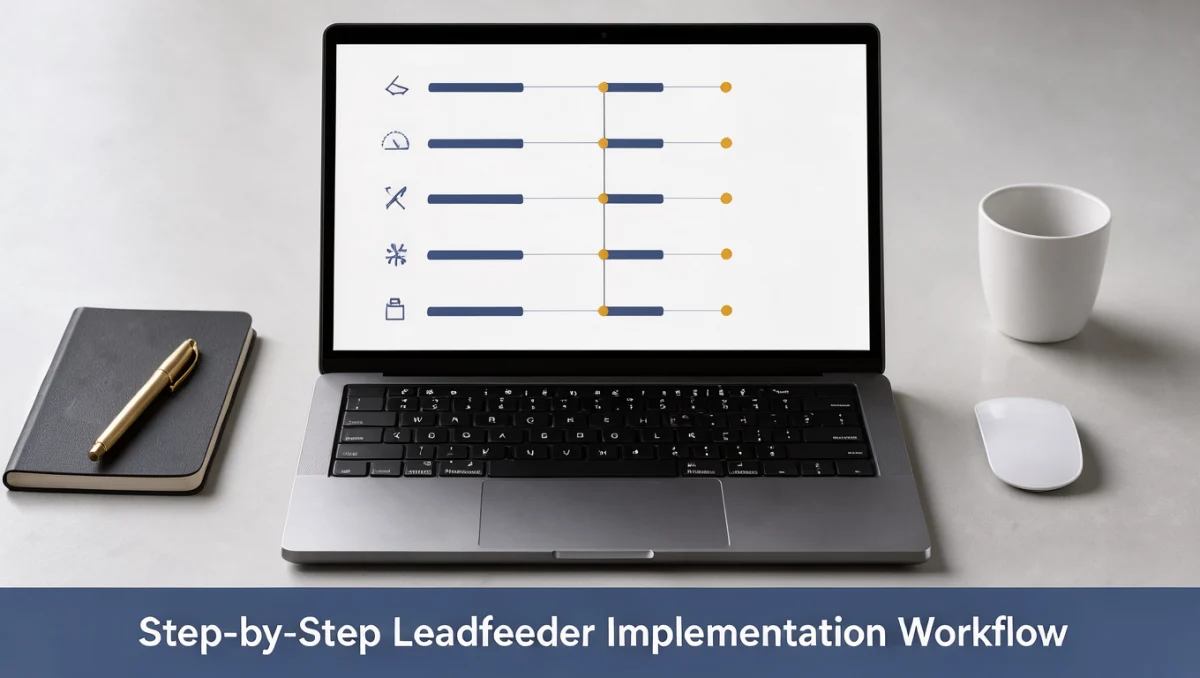
An effective prospecting engine depends on a sequenced workflow that turns raw browsing logs into actionable sales touches. Skipping foundational configuration usually results in noisy account feeds and scattered outreach. Follow this structured process to uncover buying accounts systematically.
Step 1: Install and Verify Tracking Technology
Setup begins by deploying the tracking snippet across every relevant page of your website. Technical teams typically add the code through a tag management container or directly within the site header. After deployment, confirm in the admin panel that page views are registering correctly.
During setup, configure internal IP exclusion rules so your own employees do not inflate visit numbers. Team members often browse internal resources, customer case studies, or documentation, which creates misleading spikes in activity. Filtering internal traffic protects lead quality from the first day of collection.
Step 2: Define Behavioral and Firmographic Filters
Once raw traffic flows into the dashboard, build custom segmentation filters based on account quality. Sort visiting organizations by headquarters location, industry classification, and employee range to isolate accounts that match your commercial targets. Unfiltered feeds quickly exhaust sales development representatives.
Then apply behavioral rules that require a minimum number of page views or visits to specific high-value sections of the site. An organization that returns three times in one week to a specialized capability page shows clearer commercial focus than a domain that bounces off a top-of-funnel blog post. Tiered filter rules separate active evaluation from accidental clicks.
Step 3: Connect Account Discovery to Outreach Channels
Identify the relevant stakeholders inside a surfaced account before drafting any first message. Visitor identification platforms provide organizational identity rather than private personal emails, so outbound specialists must cross-reference company names against professional networking directories. Finding department heads, technical managers, or procurement leads bridges the gap between account interest and a real conversation.
Route filtered accounts directly into sales pipelines or notification queues so representatives can act quickly. Speed matters because prospective buyers often compare alternative providers within short evaluation windows. Establish a daily routine for reviewing high-priority visit queues to keep commercial momentum going.
4. Best Practices for Maximizing B2B Lead Conversion
Turning organizational visitor logs into measurable contract value requires disciplined coordination between marketing and sales operations. The strategic practices below prevent pipeline stagnation and improve outbound engagement rates.
- Establish a multi-touch outreach protocol: Reach relevant decision-makers through professional networks, email sequences, and phone calls rather than relying on a single channel.
- Reference contextual topics without being creepy: Speak to the industry challenge or product capability the account explored instead of saying you watched their sessions.
- Maintain strict data hygiene routines: Archive non-responsive accounts and refine domain exclusion lists regularly to keep team views uncluttered.
- Review credit and account tier limitations: Confirm on the official Leadfeeder pricing page how identified-company quotas are structured, because monthly identification thresholds directly affect operating costs.
Collaboration between marketing and sales is another essential operating standard. Marketers need to know which campaigns bring in accounts that actually buy, rather than empty digital hits. By analyzing which inbound campaigns drive qualified accounts to commercial pages, marketing teams can direct content spending toward the channels that perform best.
5. Common Mistakes to Avoid with Visitor Identification
Teams adopting visitor tracking tools often fall into avoidable traps. Recognizing these early protects your sales cadence and prevents wasted prospecting time.
One frequent error is assuming every detected visit signals intent to buy. Some visits come from vendors, recruiters, students, or competitors reviewing your documentation. Treating each identified company as an urgent lead exhausts representatives and frustrates prospects who were only reading informational articles.
Another common misstep is opening outreach with awkward timing or tracking references. Telling a prospect that your platform recorded their browsing session tends to trigger defensive reactions about digital privacy. Modern buyers respond better to outreach centered on operational problems, strategic goals, and relevant case examples than to disclosures about tracking data.
Finally, teams often neglect periodic filter maintenance. Buyer personas shift, product offerings expand, and target regions change across fiscal cycles. Organizations that never revisit their segmentation criteria end up with stale account alerts that no longer support current business development quotas.
6. Frequently Asked Questions
How does visitor identification fit into a broader B2B sales development program?
Visitor identification complements outbound outreach by highlighting accounts that already show early brand awareness. Instead of cold-contacting entries from account directories, representatives can prioritize organizations that are actively researching. This timing makes conversations more relevant and helps business development teams organize daily prospecting lists around demonstrated interest.
What should teams verify regarding subscription caps before deployment?
Buyers should confirm how unique company identifications are counted, since monthly account volumes determine the subscription tier. Check on the official Leadfeeder pricing page whether unassigned or low-quality visits count against your plan limits. Knowing how account volumes reset lets operations leaders forecast recurring software costs without surprises.
How should buyers evaluate technical onboarding requirements across team platforms?
Prospective purchasers should assess how the tool delivers lead notifications into existing customer relationship management systems. Review the installation documentation on the official website to understand required user permissions, administrative privileges, and routing settings. Planning these requirements in advance ensures your sales development team can access account alerts without long custom development delays.
Why is visitor identification unsuitable for direct-to-consumer businesses?
Visitor identification relies on corporate network mapping and public domain registries to identify business entities visiting a website. Consumer internet traffic runs through residential internet providers, mobile carrier networks, and personal devices, which do not map to corporate domains. Direct-to-consumer businesses therefore need retail consumer analytics rather than organizational visitor tracking software.
7. Final Verdict on Leadfeeder for B2B Lead Discovery
Leadfeeder serves modern business-to-business organizations that want to turn anonymous website visits into actionable pipeline accounts. By identifying visiting domains and matching them against behavioral parameters, revenue teams gain visibility into which accounts are actively evaluating their services.
| Criterion | Score /10 | Reason |
|---|---|---|
| Features | 8.2/10 | Strong organizational identification, behavioral filtering, and lead routing |
| Ease of Use | 8.4/10 | Straightforward setup and a clear account-feed interface |
| Pricing and Value | 7.2/10 | Value depends on identification volume; verify quotas on the official pricing page |
| Integrations | 7.8/10 | Connects with common CRM and sales workflows |
| Audience Fit | 8.5/10 | Well suited to B2B teams running account-based prospecting |
| Support | 7.4/10 | Adequate support resources for onboarding and troubleshooting |
| Competitive Position | 7.8/10 | Competitive within the visitor identification category |
Overall Tested Truth Score: 7.9/10
For small sales development groups and emerging tech firms, the platform delivers clear account intelligence that focuses daily calling and email lists. Enterprise commercial teams with strict account governance can use structured behavioral filtering to surface high-priority targets. Solo consultants who do not manage outbound pipelines, and consumer-focused retailers, will find limited value and should explore other marketing analytics tools.
If you have questions about choosing visitor tracking software or need guidance for your team, reach out at https://testedtruth.com/contact/ or follow Tested Truth on LinkedIn at https://www.linkedin.com/company/testedtruth/ for ongoing software evaluations.