Our team at Tested Truth may earn a commission when you buy through links on this page, at no extra cost to you. This does not affect our ratings.
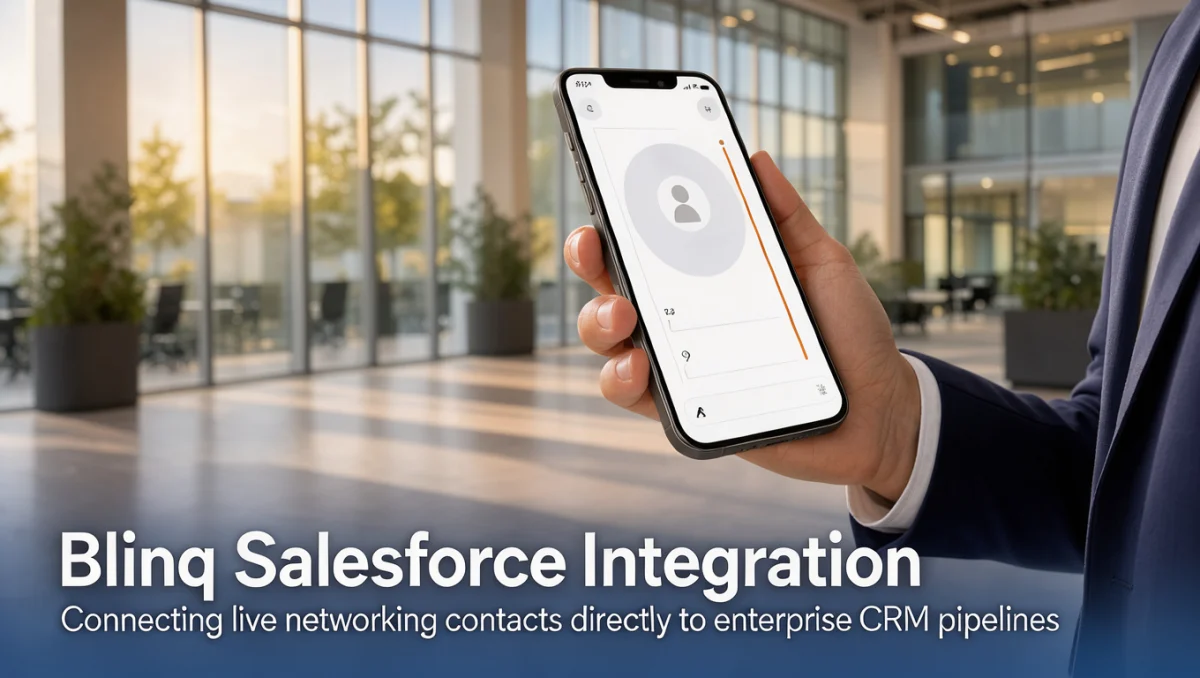
Retyping business cards after a trade show is slow, error-prone, and often leaves promising prospects waiting days for follow-up. The blinq salesforce integration aims to close that gap by pushing captured contact details straight into CRM records. For enterprise revenue teams, field sales reps, and event marketers, this shortens the path from handshake to pipeline. We assessed whether linking digital business cards to CRM data makes sense for different budgets and team structures.
Keeping contact exchanges connected to sales automation stops valuable prospect information from getting lost. Paper cards are easily misplaced, while digital profiles let people share details through a phone scan, a custom link, or a scannable code. When those touchpoints feed Salesforce standard objects, customer records reflect the interactions that actually happened in the room.
Quick verdict: the integration earns 7.7/10 for professional networking efficiency. It suits sales organizations and account executives who want contact details from live meetings flowing into enterprise CRM records. It is less suitable for solo operators or casual networkers who keep small contact lists without formal pipeline tracking.
| Evaluation Metric | Summary |
|---|---|
| testedtruth score | 7.7/10 |
| Best for | Enterprise revenue teams and field sales professionals who want structured contact transfer from networking touchpoints into corporate CRM pipelines |
| Not ideal for | Independent professionals who manage simple contact lists without a dedicated CRM |
| Key strengths | Direct contact creation, flexible field mapping, and administrative oversight across organizational networking assets |
| What to check before buying | Confirm on the official Blinq pricing page which subscription level includes native CRM connectors and administrative seat controls |
1. How testedtruth Reviewed Blinq
This review examines what Blinq is built to do, who it serves, and how it compares with similar tools, using the seven testedtruth criteria: features, ease of use, pricing and value, integrations, audience fit, support, and competitive position. Plans, prices, and limits change often, so we point out what to confirm on the official website before you buy. This article was researched and drafted with the help of AI tools, then reviewed and edited by the testedtruth Editorial Team.
2. What Is Blinq and Who Is It For
Blinq sits in the digital business card and contact management software category. The platform replaces paper cards with digital profiles that people and teams can share through mobile devices, QR codes, smartphone widgets, and email signatures. It addresses slow follow-up and fragmented contact records by creating a direct bridge between in-person meetings and central communication tools.
The Blinq and Salesforce connection serves corporate revenue organizations, business development representatives, conference delegates, and field account managers. Companies that equip frontline staff with digital cards often need captured prospect data to flow directly into established lead management pipelines. Readers exploring the wider software landscape through Collaboration & Productivity tools tend to prioritize solutions that reduce manual administration in customer acquisition.
3. Core Features of Digital Business Card CRM Workflows
Evaluating digital business card platforms means understanding the functional groups behind corporate contact sharing and CRM synchronization.
3.1. Contact Capture and Field Mapping
Digital business card solutions let users collect contact information in both directions during a meeting. When a prospect scans a card profile, they can submit their own name, email address, phone number, job title, and social links. The integration takes these values and matches them to standard Salesforce fields such as Leads or Contacts. Enterprise buyers should verify on the official provider portal whether custom field mapping requires advanced administrator setup.
3.2. Activity Logging and Record Updates
Beyond basic identity details, modern CRM connectors help record the context of an interaction. Meeting notes, timestamps, and the sharing channel can attach to newly created records. In enterprise CRM environments, clean data prevents duplicate records from cluttering the sales funnel, so confirm deduplication rules in the vendor documentation before deployment.
3.3. Team Sharing and Centralized Control
Corporate accounts need administrative control over brand templates, disclaimers, and user permissions. Central administrators can roll out uniform digital cards across departments while deciding which employees may push contact data into enterprise systems. Using the blinq salesforce integration allows operations managers to standardize how event interactions enter the company database without relying on manual spreadsheet uploads.
4. Ease of Use and Learning Curve
Adoption across sales teams depends on simplicity in the field. Reps need to share a digital card within seconds during a busy trade show or a casual coffee conversation, without navigating complicated screens. The recipient experience matters just as much: contacts should be able to view details and save them to their address books without installing third-party software.
On the administrative side, setting up enterprise CRM connections involves authenticating Salesforce credentials and mapping profile inputs to organizational objects. Organizations should confirm the technical permissions Salesforce administrators need before rollout so that existing data governance policies stay intact.
5. Pros and Cons
5.1. Pros
- Direct contact transfer reduces manual data entry after trade shows and conferences.
- Centralized brand control lets administrators deploy uniform corporate templates.
- Two-way contact exchange makes it easy for new acquaintances to return their information.
- Real-time profile updates mean cards do not display outdated phone numbers or job titles.
5.2. Cons
- Advanced CRM connectors are typically reserved for higher-tier business plans, so buyers should verify subscription thresholds on the official vendor website.
- Field mapping customization depends on standard Salesforce administrative permissions and your organizational object architecture.
- Solo professionals or micro teams without structured sales pipelines will find enterprise CRM sync more complex than a simple contact export.
6. Blinq vs Similar Tools
The digital business card market includes alternatives such as HiHello, Popl, and Mobilo, each targeting different user segments.
| Platform | Target Audience | Primary Focus | Consideration Factor |
|---|---|---|---|
| Blinq | Growing sales teams and mid-market organizations | Digital-first contact sharing and direct enterprise CRM synchronization | Check plan tiers on the official site for corporate connector availability |
| HiHello | Individual professionals and enterprise teams | Contact organization and corporate identity management | Evaluate specific administrative controls and directory integrations |
| Popl | Event marketers and sales representatives | Hardware accessories combined with digital networking profiles | Determine whether physical NFC devices fit company procurement |
Buyers should weigh whether their main need is physical NFC hardware or reliable digital software profiles. Software-driven solutions are simpler to deploy across large, distributed teams because administrators can distribute profiles digitally without waiting for physical card shipments.
7. Who Should Use Blinq for CRM Networking
Whether this integration fits depends on team size and daily outreach routines.
- Field sales teams: Outside sales representatives who attend industry expos benefit from instant contact handoffs that trigger immediate CRM lead assignment rules.
- Small business owners: Founders raising capital or pursuing strategic partners can route new relationships into follow-up sequences without delay.
- Marketing operations managers: Operations staff seeking clean source attribution for conference leads gain standardized lead creation channels.
- Not recommended for non-commercial users: People who only share contact details socially or keep personal address books can meet their needs with basic address book sharing and avoid the cost of a CRM layer.
8. How to Choose the Right Plan
Subscription software often bundles CRM connectivity into dedicated team or enterprise tiers. Reviewing administrative prerequisites up front prevents billing surprises.
| What to check on the official pricing page | Why it matters |
|---|---|
| CRM integration availability by tier | Many vendors require corporate plans to unlock automated Salesforce synchronization. |
| Administrative seat requirements | Some multi-user plans enforce minimum user counts that change total monthly spend. |
| Centralized user management features | Single sign-on and centralized provisioning simplify onboarding for large sales departments. |
| Lead export options | Teams running custom databases may need CSV backups alongside direct API synchronization. |
9. Frequently Asked Questions
What factors determine whether a team needs direct CRM synchronization?
Teams should evaluate their monthly lead volume from in-person events and conferences. When sales reps spend hours each week typing business card details into corporate databases, automated synchronization removes that bottleneck and speeds up follow-up.
What should organizations verify regarding Salesforce permissions?
Confirm whether the integration user needs standard Salesforce administrator rights or specific object-level access to Leads and Contacts. Clarifying this with internal technical teams prevents permission conflicts during installation.
How does contact deduplication work during data transfer?
CRM platforms apply deduplication rules based on unique identifiers such as email addresses. Check the official Blinq documentation to see how existing Salesforce records handle incoming updates from card scans.
What additional costs should teams plan for alongside digital card subscriptions?
Budget for underlying CRM user licenses, possible consulting hours for custom field setup, and optional hardware such as physical NFC badges if physical distribution is required.
10. Final Verdict
| Criterion | Score /10 | Reason |
|---|---|---|
| Features | 7.6 | Provides structured field transfer, reciprocal card sharing, and centralized digital profile management. |
| Ease of Use | 8.2 | Recipients open profile links quickly without mandatory app installations. |
| Pricing and Value | 7.1 | Buyers must confirm on the official pricing page which subscription level includes native CRM connectors. |
| Integrations | 7.9 | Connects essential in-person interaction data with standard enterprise CRM lead pipelines. |
| Audience Fit | 8.4 | Particularly practical for conference delegates, business development teams, and corporate field reps. |
| Support | 7.0 | Prospective clients should check official vendor channels for onboarding support. |
| Competitive Position | 7.7 | Balances digital-first software sharing with enterprise team administration. |
Overall testedtruth score: 7.7/10. For revenue teams that want an organized way to funnel live networking introductions into active CRM pipelines, the Blinq Salesforce connection offers a practical, streamlined workflow. Organizations with simple contact sharing needs may find basic digital cards sufficient without a CRM connection.
Readers seeking detailed software assessments can submit questions to our editorial group at https://testedtruth.com/contact/ or follow testedtruth on LinkedIn at https://www.linkedin.com/company/testedtruth/.