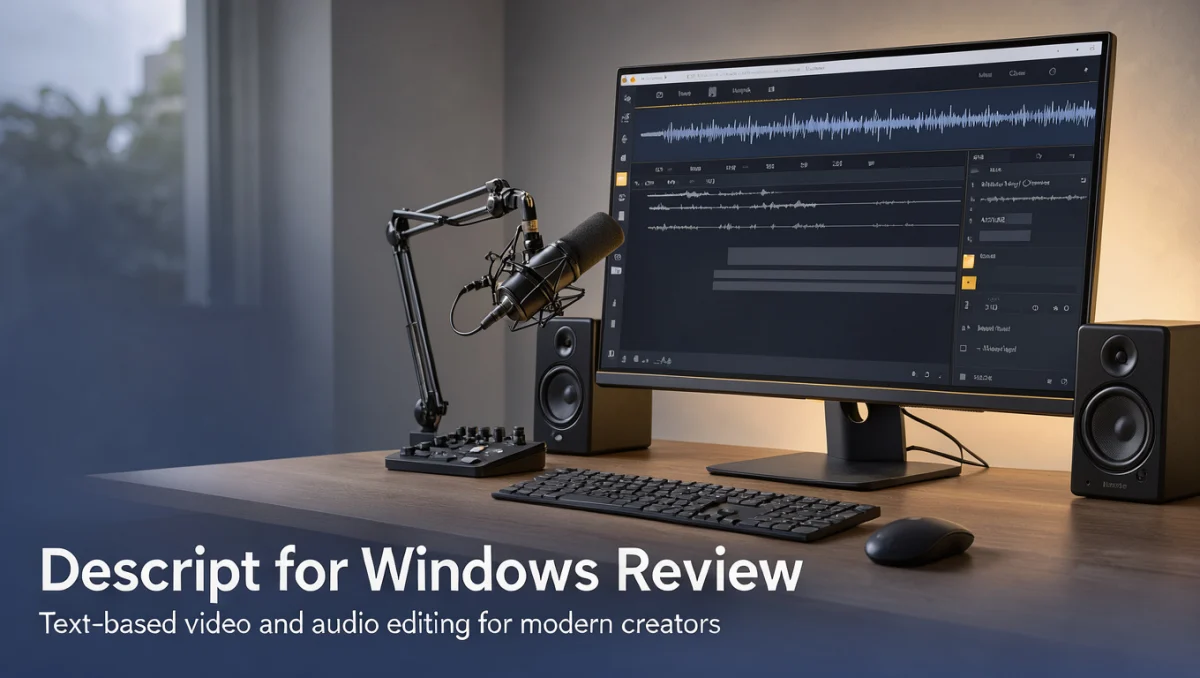
Editing recorded speech no longer has to mean scrubbing endlessly through a timeline. Descript for Windows treats spoken words as editable text, so cutting, reordering, and polishing audio or video can happen in a familiar document-style workflow. Before you commit budget, it helps to understand both what the model does well and where it falls short.
At Tested Truth, we assessed the software's operational strengths, workflow trade-offs, and practical considerations for independent producers and small teams in 2026.
Our verdict: Descript for Windows earns an overall Tested Truth score of 7.8 out of 10. It suits podcasters, video creators, and educators who build content around transcription. It is less suitable for broadcast colorists or audio engineers who depend on frame-accurate timelines and detailed track-level mixing.
| Metric | Details |
|---|---|
| Tested Truth score | 7.8 / 10 |
| Best for | Content teams and creators producing spoken-word audio, interviews, and talking-head video. |
| Not ideal for | Post-production houses handling complex broadcast visual effects or multi-layered orchestral mastering. |
| Key strengths | Document-style media cutting, automated dialogue transcription, screen capture, and text-driven voice editing. |
| Check before buying | Confirm your workstation's hardware specifications, export limits, and transcription quotas on the official website. |
1. How Tested Truth Reviewed Descript
This review examines what Descript is designed to do, who it serves, and how it compares with similar tools. We applied seven Tested Truth criteria: features, ease of use, pricing and value, integrations, audience fit, support, and competitive position. Plans, prices, and limits change frequently, so we note what to verify on the official website before purchasing. This article was researched and drafted with AI assistance, then reviewed and edited by the Tested Truth Editorial Team.
2. What Descript Is and Who It Is For
Descript is an audio and video editing application built around automated speech transcription. Rather than requiring creators to work through complex multitrack timelines for simple dialogue fixes, it converts spoken audio into written text. Editing that transcript automatically trims, rearranges, or removes the matching audio and video segments, combining text processing with multimedia publishing.
The platform mainly serves podcasters, marketing teams, corporate trainers, video essayists, and course creators who work with spoken material. These professionals often handle long interviews, lectures, and webinars where locating specific phrases matters more than fine-grained animation. By organizing visual and acoustic elements around spoken sentences, Descript links drafting and finishing in one workspace.
Modern content studios increasingly rely on Artificial Intelligence for automated dialogue identification and sound cleanup. Teams trying to shorten the path from recording to distribution find this text-centric method especially useful for multi-speaker conversations and frequent publishing schedules.
3. Core Features of Descript
Descript's capabilities center on dialogue processing, screen recording, and text-aligned media assembly. Each addresses a specific bottleneck in spoken-word production.
3.1. Text-Based Audio and Video Editing
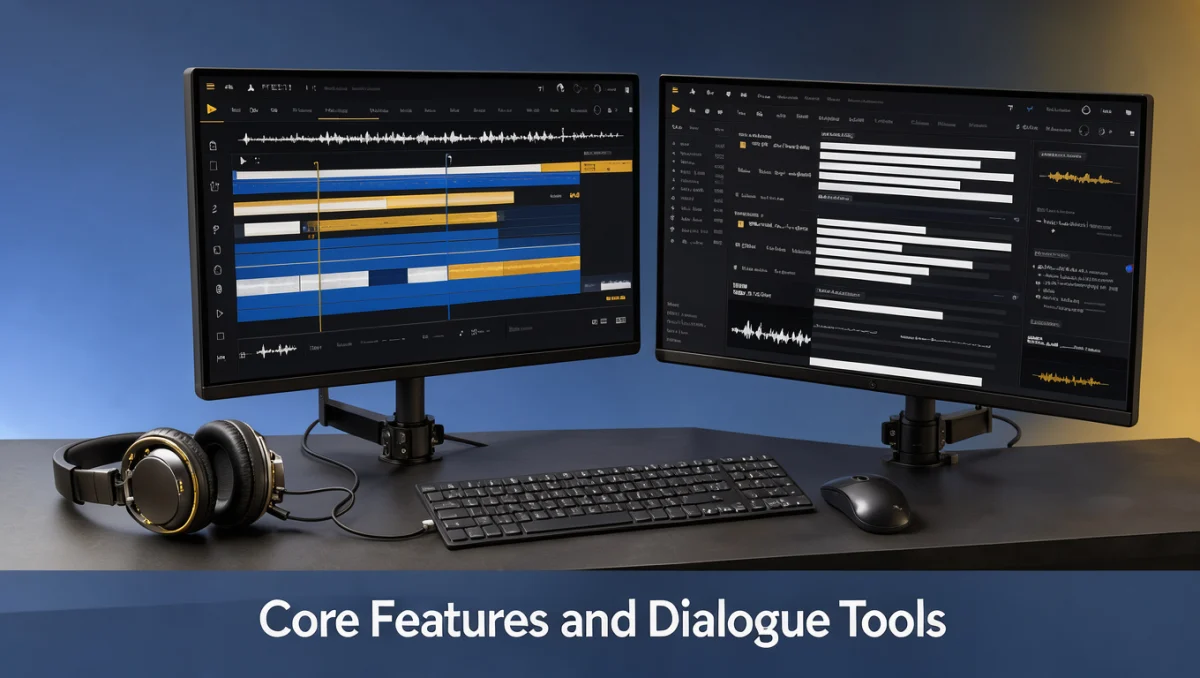
Text-based editing is the foundation of the Descript environment. After you import recorded media, the software produces a synchronized transcript that shows each spoken phrase alongside timeline markers. Deleting a sentence in the transcript cuts the corresponding video clip and audio waveform automatically.
This simplifies editorial pruning for interviews, presentations, and tutorials. Producers can scan a written interview to find key insights, highlight favorite soundbites, and remove filler words or pauses by treating the timeline as an editable document. The editing engine keeps audio transitions smooth during automated splicing.
3.2. Automated Transcription and Captioning
Automated speech-to-text lets creators obtain a written transcript shortly after loading raw files. The system generates time-stamped text aligned with each spoken segment, providing visual cues for speaker identification and paragraph breaks.
Transcripts can be exported as standalone documents or turned into styled on-screen subtitles for social video. Customizing subtitle typography, placement, and color palettes helps teams keep visual branding consistent across formats without switching to third-party caption tools.
3.3. Synthetic Voice and Audio Correction
Dialogue post-production often involves mispronounced words, missing phrases, or sudden shifts in room noise. Descript includes synthetic voice generation and automated tone leveling to fix minor audio problems directly in the script view.
If a narrator misstates a name or skips a key phrase, creators can type replacement text to generate matching speech, avoiding a return to the recording session. Complementary voice filters reduce background hum, room reverb, and environmental noise for more uniform delivery.
3.4. Screen Capture and Storyboard Layouts
Descript includes tools that record computer displays, webcam feeds, and microphone input at the same time. Software instructors, sales representatives, and educators can capture instructional content straight into an active project.
Visual layout tools let users assemble multi-scene arrangements with templates, title cards, and background assets. Organizing video into structured scenes resembles slide-based presentation software, which makes storyboard composition approachable for creators without motion-graphics training.
4. Ease of Use and Learning Curve
Descript's interface resembles a modern word-processing canvas more than a dense technical editing suite. New users who find multilayer timelines, keyframes, and audio routing matrices intimidating usually adapt quickly to its text-first approach.
The learning curve steepens when editors attempt intricate video layering, precise keyframe animation, or custom color correction. Text cuts happen instantly, but refining b-roll transitions, audio crossfades, and multitrack alignment means switching to timeline views that assume conventional editing skills. Teams moving from pure timeline editors must also learn to trust text selection over manual blade cuts.
5. Pros and Cons of Descript
Any creative platform requires weighing workflow benefits against structural limits. Buyers should compare speed gains in dialogue processing against constraints in advanced post-production finishing.
5.1. Key Advantages
- Text-based editing dramatically speeds rough-cut trimming for interview-heavy audio and video.
- Integrated screen and camera capture simplifies lesson creation within one software environment.
- Automated caption generation includes native styling tools for multi-platform distribution.
- Dialogue correction allows quick audio fixes without re-recording talent.
5.2. Practical Limitations
- Timeline precision is less flexible than dedicated non-linear editors for complex visual layering.
- Hardware demand can spike during local transcription and heavy exports, so verify minimum system specifications on the official Descript website.
- Advanced color grading and multichannel audio spatialization require exporting assets to dedicated post-production software.
6. Descript vs Similar Tools
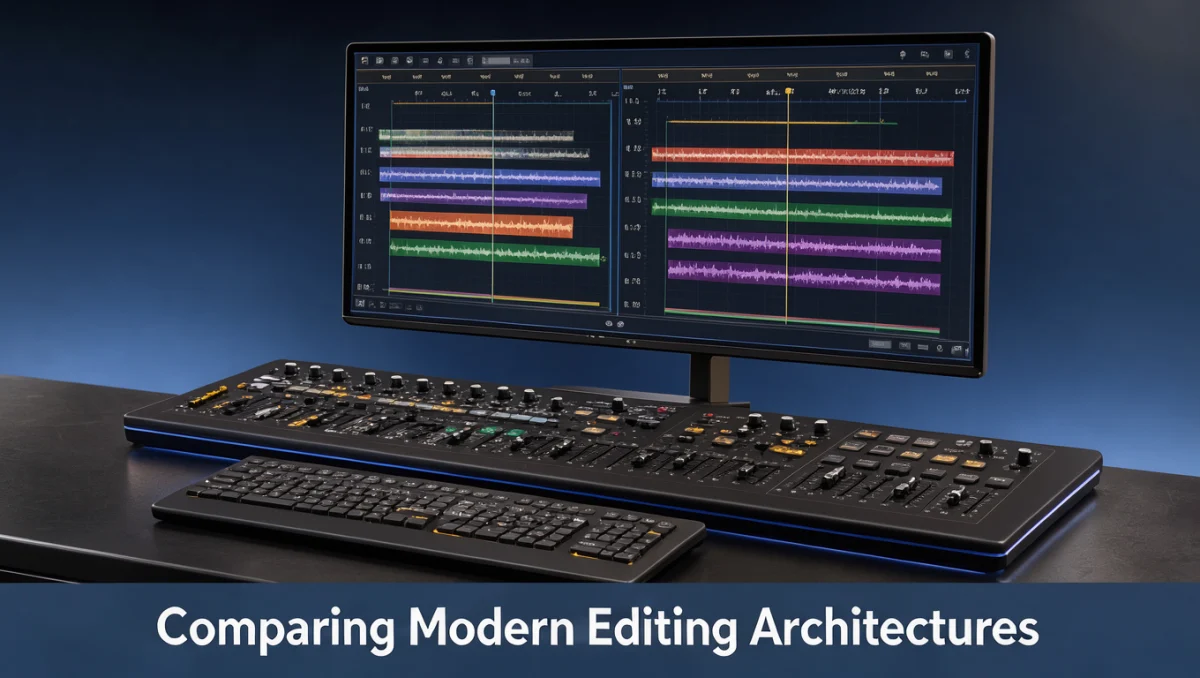
Choosing media software means comparing distinct product designs against your project needs. The table below shows how Descript stacks up against established alternatives.
| Software | Best For | Core Positioning | Consideration Factor |
|---|---|---|---|
| Descript | Dialogue editing, podcasts, webinars, and fast video creation. | Text-first media processing with automated speech transcription. | Check subscription quotas for transcription processing allowances. |
| Adobe Premiere Pro | Commercial film, broadcast television, and complex multi-camera video production. | Professional timeline editing with full color, audio, and visual effects suites. | Requires significant training and a capable graphics workstation. |
| Audacity | Direct audio waveform capture and multitrack audio editing. | Open-source audio recording without native text-based video processing. | Lacks integrated video trimming and automated cloud-assisted speech workflows. |
| Camtasia | Technical screen demonstrations and corporate training materials. | Dedicated screen recording with drag-and-drop instructional callouts. | Follows traditional timeline tracks rather than transcript-centered dialogue assembly. |
6.1. Descript vs Adobe Premiere Pro
Adobe Premiere Pro serves broadcast editors, commercial filmmakers, and visual effects specialists who need exhaustive control over every frame, color space, and audio channel. Its suite includes advanced Lumetri color tools, deep keyframe animation, and extensive multi-camera synchronization suited to cinema-grade work.
Descript, by contrast, prioritizes fast turnaround for spoken content. Premiere Pro offers far more depth for complex visual finishing, while Descript lets creators assemble complete rough cuts of interviews in a fraction of the time by editing text. Many teams use both, completing spoken assembly in Descript before finishing visual effects in Premiere Pro.
6.2. Descript vs Audacity
Audacity is a well-established open-source tool for audio recording and direct waveform editing. Podcasters and audio producers often use it to track voiceovers, apply equalization, and make precise frequency repairs without recurring fees.
Audacity focuses strictly on audio waveforms and offers no text transcription workflow or video track handling. Descript provides a modern environment that links spoken words directly to video tracks, making it considerably more productive for creators publishing synchronized multimedia across video platforms.
6.3. Descript vs Camtasia
Camtasia centers on instructional design, technical screen recording, and corporate training. Its toolset includes timeline callouts, cursor highlights, interactive quizzes, and zoom effects designed to direct viewer attention during walkthroughs.
Camtasia excels at graphical tutorial embellishments, while Descript leads in dialogue-driven narrative construction. Instructors who want their transcript to set video pacing and need quick audio cleanup often prefer Descript for drafting lectures.
7. Who Should Use Descript
Adoption succeeds when the tool matches your output volume, technical skill, and distribution formats. Different groups gain different benefits and face different limits.
7.1. Freelance Podcasters and Video Producers
Solo freelancers who record weekly interview shows benefit from the shorter editing turnaround. Instead of listening through two hours of conversation to find standout segments, they can search transcripts for keywords, trim tangents, and export final audio alongside short promotional clips.
7.2. Content Marketing and Corporate Training Teams
Internal communications staff and corporate educators often record webinars, product demos, and executive updates. Descript lets non-specialist team members remove verbal stumbles, apply branded captions, and publish polished recordings without hiring an outside production agency.
7.3. Educators and Online Course Creators
Instructors producing modular video courses find value in Descript's scene structure and screen-capture tools. Organizing lessons around text blocks makes it straightforward to update individual modules when course facts change, keeping educational libraries consistent.
7.4. When to Choose an Alternative
Visual effects artists, colorists, and narrative cinema directors should not rely on Descript as their main finishing platform. Projects that require green-screen keying, advanced surround-sound mixing, and fine-tuned motion graphics call for professional timeline suites built for granular control.
8. How to Choose the Right Plan
Subscription software typically structures access by usage volume, collaborator seats, and export quality. Review plan details on the official vendor site before buying.
| What to Check on the Official Pricing Page | Why It Matters |
|---|---|
| Monthly transcription allowances | Quotas determine how many audio or video hours you can process each billing cycle. |
| Export resolution limits | Some tiers reserve high-definition or maximum-resolution rendering for higher brackets. |
| Seat and collaboration management | Multi-seat sharing, shared media libraries, and permissions affect total organizational cost. |
| Watermark and branding rules | Entry-level accounts may add vendor watermarks or limit custom subtitle branding. |
9. Frequently Asked Questions
How does text-based editing change post-production?
Text-based editing ties media playback to an interactive written transcript. Deleting sentences, rearranging paragraphs, or cutting hesitations in the transcript automatically makes matching splices across all attached video and audio, reducing reliance on manual timeline cutting.
What hardware should I verify before installing Descript?
Review the official system requirements page to confirm processor compatibility, minimum memory, graphics support, and operating system version. Adequate memory and processing speed keep transcription synchronization and media exports responsive.
Can Descript replace a full professional video editor?
Descript can replace traditional editors for dialogue-focused content, interview shows, and instructional videos. Projects needing frame-accurate visual effects, complex optical flow, cinema color grading, or multitrack audio mastering still require specialized non-linear editing environments.
How should businesses budget for team subscriptions?
Estimate monthly recording hours, count the administrative seats you need, and check whether transcription overages carry extra fees. Reviewing collaboration options on the official Descript pricing page helps prevent unexpected costs.
10. Final Verdict on Descript
Descript has carved out a distinctive position in multimedia creation by turning speech transcription into an active editing environment. By reducing technical friction in dialogue editing, it helps creators produce polished spoken-word content quickly.
| Evaluation Criterion | Score / 10 | Reason |
|---|---|---|
| Features | 8.6 | Strong text-based cutting, speech transcription, screen recording, and automated voice correction. |
| Ease of Use | 8.0 | Intuitive document-style interface for text edits, though timeline fine-tuning has a learning curve. |
| Pricing and Value | 7.2 | Value depends on monthly transcription hours, which buyers should verify on the official pricing page. |
| Integrations | 7.1 | Exports connect to major editing platforms, though cloud storage options should be confirmed on the official site. |
| Audience Fit | 8.4 | Well aligned with podcasters, marketing teams, corporate educators, and interview-focused video creators. |
| Support | 7.3 | Documentation covers core workflows, while dedicated support channels vary by subscription tier. |
| Competitive Position | 8.1 | Holds an established role in text-driven editing alongside timeline-based industry alternatives. |
Overall Tested Truth score: 7.8 out of 10. Descript remains a practical choice for producers whose main output is spoken dialogue, instructional presentations, and multi-platform social interviews. Compare your monthly media volume against current subscription limits on the official website to make sure adoption is cost-effective.
Questions about choosing media creation software for your workflow? Contact our team at Tested Truth or follow us on LinkedIn.