Choosing between an all-in-one productivity workspace and an issue tracker built for agile engineering is rarely obvious. Before committing, it helps to ask whether your staff needs adaptable task views across departments or structured ticket lifecycles designed for software releases. At testedtruth, we look at both platforms through everyday operational needs so your organization can land on the right fit.
Project coordination software brings task assignment, timeline planning, and team visibility into one place. Looking closely at how cross-functional groups record tasks and manage sprint backlogs helps prevent workflow friction later. This breakdown covers functional differences, usability, and administrative control to help your team make a confident choice.
Quick verdict
In the clickup vs jira comparison, testedtruth gives an overall score of 8.1 / 10. ClickUp is a strong pick for cross-departmental operations that need unified task tracking, while Jira is better for engineering teams focused on resolving technical issues. Teams that only need simple collaboration without ticket configuration may find a technical agile platform more than they need.
| Metric | Summary |
|---|---|
| testedtruth score | 8.1 / 10 |
| Best for | Cross-functional business teams wanting flexible task views, or technical product squads running formal agile ceremonies |
| Not ideal for | Solo users who only manage short personal checklists without structured team workflows |
| Key strengths | Flexible hierarchy, customizable views, agile issue tracking, and detailed status configuration |
| What to check before buying | Confirm user tier access, workspace permission structures, and workflow automation limits on official vendor sites |
1. How testedtruth Reviewed ClickUp and Jira
This review examines what ClickUp and Jira are designed to do, who they serve, and how they stack up against similar tools. We judge each platform on seven testedtruth criteria: features, ease of use, pricing and value, integrations, audience fit, support, and competitive position. Plans, prices, and limits change frequently, so we flag what to verify on the official website before buying. This article was researched and drafted with AI assistance, then reviewed and edited by the testedtruth Editorial Team.
2. ClickUp vs Jira: Short Answer and Positioning
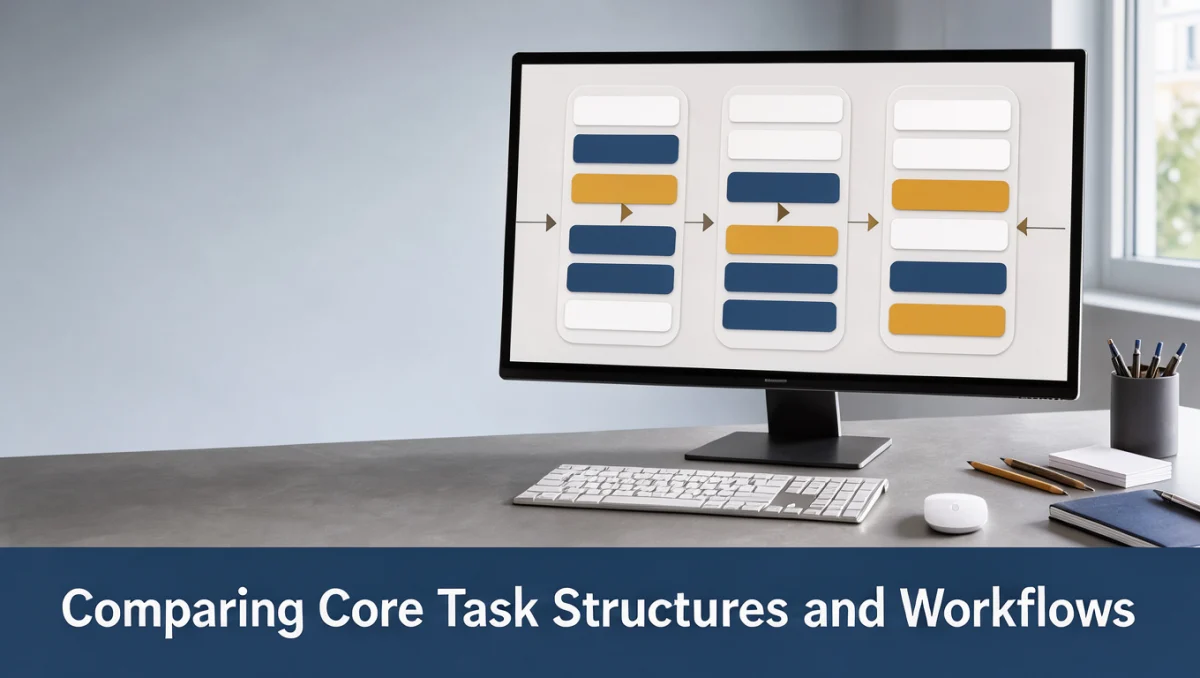
ClickUp works as a multi-purpose collaboration ecosystem built for marketing teams, operations staff, general project managers, and product teams alike. Jira centers on technical issue tracking, formal sprint planning, bug monitoring, and development velocity reporting. Readers comparing the two side by side will find that team structure largely decides which platform fits.
Organizations with diverse departments often want flexible ways to present tasks, while development teams depend on formal issue resolution paths. Looking at your day-to-day bottlenecks shows whether a general-purpose platform or a specialized tracking engine will reduce coordination friction.
| Tool | Best for | Core strength | Consider if |
|---|---|---|---|
| ClickUp | Cross-departmental collaboration and general task management | Customizable organizational hierarchy and flexible status tracking | Operations need varied project views for non-technical teams |
| Jira | Engineering squads and agile product development teams | Structured issue lifecycles and dedicated sprint tracking | Software teams need formal backlog grooming and release cycles |
3. Feature Set and Workflow Structure Comparison
ClickUp organizes work through spaces, folders, lists, and tasks, and displays it through tables, kanban boards, and timeline schedules. Teams can build workflows for marketing campaigns, content calendars, and administrative work without technical ticket schemas. Teams exploring modern tools can find more context on automated process management in our Artificial Intelligence software category.
Jira structures work around projects, issues, components, and releases, enforcing strict transitions between backlog, active work, and completion. This discipline suits developers handling bugs, epics, and repository links. Project management software often reserves advanced governance settings for higher pricing tiers, so confirm field customization rules directly on official provider sites.
4. Ease of Use and Platform Learning Curve
ClickUp offers a visual interface that lets non-technical contributors build dashboards and adjust views quickly. Extensive customization options can overwhelm new administrators during initial workspace setup, though standardized templates across spaces help keep project structure consistent.
Jira has a steeper learning curve, especially for team members outside engineering who find ticket management complicated. Setting up issue types, permission schemes, and workflow transitions requires dedicated administrative oversight. Review the setup guidelines on the official Jira website before rollout to plan onboarding time.
5. Pricing Models and Long-Term Value

Collaboration platforms typically charge recurring subscription fees calculated per active seat. Both tools use multi-tier pricing where collaborative access, administrative controls, and automation quotas increase with plan level. Buyers should weigh annual commitments against monthly billing flexibility before rolling out across teams.
Hidden costs often appear when growing teams need advanced reporting permissions or external guest access. Collaborative SaaS providers frequently adjust tier boundaries and add-on pricing over time, so check official pricing pages for seat minimums, storage allowances, and administrative user limits before purchasing.
6. Ecosystem Connectivity and Integration Options
ClickUp connects with communication channels, cloud storage, and calendar systems to consolidate daily operational work. Teams can keep documentation and conversation updates inside task comments instead of switching between disconnected apps, which supports clarity across business units.
Jira connects directly to developer ecosystems, source code repositories, and continuous deployment pipelines. Engineers can track commits, pull requests, and deployment status within relevant issue tickets. Premium connectors are often limited to higher subscription tiers in collaboration software, so confirm compatibility in official vendor documentation.
7. Target Audience and Organizational Alignment
ClickUp suits small businesses, creative agencies, and cross-departmental enterprises seeking unified productivity tracking. Marketers, client account leads, and administrative coordinators can share the same project spaces without learning development terminology, which makes onboarding non-technical staff straightforward.
Jira aligns with technical organizations, software engineering departments, and agile enterprises following scrum or kanban practices. Product managers rely on its reporting to communicate engineering velocity, release roadmaps, and bug backlogs to stakeholders. Software vendors often segment enterprise governance features, so verify role permission controls on official vendor pages.
8. Customer Support and Community Resources
Support infrastructure has a direct effect on implementation speed when onboarding large departments. ClickUp provides documentation, self-serve learning paths, and ticketed support for configuration questions. Administrators should review onboarding resources to make workspace adoption smoother.
Jira relies on extensive technical documentation, administrative knowledge bases, and community discussion boards maintained by a global practitioner base. Dedicated enterprise support agreements are typically reserved for higher subscription packages. Buyers should confirm guaranteed response times and account management tiers on official provider resources.
9. Competitive Market Standing and Alternatives
The project management category includes many tools built for different working styles. While ClickUp and Jira are both prominent, platforms such as Asana, Monday.com, and Trello serve teams that prioritize visual simplicity or board-based workflows. Independent software evaluations at Tested Truth can help buyers cut through marketing claims when comparing options.
Picking the right tool means balancing technical issue governance against cross-team visual flexibility. Some teams with hybrid roadmaps run Jira for technical sprints while managing operational work in a broader project platform. Assess how much your departments overlap before choosing a unified or separate software environment.
10. Pros and Cons of Each Platform
ClickUp Advantages
- Customizable workspace hierarchy that fits a range of operational departments
- Multiple view styles that let non-technical teams organize data visually
- Integrated document management and task communication in one workspace
ClickUp Limitations
- Extensive configuration options can add interface complexity
- Broad feature set may lack the technical depth needed for pure code releases
Jira Advantages
- Disciplined issue tracking built specifically for agile methodologies
- Comprehensive sprint planning, backlog grooming, and velocity tracking
- Direct synchronization with software development workflows and code repositories
Jira Limitations
- Steep learning curve that creates adoption hurdles for non-technical team members
- Rigid issue schema that requires ongoing administrative maintenance and configuration
11. Buyer Decision Guide: Which Solution Fits Your Team?
Use this structured process to determine which platform matches your operational reality:
- Map your team composition across technical developers and general business staff.
- Determine whether daily work centers on software bug tickets or broader business deliverables.
- Assess your administrative capacity for configuring custom issue schemes versus using standardized visual templates.
- Check official pricing tiers to confirm administrative permissions, automation runs, and external collaborator rules.
12. Frequently Asked Questions
How do I know if my organization needs an engineering-focused tracking tool?
Consider a technical tracking tool when daily operations revolve around continuous code deployment, sprint cycles, and formal bug triage. When work involves cross-functional marketing campaigns or client services, a general project platform offers smoother collaboration without complex issue schemas.
What should teams budget for besides base user seat subscriptions?
Account for implementation consulting, administrative training, third-party repository connectors, and possible plan upgrades as the team grows. Reviewing official pricing tiers helps determine whether enterprise permission controls or compliance features require a higher financial commitment.
How should administrators prepare before rolling out a new project management platform?
Audit existing communication channels, establish consistent naming conventions, define project permission roles, and build standard templates. Testing sample workflows with a core departmental group helps uncover bottlenecks before organization-wide adoption.
Can non-technical departments successfully use developer-oriented issue trackers?
Non-technical departments can participate when simple ticket structures and clear submission guidelines are in place. Without dedicated onboarding support, however, non-technical members often struggle with technical terminology and rigid workflow statuses.
13. Final Verdict on ClickUp vs Jira
| Evaluation Criterion | Score /10 | Reasoning |
|---|---|---|
| Features | 8.7 / 10 | Both platforms offer rich task tracking, customizable statuses, and workflow management suited to distinct team requirements. |
| Ease of Use | 7.5 / 10 | Both systems have noticeable learning curves when configuring complex permissions or custom views. |
| Pricing and Value | 8.0 / 10 | Multi-tier pricing scales with team size, though buyers should verify advanced governance boundaries on official pages. |
| Integrations | 8.3 / 10 | Both tools offer extensive connectivity to workplace communication suites and developer environments. |
| Audience Fit | 8.6 / 10 | Distinct specializations make alignment clear, depending on whether teams manage general business tasks or technical sprint backlogs. |
| Support | 7.4 / 10 | Extensive self-service knowledge bases exist, though direct assistance depends on vendor tier. |
| Competitive Position | 8.5 / 10 | Each solution sets a distinct standard for either general workspace collaboration or specialized agile engineering tracking. |
The overall clickup vs jira evaluation yields a combined testedtruth score of 8.1 / 10. For marketing agencies, creative teams, and multi-departmental operations, ClickUp offers the visual flexibility needed for daily coordination. For software development houses, DevOps teams, and agile engineering squads, Jira provides the issue structure and sprint controls required for release management.
Have questions about choosing software for your business? Send your inquiries through our contact page at https://testedtruth.com/contact/ or follow testedtruth on LinkedIn at https://www.linkedin.com/company/testedtruth/.