testedtruth may earn a commission when you buy through links on this page, at no extra cost to you. This does not affect our ratings.
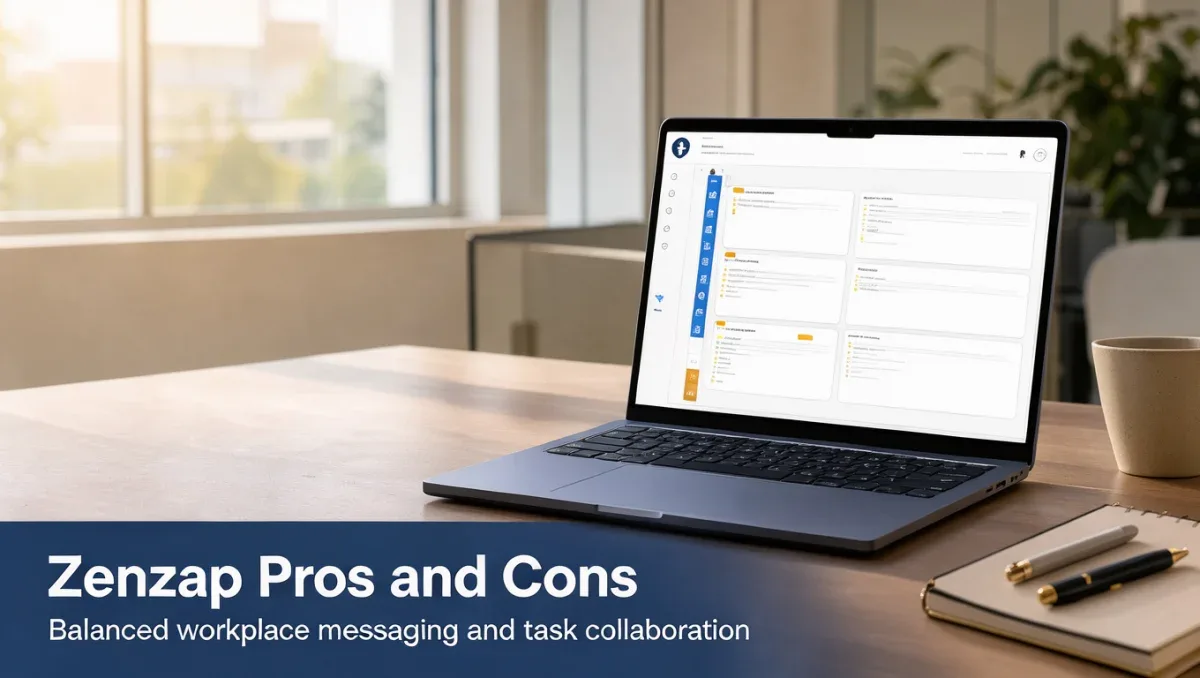
Weighing the zenzap pros and cons starts with one question: does bringing chat, tasks, and shared notes into a single space make daily work simpler, or does it add new coordination demands? For teams browsing the modern Collaboration & Productivity category, the answer depends on how much structure the group is willing to maintain.
Our reviewers at Tested Truth assess workplace tools by asking whether their features match real operating routines. Looking at how conversations, task assignment, and shared reference material interact across a normal week reveals more than a feature checklist ever could.
Quick answer: Zenzap combines direct threads, task tracking, and team notes in one workspace, which cuts down on bouncing between apps. Its main drawback is that it works best when a whole department agrees on consistent habits. Small, distributed teams that need light coordination usually gain the most, provided they accept those trade-offs.
| Biggest strengths | Biggest limitations |
|---|---|
| Pairs conversation streams with actionable team assignments | Needs consistent team habits to keep message channels orderly |
| Keeps project discussions beside shared reference documents | Task depth may fall short of dedicated project trackers |
| Lowers switching between chat channels and to-do lists | Custom notification rules need careful setup across teams |
1. How Tested Truth Approached This Guide
This guide pairs an examination of what Zenzap is designed to do with the Tested Truth buying framework, so you can judge the fit for your own operation. Plans, pricing, and limits change frequently, so treat the points below as a starting checklist and confirm current details on the official website before purchasing. The article was researched and drafted with AI assistance, then reviewed and edited by the Tested Truth Editorial Team.
2. Where Zenzap Helps
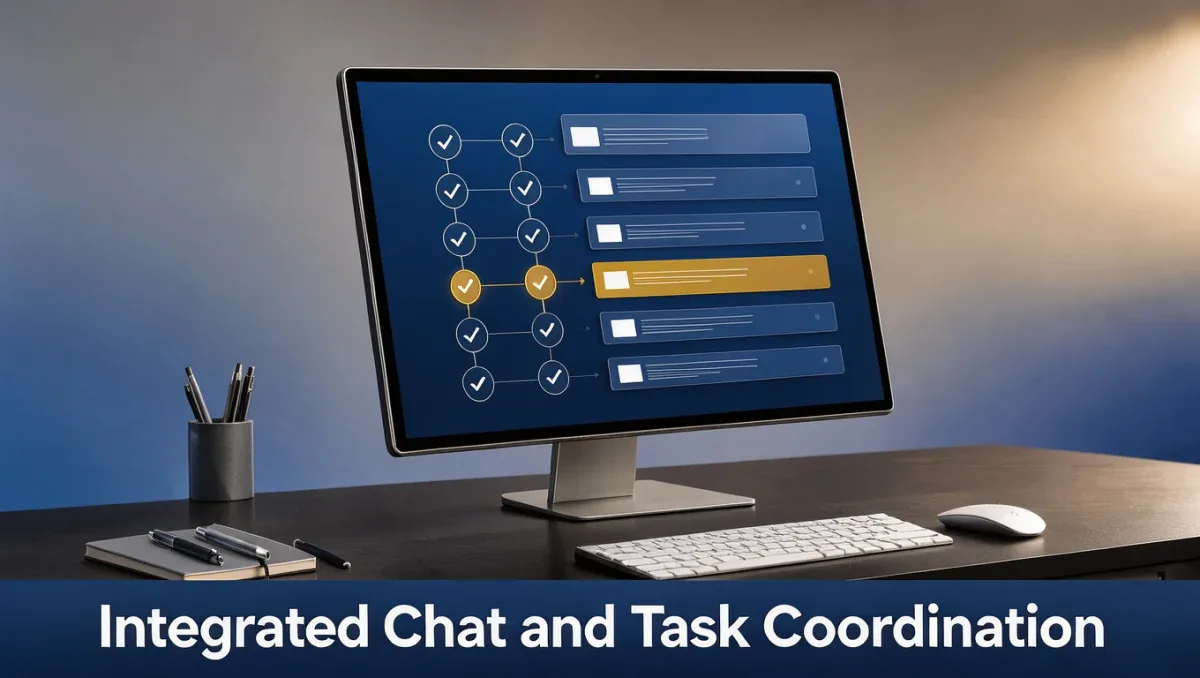
Zenzap tackles workplace friction by gathering team discussion and task coordination into one continuous environment, so context rarely has to be rebuilt from scattered sources.
2.1. Task assignment inside conversations
Team members can turn a discussion point into an assigned action item without leaving the chat view. Because the task sits next to the dialogue that produced it, the person completing the work can scroll back through earlier messages to recover the reasoning behind it.
2.2. Documentation kept near the work
Groups can store project briefs, shared guidelines, and meeting notes alongside their recurring channels. Keeping these materials inside the messaging environment reduces the chance that important files get lost across separate cloud drives.
2.3. Fewer app switches each day
When direct messages, group topics, and task statuses share one screen, staff spend less time checking several standalone utilities. That saved time adds up quickly for teams that otherwise reconcile statuses by hand every morning.
3. Where Zenzap Falls Short

Consolidating communication brings efficiency, but several structural limits call for operational planning and ongoing governance.
3.1. Reliance on consistent tagging habits
If team members create loose tasks or skip status updates, channels can quickly become cluttered. Teams should agree on rules for channel use, task creation, and document archiving to keep the workspace readable.
3.2. Limited depth for complex project management
Organizations juggling intricate dependencies, Gantt-style timelines, or large portfolio hierarchies may find communication-centered task lists too basic. Teams with advanced tracking needs should confirm that the built-in task features meet their specific requirements.
3.3. Ongoing notification tuning
Pairing active conversations with task alerts can produce heavy notification volume during busy periods. Each person should set alert preferences deliberately to avoid constant interruptions and protect focused working time.
4. The Trade-offs That Matter
Any team collaboration system involves trade-offs that depend on team maturity and how the group is organized.
| Strength | What it costs you | Who should accept the trade-off |
|---|---|---|
| Unified chat and task delegation | Ongoing training on channel structure | Small to mid-sized teams that want simple operational alignment |
| Centralized document notes | Possible duplication if external document systems stay active | Cross-functional groups aiming to consolidate knowledge |
| Lightweight project tracking | No deep multi-stage portfolio management tools | Agile groups that value fast communication over rigid tracking |
5. Deal-Breakers
Knowing where a tool stops being a good fit helps organizations avoid adopting software that conflicts with how they actually operate.
- Organizations that need formal dependency mapping, complex resource leveling, or critical path analysis should consider dedicated project portfolio platforms instead.
- Workplaces with strict requirements for external partner communication, especially those relying on open public channels, may run into coordination friction.
- Teams unwilling to complete onboarding or enforce channel rules will likely face message clutter and unclear task ownership.
6. Frequently Asked Questions
Can a team replace both chat and project software with Zenzap?
Teams with straightforward tracking needs often consolidate both functions successfully. Companies managing multi-tier project dependencies or enterprise resource scheduling usually keep dedicated project systems alongside their messaging tools. Review your workflow complexity on the official Zenzap website before retiring existing applications.
How steep is the learning curve for non-technical staff?
Basic messaging and task creation follow familiar digital workplace patterns, so initial onboarding is generally straightforward. The main adjustment is sticking to standard channel structures and regular task updates. A short internal reference sheet helps the whole team participate consistently from the first week.
What should administrators check about permissions?
Administrators should review privilege settings and guest access rules in the official Zenzap documentation. Confirming how roles, channel visibility, and document editing permissions work protects sensitive internal discussions when contractors or external clients join the workspace.
When should a growing business look at other enterprise platforms?
Businesses expanding beyond a single department into multi-subsidiary governance may need specialized enterprise communication tools. If your organization requires advanced compliance archiving or custom workflow logic, comparing enterprise communication suites will give a better match with long-term IT governance standards.
7. Bottom Line
Zenzap balances fast conversation with practical task coordination, which makes it worth considering for teams that want a leaner daily workflow. Freelancers, agencies, and compact operational teams are likely to appreciate having discussions and checklists in one place. Enterprises with rigid reporting hierarchies, on the other hand, should check their workflow requirements on the official Zenzap website before committing the entire organization.
Have a question about choosing software? Send it to the Tested Truth team through our contact page, or follow Tested Truth on LinkedIn for new reviews and comparisons.