Before you explore how to sign up for Bitscale, it helps to know what the platform is built for. Tested Truth may earn a commission when you buy through links on this page, at no extra cost to you, and this does not influence our ratings. Our independent walkthrough is meant to help prospecting professionals and growth teams decide whether this enrichment technology fits their workflow before they open an account.
Bitscale is designed for modern outbound teams that want automated contact enrichment and research. Its strength is programmatic data gathering for outbound pipelines. It is less suited to companies that want a traditional all-in-one relationship database or a manual list vendor.
| Metric | Assessment |
|---|---|
| Tested Truth score | 7.9 / 10 |
| Best for | Outbound sales teams and research specialists who need programmatic lead enrichment workflows |
| Not ideal for | Solo operators who only need simple static contact directories without workflow automation |
| Key strengths | Automated enrichment workflows, multi-source data waterfall aggregation, customizable prospecting research |
| What to check before buying | Confirm current subscription models, seat allowances, data credit quotas, and external connector policies on the official vendor site |
1. How Tested Truth Evaluated Bitscale
This review considers what Bitscale is built to do, who it serves, and how it compares with similar tools. We apply seven Tested Truth criteria: features, ease of use, pricing and value, integrations, audience fit, support, and competitive position. Plans, prices, and limits change often, so we flag what to verify on the official website before purchasing. This article was researched and drafted with AI assistance, then reviewed and edited by the Tested Truth Editorial Team.
2. What to Prepare Before Registering

Before starting registration, growth teams should review their outbound tech stack and define clear goals. Enrichment systems depend on clean inputs and deliberate workflow planning. Gathering the necessary assets ahead of time prevents administrative delays during onboarding.
Defining Your Outbound Goals
Teams adopting prospecting software usually want to cut the hours sales reps spend on manual research. Decide whether your main priority is verifying contact emails, tracking executive hiring signals, or enriching existing account lists. Settling this early ensures your workspace reflects real team priorities rather than generic templates.
If you are comparing sales tools, it is worth understanding how data waterfalls work. Enrichment platforms query several third-party databases in sequence to raise match rates. Before signing up, map out the data points your pipeline needs, such as verified direct dials, verified business emails, current headcounts, or recent technology adoptions.
Technical and Organizational Requirements
Software in this category typically requires corporate email verification to protect platform integrity. Make sure you can access an inbox on your primary business domain, since free webmail addresses are often restricted or screened more heavily on enterprise outbound platforms.
- Assign a primary workspace administrator to manage invitations and credit allocation.
- Prepare a sample test file of prospect profiles or company domains to check data accuracy after activation.
- Review internal privacy requirements to confirm third-party enrichment meets regional compliance standards.
- Get budget approval for ongoing subscription commitments before choosing a paid tier.
3. Getting Started Step by Step
Learning how to sign up for Bitscale involves a series of administrative and technical milestones. Following these stages helps your whole prospecting team deploy smoothly.
Step 1: Create Your Account on the Vendor Portal
Open the official Bitscale website in a modern browser and find the registration page. Enter your business email address. Many software vendors also offer quick sign-in through corporate single sign-on providers alongside standard email and password creation.
Choose a strong, unique password that meets your company's security policies. After you submit the form, the system usually sends a verification message to your inbox. Open that email and click the confirmation link to activate your credentials.
Step 2: Set Up the Workspace and Team
After your first sign-in, the platform asks you to set up the initial workspace. Enter your business name, designate the main administrator, and select your industry so the platform can suggest relevant workflows.
Decide whether to invite teammates right away or configure core security settings first. In most multi-user deployments, setting up core settings before inviting colleagues prevents accidental credit use and keeps usage policies consistent across the department.
Step 3: Define Data Inputs and Enrichment Settings
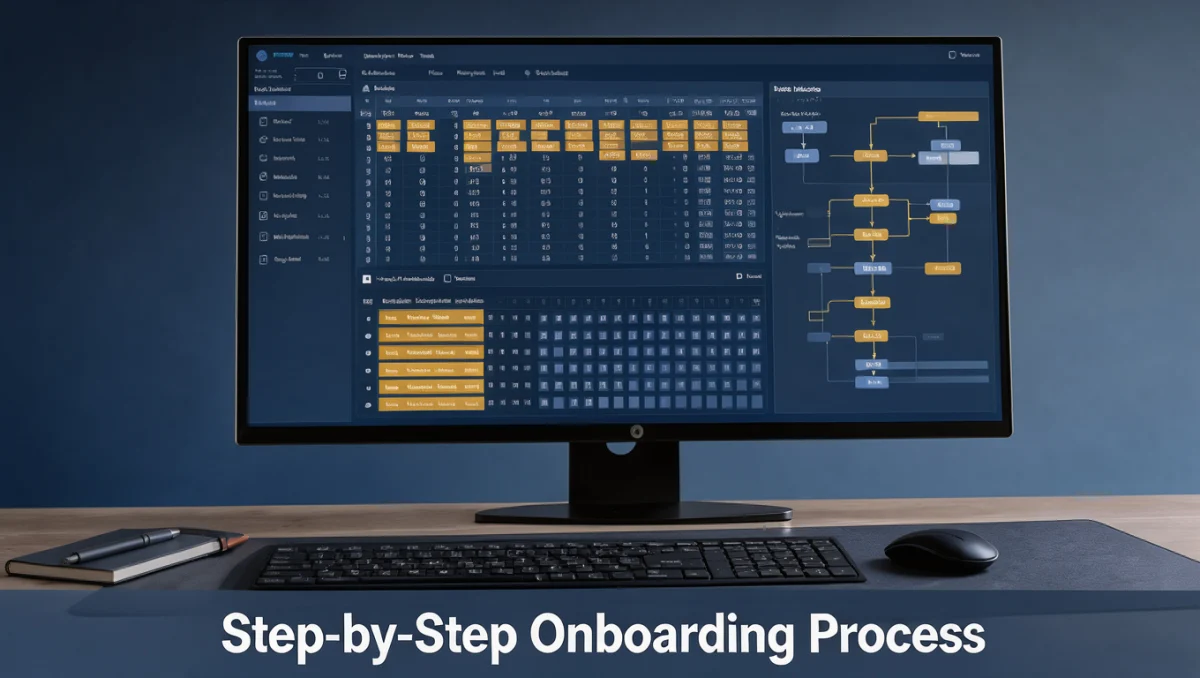
Once you reach the main interface, create your first enrichment project. Platforms in this space typically use grid or spreadsheet-style workbooks, where each row is a target account or contact. Import a small sample list of domains or names to test performance.
Configure the waterfall order around the contact fields you prioritized during preparation. Asking the system to prioritize verified business emails or company firmographics lets it query the most relevant providers in turn. Run a small test batch to confirm the output columns map correctly to your requirements.
Step 4: Review Usage Metrics and Permissions
Enrichment platforms use consumption models, so each query draws on platform resources. Open the admin dashboard to see how usage is tracked across projects. Setting internal caps or team alerts helps you avoid running through your monthly allocation unexpectedly.
Give team members role permissions that match their daily work. Research analysts may need project-building access, while junior reps may only need export rights for verified lead lists. Clear role separation protects your master prospecting data.
4. Best Practices for New Workspaces
Getting consistent results from outbound data software takes disciplined habits. Standard operating procedures set up early help prevent data decay and keep team productivity high.
Keep Source Data Clean
Enrichment accuracy depends heavily on input quality. When uploading company records, use standardized domain names rather than informal brand names to avoid ambiguous matches. For contacts, keep first names, last names, and employer domains in separate, dedicated fields.
Run Staged Test Batches
Instead of enriching a full database at once, run staged batches of dozens or hundreds of records. Review the outputs manually to check deliverability and accuracy. Staged testing catches configuration mismatches before they consume significant resources.
Document Your Workflows
Record your waterfall sequences and enrichment recipes in a central knowledge base. When new reps join, standard documentation keeps them on approved research steps instead of running redundant queries that inflate costs.
5. Common Mistakes to Avoid
Teams adopting advanced prospecting tools often run into predictable problems during onboarding. Knowing these pitfalls helps administrators protect their investment.
Overlooking Plan Inclusions and Quotas
Subscription tiers in the sales intelligence market differ in monthly enrichment limits, concurrent seats, and export actions. A common mistake is assuming every data source in a waterfall is included in the base plan. Check the official Bitscale pricing page to see how credits are consumed across different data providers.
Skipping Secondary Email Verification
Enrichment platforms run their own validation checks, but outbound senders still need to watch domain deliverability. Relying only on an enriched status without extra hygiene checks can damage sender reputation. Add a dedicated email validation step before launching automated campaigns.
Neglecting Access Governance
Giving every sales rep full admin rights often leads to conflicting workflow changes and fast credit depletion. Limit admin rights to trained operations leaders and keep standard user roles for day-to-day prospecting.
6. Frequently Asked Questions
What should buyers evaluate before choosing an enrichment tool?
Buyers should assess their monthly outbound contact volume, target geography, and the specific data attributes they need for personalized outreach. Confirming whether your prospects sit mainly in enterprise or smaller commercial organizations helps you pick a platform with suitable database coverage.
How should teams prepare prospect lists before automated enrichment?
Clean source lists by removing duplicates, standardizing company domain formats, and separating personal names from job titles. Clean inputs noticeably improve match rates across third-party providers.
What drives the total cost of sales data software?
Total spend usually depends on seat counts, monthly query volumes, premium database add-ons, and supplementary connectors. Growth teams should review these variables on the vendor's pricing documentation to build an accurate budget.
When should an organization move from list databases to enrichment platforms?
Consider switching when reps spend disproportionate time hunting contact details across several disconnected portals. Enrichment software automates this sequential research so commercial teams can focus on prospect conversations.
7. Final Verdict on Bitscale
As our editorial team at Tested Truth has noted, choosing the right prospecting engine means balancing technical flexibility against your organization's operational maturity. Bitscale offers a modern approach to outbound research by combining multi-source data aggregation in a workable spreadsheet-style environment.
| Criterion | Score / 10 | Reason |
|---|---|---|
| Features | 8.4 | Strong programmatic enrichment and multi-provider waterfall architecture for sales research. |
| Ease of Use | 7.4 | The spreadsheet-style interface takes some onboarding time to design custom research workflows. |
| Pricing and Value | 7.5 | Buyers should verify current credit models and seat limits on the official vendor site. |
| Integrations | 7.7 | Check the official documentation to confirm connector requirements for your existing stack. |
| Audience Fit | 8.3 | Well suited to outbound teams and research specialists who need automated lead data collection. |
| Support | 7.6 | Verify available support channels and onboarding help directly on the vendor site. |
| Competitive Position | 8.4 | Keeps a clear focus on flexible programmatic enrichment compared with static contact directories. |
Bitscale's overall score is 7.9 out of 10. This rating reflects a platform built for technical outbound specialists who value customizable data waterfalls over generic static contact repositories.
Outbound sales leaders, growth marketers, and dedicated sales development teams will get the most from Bitscale by automating repetitive prospect research. Solo practitioners who only need occasional contact lookups may find dedicated workflow software more complex than they need.
Readers with questions about sales software evaluations can contact our editorial team at https://testedtruth.com/contact/ or follow our latest analyses on LinkedIn at https://www.linkedin.com/company/testedtruth/. For how to sign up for bitscale, the process above covers each step. Explore more reviews in our Sales section, or return to Tested Truth for other independent software evaluations.