Some links in this article may earn Tested Truth a commission when you buy through them, at no extra cost to you. Our ratings remain independent.
Businesses that handle a steady flow of customer questions on instant messaging often need more structure than a personal phone can offer. The wati chatbot platform is built for that situation, combining conversation automation with a shared workspace where support and sales staff can work together without losing context.
Overview: How We Assessed the Platform
We reviewed wati chatbot against seven testedtruth criteria: features, ease of use, pricing and value, integrations, audience fit, support, and competitive position. Subscription tiers, messaging fees and usage caps change frequently, so treat our observations as a starting point and confirm current details on the official website. This article was produced with AI assistance and then checked and refined by the Tested Truth Editorial Team.
What the Software Does and Who Typically Uses It
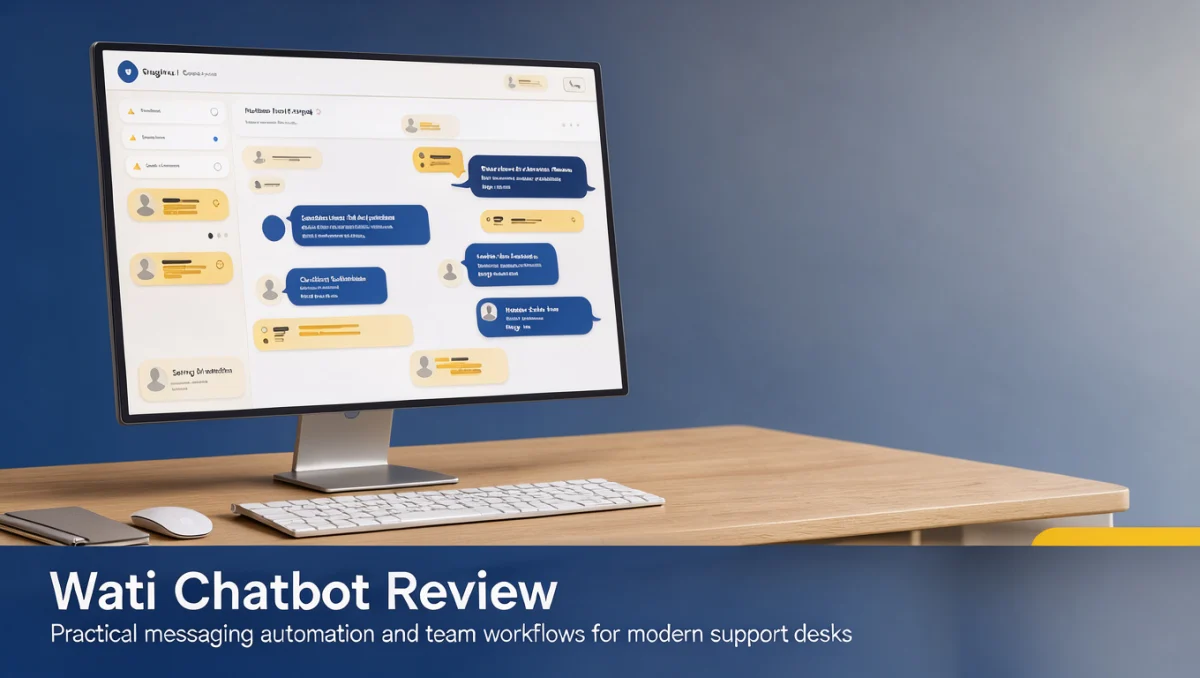
At its core, the platform gives organizations one console for managing customer conversations held over messaging apps. Teams can answer standard requests with prepared replies, distribute incoming chats among colleagues, and send approved announcements to contact lists.
Small and mid-sized companies, customer care departments, marketing groups and e-commerce sellers tend to be the main audience, particularly those handling repetitive inquiries such as order updates, booking reminders and short qualification questions. Consolidating these exchanges lets human agents reserve their time for conversations that genuinely need personal attention.
Key Functional Areas
Automated Conversation Flows and Triggers
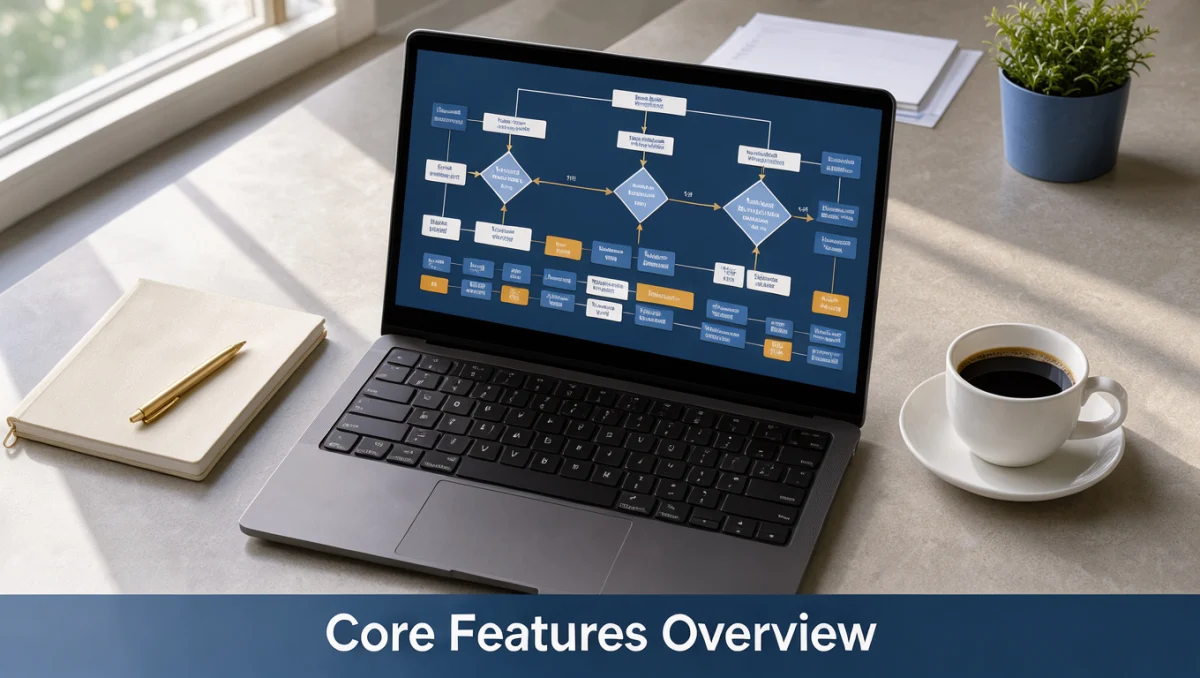
Administrators can map out scripted dialogue paths that welcome new contacts, identify what they need and return set answers. Keyword-based triggers mean routine questions can still receive a quick response outside office hours, while more involved cases move to a person.
Shared Inbox and Agent Routing
The shared inbox is where staff open, assign and respond to chats. Conversations can be sent to particular agents or departments either by hand or according to rules. Internal notes, labels and status markers help several people cover a busy queue without contacting the same customer twice.
Templates and Outbound Broadcasts
Businesses can push service alerts and promotional messages to selected audiences. Since messaging networks regulate outbound content closely, the platform includes a process for building and submitting message templates that must be approved before they go out.
Contact Records and Conversation History
A contact directory holds customer details, custom fields, tags and past transcripts. Reviewing earlier exchanges before replying gives agents the context they need and supports consistent service over the lifetime of a customer relationship.
Usability and Setup Effort
The interface is laid out around conversation threads and contact lists, so people used to email or everyday chat apps will find their way around quickly. The inbox itself needs little explanation.
Building multi-step flows takes more planning. Branching logic, fallback replies for unrecognized input and keyword rules all benefit from a clear design beforehand. We recommend naming one person as workspace administrator to set up routing before the wider team comes on board.
Strengths and Limitations
Strengths
- A single interface lets several agents work the same queue without sharing a phone.
- Visual flow building lets non-technical staff set up automated replies.
- Broadcast tools give a structured route for time-sensitive customer notices.
- Tags and custom fields keep contact records tidy as the customer base grows.
Limitations
- Template approval timing and delivery rules depend on third-party messaging policies.
- Complicated routing trees need regular upkeep as business processes change.
- Heavy message volumes bring variable fees linked to messaging network charges, so these need close tracking.
How It Compares with Alternatives
Buyers often weigh wati chatbot against other messaging products, and the best fit depends on what they need.
Compared with ManyChat
ManyChat is strongest in multi-platform marketing automation, which makes it popular with growth marketers running social engagement campaigns. Wati is more focused on business messaging, with stronger team inbox collaboration and day-to-day service workflows.
Compared with MessageBird
MessageBird is an omnichannel communications provider aimed at organizations needing broad telecom infrastructure, voice routing and SMS gateways. It suits complex global enterprise setups, whereas wati chatbot offers an easier entry point for small and mid-sized teams centered on chat-based conversations.
Best-Fit Scenarios
Small and Mid-Sized Business Owners
Owners looking to move customer communication off personal phones gain a shared view of open conversations, which reduces the chance of unanswered requests during peak periods.
Support Teams
Teams handling frequent, repeat questions can set keyword triggers to answer simple queries instantly and escalate only the complex cases to human agents.
Sales and Marketing Representatives
Sales staff can use automated qualification prompts to gather requirements before booking a call, and outbound updates help keep prospects informed about relevant changes.
Organizations That May Need Another Option
Enterprises that need custom database architecture, on-premise deployment or deep enterprise resource planning integration may be better served by larger customer experience suites built for those requirements.
Choosing a Plan

Subscriptions are generally differentiated by included features, team seat count and messaging allowances. Compare your expected operating needs with the official pricing page before committing to a tier.
| What to Check on the Official Page | Why It Matters |
|---|---|
| Seat allocations and team member permissions | More team members can change total monthly cost depending on the tier. |
| Template submission and channel usage charges | Messaging networks levy usage fees that sit on top of the base subscription. |
| Flow automation capabilities across tiers | Some advanced logic or conditional branching may only be available on higher tiers. |
| Data retention and contact directory limits | Confirm how long transcripts remain available for audit and compliance purposes. |
Frequently Asked Questions
How should a business estimate its message volume before signing up?
Start with your average monthly inbound conversations and any planned outbound campaigns. Past inquiry figures give a realistic baseline for estimating messaging network costs alongside the subscription fee.
What should be ready before launching automated flows?
Map out the questions customers ask most, write short response scripts and define when a conversation should pass to a human. Planning fallback replies for unclear messages keeps early interactions smooth.
How do messaging platform policies affect daily operations?
Messaging networks enforce rules on user consent, broadcast approval and template formatting. Businesses should confirm their opt-in practices meet these rules to avoid interruptions in delivery.
What technical skill is needed to run the software?
Everyday use requires the same basic computer literacy as web email or chat apps. Building advanced routing trees or external webhooks benefits from careful planning, but it generally does not require programming.
Final Assessment
The right customer conversation tool depends on your message volume, team size and communication goals. The wati chatbot platform offers a dependable base for companies that want to streamline customer exchanges through automated flows and a shared team inbox.
| Evaluation Criterion | testedtruth Score /10 | Evaluation Reason |
|---|---|---|
| Features | 7.5 | Offers solid conversation automation, shared inbox tools and contact organization for routine business work. |
| Ease of Use | 8.5 | A clear inbox layout and visual flow builder allow front-line staff to get started quickly. |
| Pricing and Value | 7.5 | Provides practical communication value, though buyers must check official pages for variable messaging fees. |
| Integrations | 7.0 | Supports common business software connections, which buyers should verify on the official integration list. |
| Audience Fit | 8.5 | Closely matches small and mid-sized companies wanting structured, professional message handling. |
| Support | 7.5 | Standard vendor support channels are available; confirm response time commitments before purchase. |
| Competitive Position | 7.5 | Holds a focused place in business instant messaging alongside broader multi-channel marketing tools. |
| Overall Score | 7.7 | A balanced conversation management tool for structured customer communication. |
For teams aiming to bring customer conversations together and automate routine replies, the platform provides an accessible and capable workspace. Check current subscription tiers, agent limits and messaging rates on the official vendor site before deciding.
Questions about choosing customer communication software? Reach our editorial staff through the contact page at https://testedtruth.com/contact/ or follow Tested Truth on LinkedIn at https://www.linkedin.com/company/testedtruth/ for ongoing business software reviews.
See More Customer Service