Tested Truth evaluates feedback software by looking at how response collection works in day-to-day operations. Teams often weigh dynamic question flow against standard form builders before putting internal resources behind a tool. The surveysparrow pros and cons below reflect that practical, workflow-first view.
Choosing a survey platform means looking past the visual design and into how questionnaires get shared and how trends get read afterward. Ignoring response volumes and export formats can create friction once a company-wide survey goes live. Understanding both the strengths and the limits lets your business pick a solution that matches what stakeholders actually need.
Quick verdict: SurveySparrow earns an overall rating of 7.6/10. It suits teams that want chat-style questionnaires to lift response completion, but it is less suited to organizations that need to master complex branching logic immediately without setup time.
| Evaluation Metric | testedtruth Assessment |
|---|---|
| testedtruth score | 7.6/10 |
| Best for | Organizations seeking engaging question formats to gather customer and employee feedback |
| Not ideal for | Teams requiring instant deployment of multi-layered nested logic without setup verification |
| Key strengths | Conversational chat interfaces, automated distribution scheduling, and visual feedback dashboards |
| What to check before buying | Review response allowances and seat definitions on the official vendor comparison page |
1. How testedtruth Reviewed SurveySparrow
This review examines what SurveySparrow is designed to do, who it serves, and how it stacks up against comparable tools. We applied seven testedtruth criteria: features, ease of use, pricing and value, integrations, audience fit, support, and competitive position. Plans, prices, and limits shift frequently, so we flag what you should confirm on the official website before buying. This article was researched and drafted with AI assistance, then reviewed and edited by the testedtruth Editorial Team.
2. Quick Summary of SurveySparrow Pros and Cons
Survey software helps organizations capture structured sentiment, measure satisfaction, and organize respondent input across customer touchpoints. Looking at the surveysparrow pros and cons shows clear operational strengths in respondent engagement, alongside procedural hurdles when building complex conditional surveys.
Before adding any customer experience tool to your Collaboration & Productivity stack, teams should weigh visual engagement against back-end analytical control. A survey tool works well only when both respondents and administrators can move through question sequences without unnecessary friction.
3. SurveySparrow Pros

The main advantages of SurveySparrow come from its conversational design, flexible distribution, and automated conversion of responses into accessible charts.
3.1. Conversational Survey Interface
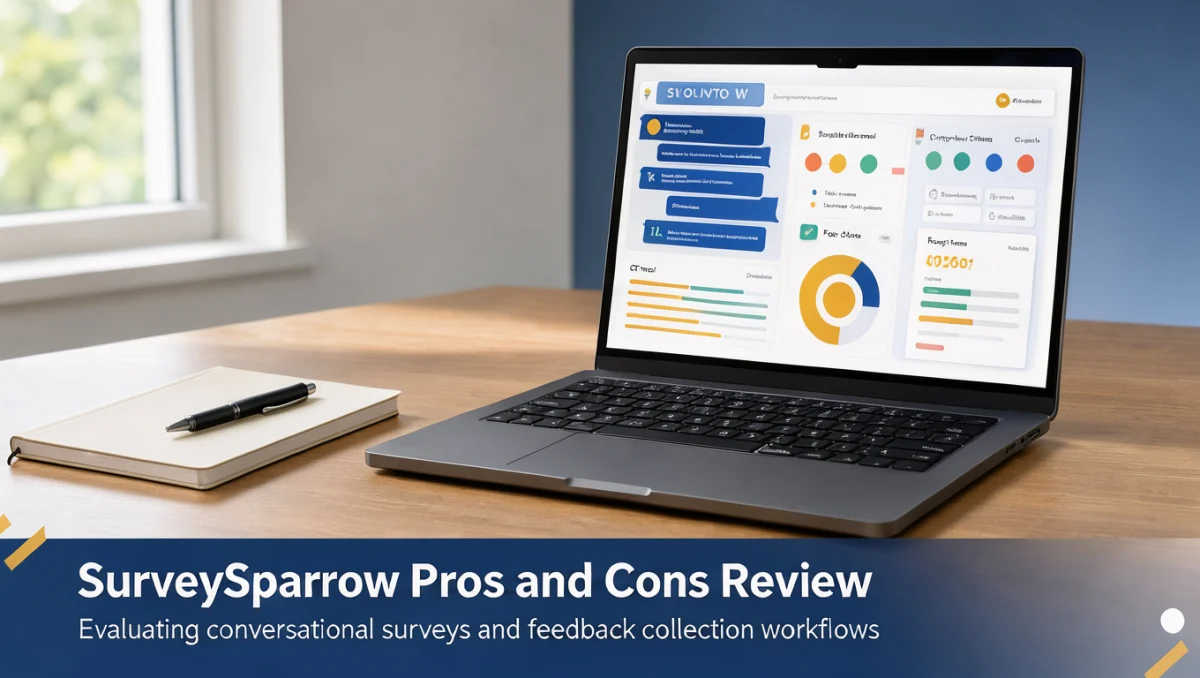
Conversational surveys present one question at a time in a chat-like format instead of an intimidating wall of form fields. This reduces the mental load for both mobile and desktop respondents, which tends to lift completion rates across feedback touchpoints. Many people abandon static questionnaires, so dynamic pacing is a practical choice for customer pulse checks and post-interaction evaluations.
3.2. Multi-Channel Distribution Workflows
Spreading questionnaires across several channels lets organizations reach audiences where they already spend time. Administrators can schedule automated email dispatches, generate shareable links, and embed responsive widgets on client portals. Keeping dispatch in one place preserves consistent tracking of where responses come from, without stitching together separate mailing utilities.
3.3. Executive Reporting and Response Dashboards
Visual dashboards turn incoming responses into structured charts, trend graphs, and sentiment summaries. Stakeholders can review aggregated completion metrics and filter by timeframe without manually organizing raw spreadsheets. Automated visualization helps department managers act quickly once a survey cycle closes.
4. SurveySparrow Cons

Although conversational builders streamline engagement, they bring structural challenges around conditional logic, advanced visual styling, and subscription allocations.
4.1. Complex Logic Branching Setup
Setting up multi-tier branching across conversational sequences requires careful mapping and testing before launch. When questionnaires contain nested paths driven by varied prior answers, managing logic rules inside chat-style builders demands close verification to avoid dead ends. Teams with intricate survey paths should schedule dry runs so respondents never hit a broken conversational loop.
4.2. Advanced Customization Learning Curve
Adapting chat-oriented templates to strict corporate brand guidelines often involves a steep learning curve. Default conversational layouts look modern, but adjusting fonts, exact spacing, and palette placement requires deeper familiarity with administrative settings. Administrators who need pixel-level adherence to an internal design handbook should review design settings thoroughly during onboarding.
4.3. Subscription Tier Boundaries
Survey platforms distribute features, response volumes, and administrative seats across account levels. Buyers should confirm on the official SurveySparrow pricing page how monthly response limits and data retention rules work across tiers. Skipping this audit can lead to unexpected upgrades when collection scales quickly across departments.
5. Pros and Cons Summary Table
Comparing operational strengths against workflow requirements helps decision-makers choose the right feedback platform.
| Operational Dimension | Key Benefit | Associated Challenge | Buyer Recommendation |
|---|---|---|---|
| User Interaction | Conversational chat interface that sustains respondent interest | Initial setup of multi-layered question logic requires testing | Map question branching sequences in external documents first |
| Distribution | Multi-channel deployment via email, web links, and widgets | Auditing channel-specific response limits across user groups | Confirm dispatch quotas directly on the vendor portal |
| Analytics | Automated dashboard summaries and visual satisfaction metrics | Exporting nuanced subsets may require manual report filtering | Verify raw export formats before launching recurring pulses |
| Account Structure | Multiple administrative tiers designed for growing teams | Advanced custom branding settings require administrative time | Check tier-specific permissions on the official website |
6. Who Should Use SurveySparrow
Matching the tool to your organization ensures the purchase fits your team's skills, data needs, and customer expectations.
6.1. Small Business Owners and Startup Founders
Small teams benefit from conversational layouts they can deploy quickly without programming. Founders gathering product feedback or qualifying leads can build simple conversational flows that look professional to early customers. Confirming that basic response limits cover expected monthly traffic is the essential checkpoint before launch.
6.2. Marketers and Customer Experience Leads
Marketing and experience specialists need tools that fit smoothly into communication schedules and post-purchase follow-ups. Survey software lets campaign managers track Net Promoter Score trends and satisfaction scores through standardized dashboards. These teams should review automation capabilities on official product pages to confirm they match their communication cadence.
6.3. Freelancers and Solo Consultants
Independent professionals running client discovery or collecting project testimonials appreciate streamlined, conversational onboarding forms. The interactive format gives enterprise clients a polished impression without custom web design. Solo operators should audit individual seat policies so the account size fits their workflow without unnecessary overhead.
6.4. Who Should Look at Alternative Survey Tools
Academic researchers and enterprise data scientists who need complex statistical modeling or extensive matrix questions may find chat formats restrictive. Traditional tools built for heavy academic research often handle dense, multi-page data grids more naturally. Organizations with demanding scientific survey requirements should evaluate dedicated research platforms alongside conversational builders.
7. Frequently Asked Questions
What makes conversational questionnaires different from standard survey forms?
Conversational questionnaires present questions one after another in an interactive chat flow rather than showing many fields at once. This single-question focus sustains engagement, reduces visual fatigue, and helps mobile respondents finish the feedback process without feeling overwhelmed.
How should teams prepare branching logic before building questionnaires?
Teams should diagram every conditional path on a whiteboard or document before touching software settings. Mapping possible answer routes clarifies skip logic, prevents cyclical dead ends, and makes entering conditional rules much faster inside any survey builder.
What should administrators confirm about survey response limits?
Administrators should check the official plan comparison page to see whether response quotas reset monthly or annually. Understanding how excess submissions are handled prevents forms from pausing unexpectedly during high-traffic feedback initiatives.
How does conversational survey software handle data export needs?
Survey platforms collect responses into structured administrative dashboards and offer standard file download options for external analysis. Buyers should verify available spreadsheet formats and raw data export settings on official vendor pages to confirm they work with internal reporting.
8. Final Verdict on SurveySparrow
SurveySparrow takes a focused approach to feedback collection, prioritizing interactive, chat-style designs that raise user engagement. Its visual dashboards and flexible sharing options make it a reliable choice for teams aiming to improve survey completion. Organizations managing intricate branching rules or strict academic matrices, however, should budget time to test conditional logic workflows carefully.
| testedtruth Criterion | Score /10 | Reason for Score |
|---|---|---|
| Features | 8.0/10 | Strong conversational question formats, automated sharing, and visual trend summaries. |
| Ease of Use | 8.5/10 | Intuitive question creation interfaces, though advanced logic branching requires careful testing. |
| Pricing and Value | 7.0/10 | Buyers must confirm how response thresholds and seats correspond to their budget plans. |
| Integrations | 7.0/10 | Connects into standard productivity stacks, with exact workflow support requiring tier verification. |
| Audience Fit | 8.5/10 | Exceptional match for marketers, small teams, and customer experience coordinators. |
| Support | 7.0/10 | Help documentation covers standard workflows, while direct support channels vary by subscription level. |
| Competitive Position | 7.5/10 | Distinctive conversational presentation stands out against traditional static form builders. |
Overall score: 7.6/10
Organizations focused on conversational engagement will find SurveySparrow an effective way to capture customer sentiment. For specialized advice, contact our editorial team at https://testedtruth.com/contact/ or follow testedtruth on LinkedIn at https://www.linkedin.com/company/testedtruth/.